NexoPad
Product
The extensionFree forText shortcutsType /sig and the full text appearsLinksYour go-to pages, one click awayNotesFacts and replies you check every daySee all features

More from NexoPad

Import your shortcutsFrom Text Blaze and other appsWhat's new3.12The latest additions to NexoPad
WindowsWindows app

By team

Freelancers & professionalsQuotes, invoices and links in one second.Customer supportReply faster in Zendesk, Intercom or WhatsApp.SalesYour best messages and your Calendly link, with one shortcut.Recruiting & HRMessage candidates on LinkedIn in seconds.EngineeringPR templates, Docker commands and runbooks, always consistent.

By industry

Real estateHealthcareLawyersTeachersOnline storesAgenciesVirtual assistantsSee all 12 professions
TeamsShare shortcuts, notes and links with your whole teamSee the Teams plan
DocumentationDOCSShortcuts, notes, links and AI step by step
Quick startFAQExplore the docs

Read & use

BlogGuides on shortcuts, notes and linksComparisonsNexoPad vs. other toolsTemplatesReady texts for support and sales
SupportSalesHealthHR+12
NewBlack Friday and Cyber Monday replies: 16 customer service templatesRead
Pricing

NexoPad

Log in
Sign up freeFree
Add to ChromeFree
Get it on your PC

NexoPad is already in your Chrome

And in your PC programs?

Use your same shortcuts in Outlook, WhatsApp, Word and Teams with NexoPad for Windows. Free on Microsoft Store.

Download freeSee how it works

Get more from your extension

Keyboard shortcutsFind and insert your texts without the mouseVariablesThe customer's name, the date and moreNotes with remindersFormatted, with repeating remindersSmart linksTab groups and searchesImport your shortcutsFrom Text Blaze and other apps

NexoPad for Windows

Shortcuts in any programType /sig in almost any PC programScreenshotsPick the area, mark it up and copy itRecord your screenVideos with your voice, as MP4 or GIFScrolling captureLong pages and chats in one image
Saving you time?Rate us on Chrome Web Store

In Chrome

Keyboard shortcutsFind and insert your texts without the mouseVariablesThe customer's name, the date and moreNotes with remindersFormatted, with repeating remindersSmart linksTab groups and searchesImport your shortcutsFrom Text Blaze and other apps

On your computer

Shortcuts in any programType /sig in almost any PC programScreenshotsPick the area, mark it up and copy itRecord your screenVideos with your voice, as MP4 or GIFScrolling captureLong pages and chats in one image
Saving you time?Rate us on Chrome Web Store
Solutions

The texts of your job, one shortcut away

Pick your profession and see how NexoPad writes the replies, reminders and messages you send every day.

Pick your profession
All 12 professions
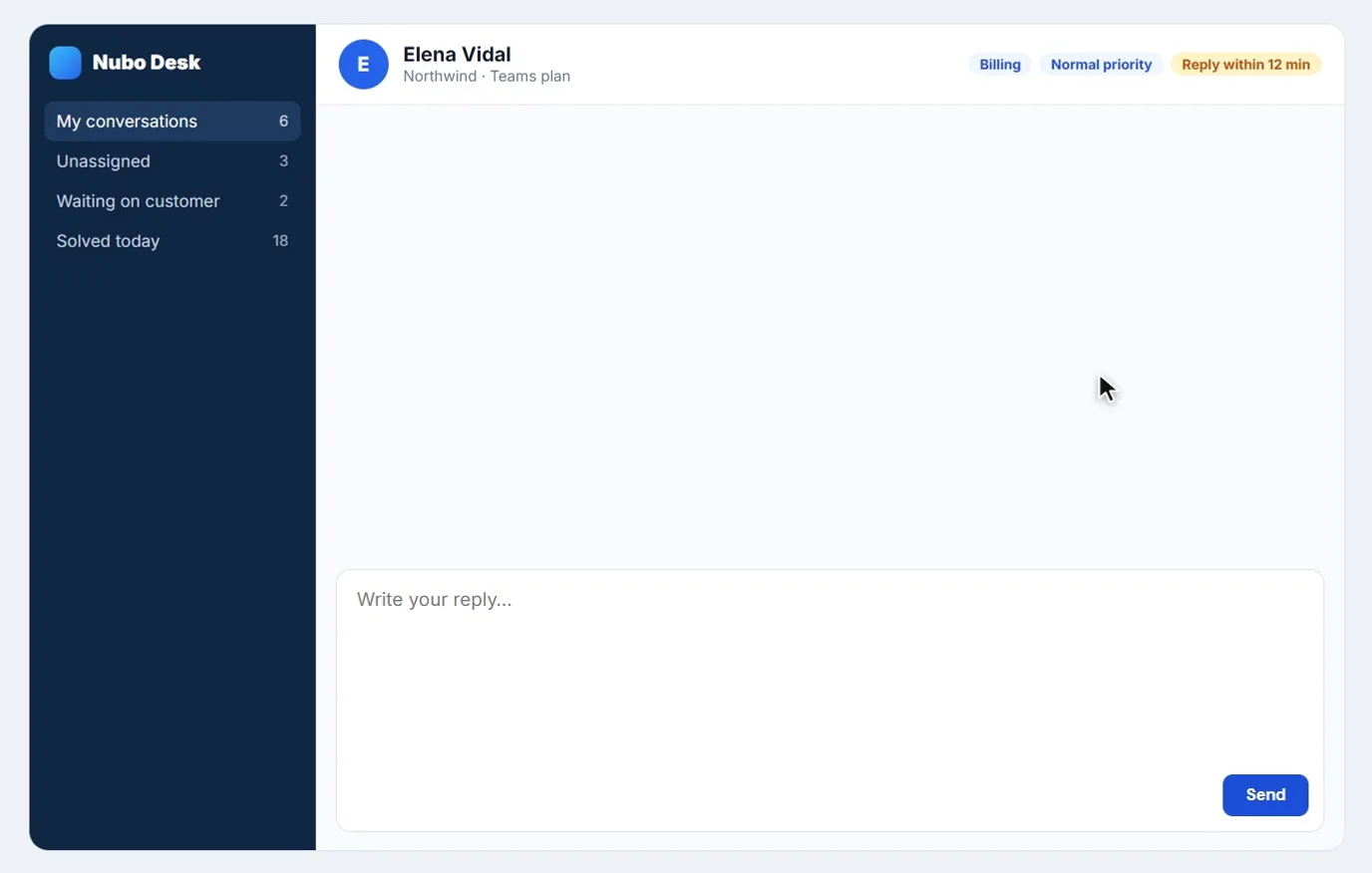
Customer supportType /duplicate and the text writes itself

NexoPad for your profession

Real estateLead replies, showing confirmations and follow-ups in seconds.See how HealthcareAppointment confirmations, reschedules and patient messages in seconds.See how LawyersClient intake replies, document requests and case updates in seconds.See how TeachersParent messages, assignment feedback and class announcements in seconds.See how Online storesShipping, returns, delays and reviews answered in seconds.See how AgenciesLead replies, proposals, feedback requests and client reports in seconds.See how Virtual assistantsSchedule, reschedule and handle email on behalf of your clients in seconds.See how Freelancers & professionalsQuotes, invoices and links in one second.See how Customer supportReply faster in Zendesk, Intercom or WhatsApp.See how SalesYour best messages and your Calendly link, with one shortcut.See how Recruiting & HRMessage candidates on LinkedIn in seconds.See how EngineeringPR templates, Docker commands and runbooks, always consistent.See how
NexoPad

Built to help you work faster: type full replies with a shortcut, keep your notes and links at hand, and see how much time you save. In your browser and, with NexoPad for Windows, in your desktop apps too.

Product

  • Browser extension
  • NexoPad for Windows
  • Pricing
  • Teams plan
  • What's new

Resources

  • Quick start
  • Guides
  • FAQ
  • Templates
  • Blog
  • Comparisons

Solutions

  • Freelancers & professionals
  • Customer support
  • Sales
  • Recruiting & HR
  • Healthcare
  • Real estate
  • See all 12 professions

Company

  • Our mission
  • Contact
  • Privacy
  • Terms

Downloads

  • Chrome
  • Microsoft Edge
  • Firefox
  • Brave
  • Opera
  • Windows

© 2026 NexoPad. All rights reserved.

Language: English
  • Español
  • English
  • Português
  • Français
  • Deutsch
Log in