
NexoPad vs. other tools
Honest comparisons so you can pick the tool that fits you best, even if it isn't NexoPad.
Explore by topic
Latest
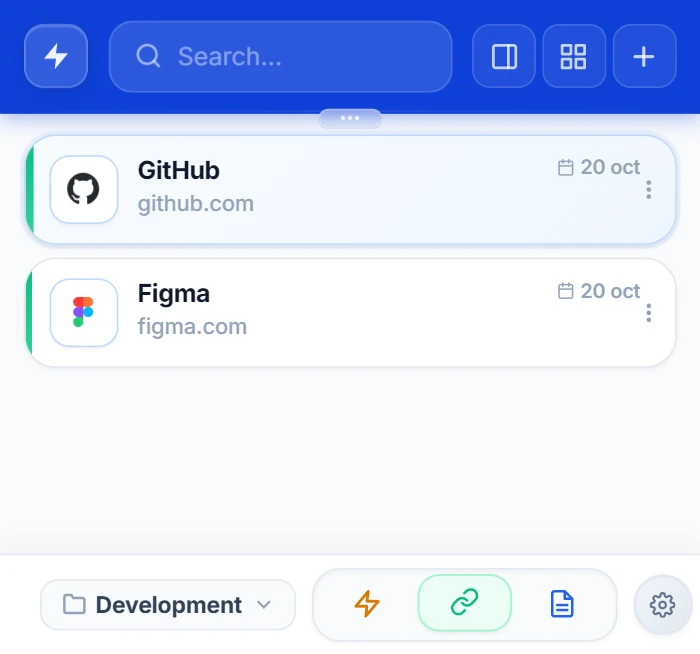
NexoPad vs Workona: which one fits your tabs and links?
What Workona does well, how NexoPad is different, and other options for organizing your tabs by project.
October 20, 2026 · 6 min read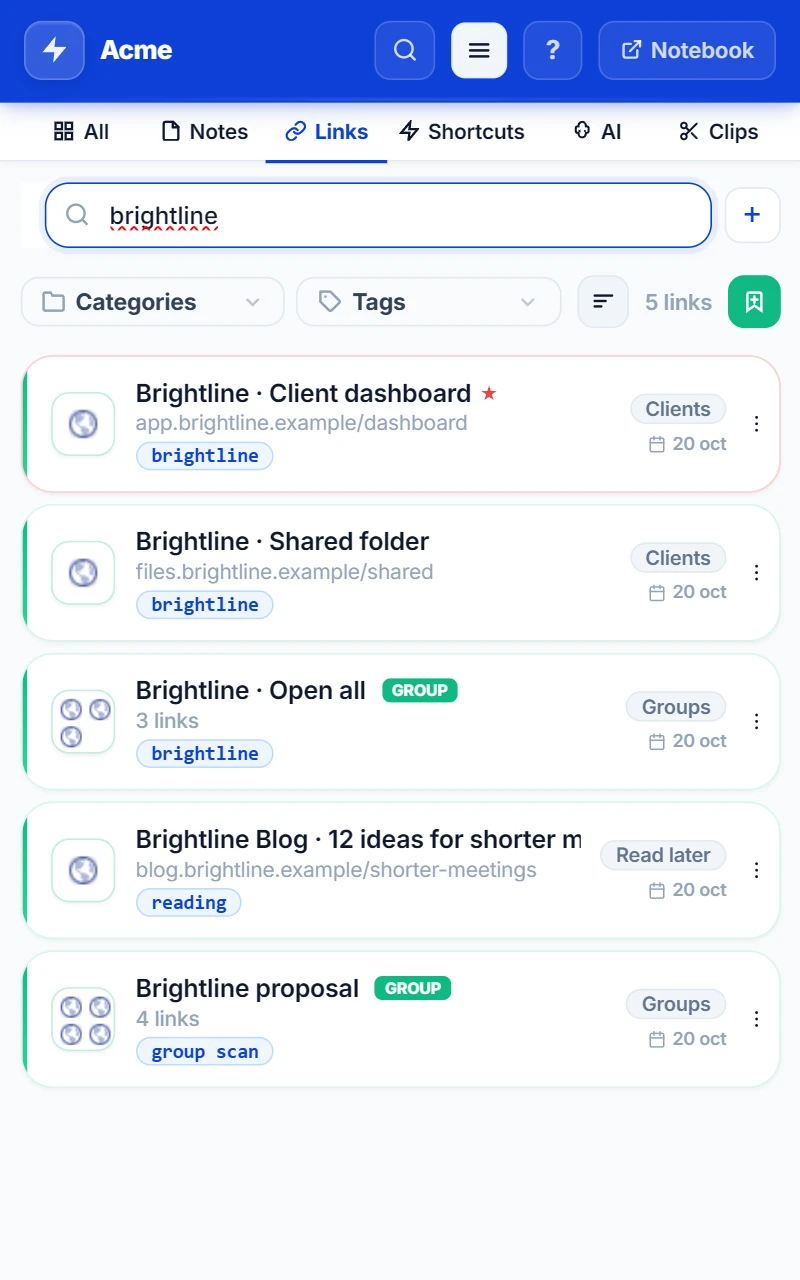
Session Buddy alternative
Session Buddy saves your sessions on its own and restores them after a crash. NexoPad saves the tabs you choose, with a name, next to your notes. When each one makes sense.
October 21, 2026 · 6 min read
NexoPad vs Typedesk: canned responses for support teams
Forms, teamwork, desktop apps, free plan and macro import: what each one offers for replying to customers and which one fits you.
October 21, 2026 · 6 min read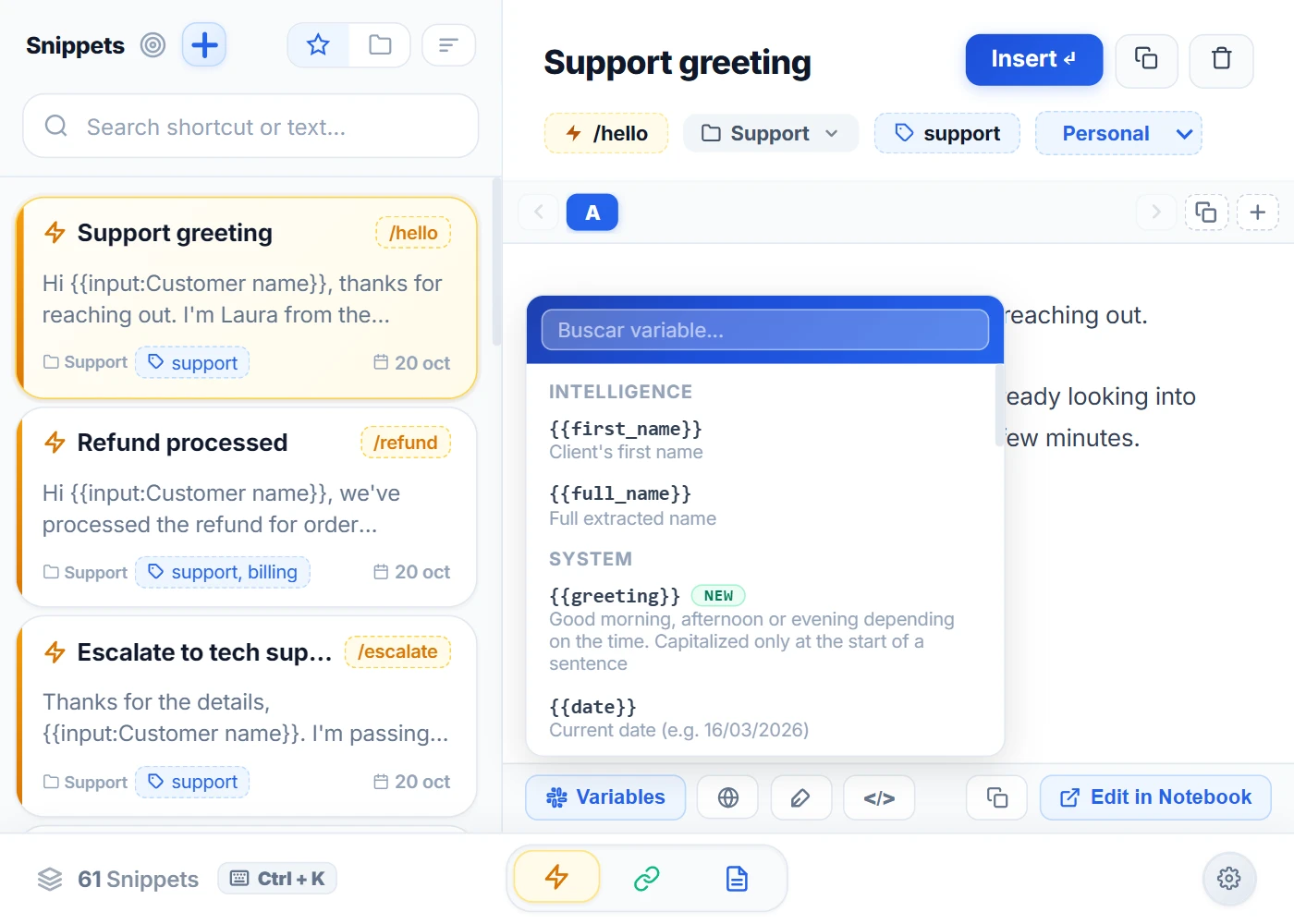
Text Blaze vs Magical: which one should you choose?
Pricing, free plans, features and Magical's change of direction, compared using data from their official websites and the Chrome Web Store.
October 21, 2026 · 6 min read
Espanso vs AutoHotkey: which one should you choose?
Both are free and open source, but one is a text expander driven by YAML files and the other is a language for automating Windows. When each one makes sense.
October 20, 2026 · 7 min read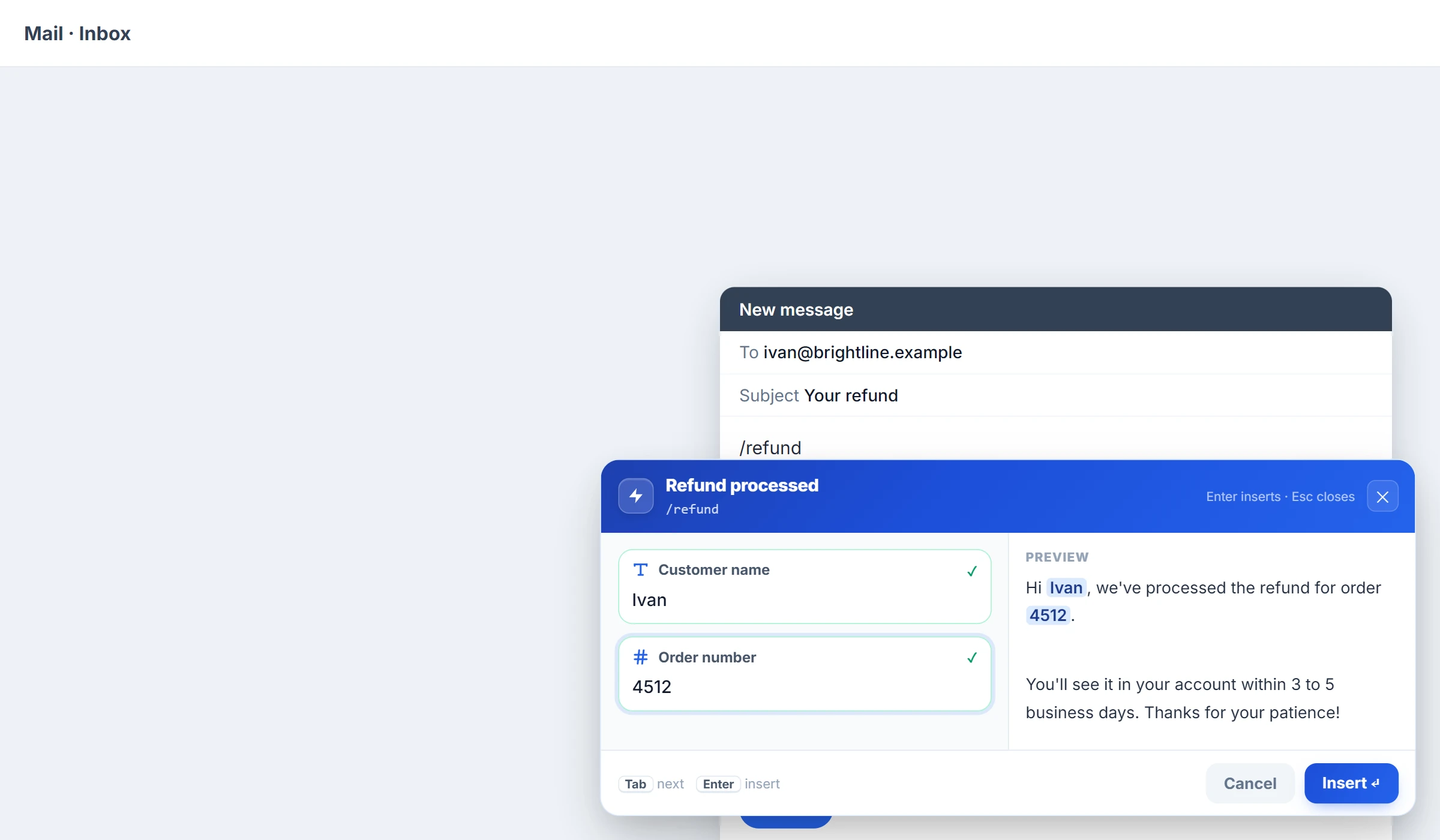
The best Gmail extensions
Eight extensions to work faster in Gmail: write without mistakes, schedule emails, see when they're opened, manage clients and reply with shortcuts.
October 20, 2026 · 8 min read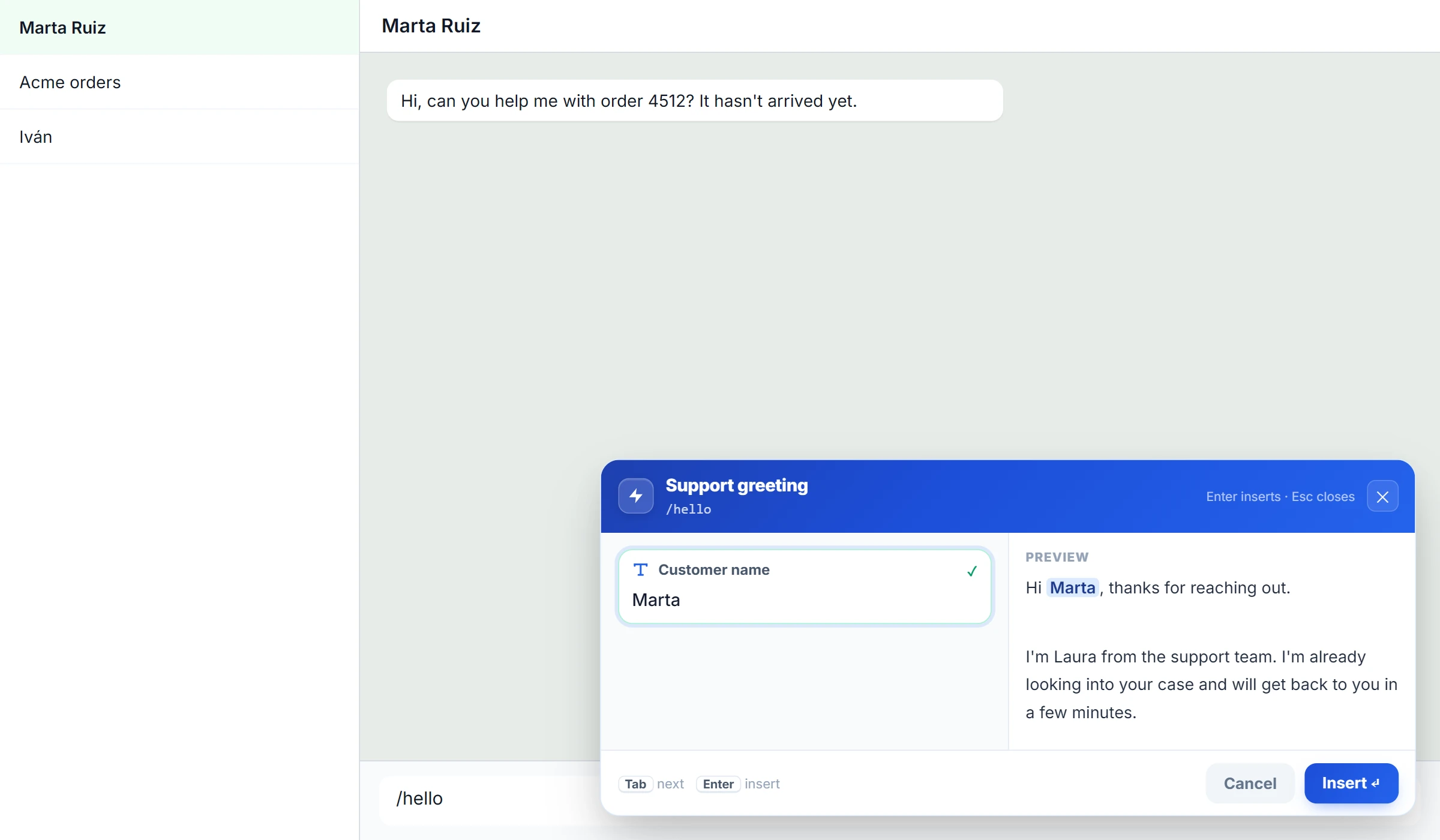
The best WhatsApp Web extensions in 2026
Seven extensions for WhatsApp Web, from privacy to translation, and why we don't recommend bulk messaging tools.
October 20, 2026 · 7 min read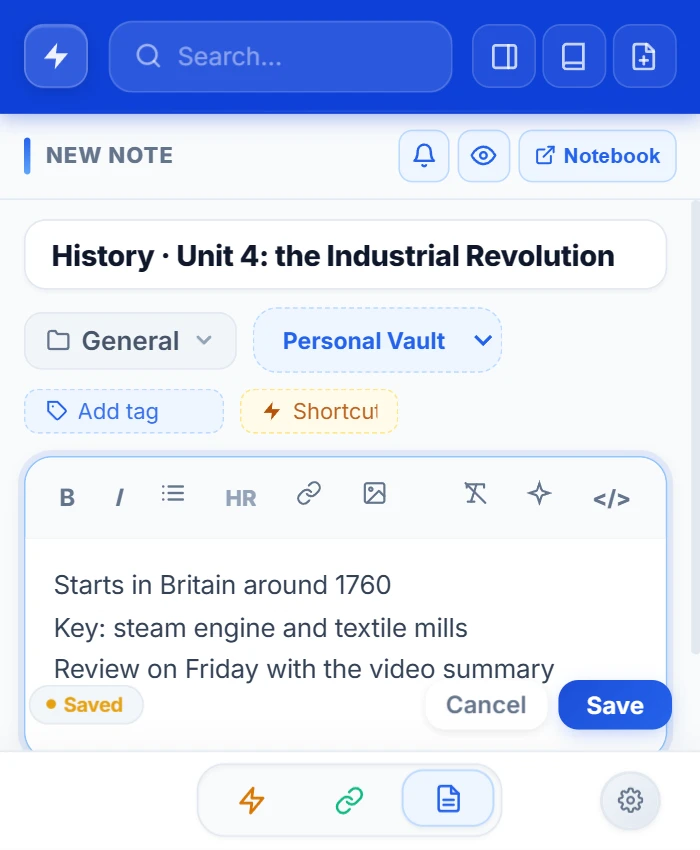
The best Chrome extensions for students
Nine Chrome extensions to study better: citing sources, writing without mistakes, staying focused, reading PDFs, tracking deadlines and taking notes.
October 20, 2026 · 7 min read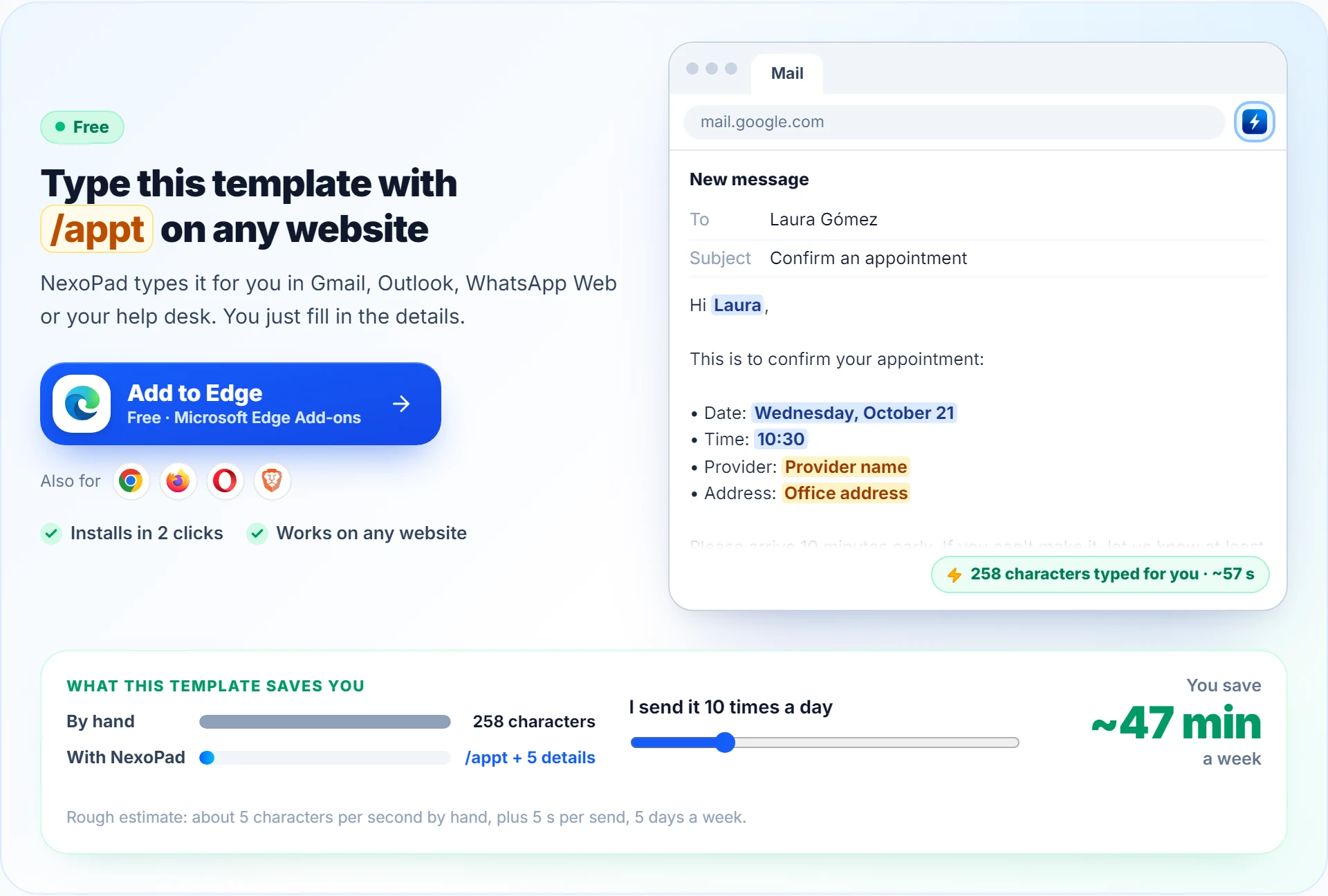
The best extensions for Microsoft Edge
uBlock Origin Lite, Bitwarden, Dark Reader, Grammarly, OneNote, Tampermonkey, OneTab, Todoist and NexoPad: nine extensions for Edge, and how to install Chrome ones.
October 20, 2026 · 8 min read