
NexoPad vs. other tools
Page 2 of 4
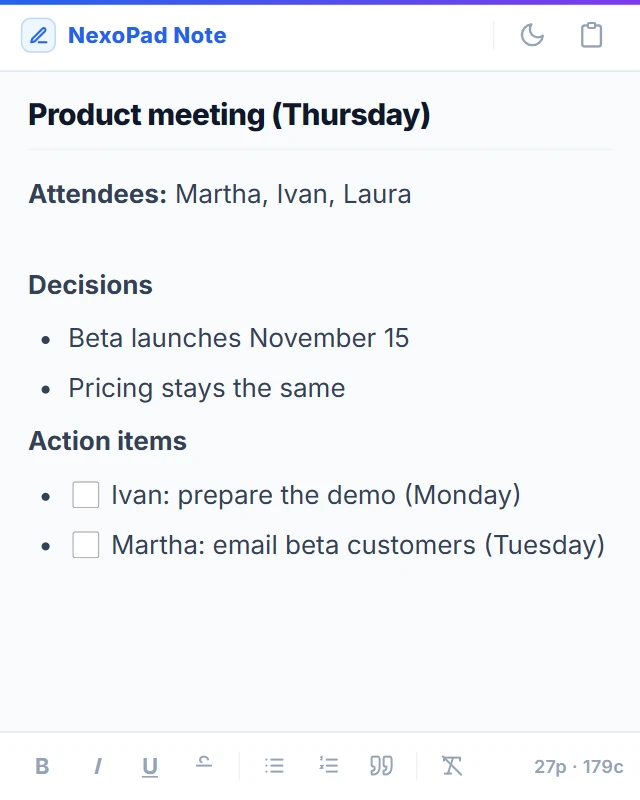
Microsoft Sticky Notes alternative: notes in view while you work in the browser
Sticky Notes keeps your notes on the Windows desktop. NexoPad keeps them inside your browser, next to the page you're working on. Here's how to choose.
October 20, 2026 · 6 min read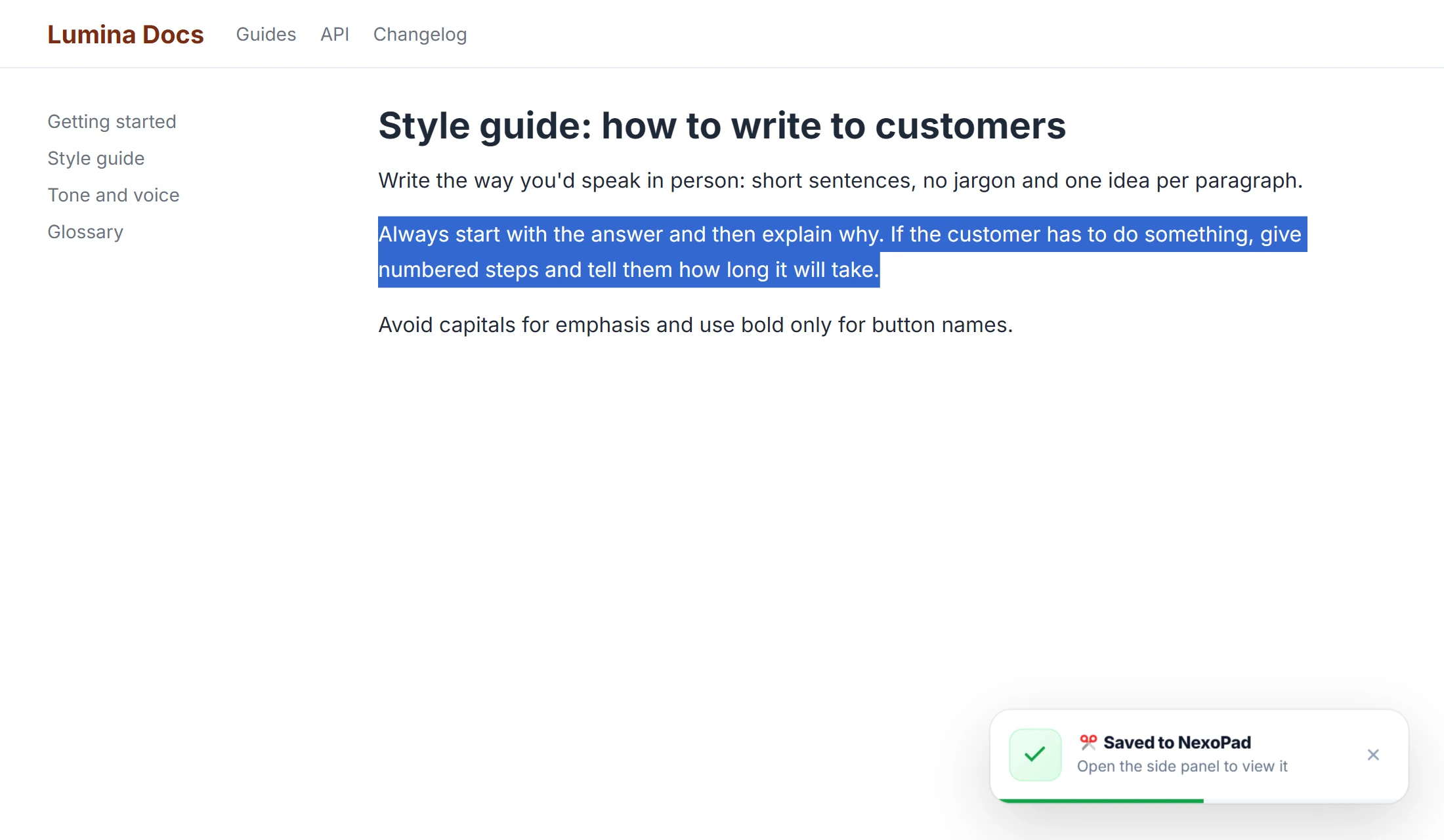
Obsidian Web Clipper alternative: quick clips without leaving your browser
Obsidian Web Clipper turns pages into Markdown files for your vault. NexoPad saves the text you select and keeps it close at hand in your browser. Here's how they compare.
October 20, 2026 · 6 min read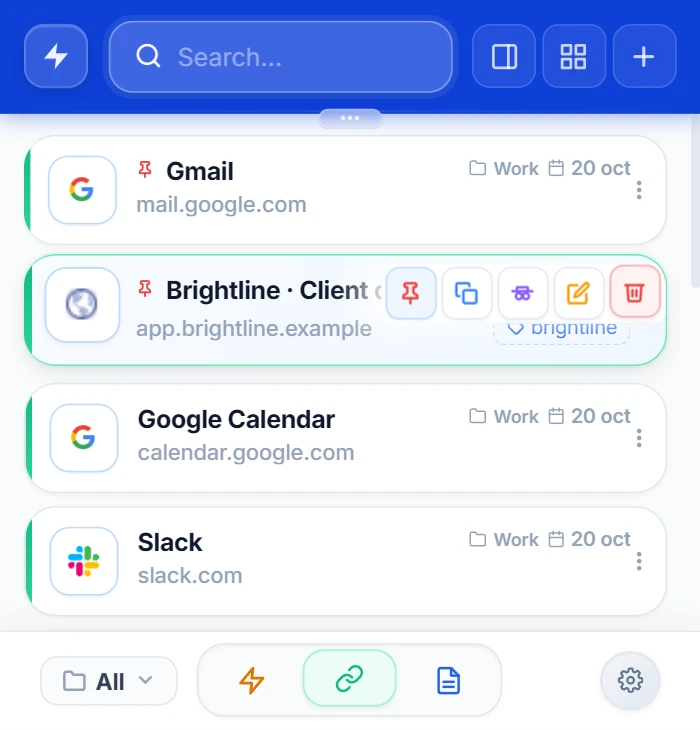
Chrome bookmarks or a link manager: which one do you need?
Chrome bookmarks are free and already there. A link manager adds tags, notes and fast search. Here's how to tell if you need one.
October 20, 2026 · 6 min read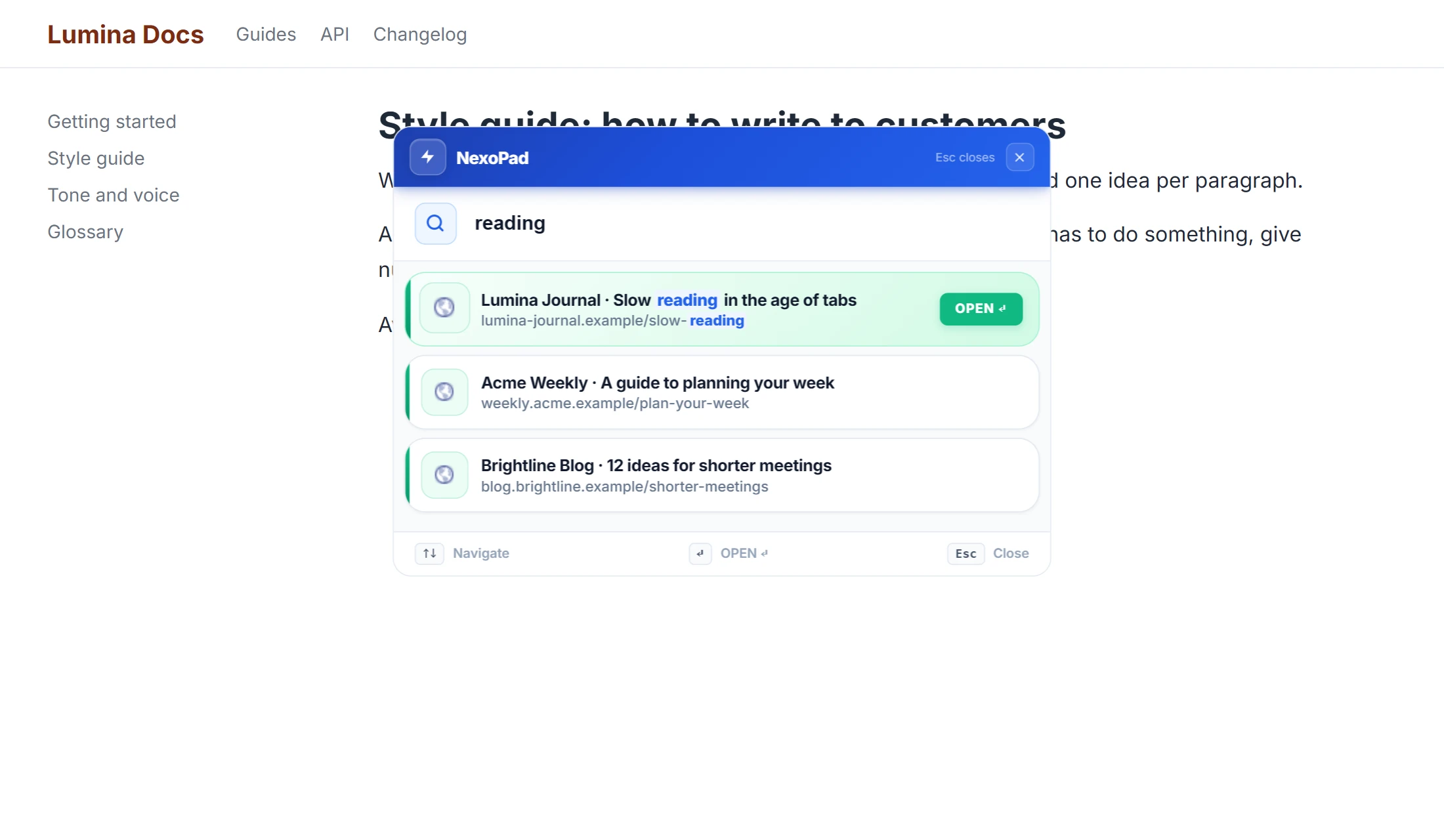
Diigo alternative: save and find your links and notes
What Diigo does well, how NexoPad is different and which one suits you, depending on whether you highlight for research or reuse links and notes every day.
October 20, 2026 · 6 min read
OneNote Web Clipper alternative: save text from websites without leaving the page
OneNote Web Clipper sends pages, articles and captures to OneNote. NexoPad saves just the text you pick, without leaving the page. Here's how to choose.
October 20, 2026 · 6 min read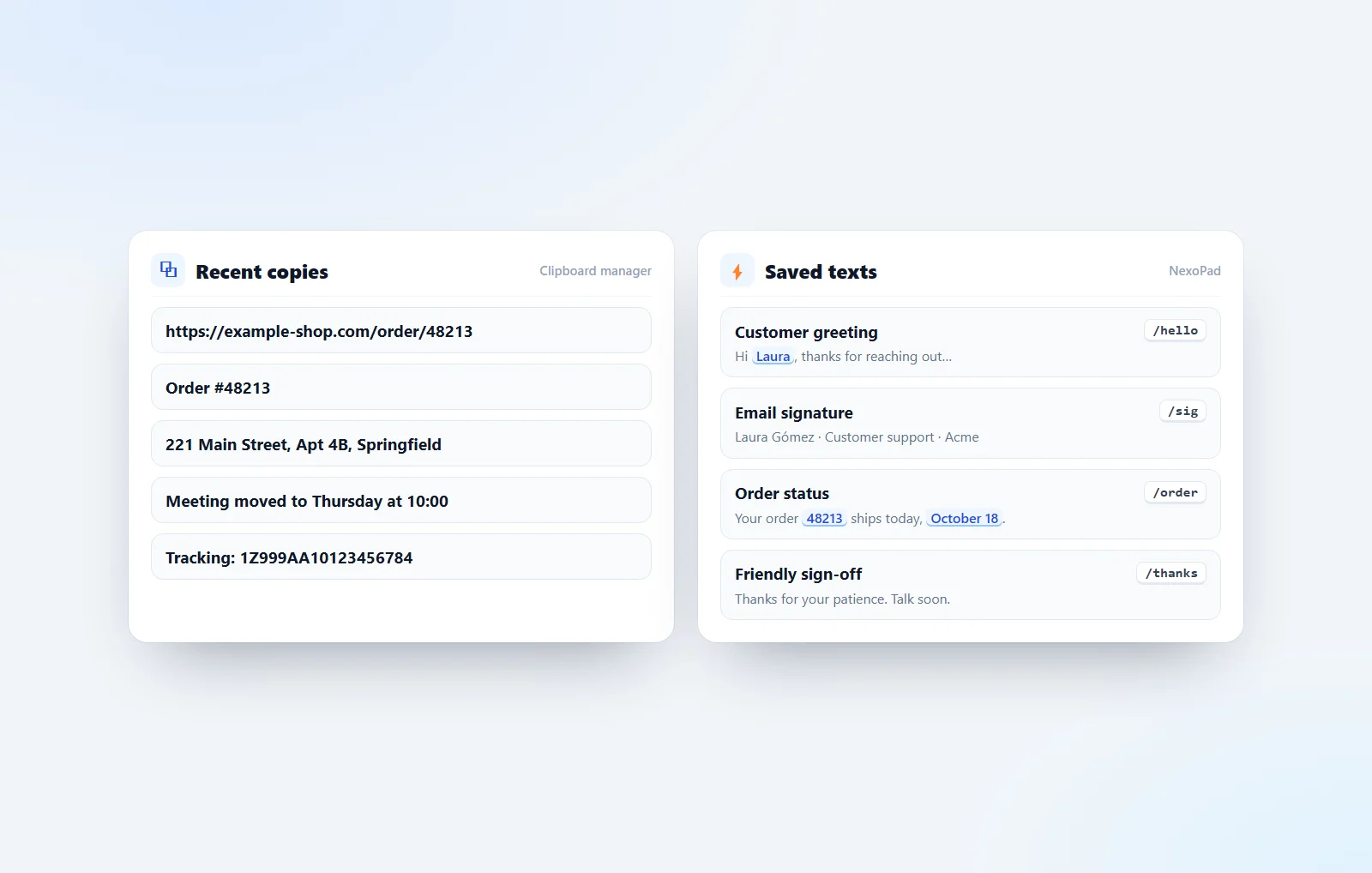
The best clipboard managers for Windows, Mac and Chrome
Windows and Mac clipboard history, Ditto, ClipClip, CopyQ, Maccy, Paste, Raycast, Alfred and a Chrome extension compared, plus when a text expander fits better.
October 18, 2026 · 10 min read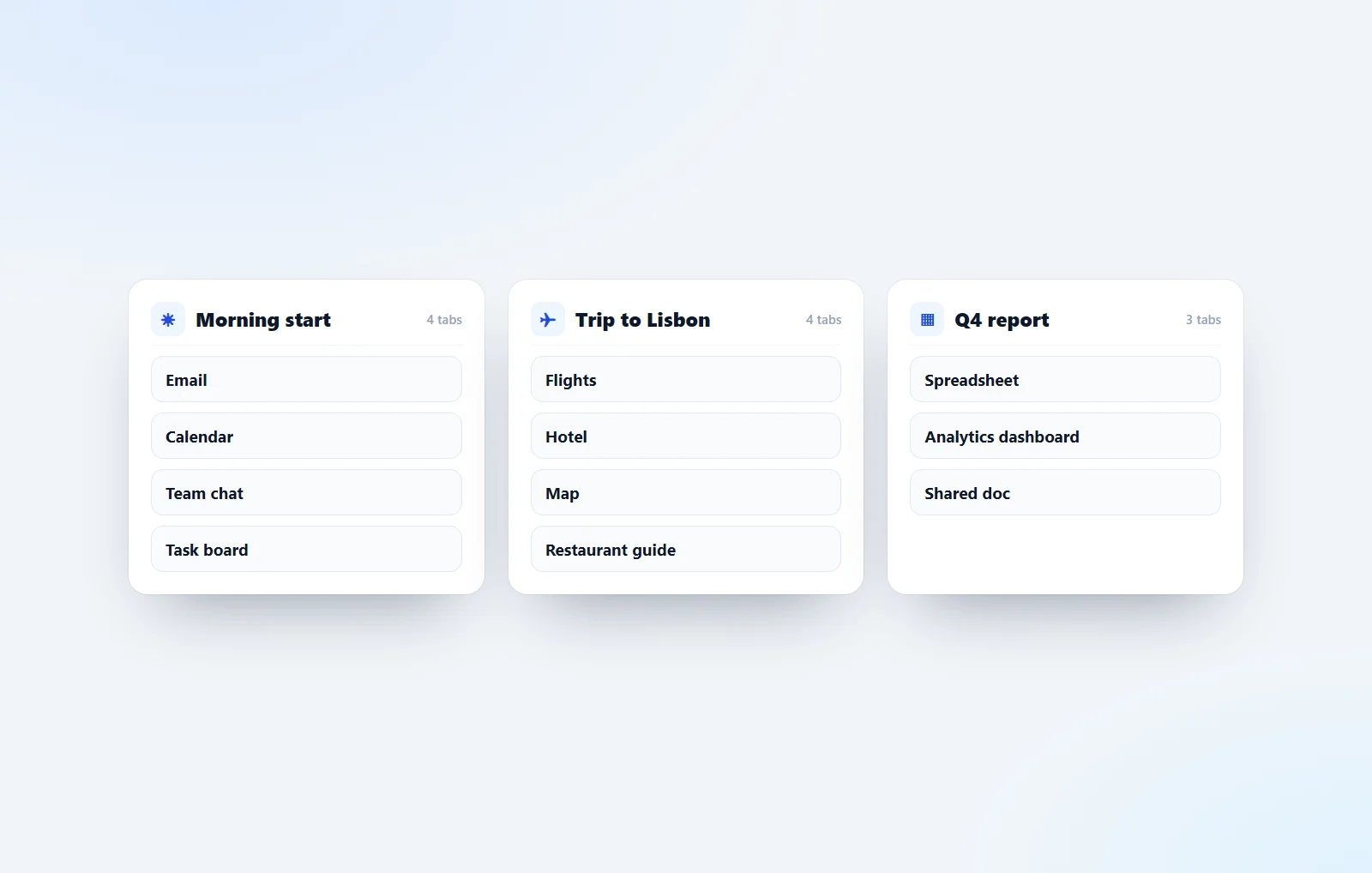
Toby alternatives: the best tab managers for Chrome
The best Toby alternatives for organizing tabs in Chrome, with prices, update dates and who each one is for.
October 18, 2026 · 11 min read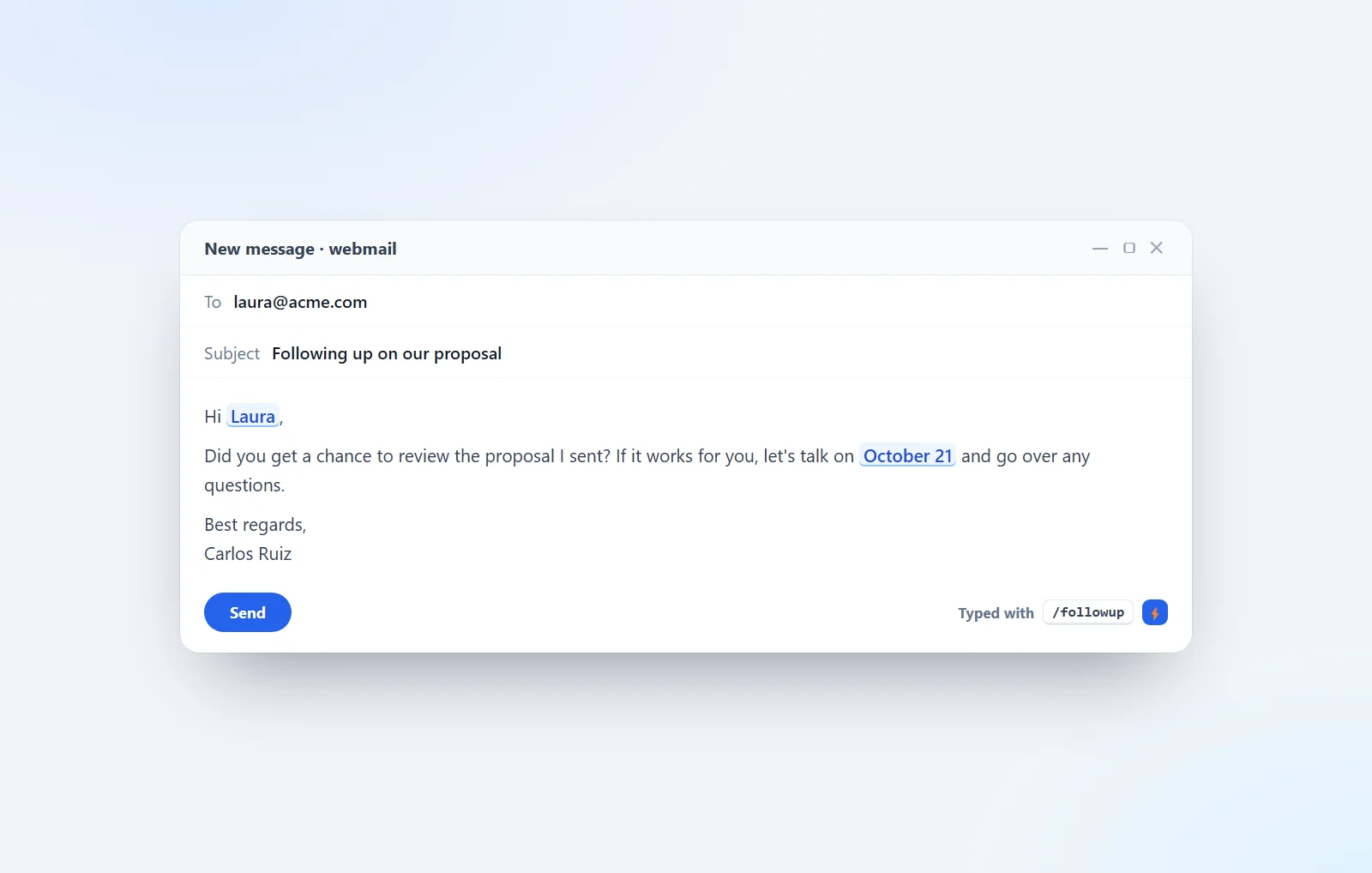
Outlook Quick Parts vs text expander
Outlook has Quick Parts, My Templates and .oft templates so you don't retype the same emails. Here's how to use them and when a text expander is worth it.
October 27, 2026 · 9 min read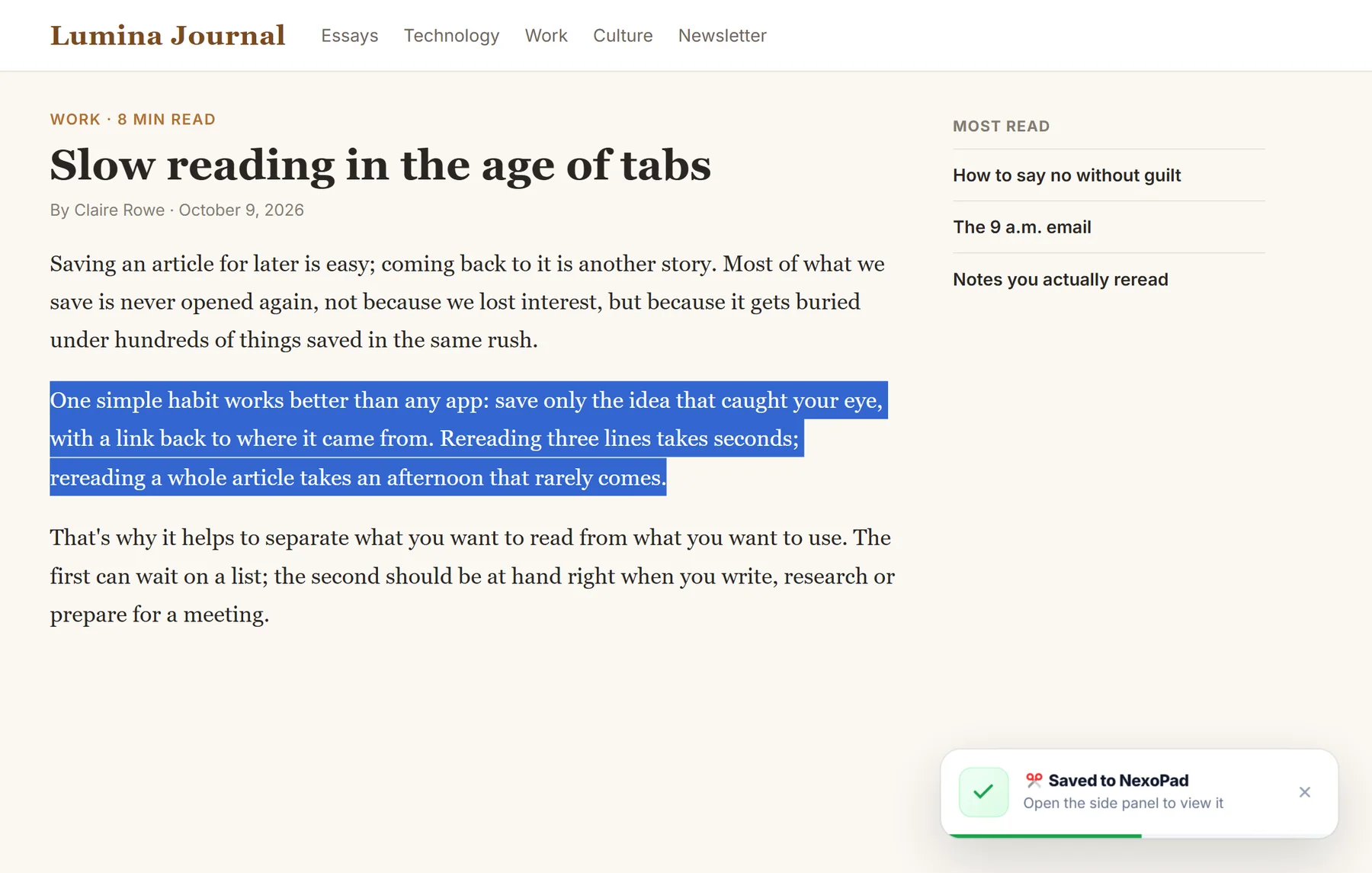
Pocket alternative: where to save your articles and links now
What happened to Pocket and four alternatives for saving articles, links and bits of text, depending on how you use them.
October 18, 2026 · 6 min read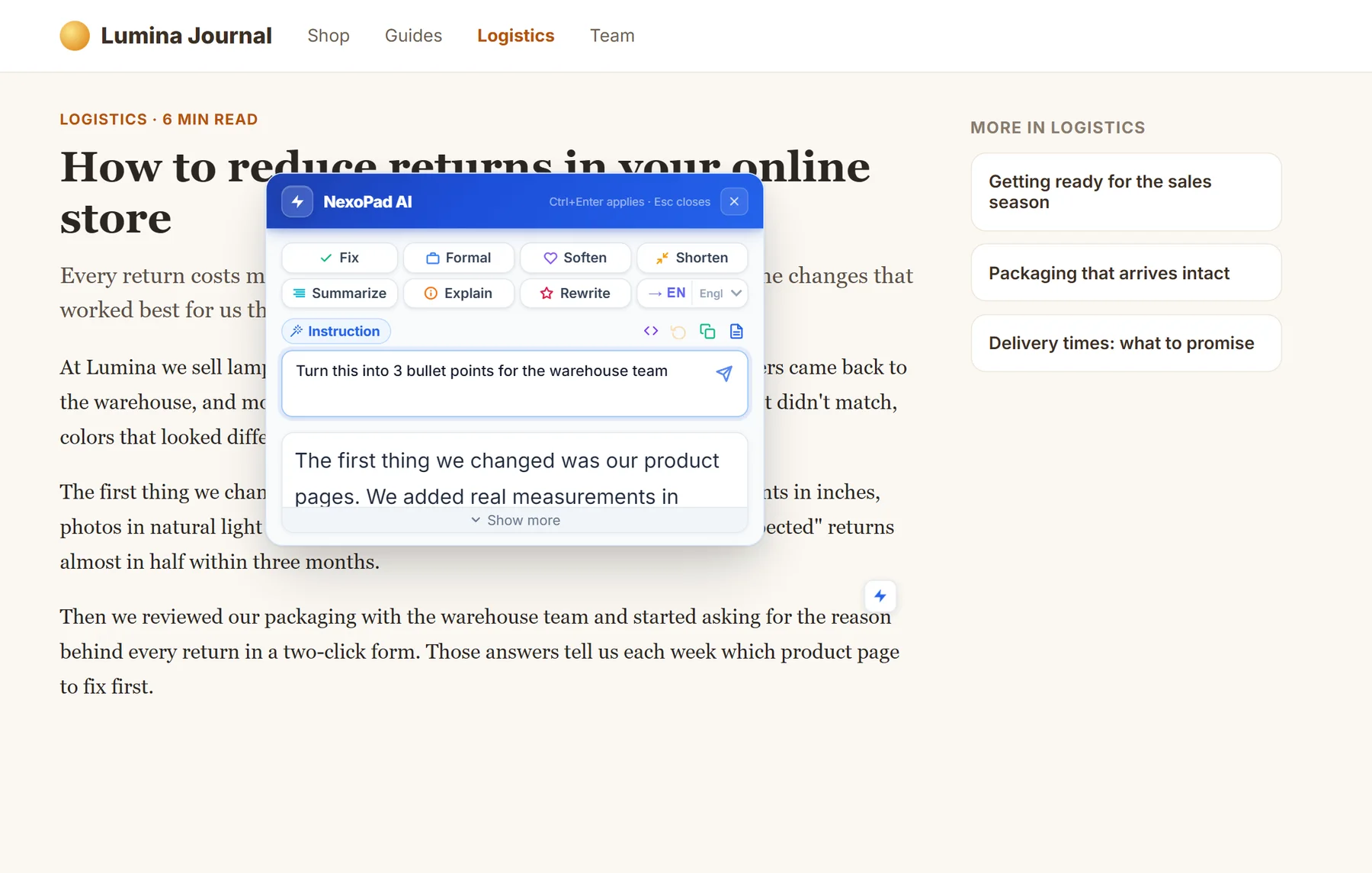
Monica and Sider alternative: in-browser AI with your own key
What Monica and Sider offer, what they cost and when an in-browser AI that runs on your own key is the better fit.
October 18, 2026 · 7 min read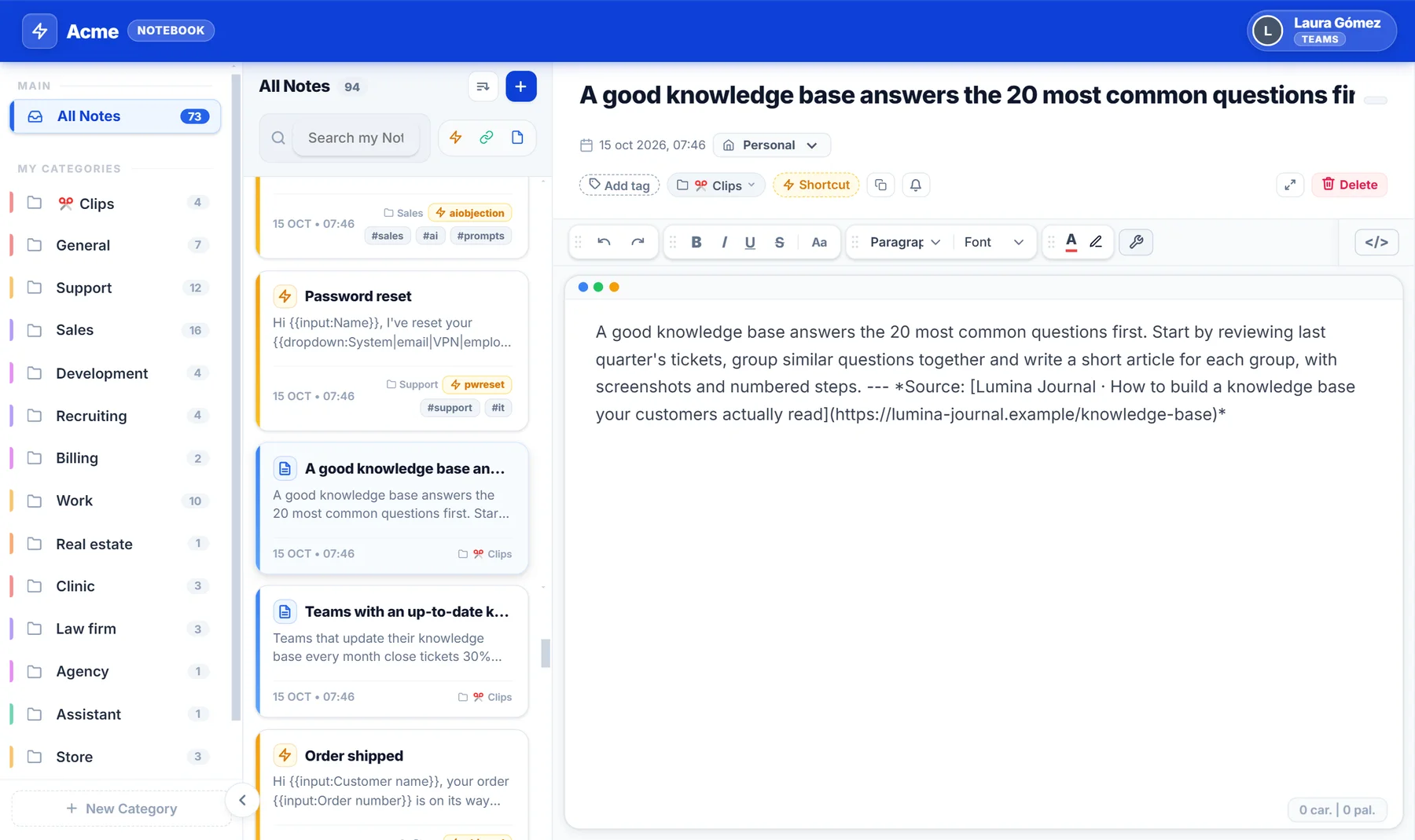
NexoPad vs Evernote Web Clipper: the alternative for saving text from websites
What Evernote Web Clipper saves, what NexoPad saves and which one suits you if you mainly want to clip text from the pages you read.
October 18, 2026 · 6 min read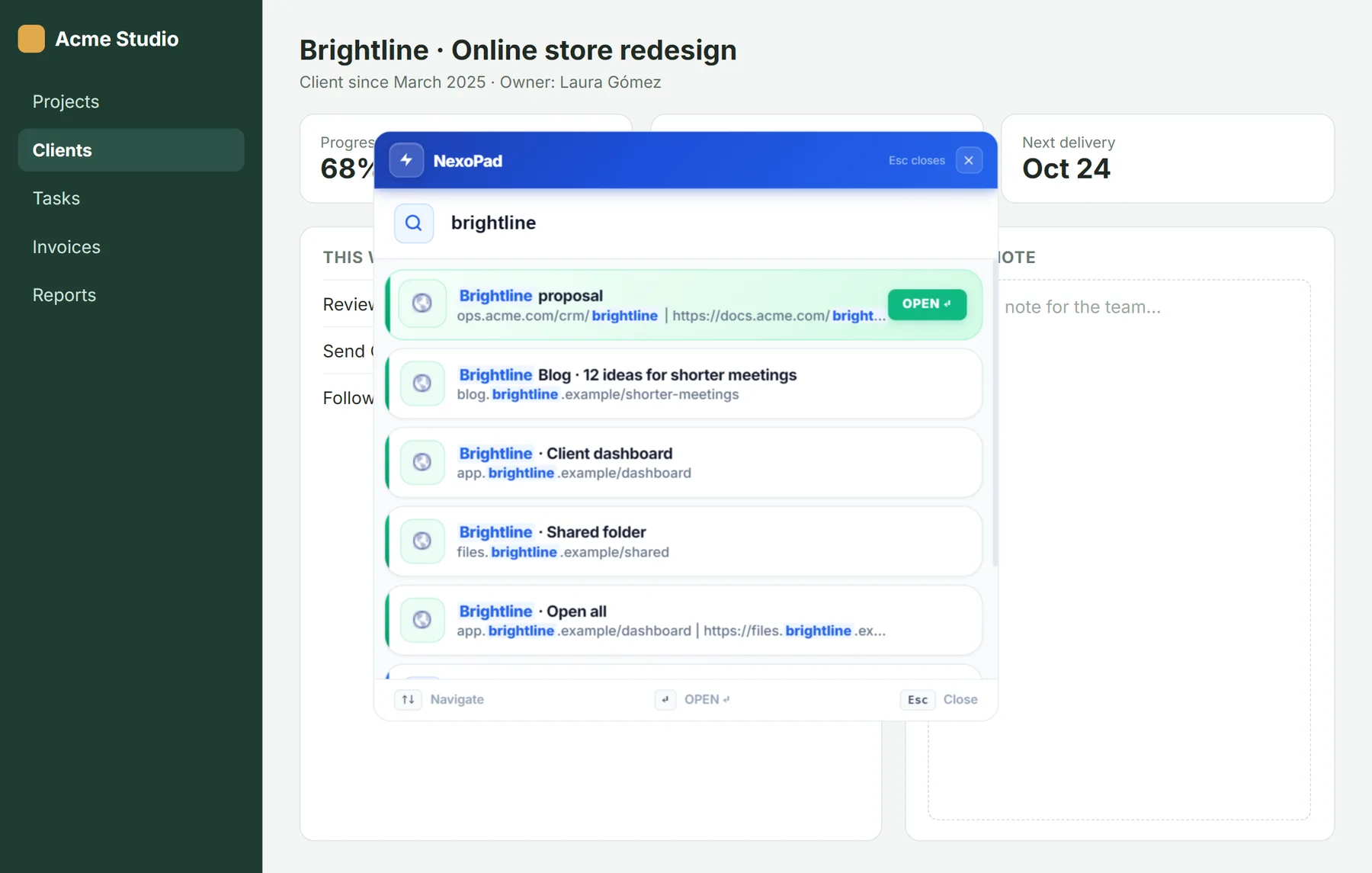
NexoPad vs Raindrop.io: which link manager is right for you?
What Raindrop.io does well, how NexoPad is different and which one suits the way you use your links.
October 18, 2026 · 6 min read