
NexoPad vs. other tools
Page 4 of 4
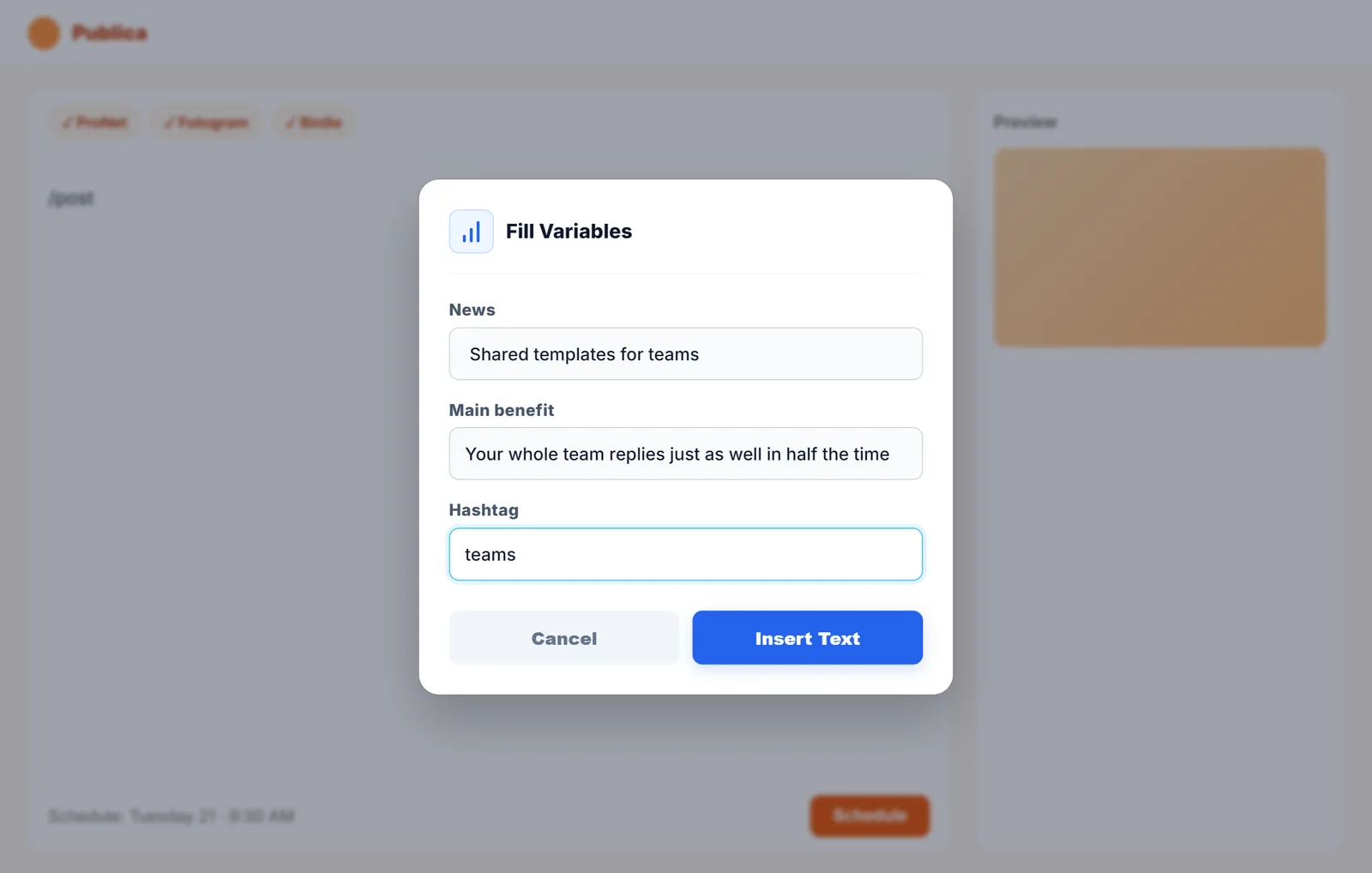
The best Chrome extensions for marketing and social media
Eight Chrome extensions for marketing and social media teams: SEO, competitors, design, video, posts and writing.
October 18, 2026 · 7 min read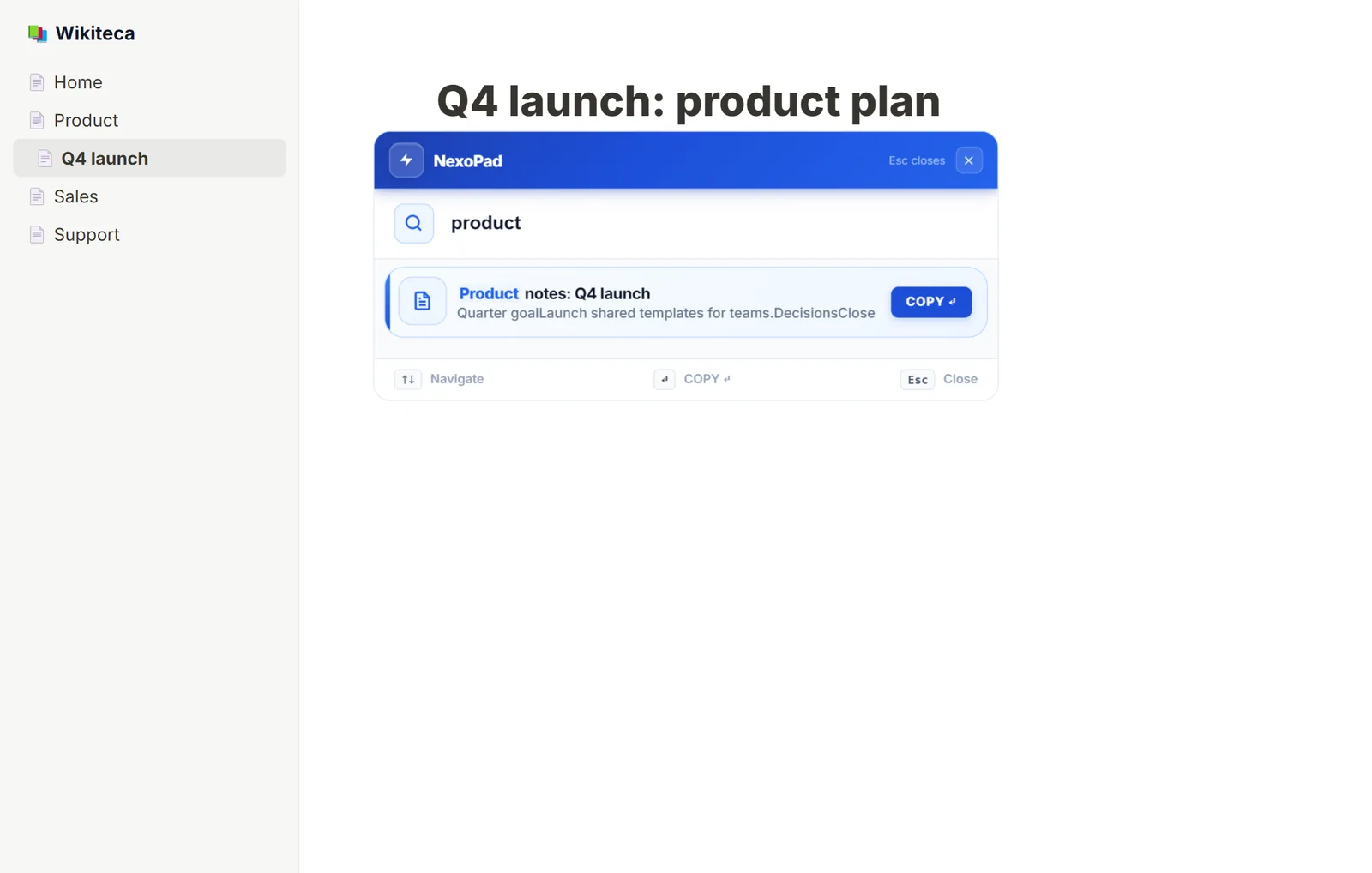
NexoPad vs Notion
Notion is a space to document and organize; NexoPad puts your notes and templates on any website. Differences and how to combine them.
October 18, 2026 · 6 min read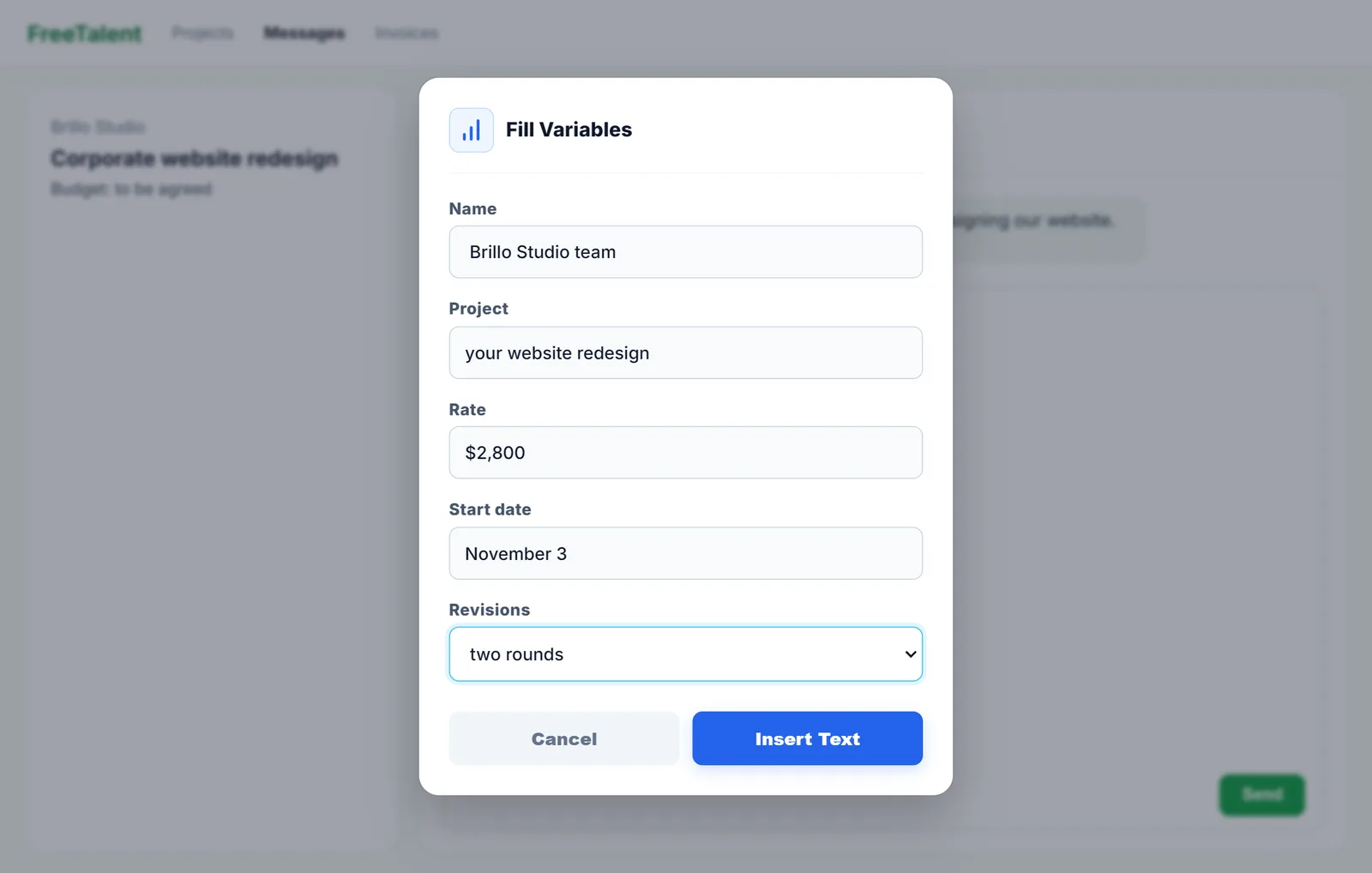
The best Chrome extensions for freelancers
Eight Chrome extensions for freelancers: time tracking, tasks, scheduling, passwords, writing and client replies.
October 18, 2026 · 7 min read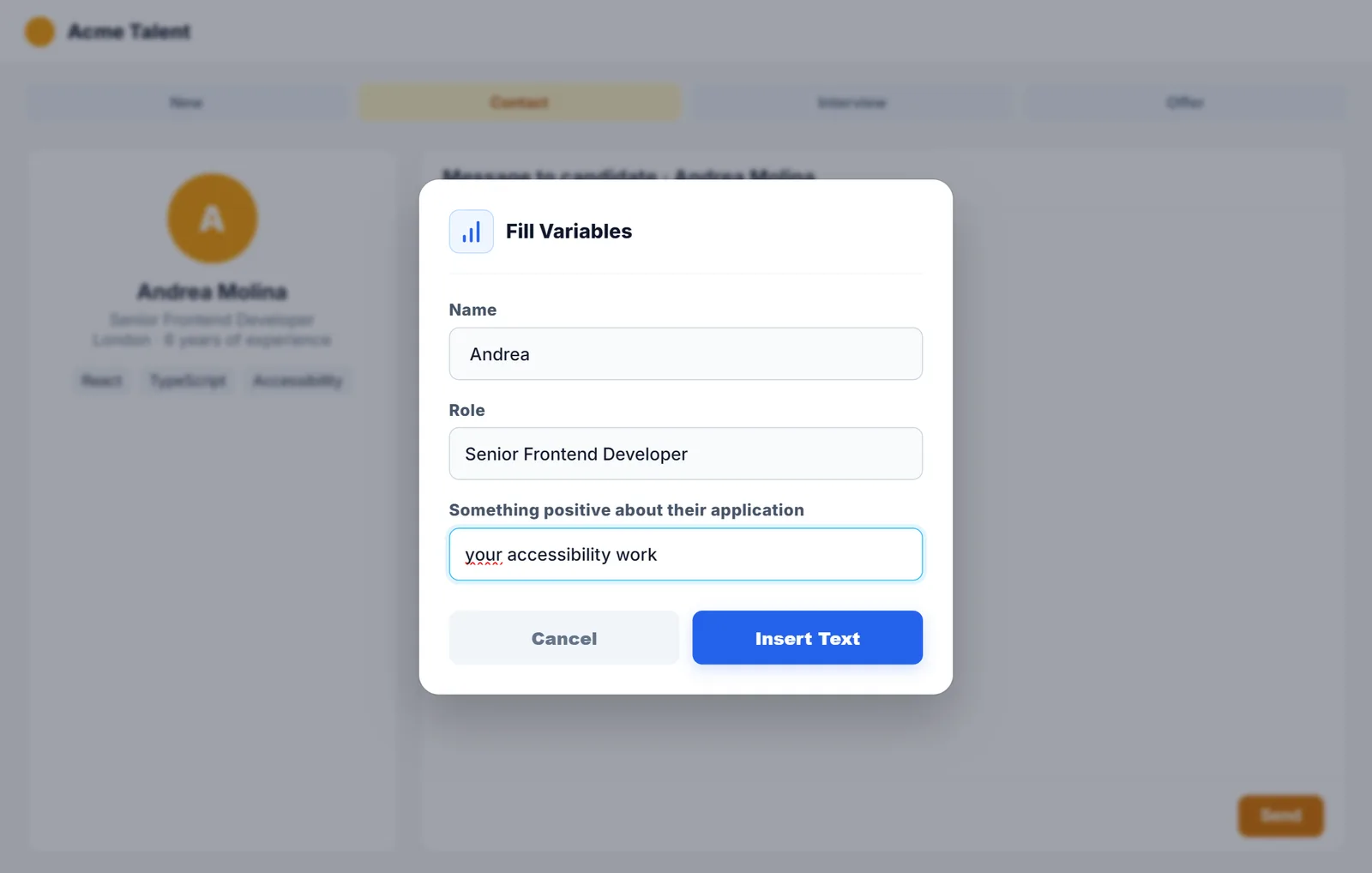
The best Chrome extensions for recruiters
Seven Chrome extensions to find candidates, contact them, book interviews and reply to them faster.
October 18, 2026 · 7 min read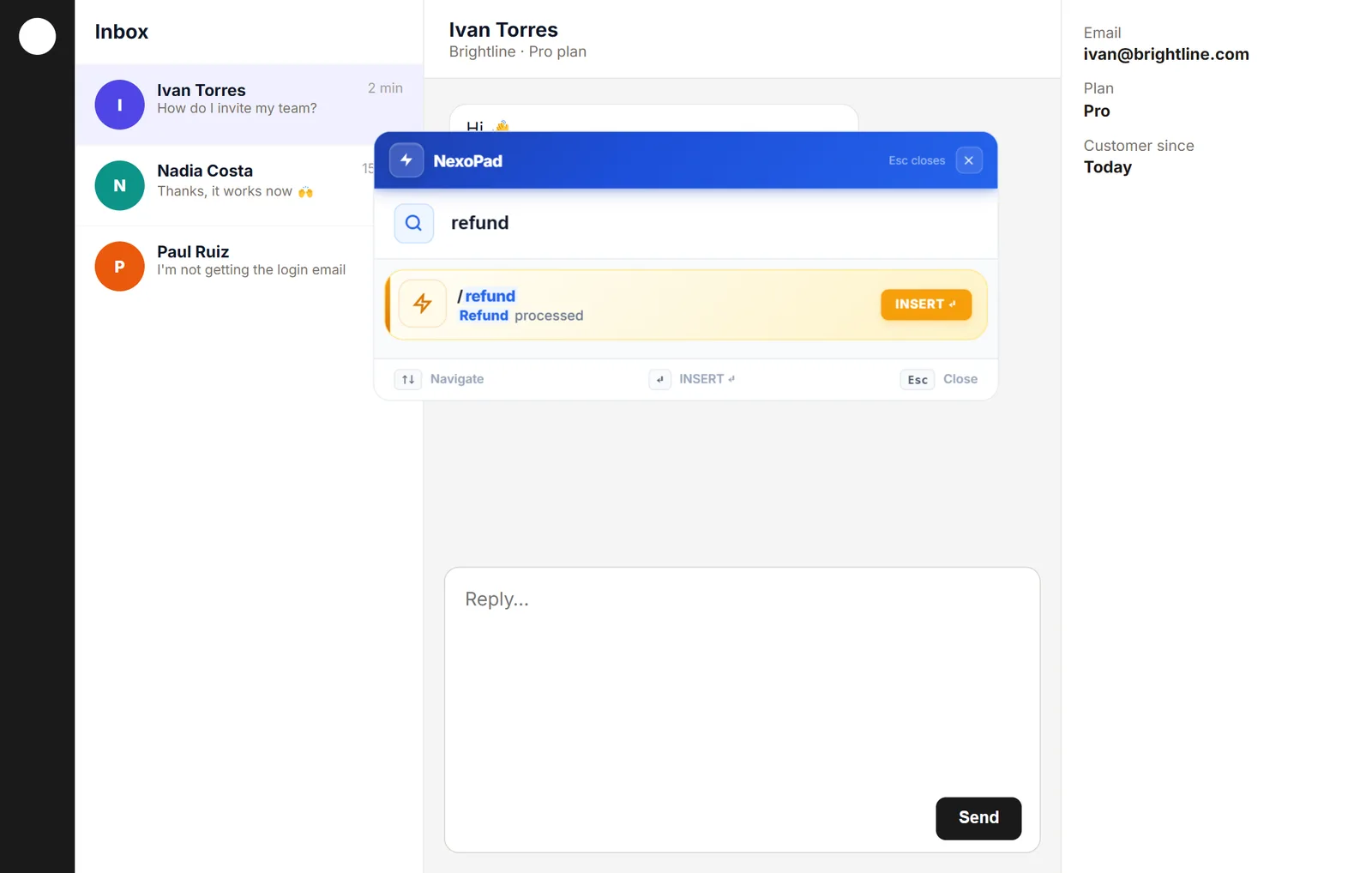
The best Chrome extensions for customer support
Six Chrome extensions that help support teams reply faster and better, from shortcut replies to translation.
October 18, 2026 · 7 min read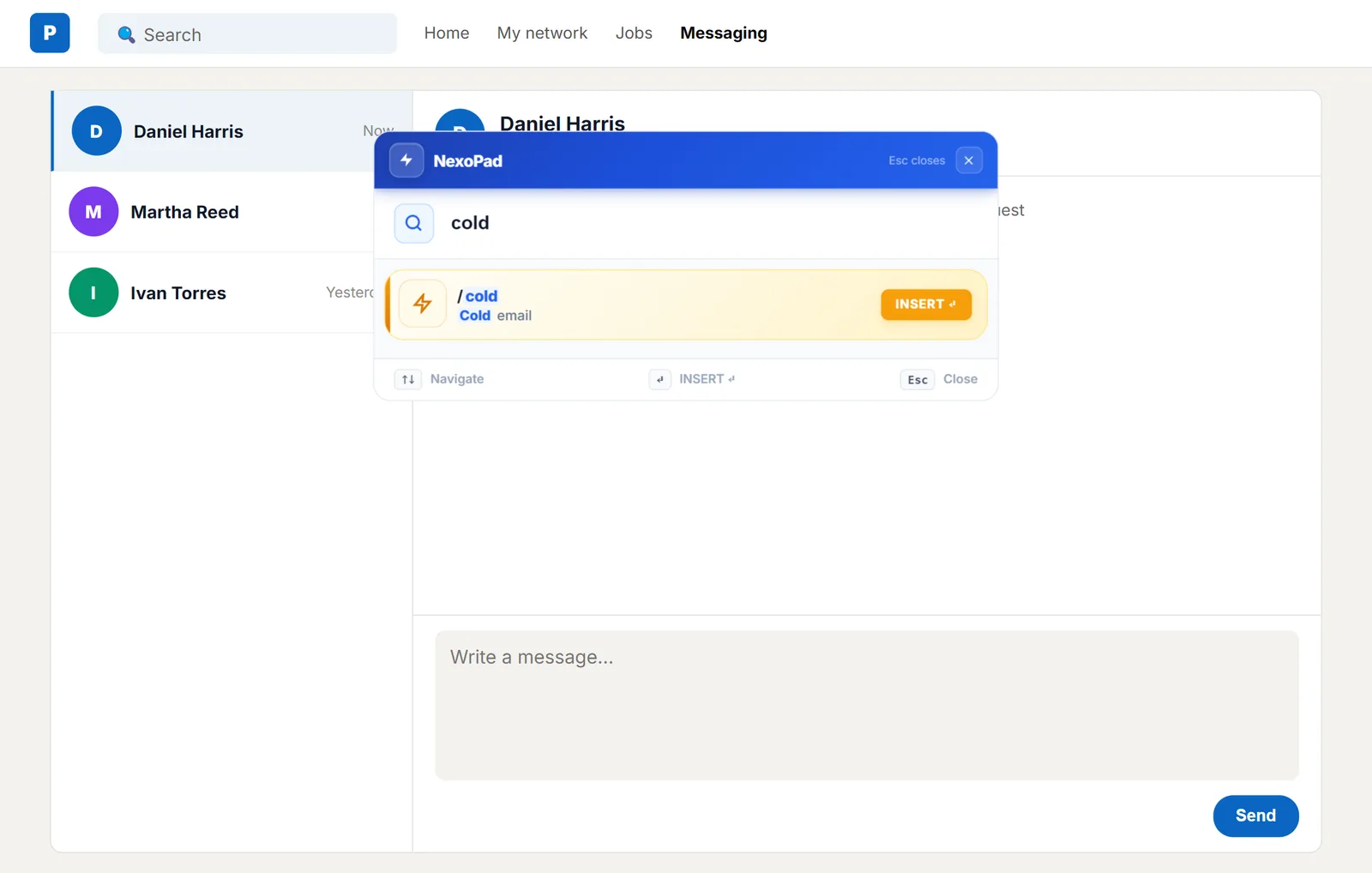
The best Chrome extensions for salespeople
Seven Chrome extensions to sell more in less time: finding contacts, booking meetings, following up and writing faster.
October 18, 2026 · 7 min read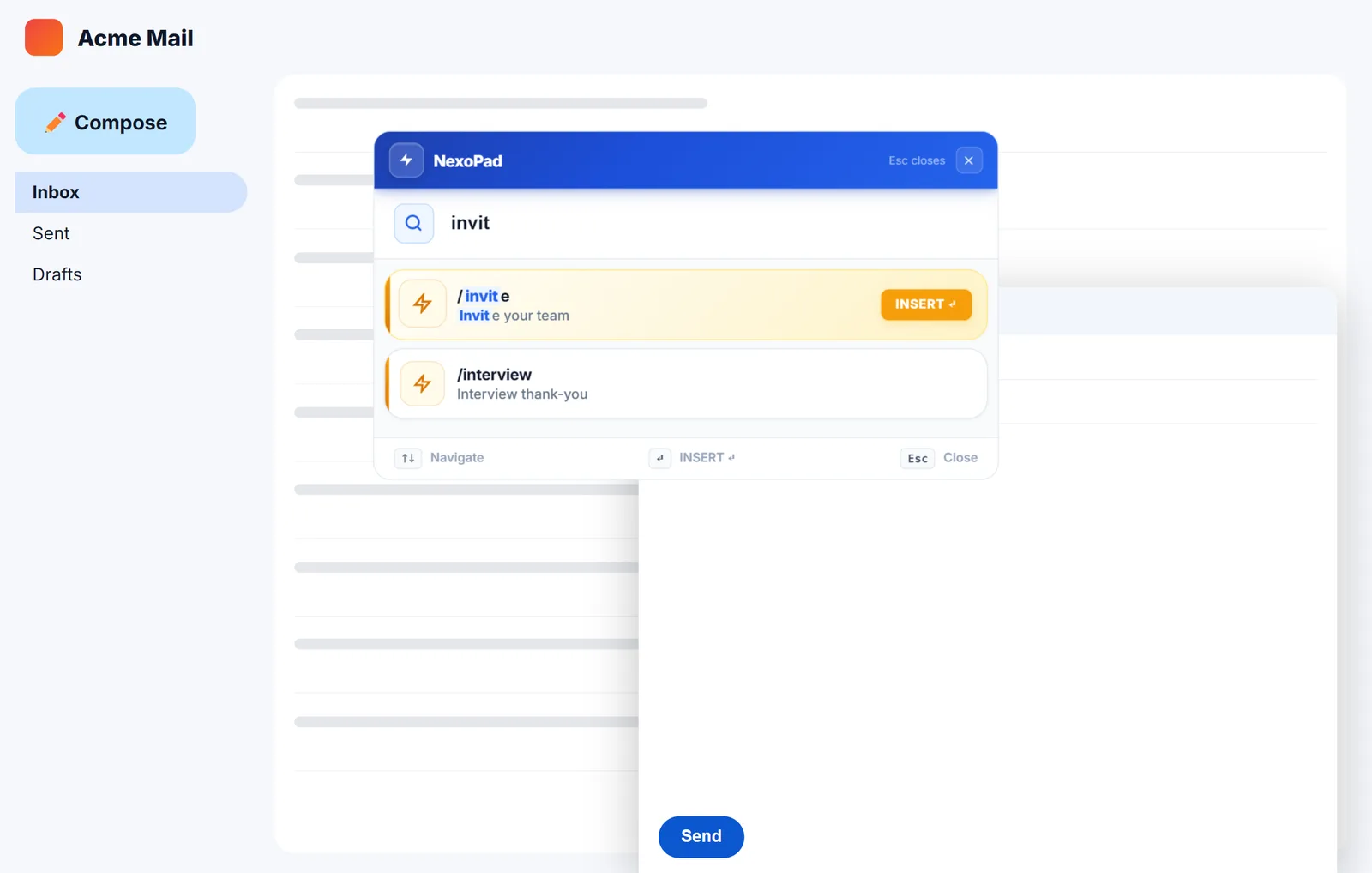
Gmail templates vs text expander
Gmail templates are free and already in your inbox; a text expander is faster and works everywhere. We help you decide.
October 18, 2026 · 5 min read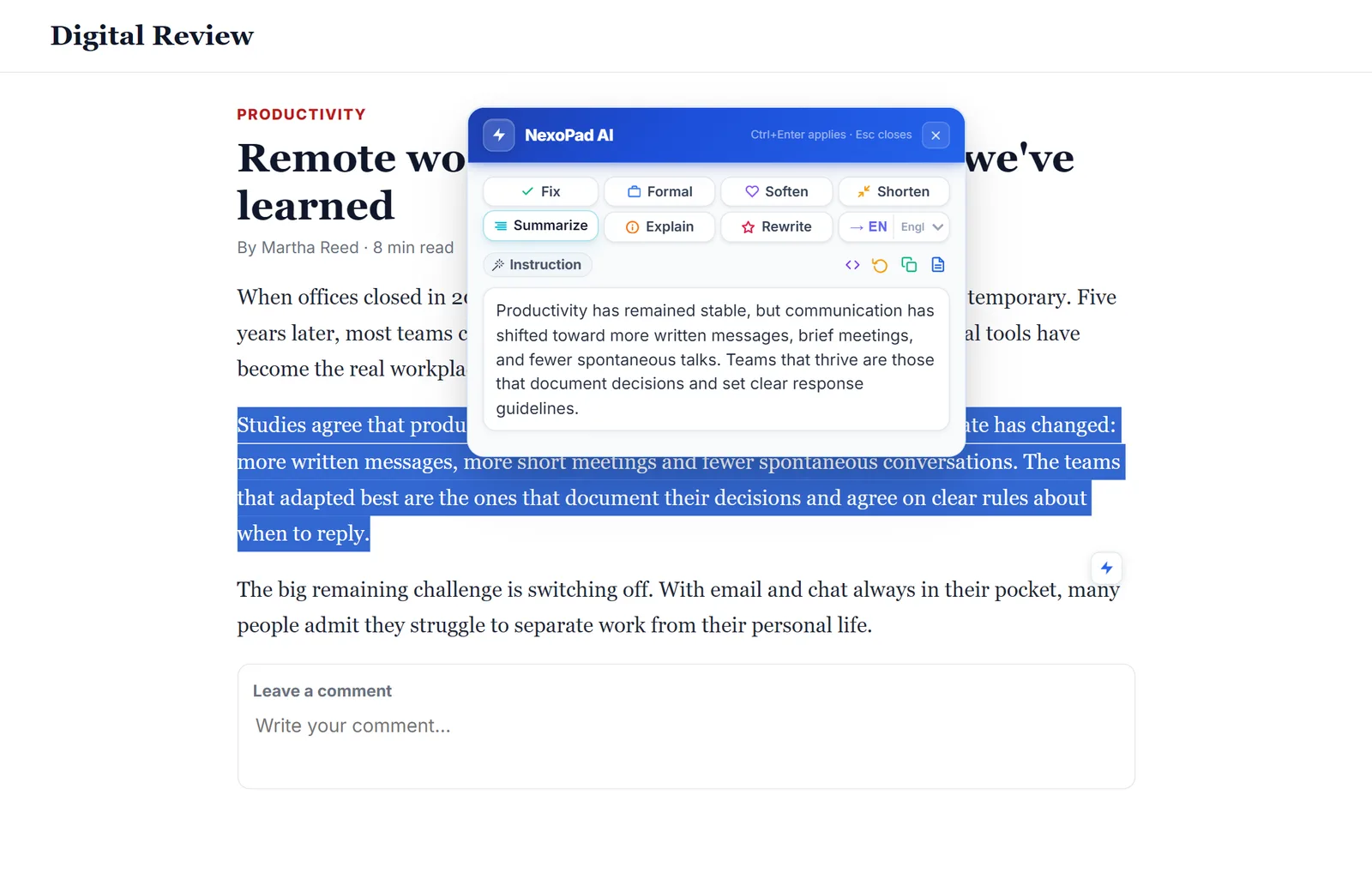
The best AI extensions for Chrome
Eight ways to use AI in Chrome, from Gemini built into the browser to extensions like ChatGPT, Claude or Grammarly, and who each one is for.
October 18, 2026 · 8 min read
The best note-taking extensions for Chrome
Six extensions to take notes and save pages in Chrome, from Google Keep to the Notion, Evernote and OneNote clippers.
October 18, 2026 · 7 min read
Google Keep alternatives
What Google Keep does well, what changed in its reminders, and 4 note-taking alternatives depending on how you work.
October 18, 2026 · 7 min read
AutoHotkey for typing text: an easier alternative
AutoHotkey is free and works across Windows, but you have to write a script; NexoPad does the same in your browser without a single line of code.
October 14, 2026 · 6 min read