
Shortcuts & templates
23 comparisons · Emails, support, sales and quick replies
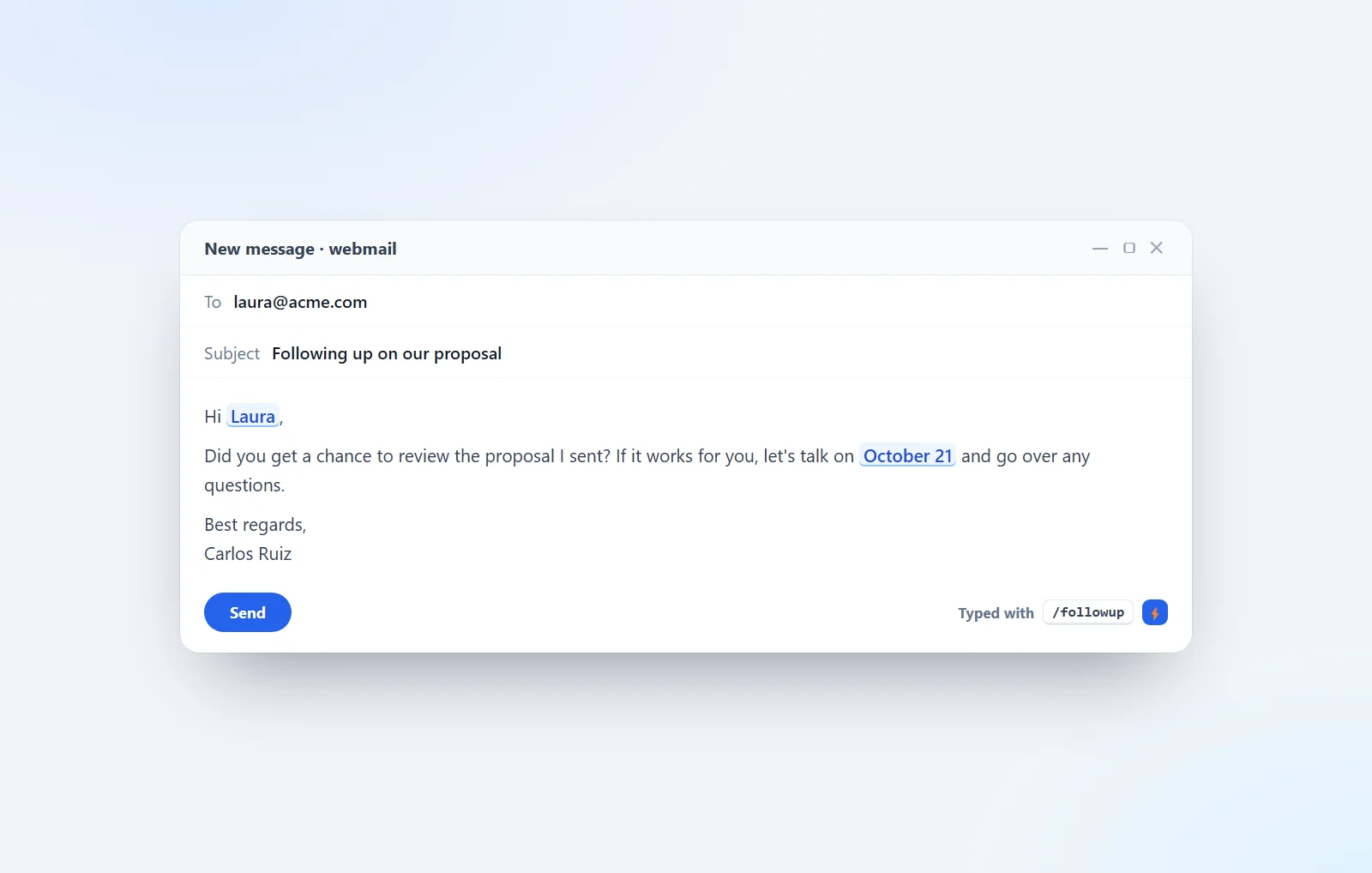
Outlook Quick Parts vs text expander
Outlook has Quick Parts, My Templates and .oft templates so you don't retype the same emails. Here's how to use them and when a text expander is worth it.
October 27, 2026 · 9 min read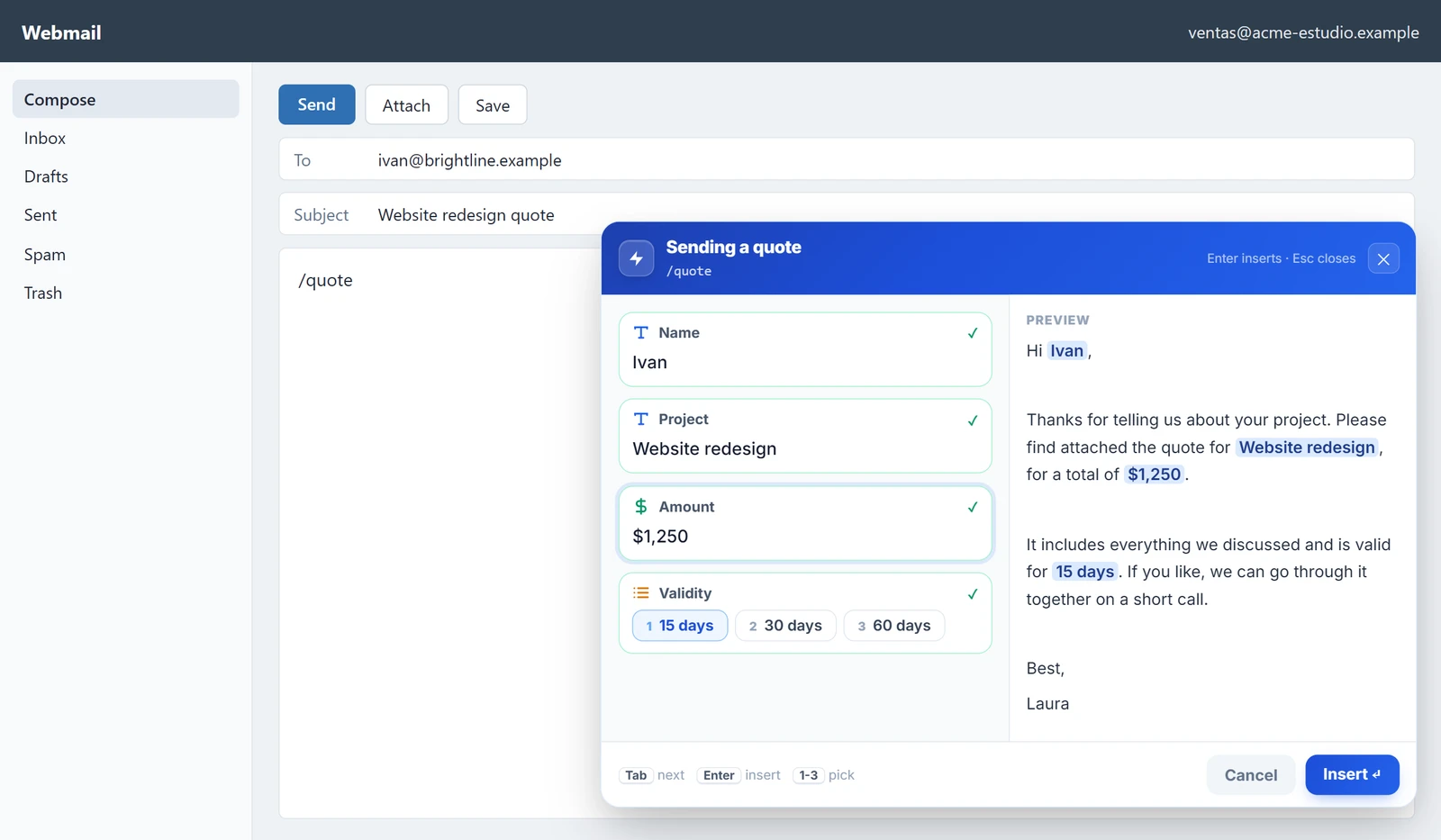
Webmail text expander: shortcuts for Roundcube, Horde and cPanel
Your hosting webmail has saved responses and signatures, but you insert them with clicks and without variable details. Here's how to use them and when a text expander is worth it.
October 21, 2026 · 7 min read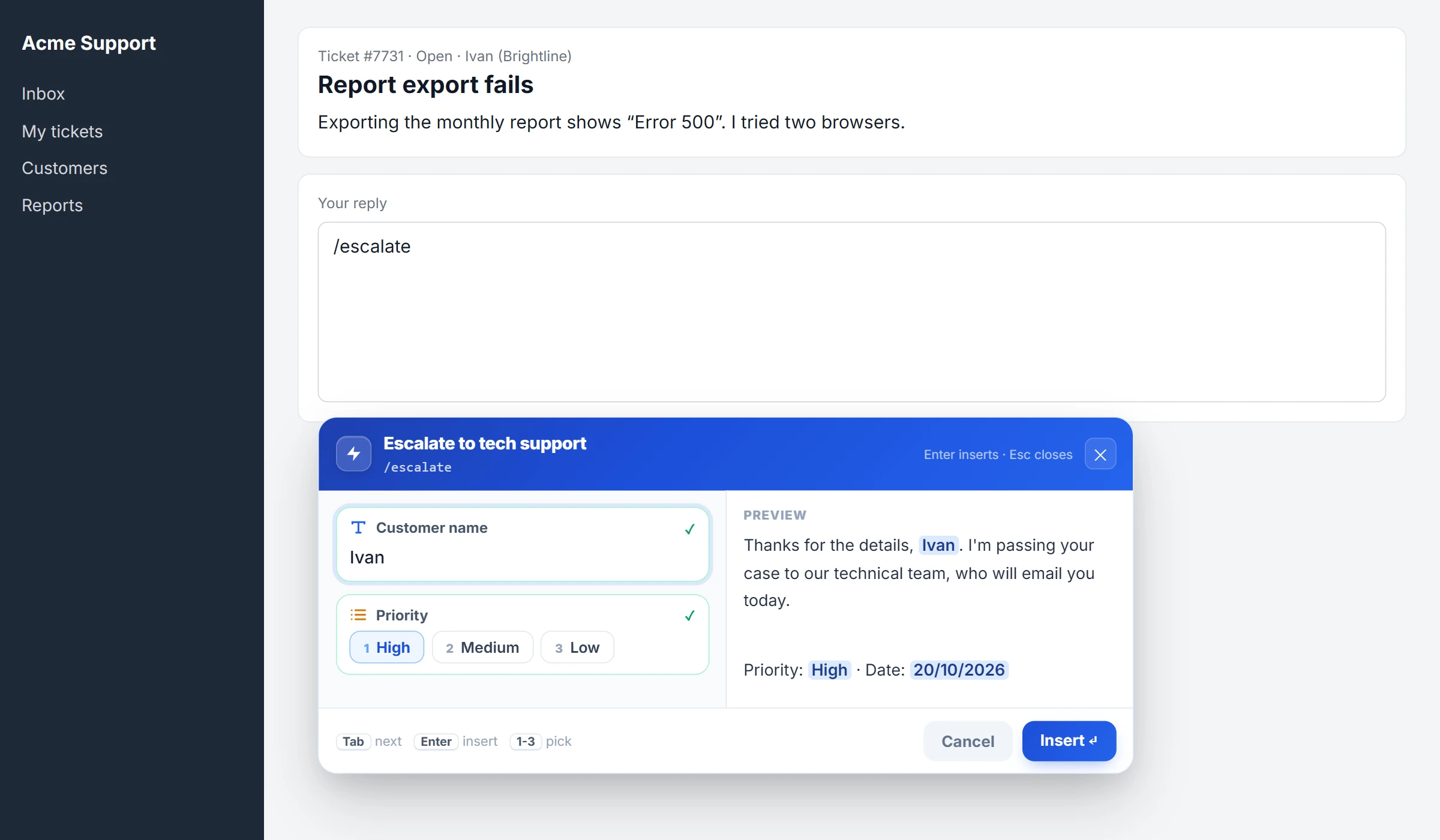
NexoPad vs Typedesk: canned responses for support teams
Forms, teamwork, desktop apps, free plan and macro import: what each one offers for replying to customers and which one fits you.
October 21, 2026 · 6 min read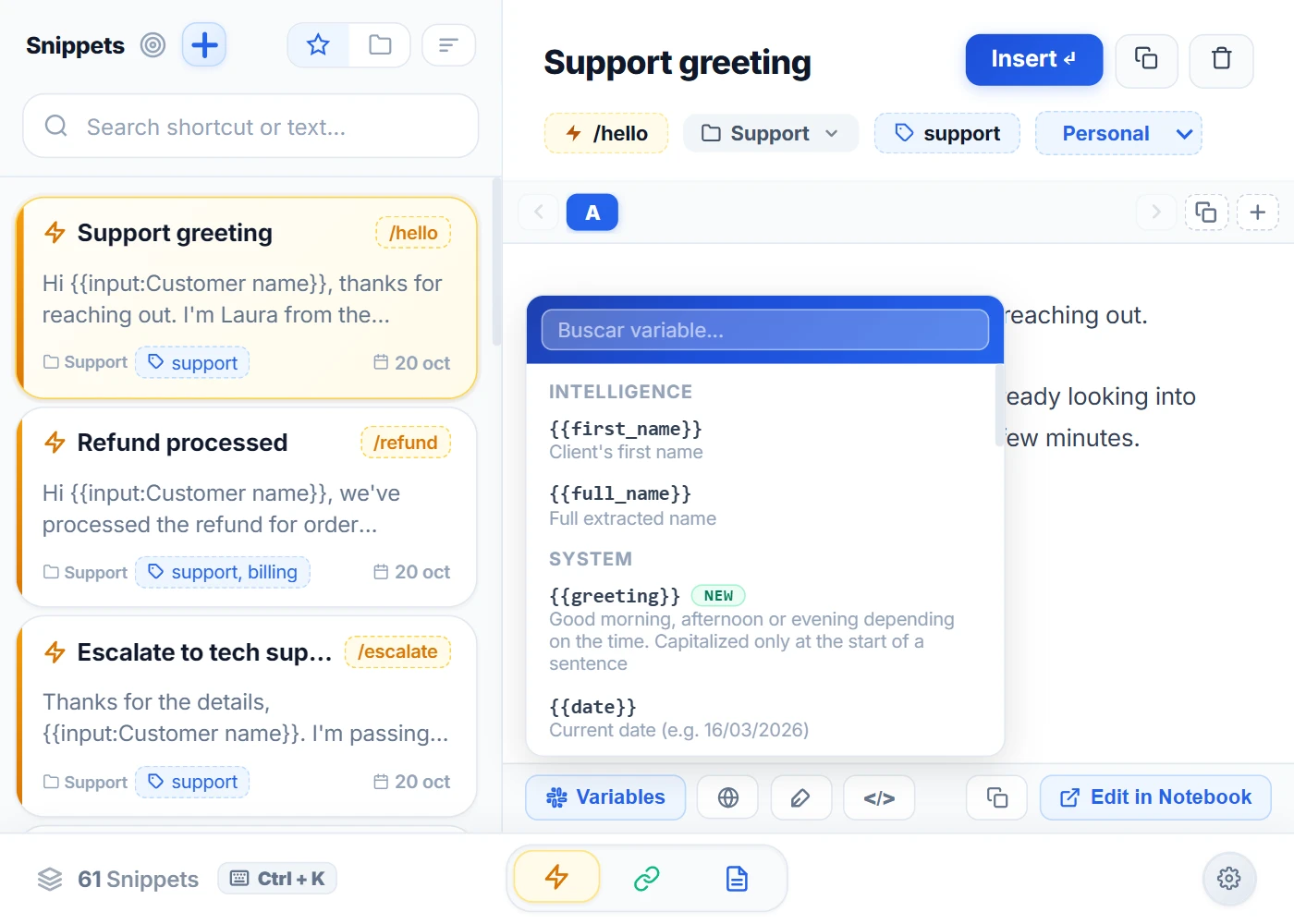
Text Blaze vs Magical: which one should you choose?
Pricing, free plans, features and Magical's change of direction, compared using data from their official websites and the Chrome Web Store.
October 21, 2026 · 6 min read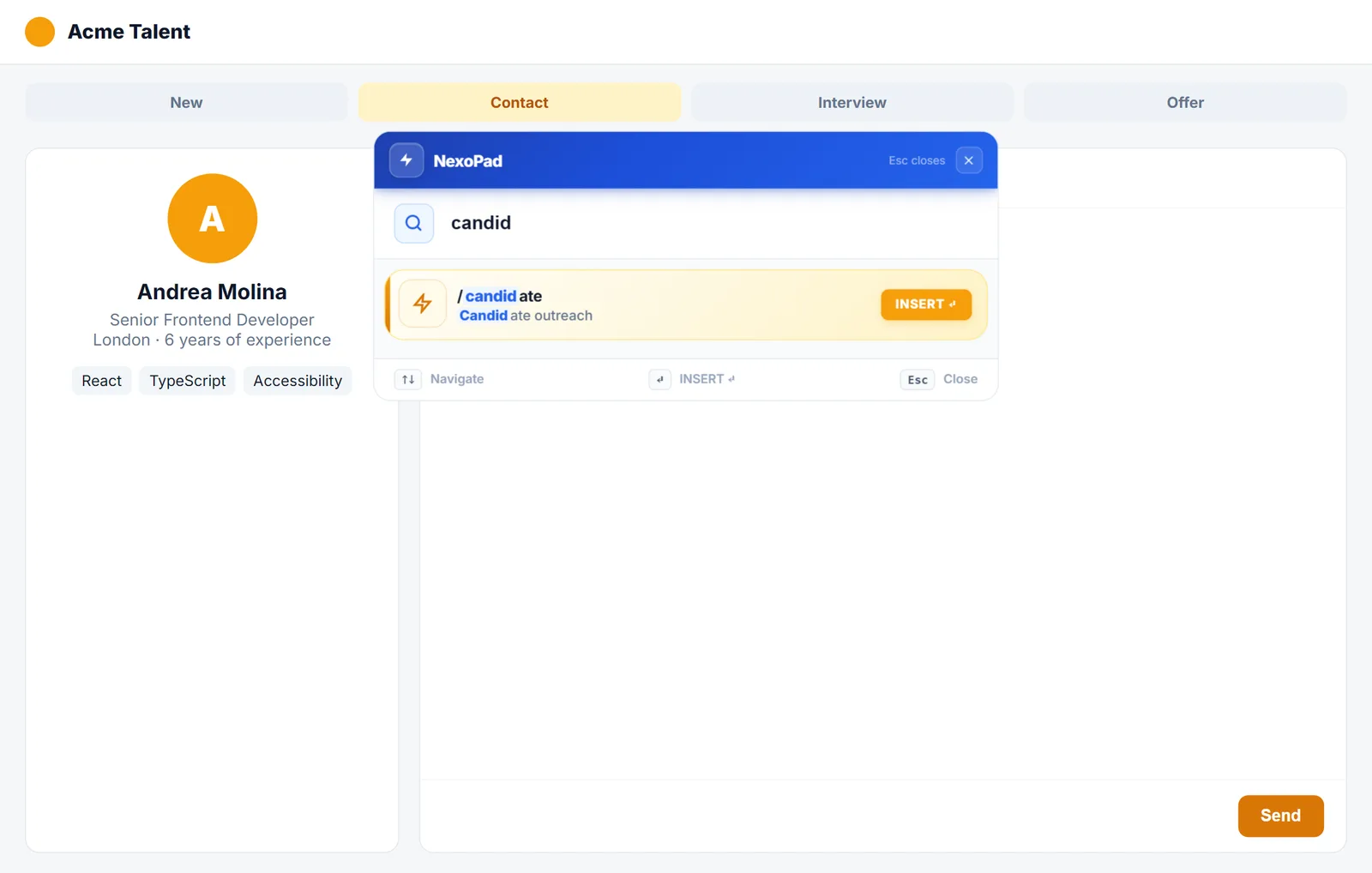
NexoPad vs Magical: the alternative for your text shortcuts
What changed at Magical, how its extension compares with NexoPad and which alternatives you have if you used Magical for text shortcuts.
October 21, 2026 · 6 min read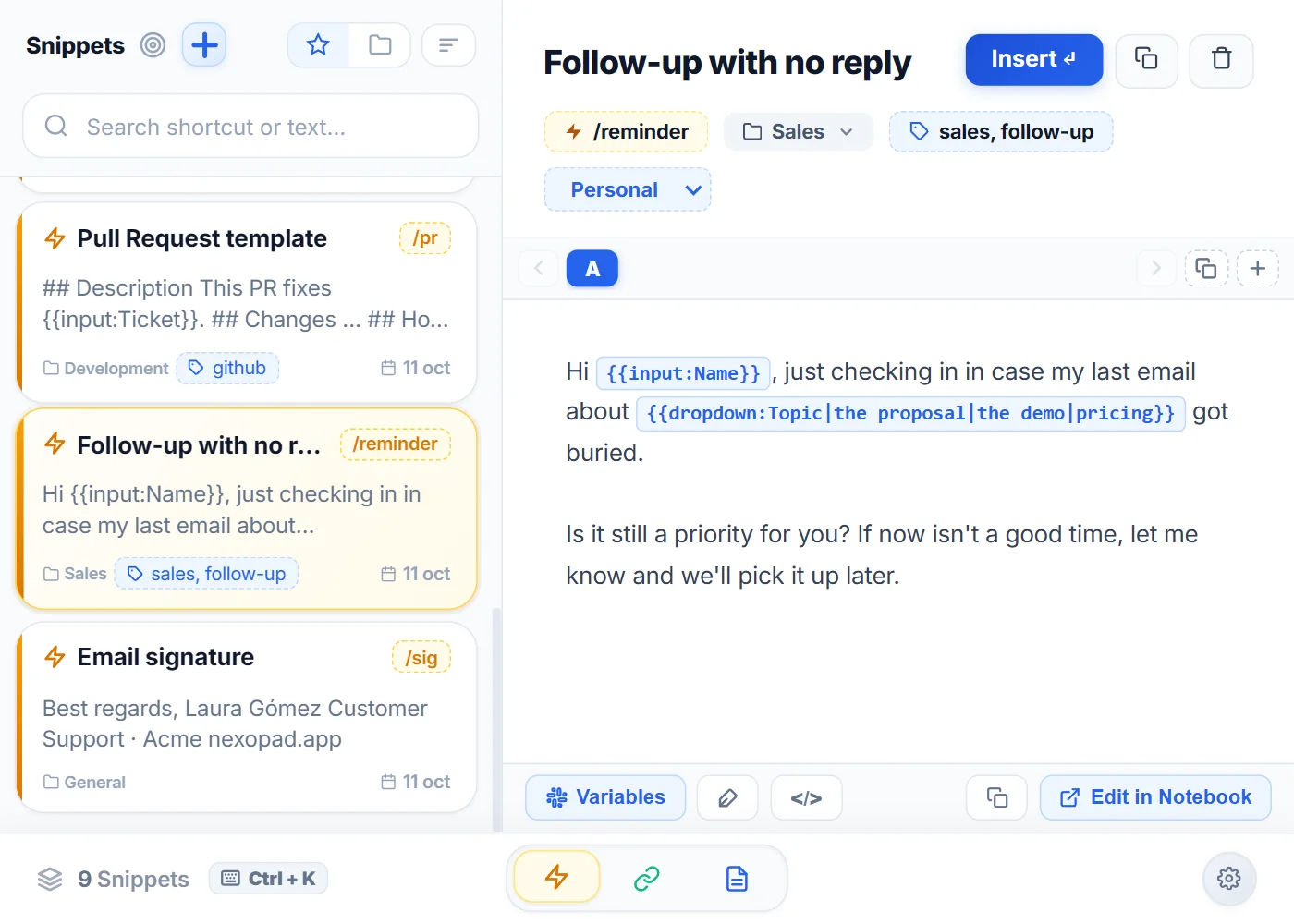
The best text expanders for Chrome in 2026
NexoPad, Text Blaze, TextExpander, Briskine and Espanso compared: pricing, browsers, variables and who each one is for.
October 21, 2026 · 8 min read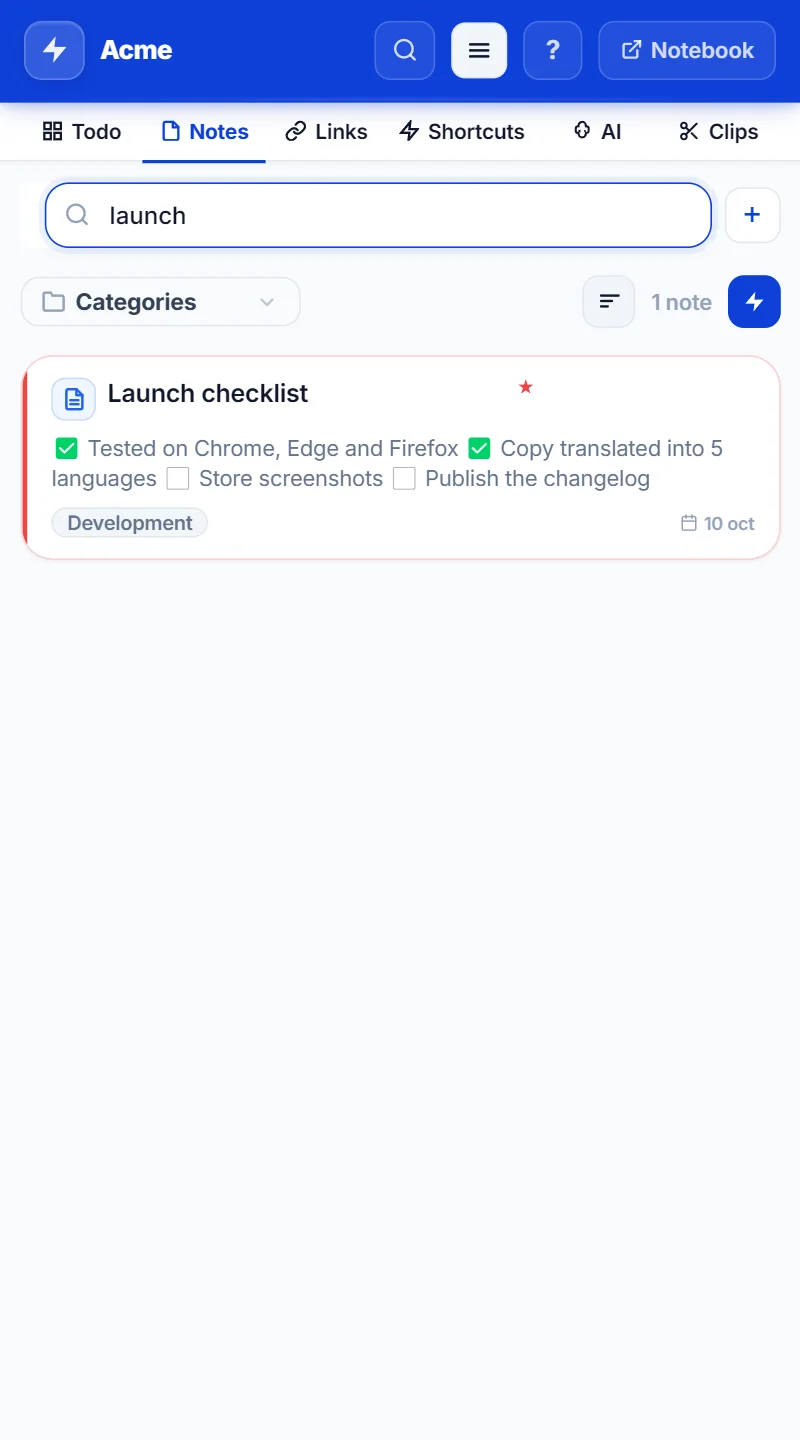
NexoPad vs TextExpander: which one is right for you?
Features, pricing, free plans and platforms of NexoPad and TextExpander, with a guide to switching.
October 21, 2026 · 6 min read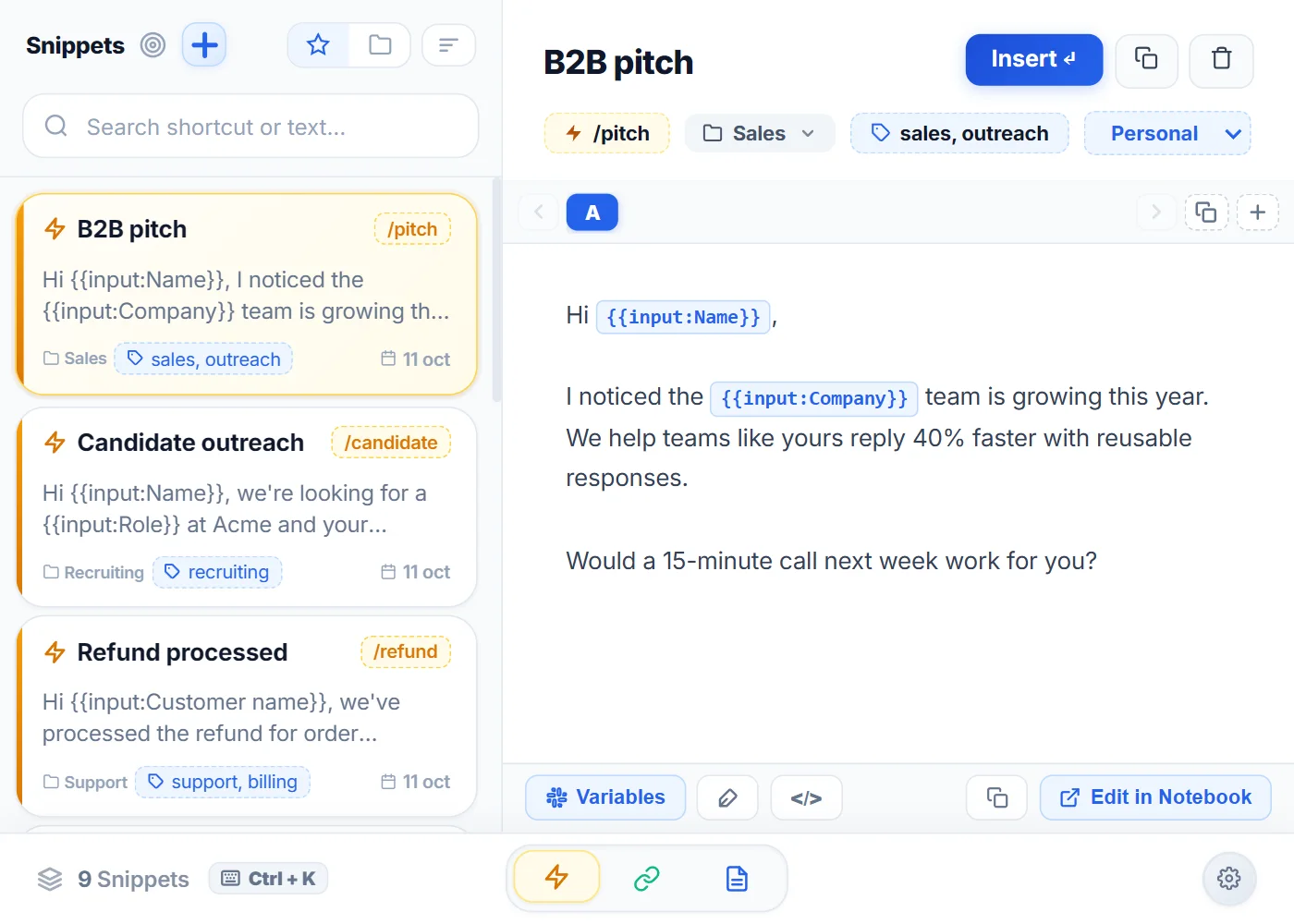
NexoPad vs Text Blaze: which one is right for you?
Features, pricing, browsers and variables of NexoPad and Text Blaze, with a variable cheat sheet to move your snippets.
October 21, 2026 · 7 min read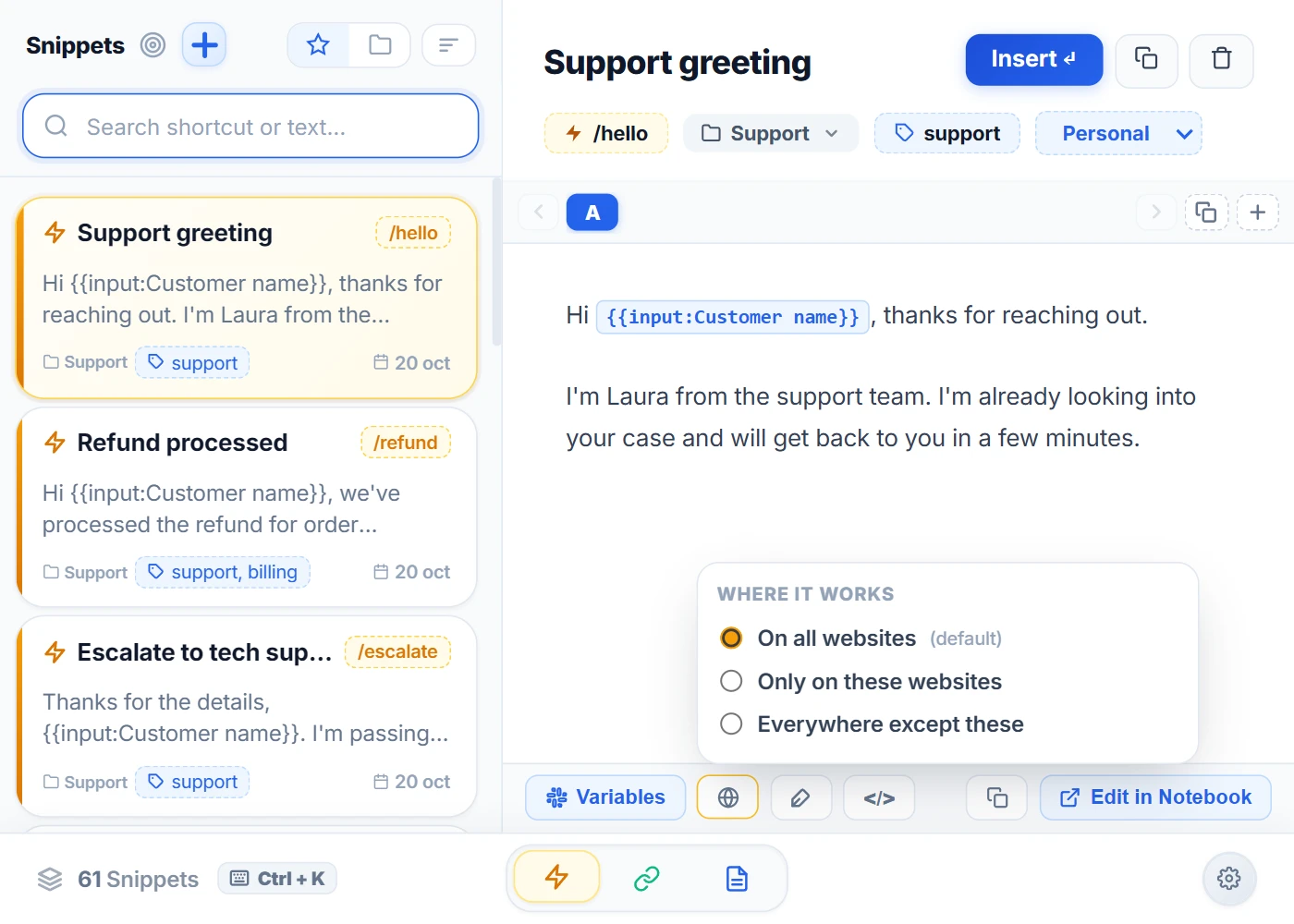
Espanso vs AutoHotkey: which one should you choose?
Both are free and open source, but one is a text expander driven by YAML files and the other is a language for automating Windows. When each one makes sense.
October 20, 2026 · 7 min read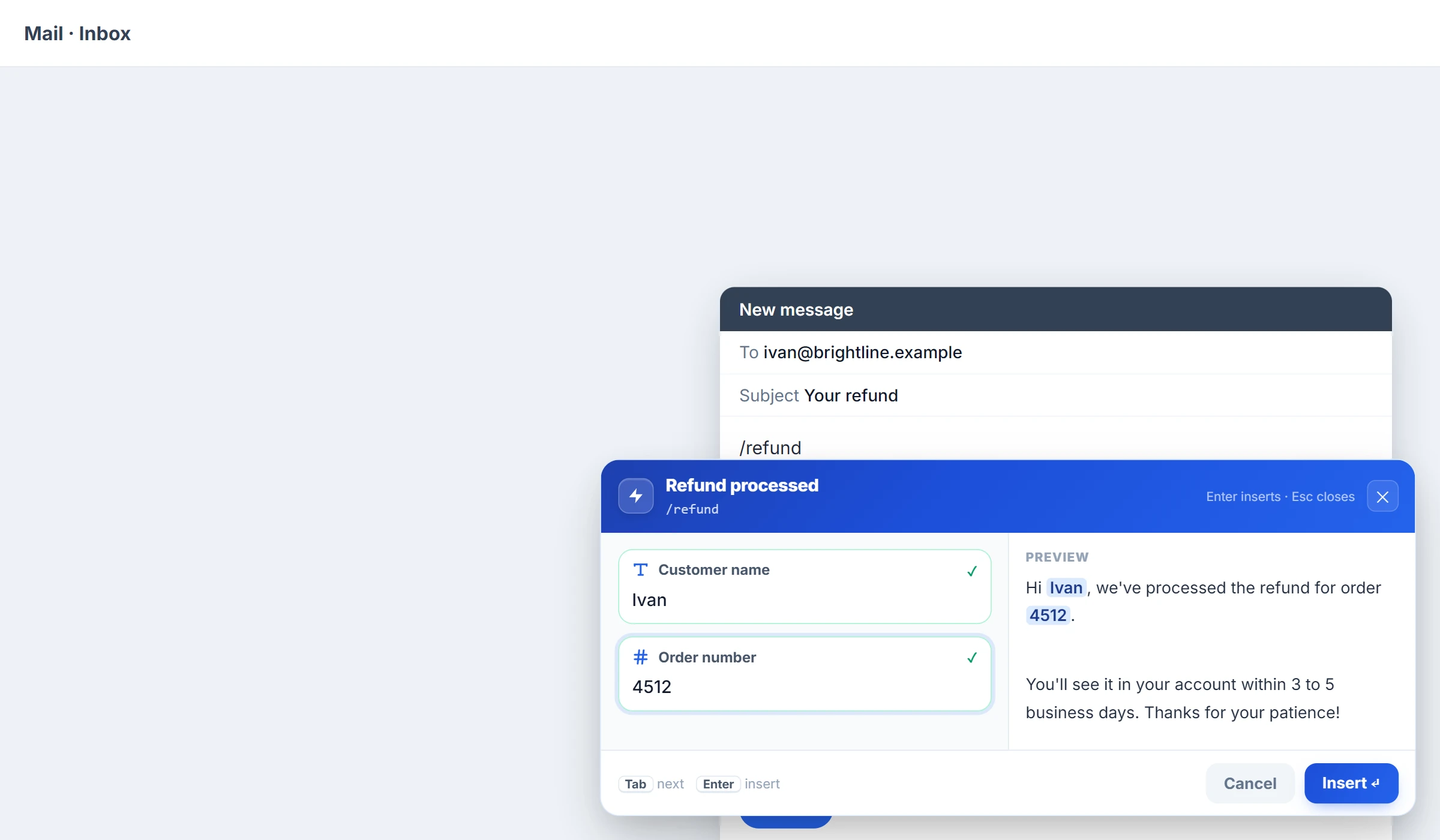
The best Gmail extensions
Eight extensions to work faster in Gmail: write without mistakes, schedule emails, see when they're opened, manage clients and reply with shortcuts.
October 20, 2026 · 8 min read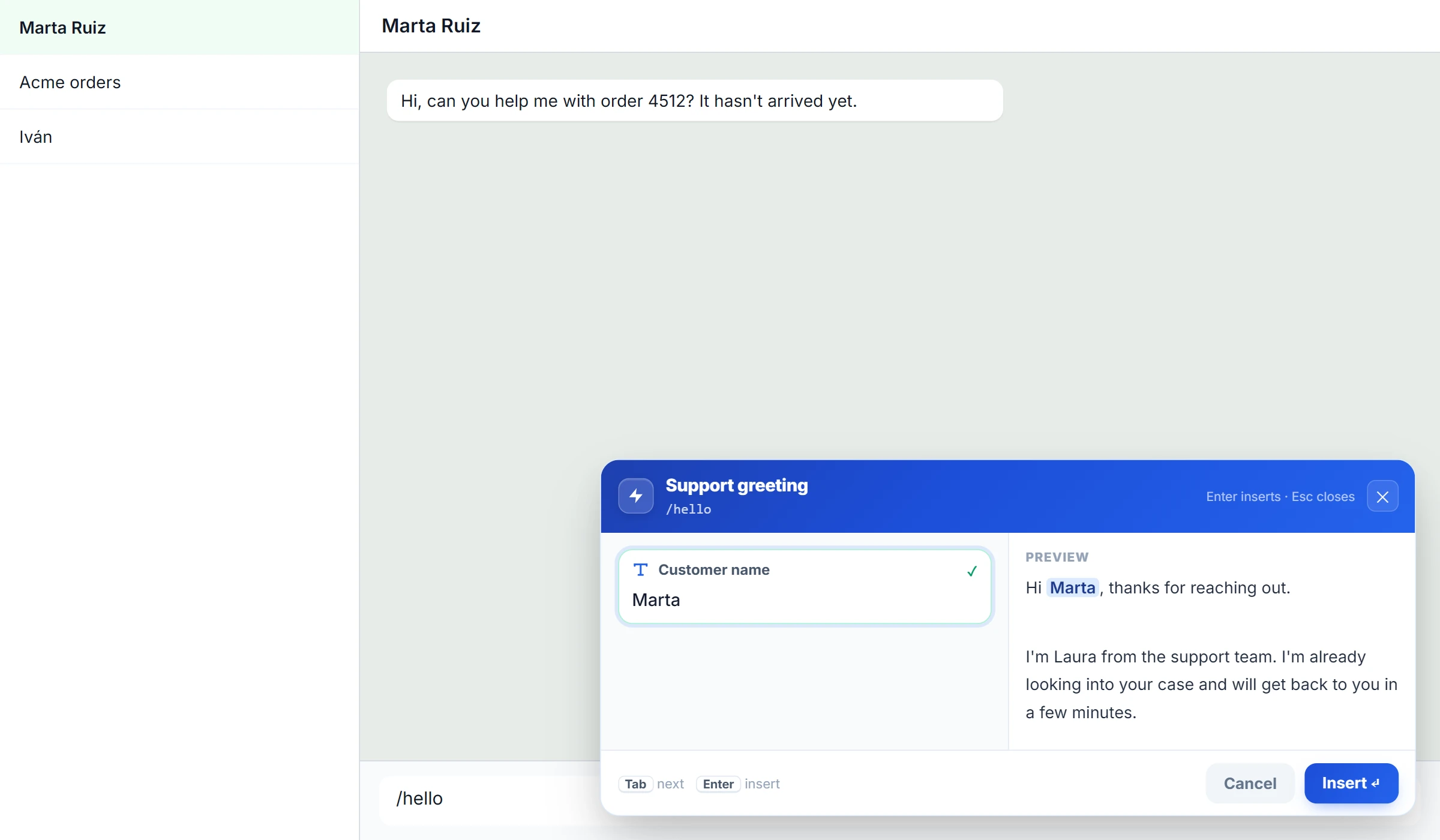
The best WhatsApp Web extensions in 2026
Seven extensions for WhatsApp Web, from privacy to translation, and why we don't recommend bulk messaging tools.
October 20, 2026 · 7 min read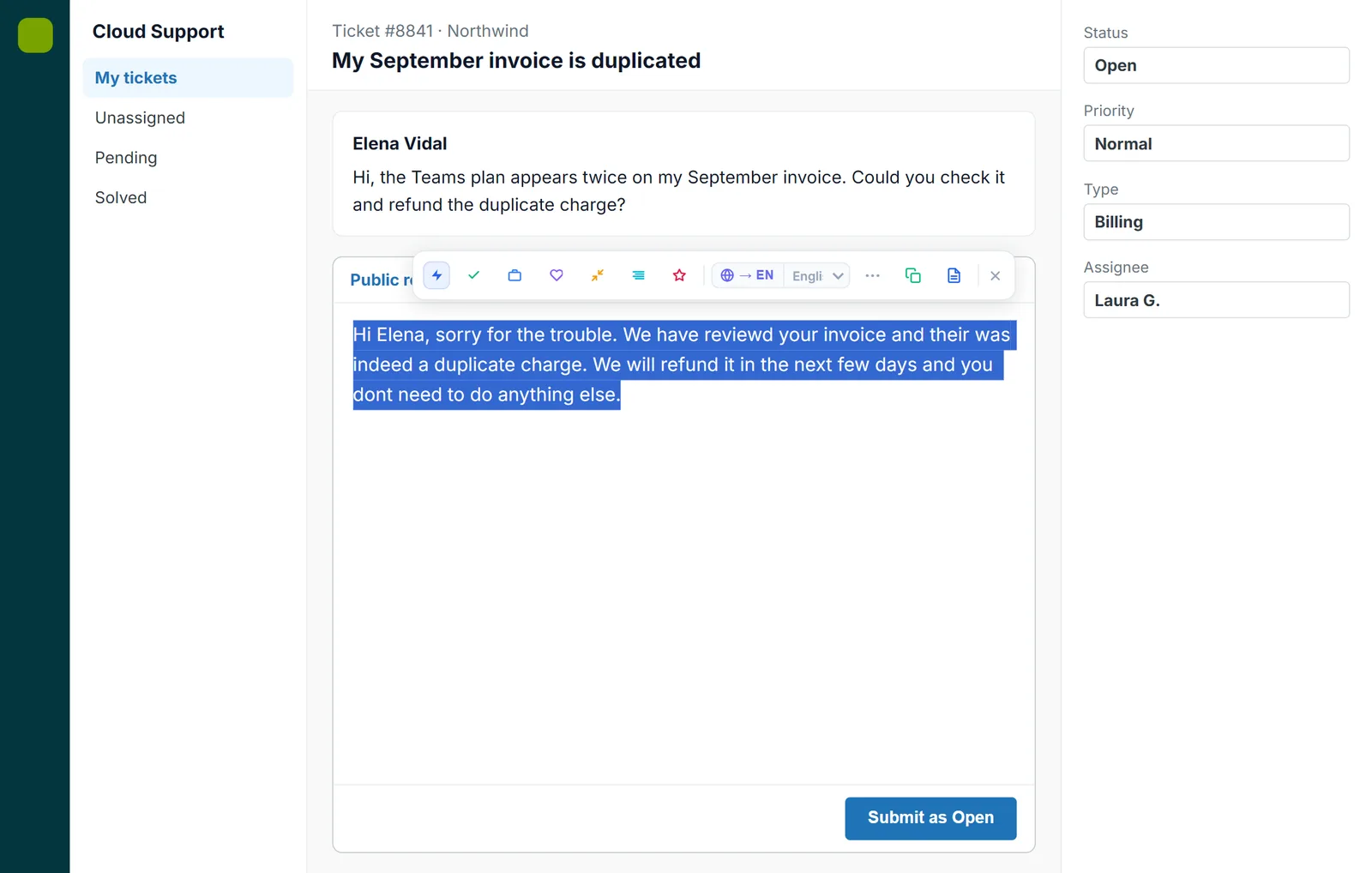
Grammarly alternatives
Six Grammarly alternatives to check and improve your writing, including which ones work best in other languages.
October 20, 2026 · 7 min read