
Shortcuts & templates
23 comparisons · Emails, support, sales and quick replies · Page 2 of 2
NexoPad vs PhraseExpress: the browser-based alternative
PhraseExpress works across your whole computer while NexoPad lives in the browser: what each offers, what it costs and when to choose each one.
October 19, 2026 · 6 min read
NexoPad vs Espanso
Espanso is free, open source and works across your whole computer; NexoPad lives in the browser and needs no config files. When to choose each.
October 19, 2026 · 6 min read
Text Blaze vs TextExpander: which one should you choose?
Pricing, free plans, platforms and features of Text Blaze and TextExpander, compared using data from their official websites.
October 19, 2026 · 7 min read
NexoPad vs Auto Text Expander
Features, variables, browsers and sync of Auto Text Expander and NexoPad, to help you choose the text expander that fits you.
October 19, 2026 · 6 min read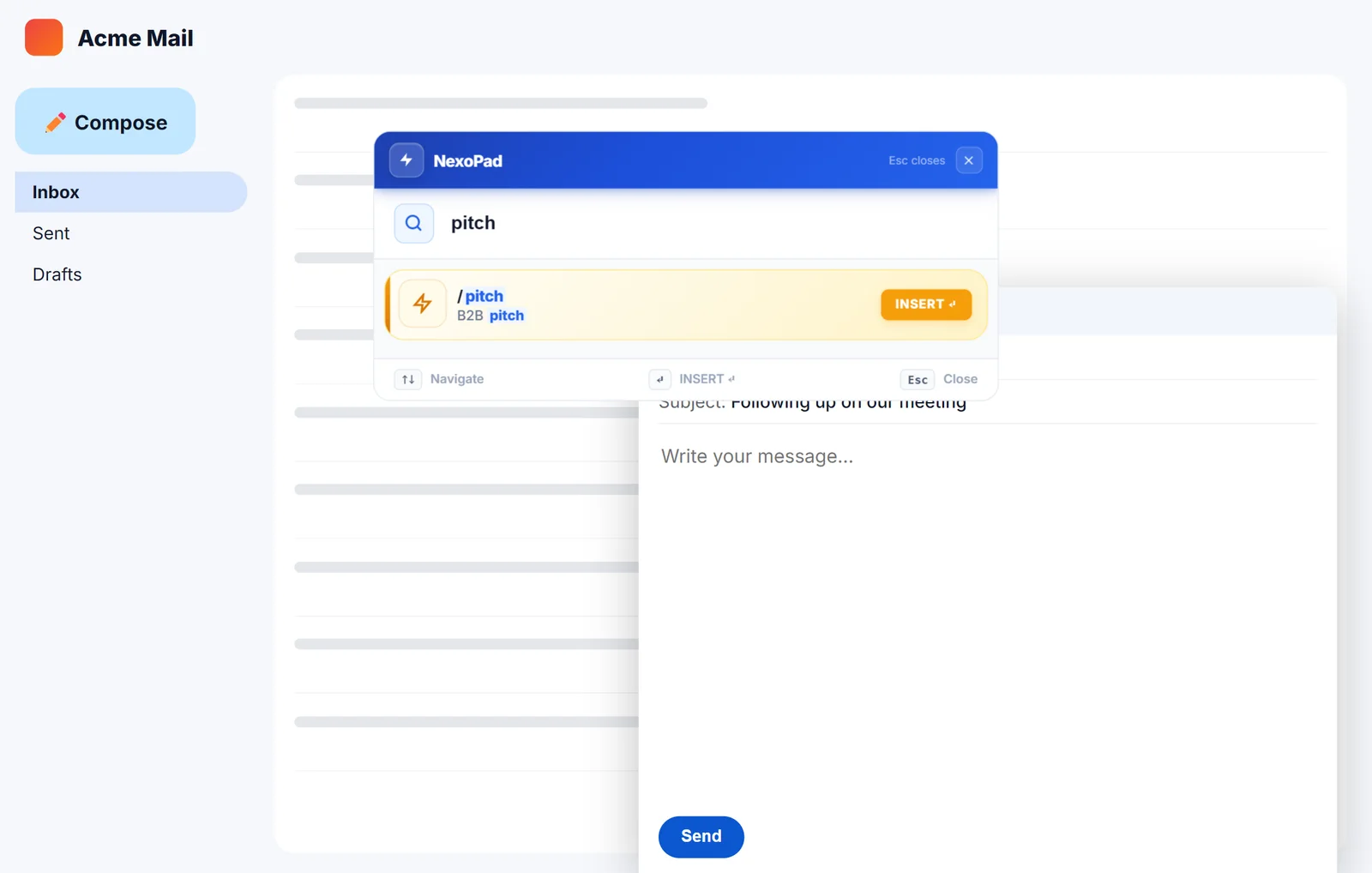
NexoPad vs Briskine: which one is right for you?
Templates, pricing, free plans and browsers of NexoPad and Briskine, to pick the one that fits you best.
October 19, 2026 · 5 min read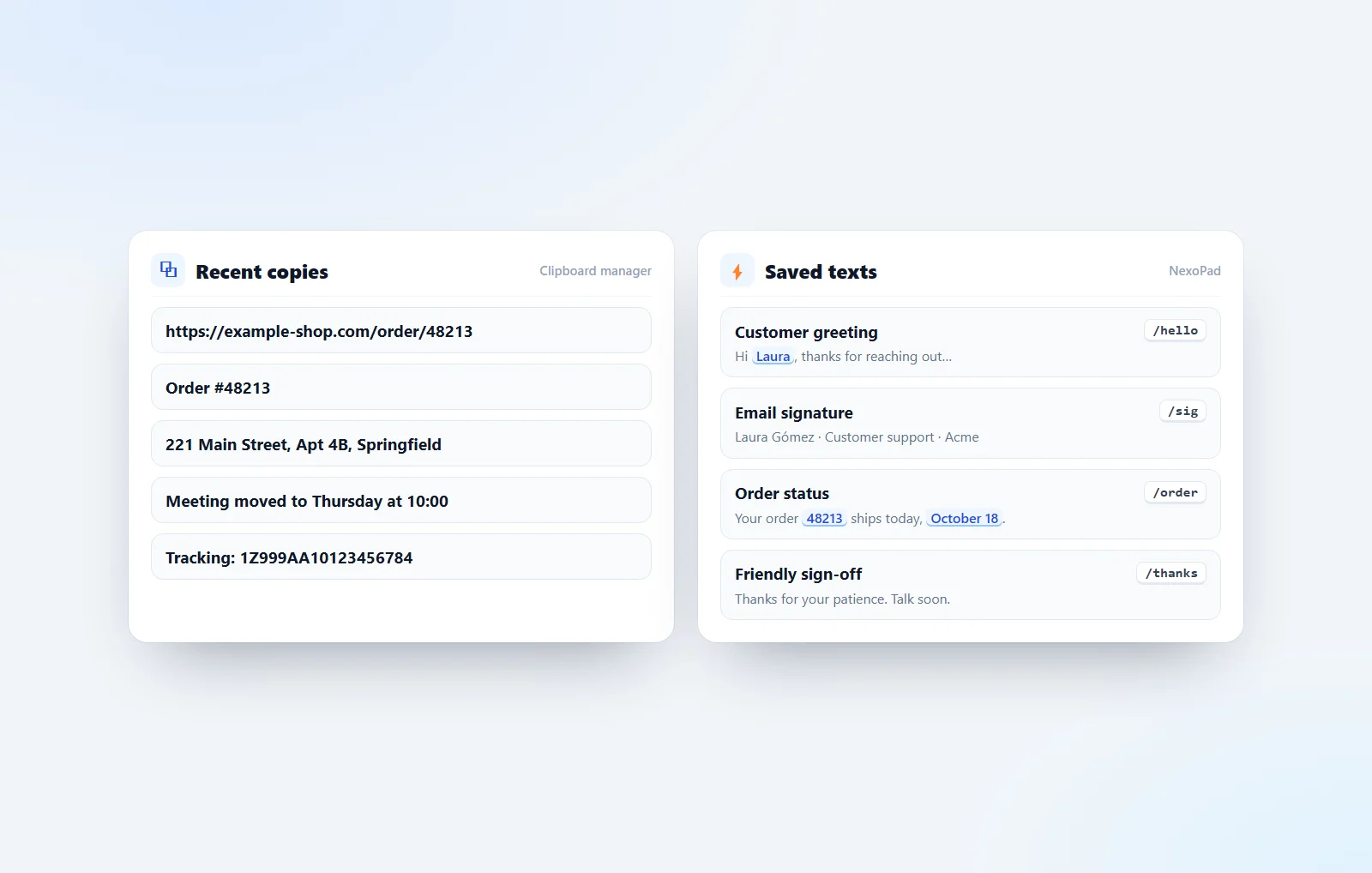
The best clipboard managers for Windows, Mac and Chrome
Windows and Mac clipboard history, Ditto, ClipClip, CopyQ, Maccy, Paste, Raycast, Alfred and a Chrome extension compared, plus when a text expander fits better.
October 18, 2026 · 10 min read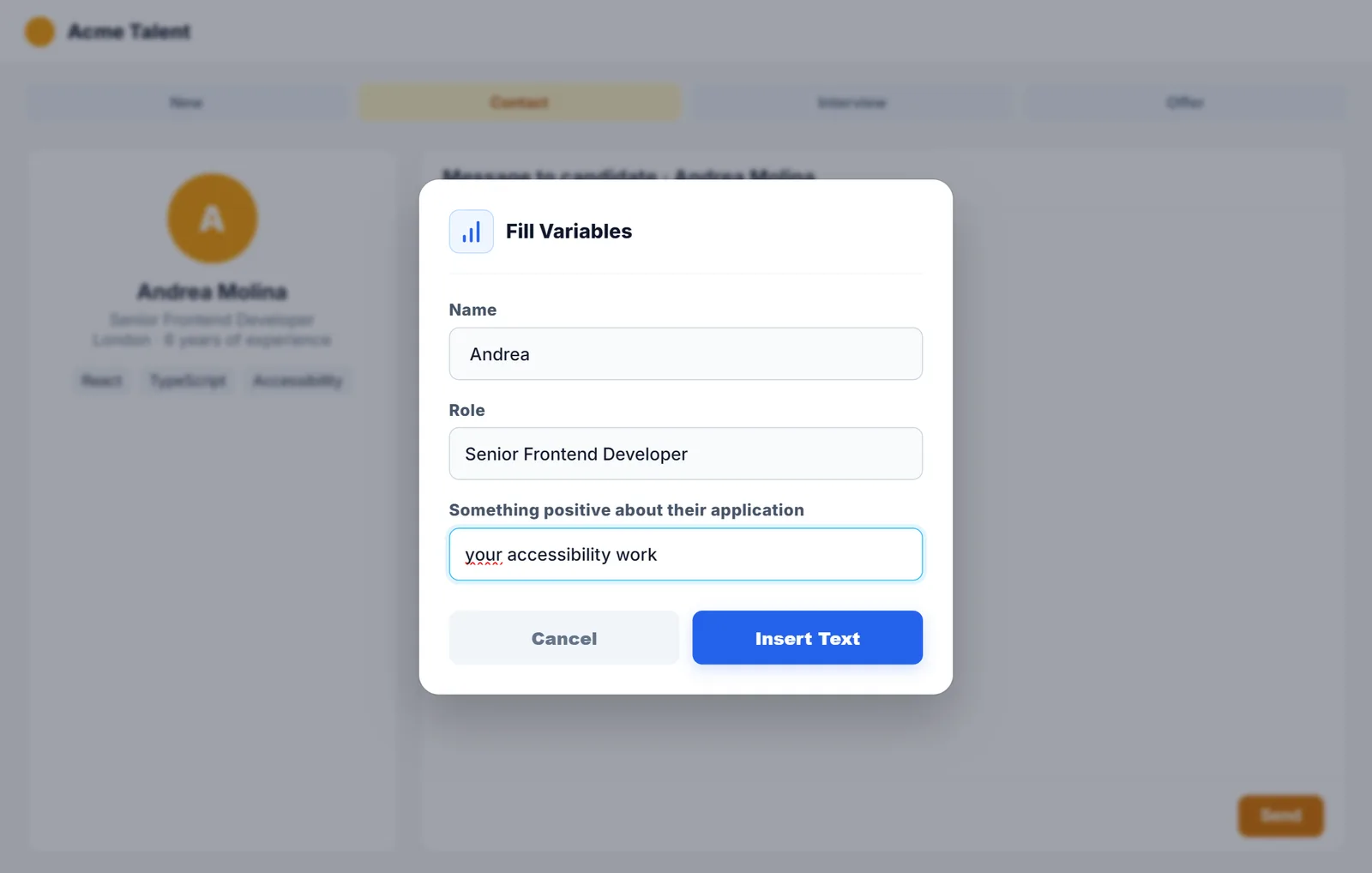
The best Chrome extensions for recruiters
Seven Chrome extensions to find candidates, contact them, book interviews and reply to them faster.
October 18, 2026 · 7 min read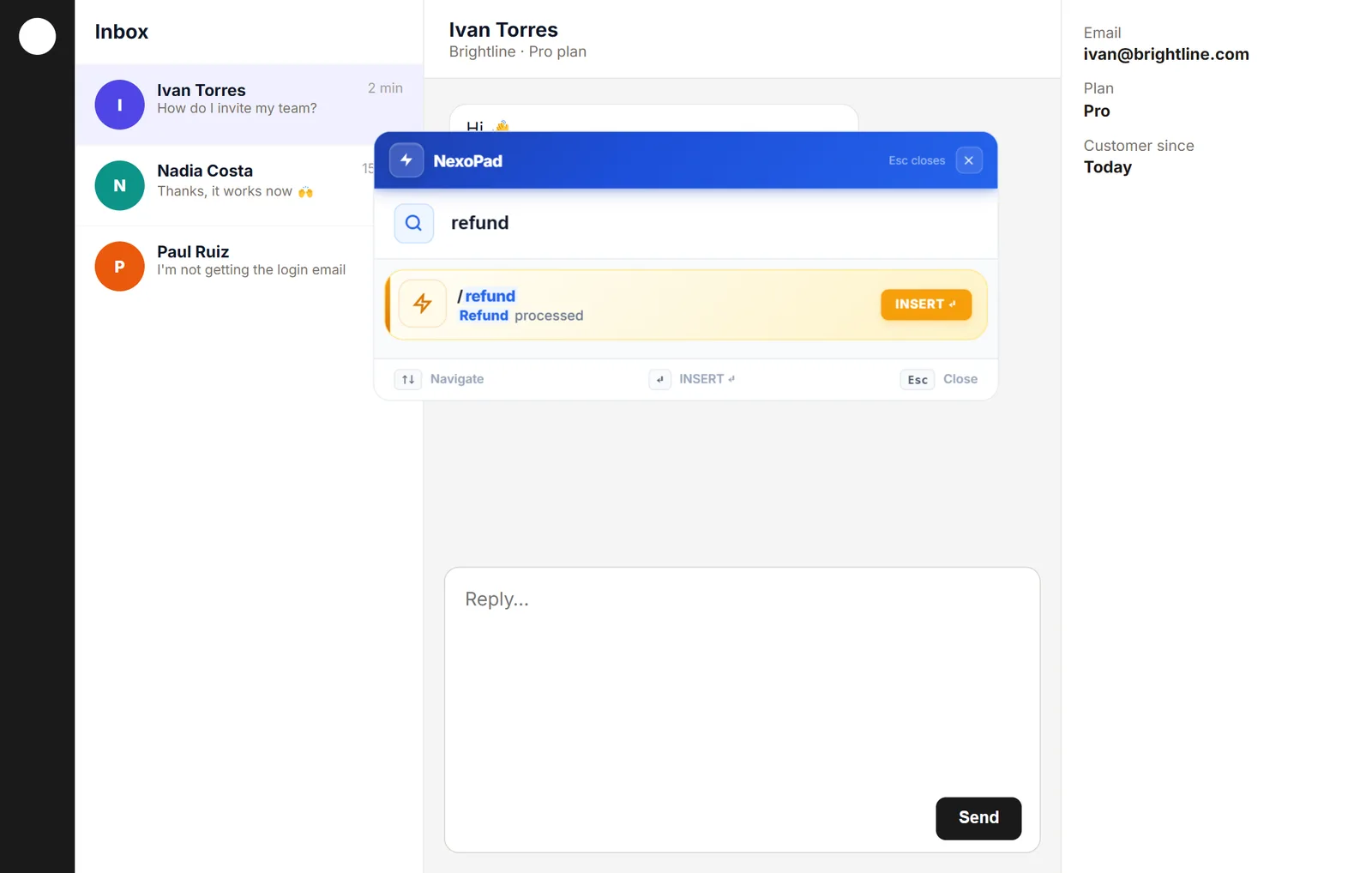
The best Chrome extensions for customer support
Six Chrome extensions that help support teams reply faster and better, from shortcut replies to translation.
October 18, 2026 · 7 min read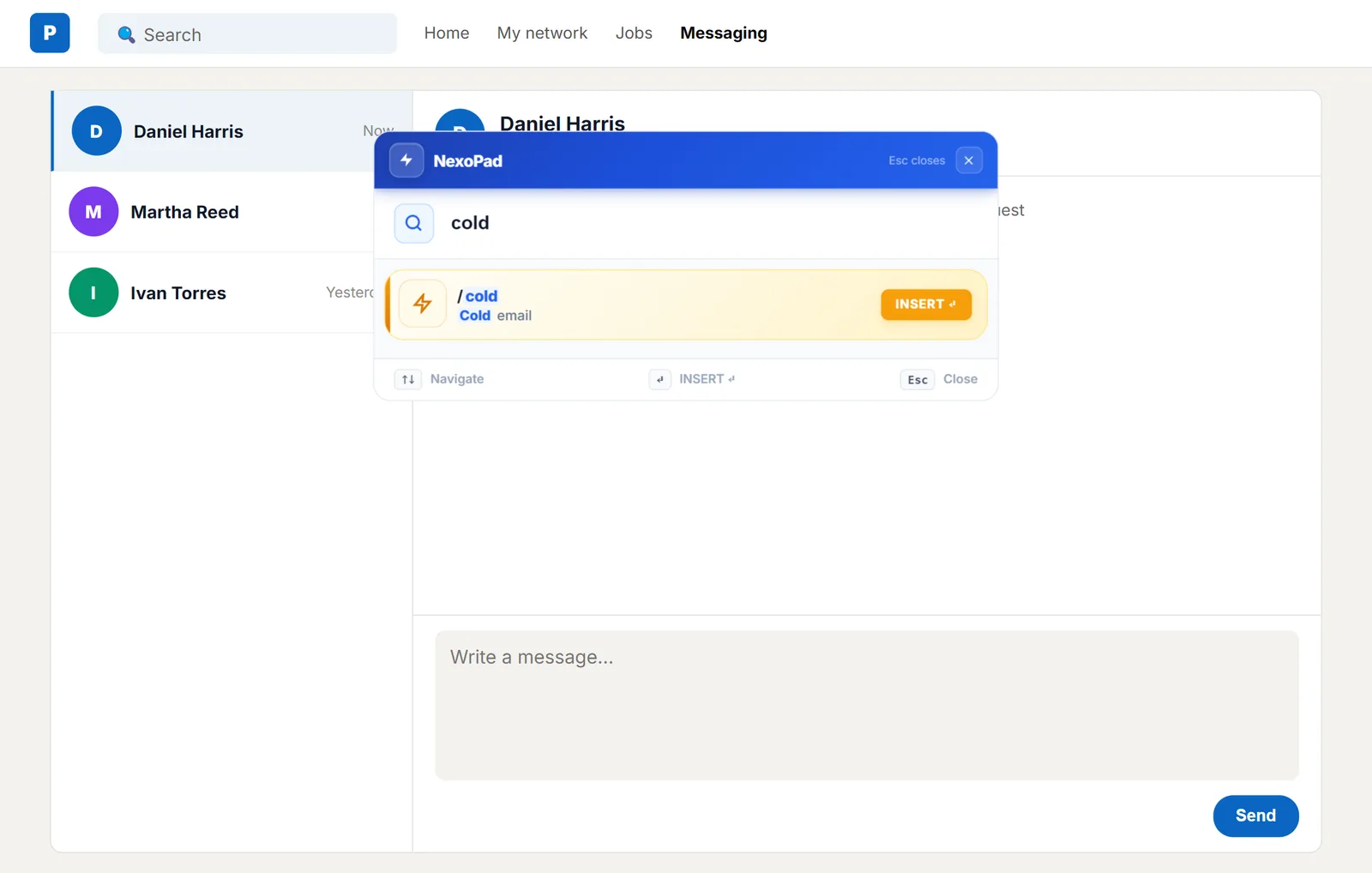
The best Chrome extensions for salespeople
Seven Chrome extensions to sell more in less time: finding contacts, booking meetings, following up and writing faster.
October 18, 2026 · 7 min read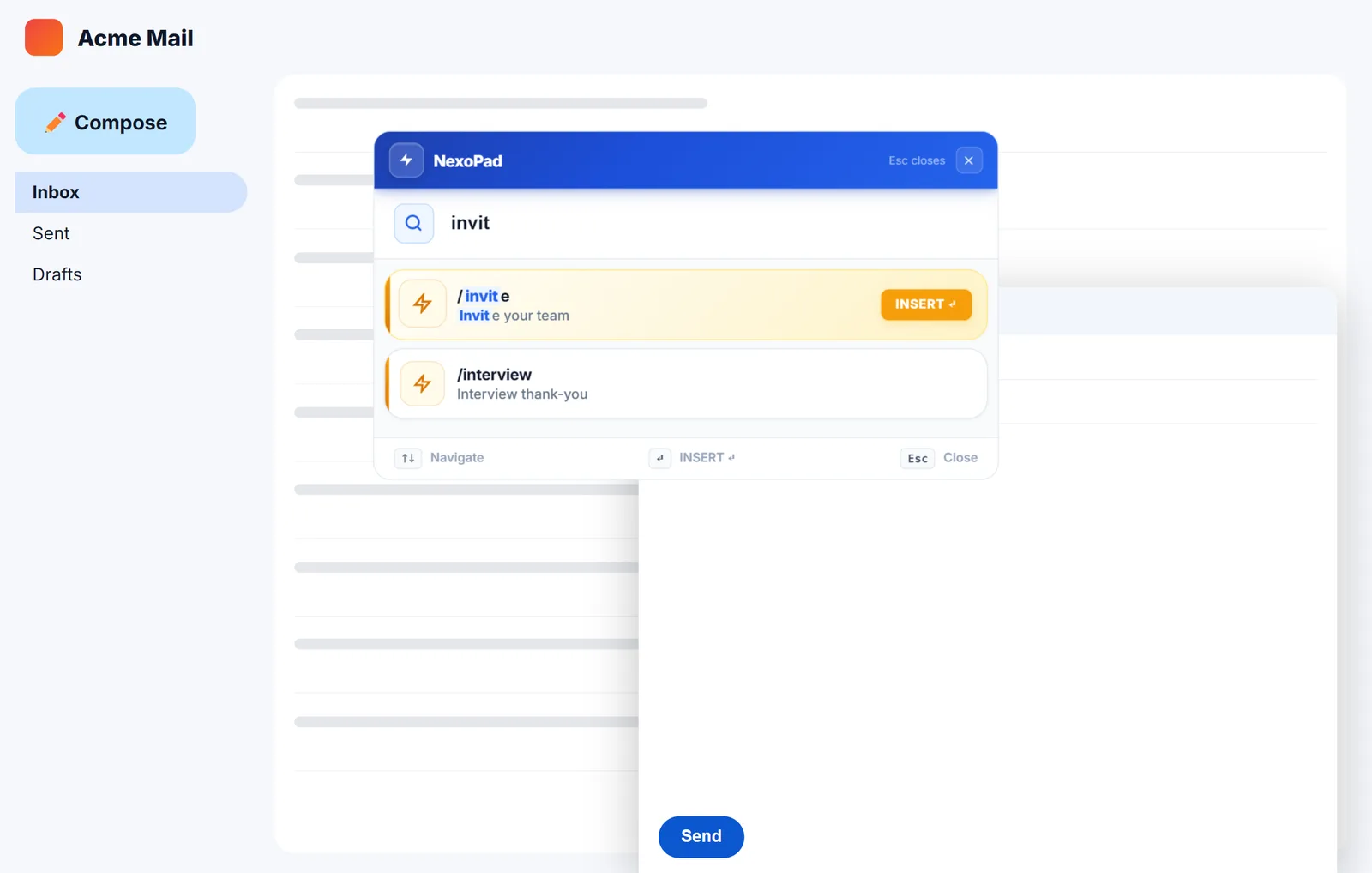
Gmail templates vs text expander
Gmail templates are free and already in your inbox; a text expander is faster and works everywhere. We help you decide.
October 18, 2026 · 5 min read
AutoHotkey for typing text: an easier alternative
AutoHotkey is free and works across Windows, but you have to write a script; NexoPad does the same in your browser without a single line of code.
October 14, 2026 · 6 min read