
Guides to write and work faster
Page 4 of 8
Online notepad: how to pick one that won't lose your notes
What to look for in an online notepad and your three options: no-account websites, Google Keep or a notepad inside your browser.
October 20, 2026 · 6 min read
How to open the same pages every time Chrome starts
Make Chrome open your usual pages at startup, and keep each task's set of pages one click away.
October 20, 2026 · 6 min read
Desktop sticky notes: how to keep your notes always in view
Sticky Notes on Windows, Stickies on Mac and a browser alternative: what each one does well and where it falls short.
October 20, 2026 · 6 min read
How to save a webpage in Chrome
Complete page, PDF, link or screenshot: what each Chrome option keeps, which one works offline and when to use each.
October 20, 2026 · 6 min read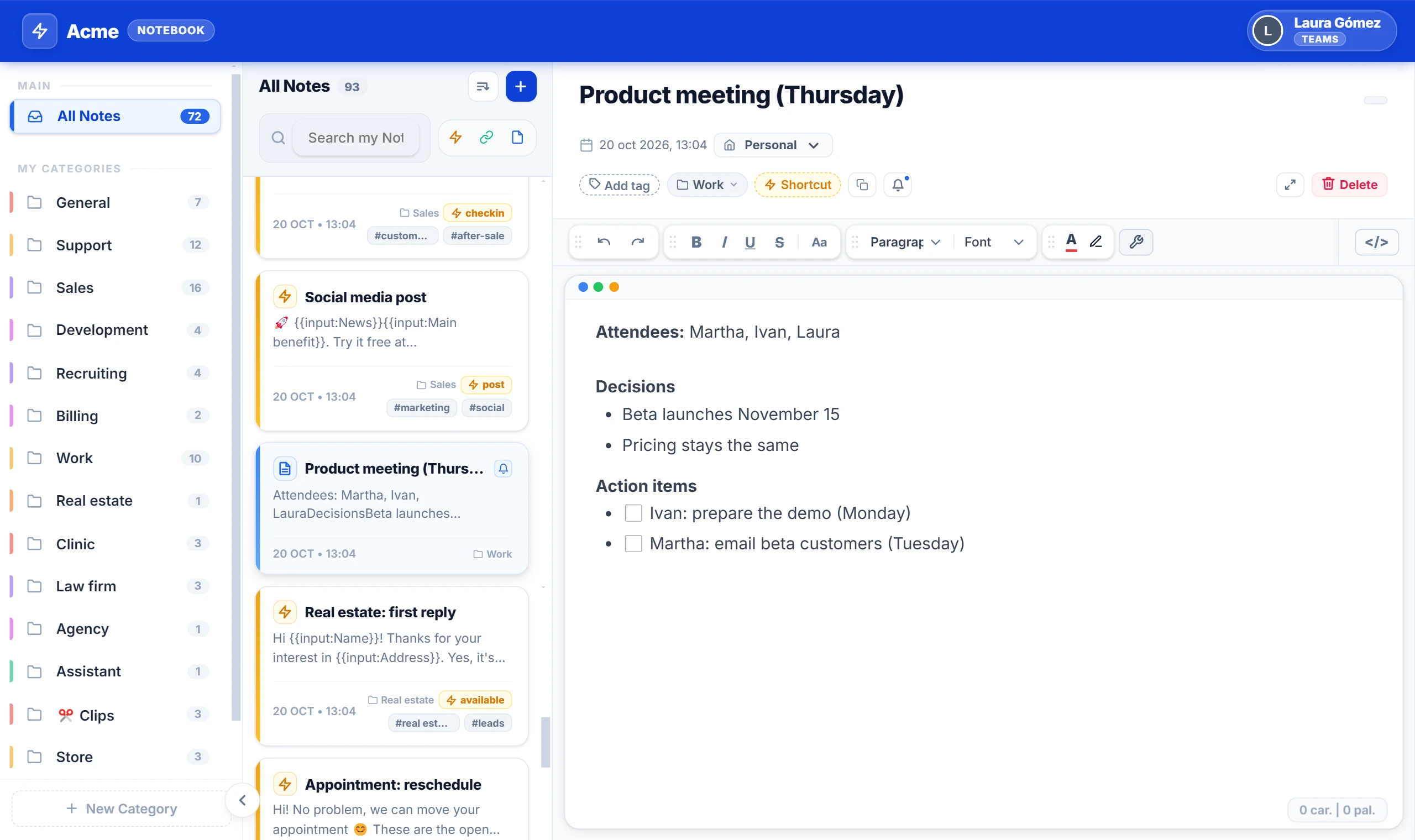
The complete guide to taking and organizing notes in your browser
Notes on paper, in chats with yourself and in five different apps. A simple method to take notes in your browser and always have them at hand.
October 20, 2026 · 8 min read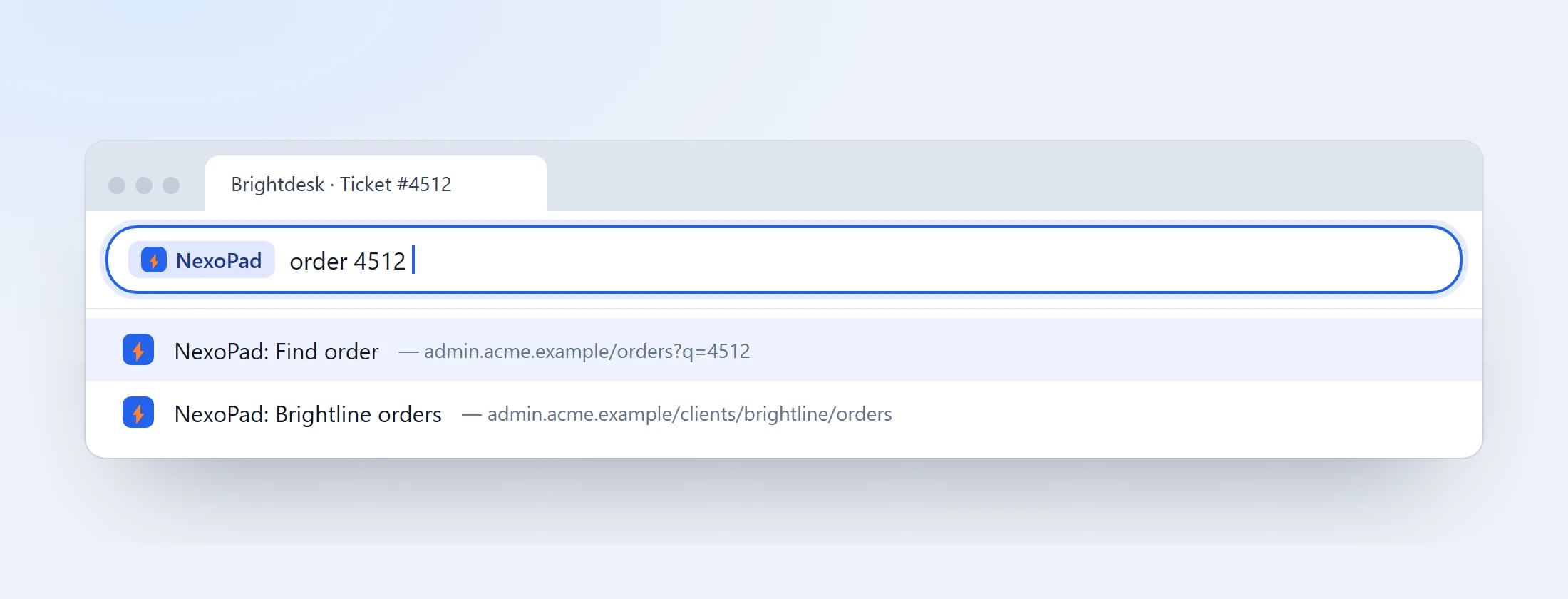
How to open your sites by typing one word in Chrome's address bar
Type one word in the address bar and open the site you need, or search right inside it. How to do it with Chrome and with NexoPad.
October 20, 2026 · 6 min read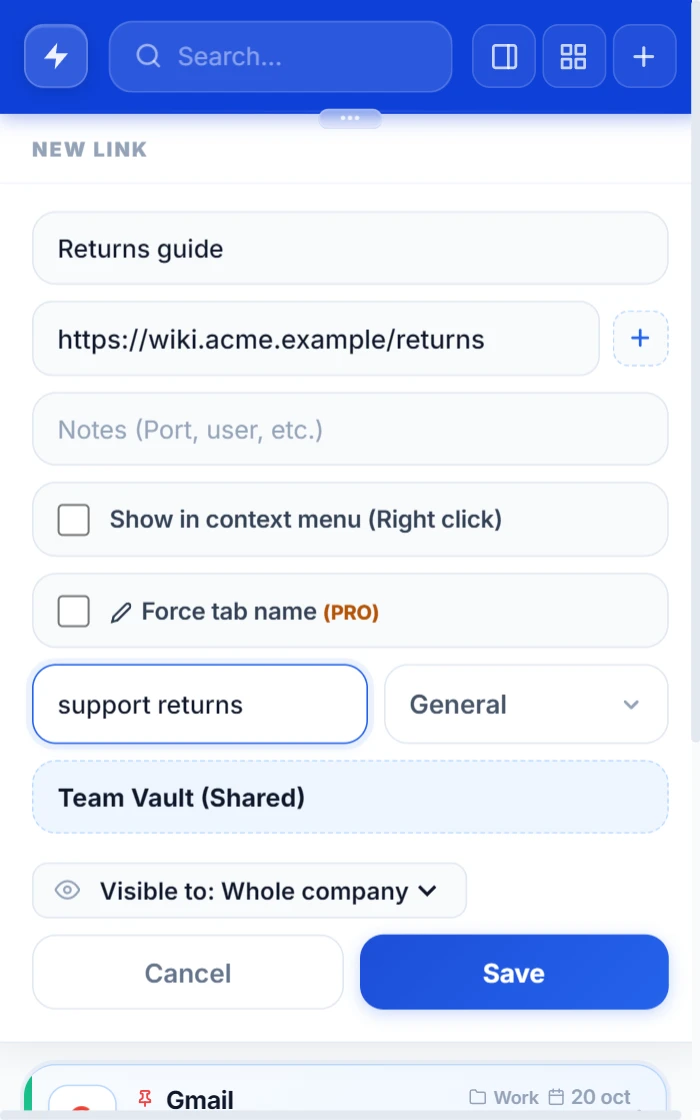
How to share links with your team (and make sure everyone uses the same ones)
Links lost in chat and outdated bookmarks. The ways to share links with your team and how to keep the same ones one click away.
October 20, 2026 · 6 min read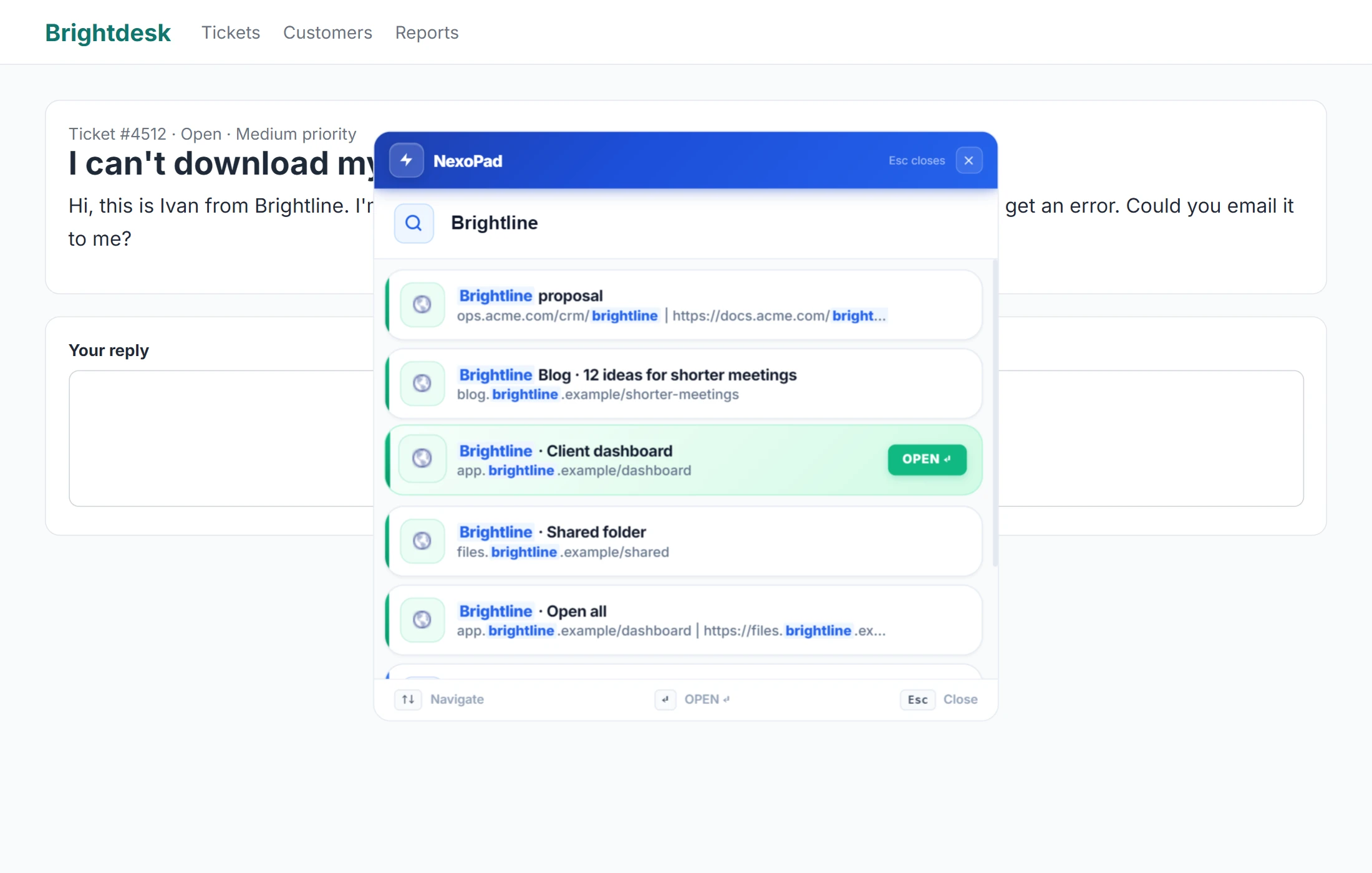
A notepad for support and sales: customer details at hand while you work
What to write down for each customer, a simple template and how to keep your notes at hand from the ticket or CRM, without switching tabs.
October 20, 2026 · 6 min read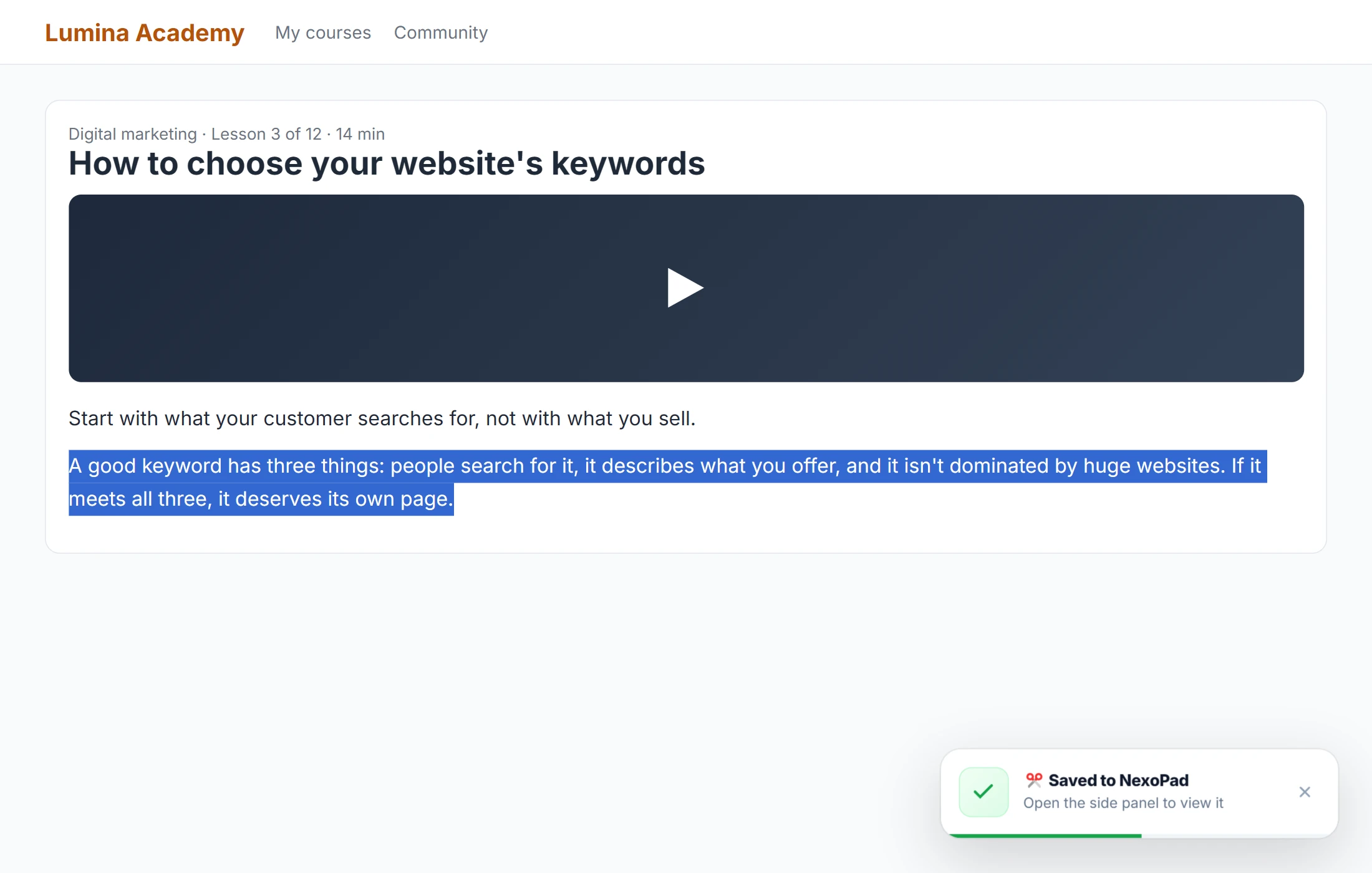
How to take notes from online classes and courses in your browser
Tips for taking good notes from videos and online courses, and how to do it without leaving the browser or losing where each idea came from.
October 20, 2026 · 6 min read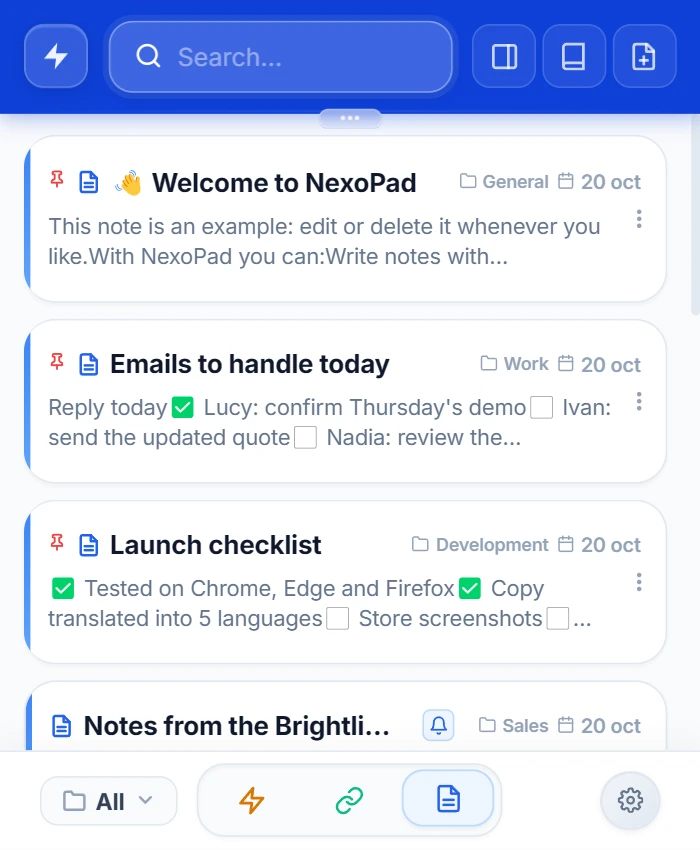
How to take quick notes in Chrome without switching tabs
Chrome has no built-in notepad. Three tricks that need no install, and how to jot something down in two seconds without leaving the page.
October 20, 2026 · 6 min read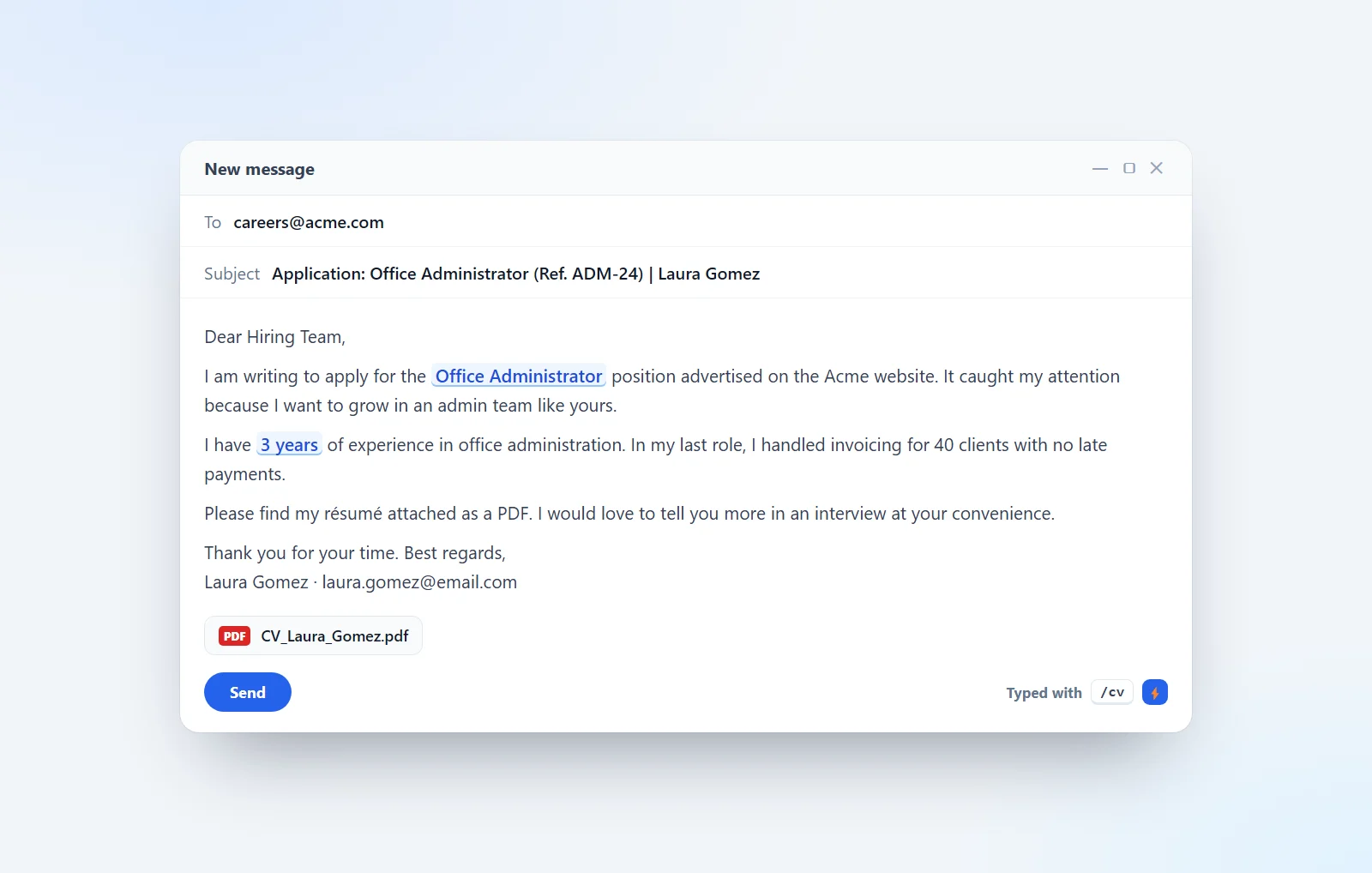
Email to send your resume: how to write it, with examples
What to put in the subject line, how to structure the message, how to attach your résumé and 7 email examples to copy: job ad, cold application, referral, first job, internship and follow-up.
October 18, 2026 · 9 min read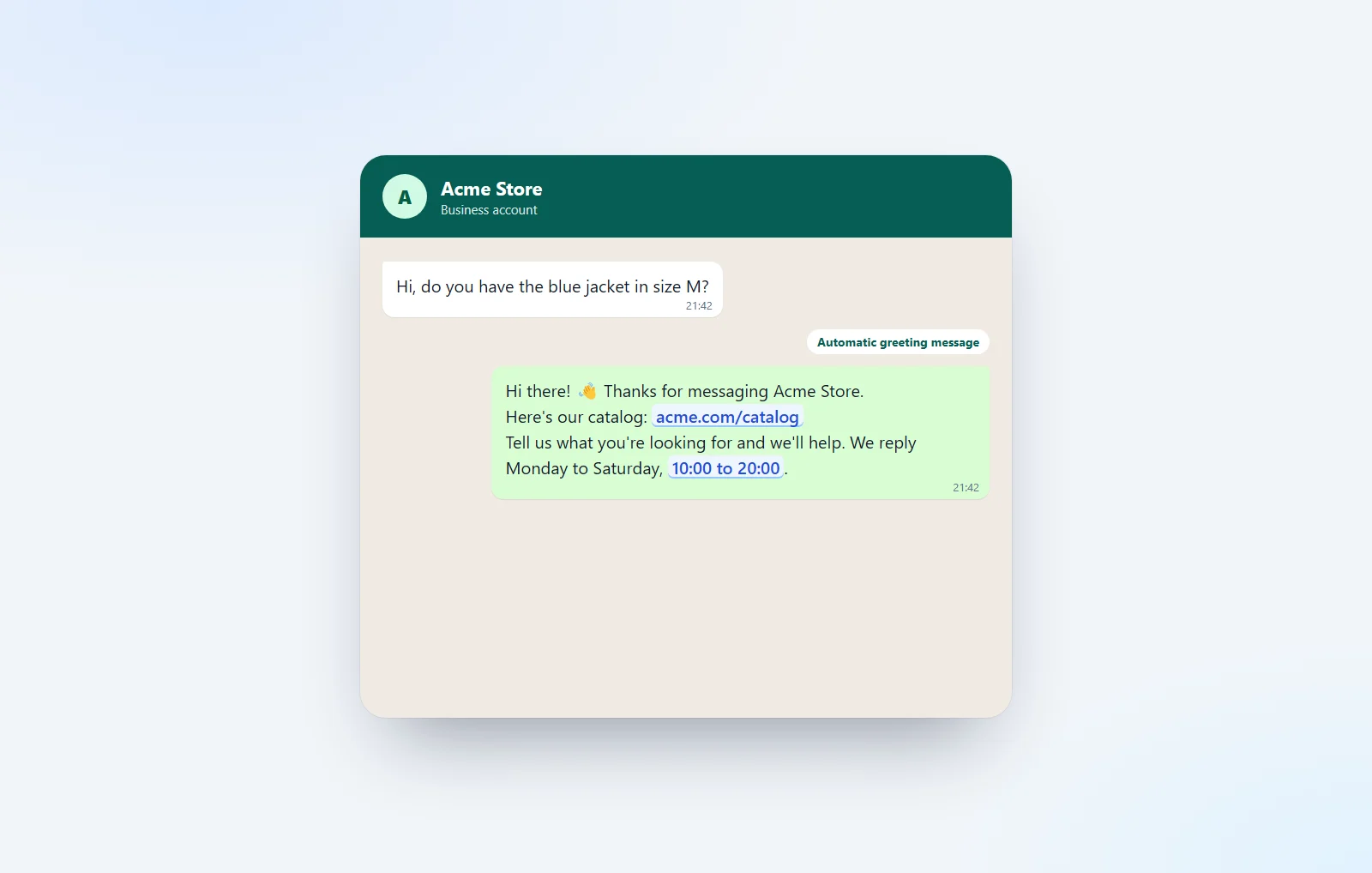
WhatsApp Business automatic messages: how to set them up, with 36 examples
Greeting message, away message and quick replies in WhatsApp Business: how to set them up on Android and iPhone, plus 36 examples by type of business.
October 18, 2026 · 11 min read