Guides to write and work faster
Page 3 of 4
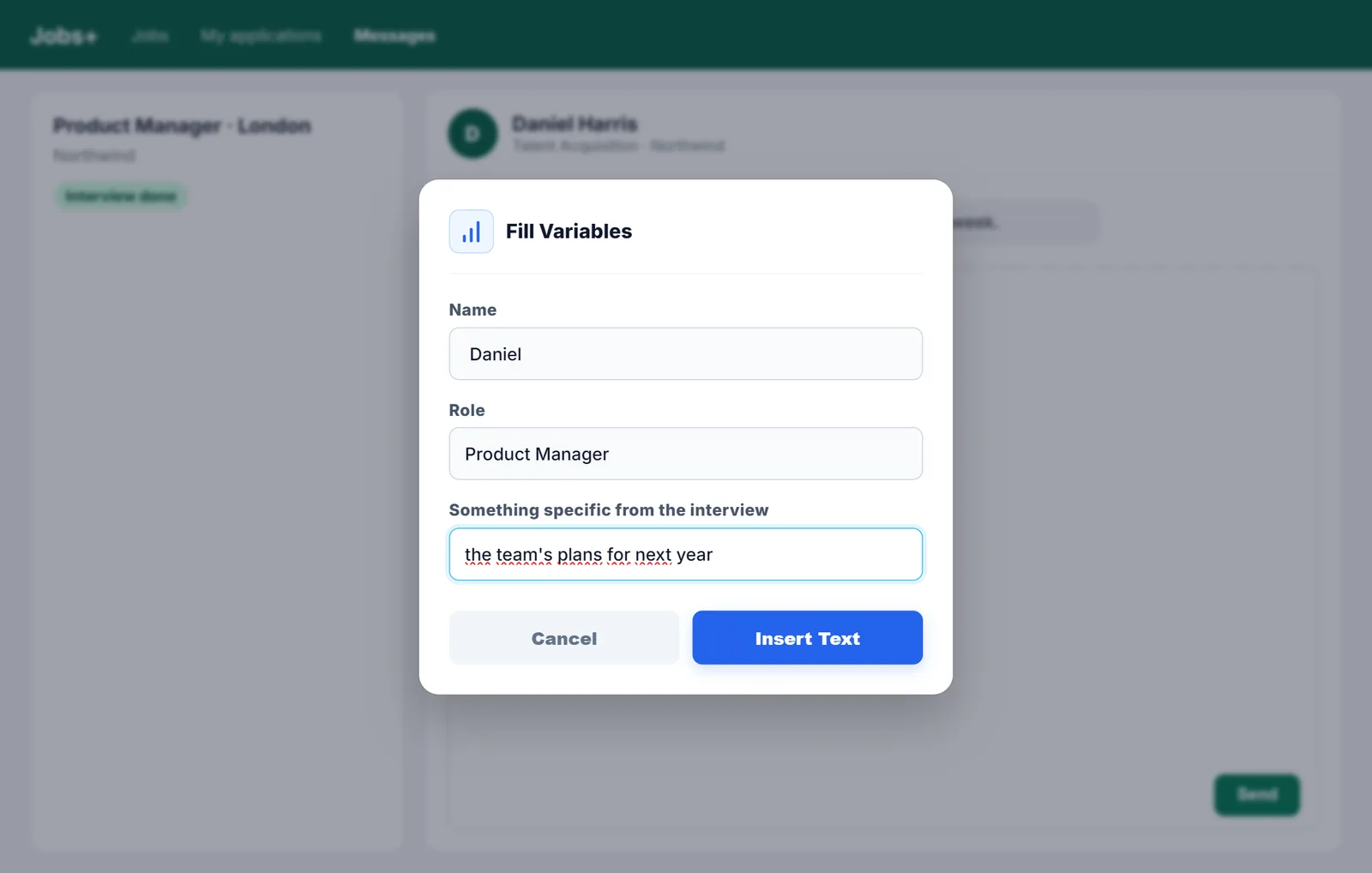
Follow-up email after an interview
When to send the email after an interview, what to say and four examples: thank-you, follow-up, after a second interview and if you're not selected.
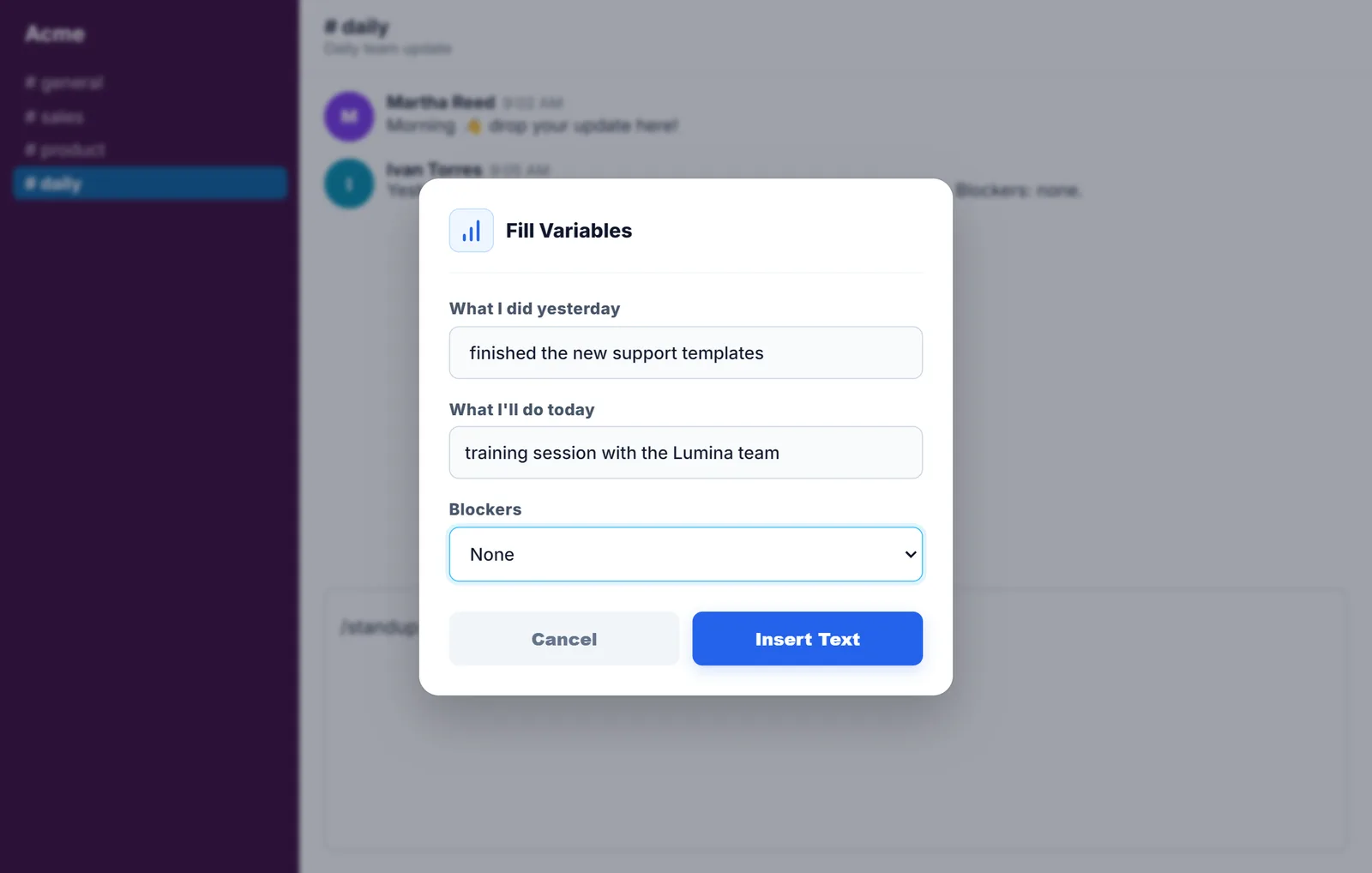
Quick replies in Slack and Microsoft Teams
What Slack and Teams offer to stop repeating messages and how to get shortcut replies in their browser versions.
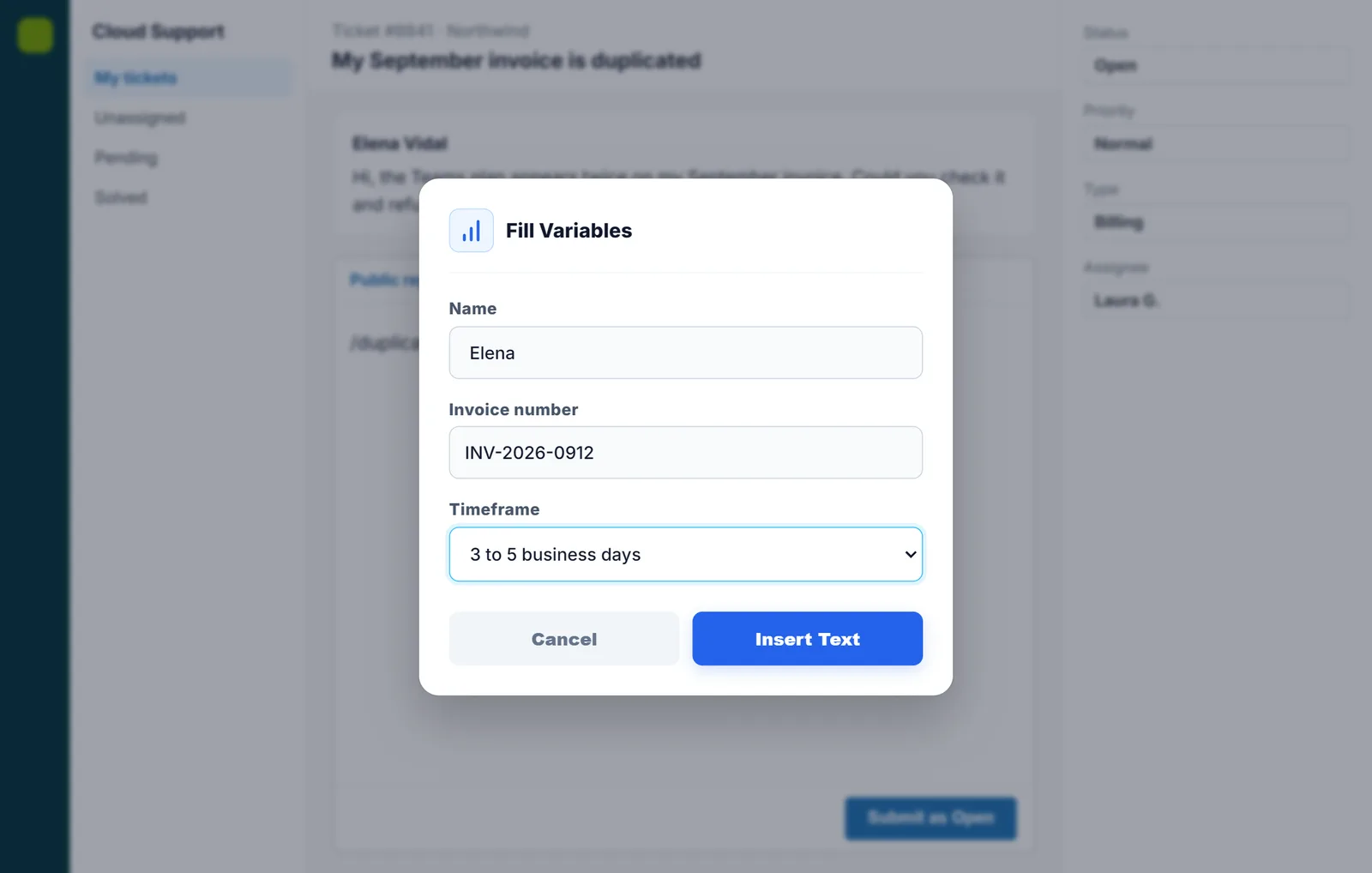
Macros and quick replies in Zendesk and Intercom
How Zendesk and Intercom macros work, how to insert them in seconds and how to use the same replies outside those tools.
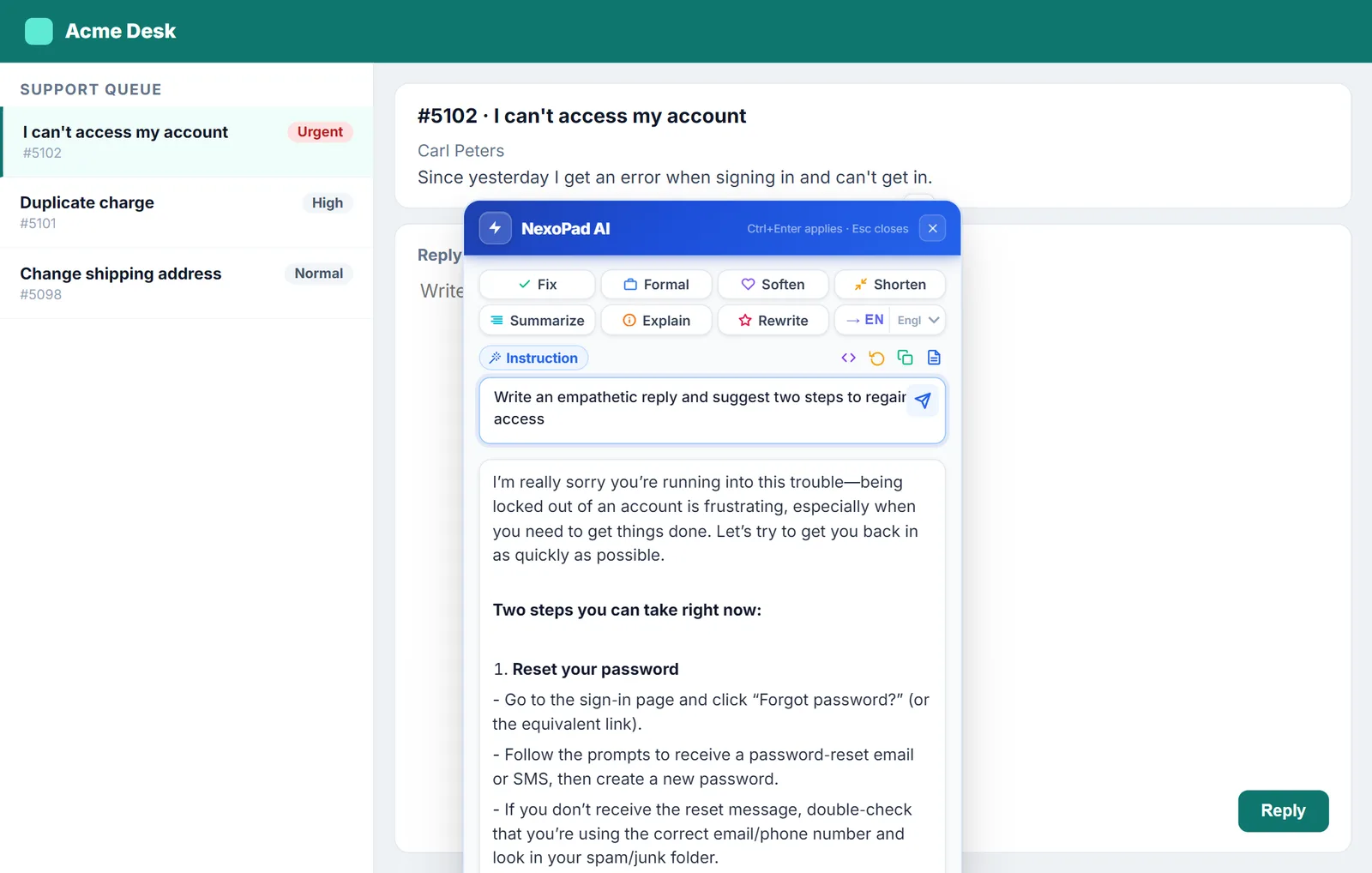
10 AI prompts for customer support
Ten AI instructions for everyday support work, from summarizing a ticket to detecting its urgency, and how to keep them one click away.
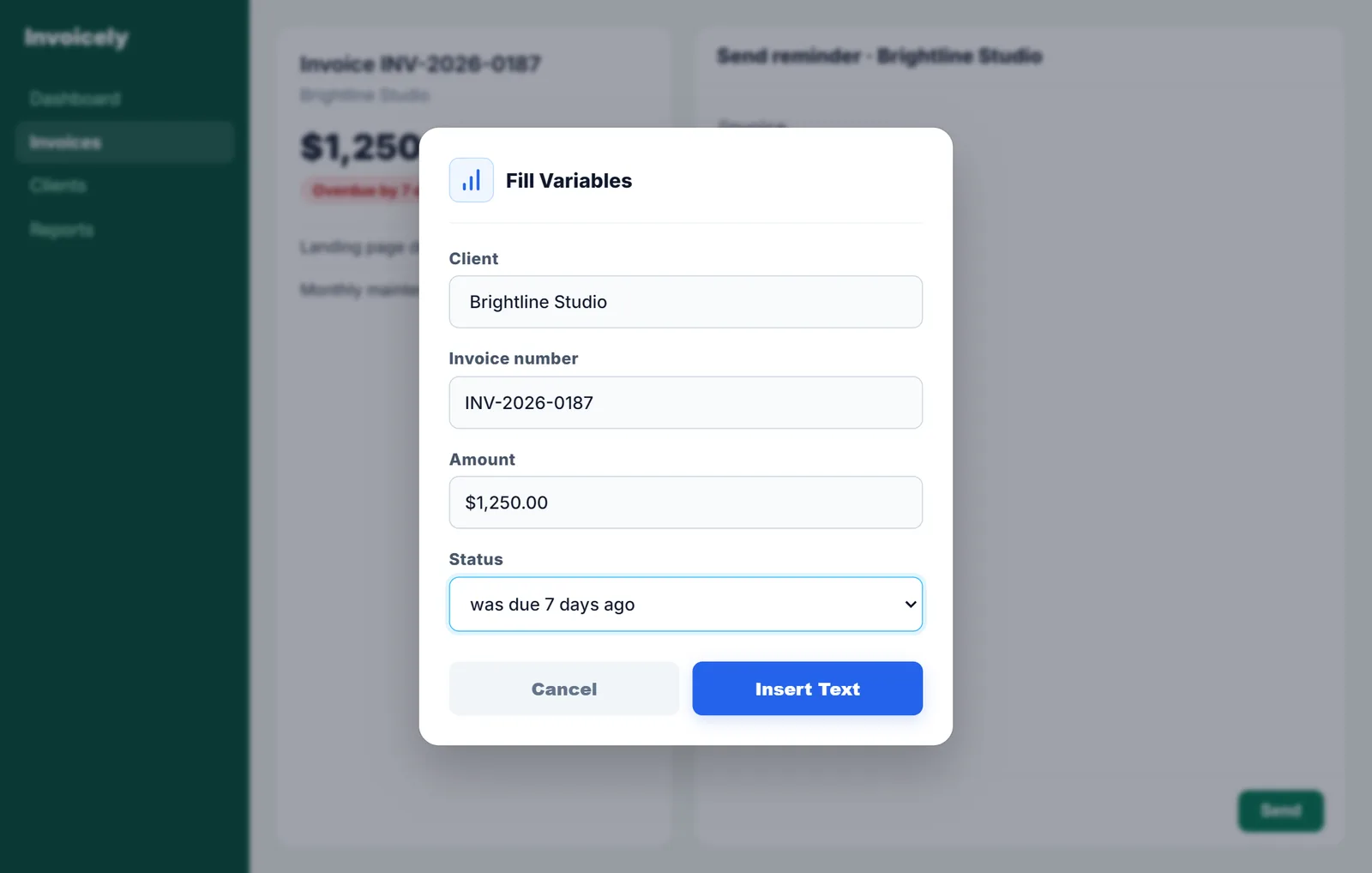
Payment reminder email templates
Five templates to chase an unpaid invoice without losing the client, from the first friendly note to the final reminder.
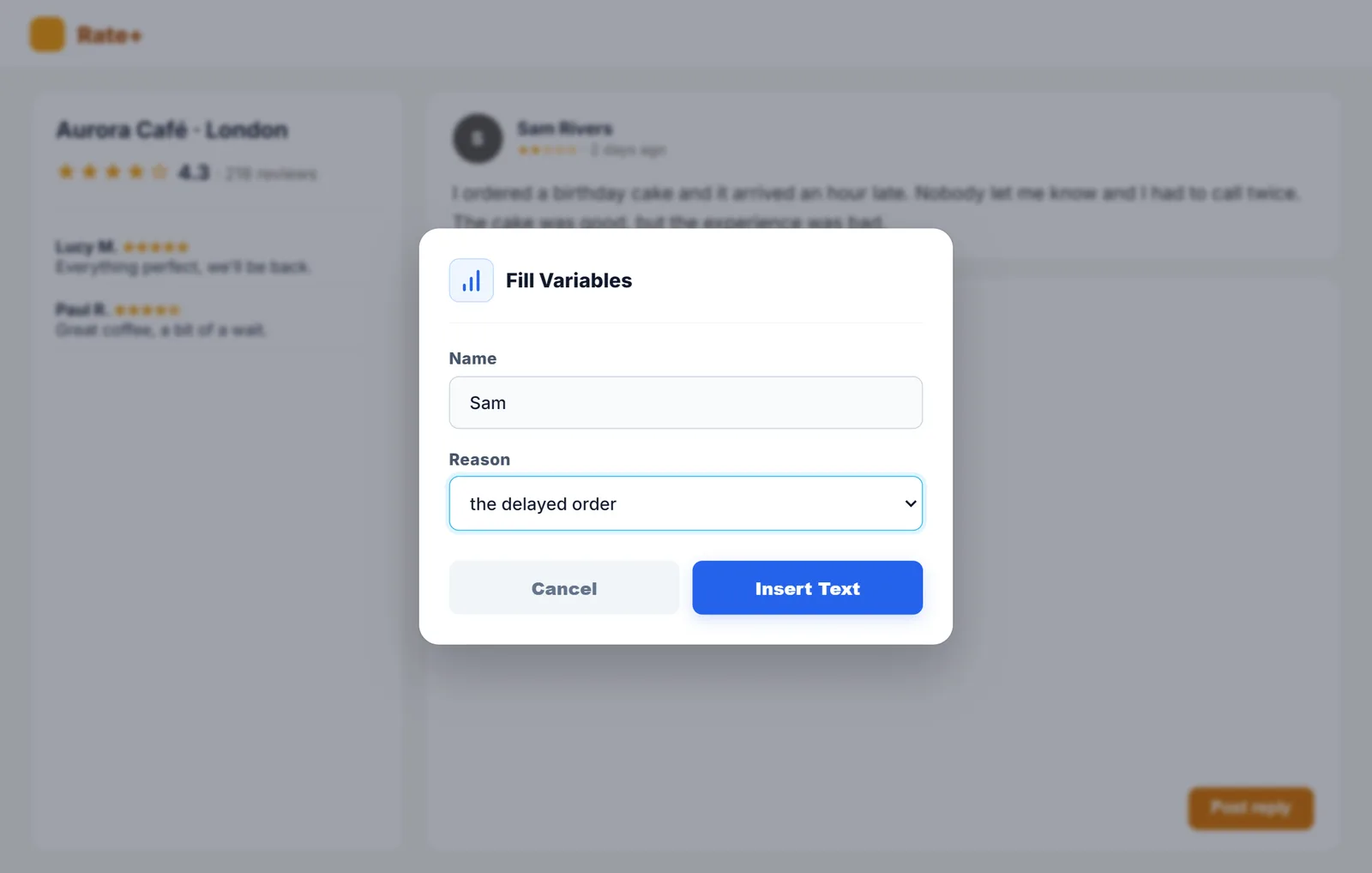
How to respond to negative reviews
The steps to answer a bad review without making things worse, with five response examples depending on the complaint.
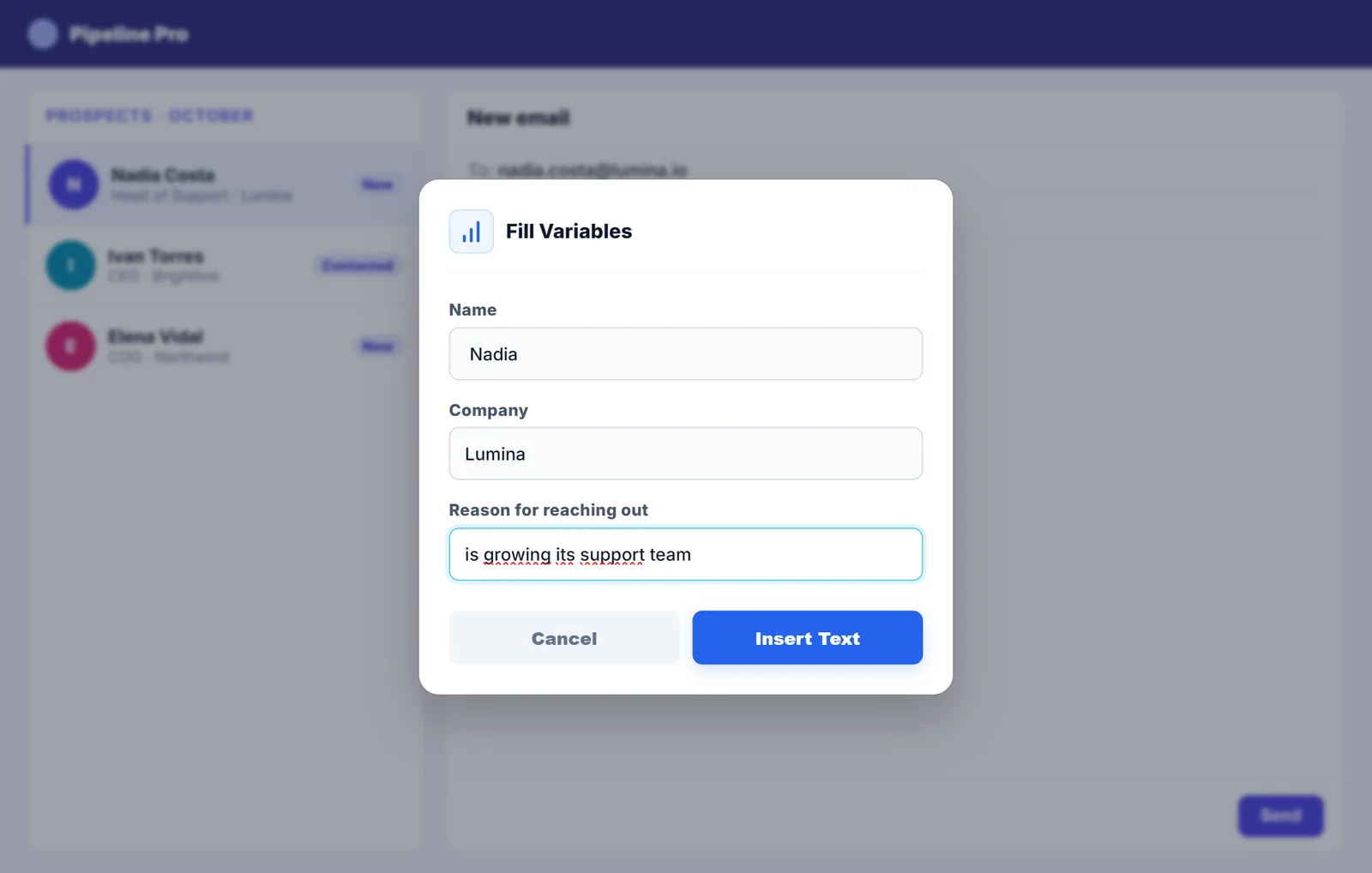
Cold email templates for prospecting
The structure of a good cold email and five templates to prospect without sounding like spam.
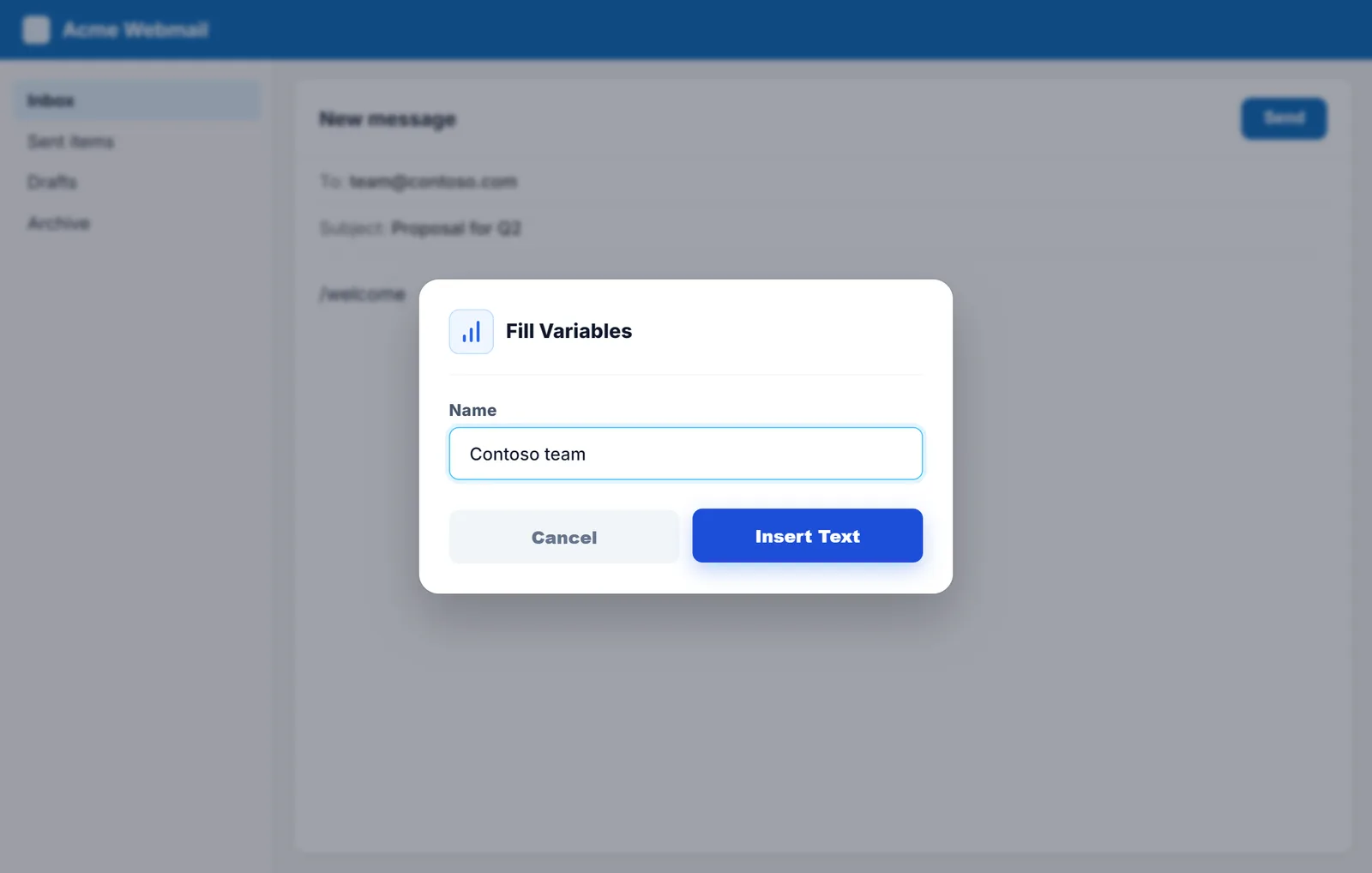
Welcome email for new customers
What a good welcome email should include and five templates to help your new customers get off to a great start.
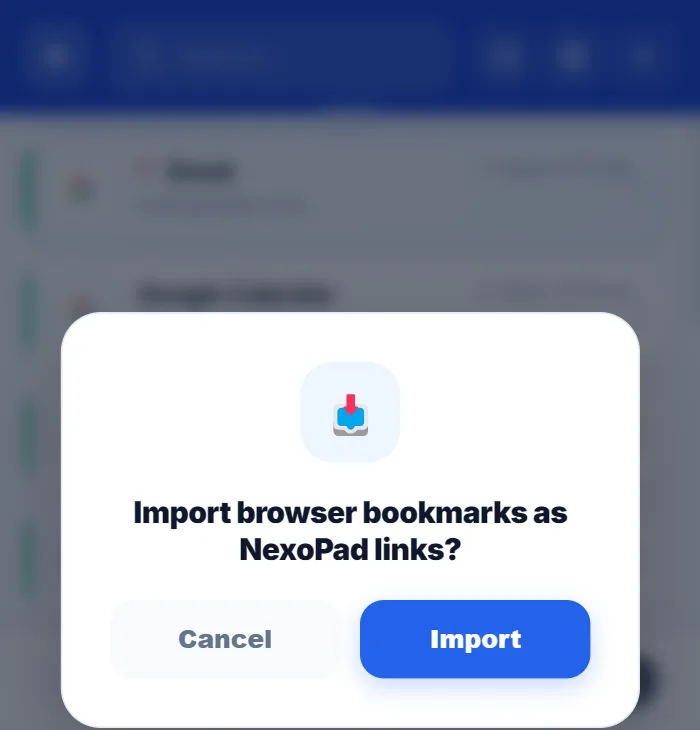
How to organize your browser bookmarks
Six steps to go from a messy pile of bookmarks to a list you can search in seconds.
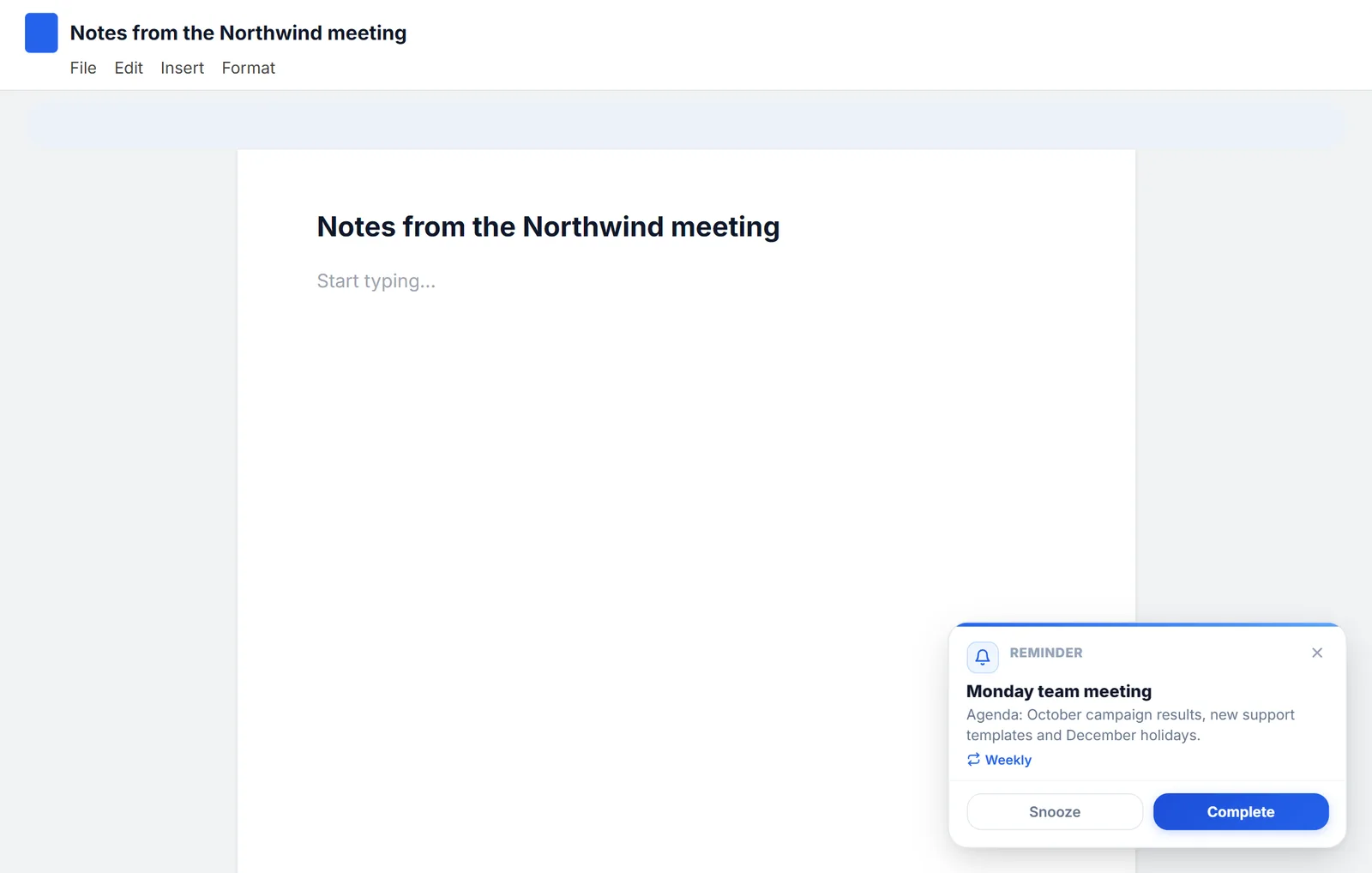
How to set reminders in Chrome
Chrome doesn't come with reminders, but you can get them with Google Tasks, Google Calendar or an extension. All three, step by step.
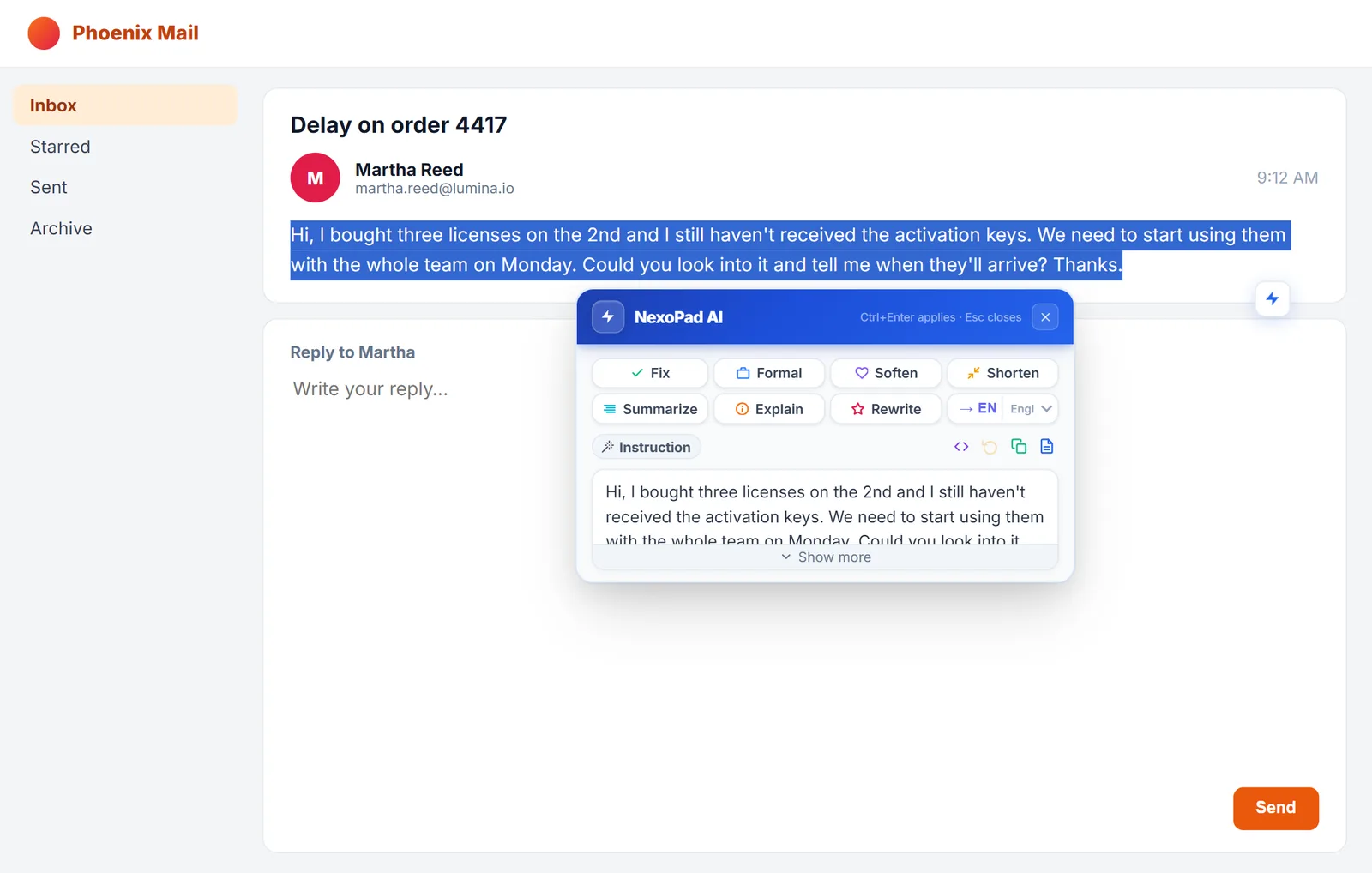
How to use AI to reply to emails faster
Three ways to use AI to reply to emails without leaving the page, with real examples and tips for reviewing what it writes.
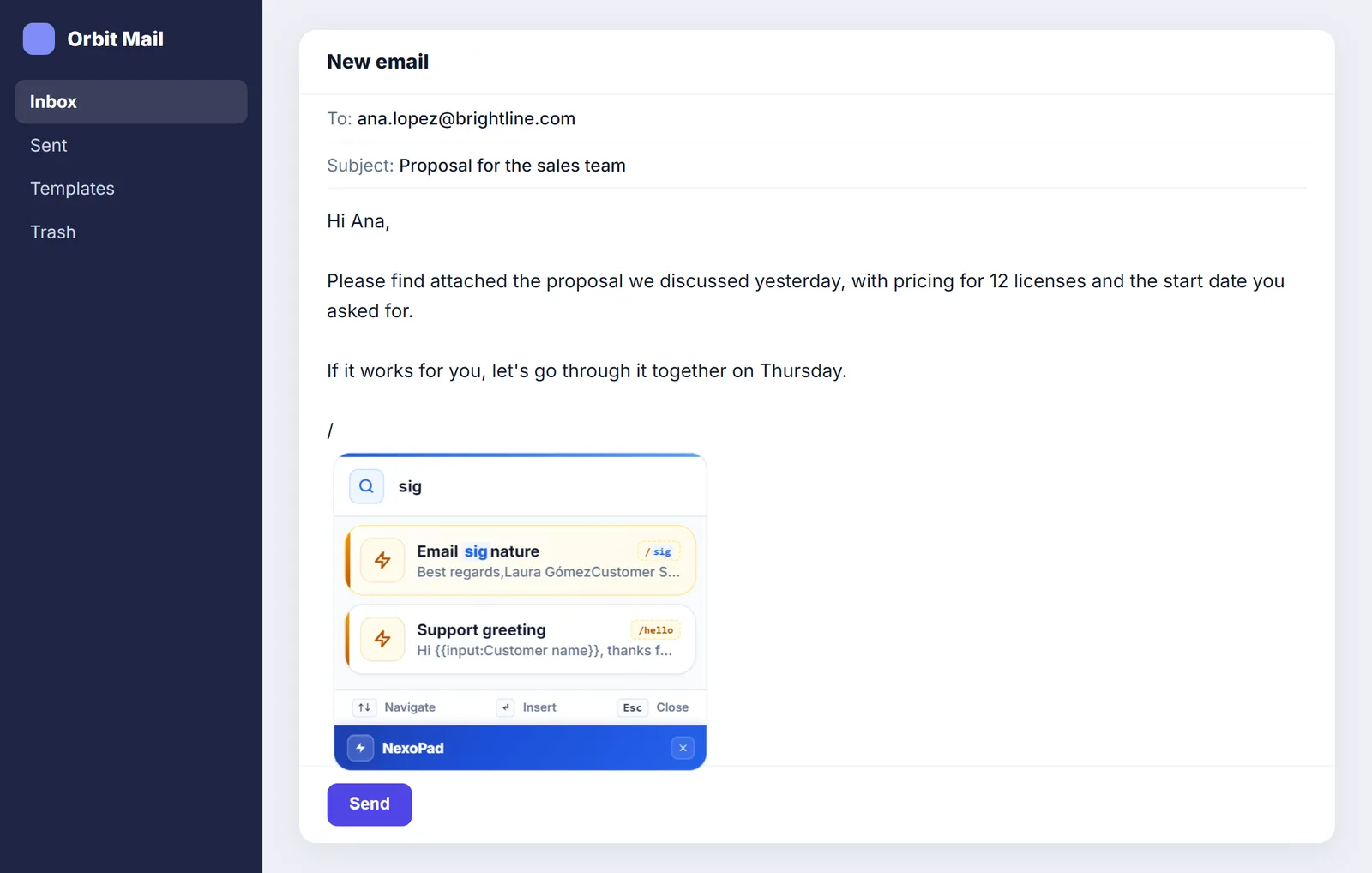
Professional email signature: examples and how to create one
What to include in your signature, 5 examples to copy, and how to use it in Gmail, Outlook and any website with a shortcut.