
Guides to write and work faster
Page 2 of 8
Holiday greetings for clients
Fifteen Christmas and end-of-year greeting messages for clients, with tips so they don't feel like a mass email.
October 31, 2026 · 9 min read
Appointment reminder messages: 23 templates for text, WhatsApp and email
23 ready-to-copy appointment reminder messages for text, WhatsApp and email, plus timing, subject lines, confirmations and no-show follow-ups.
October 31, 2026 · 11 min read
How to write an apology email to a customer (14 examples)
How to apologize to a customer or client by email: the 7-part structure, 14 examples to copy (angry customer, poor service, outage, defective product, billing error and more), subject lines, phrases to avoid and what to offer.
October 31, 2026 · 13 min read
Out of office message: 20 examples to copy and how to set it up
20 out of office messages to copy (vacation, holiday closure, sick leave, short texts and more), 6 WhatsApp Business away messages and the steps to turn on auto-replies in Gmail, Outlook and WhatsApp.
October 31, 2026 · 12 min read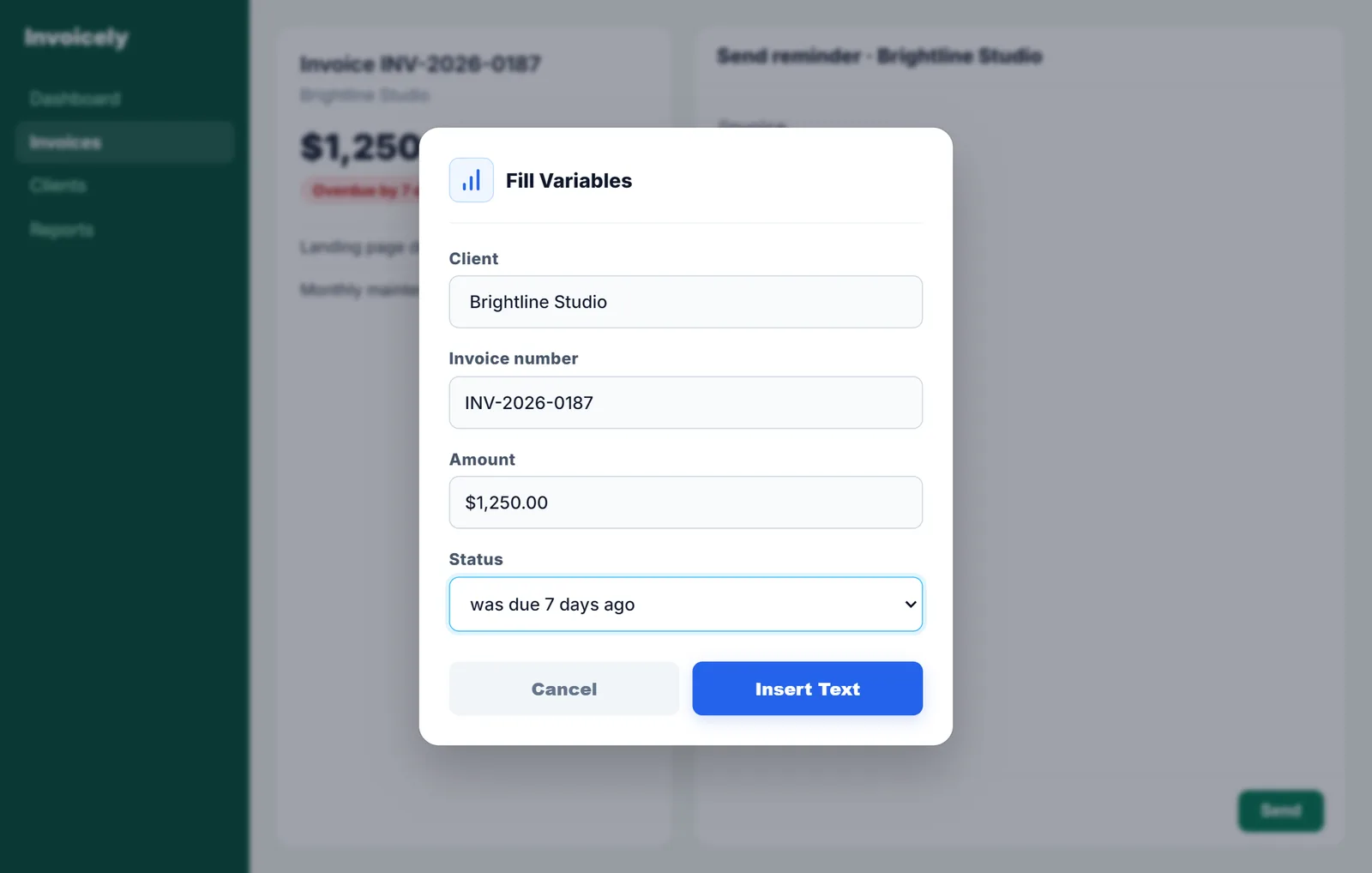
Payment reminder email templates: from friendly reminder to final notice
A reminder schedule from 3 days before the due date to day 30, 15 overdue invoice emails and texts, subject lines and a phone script to get paid without losing the client.
October 31, 2026 · 10 min read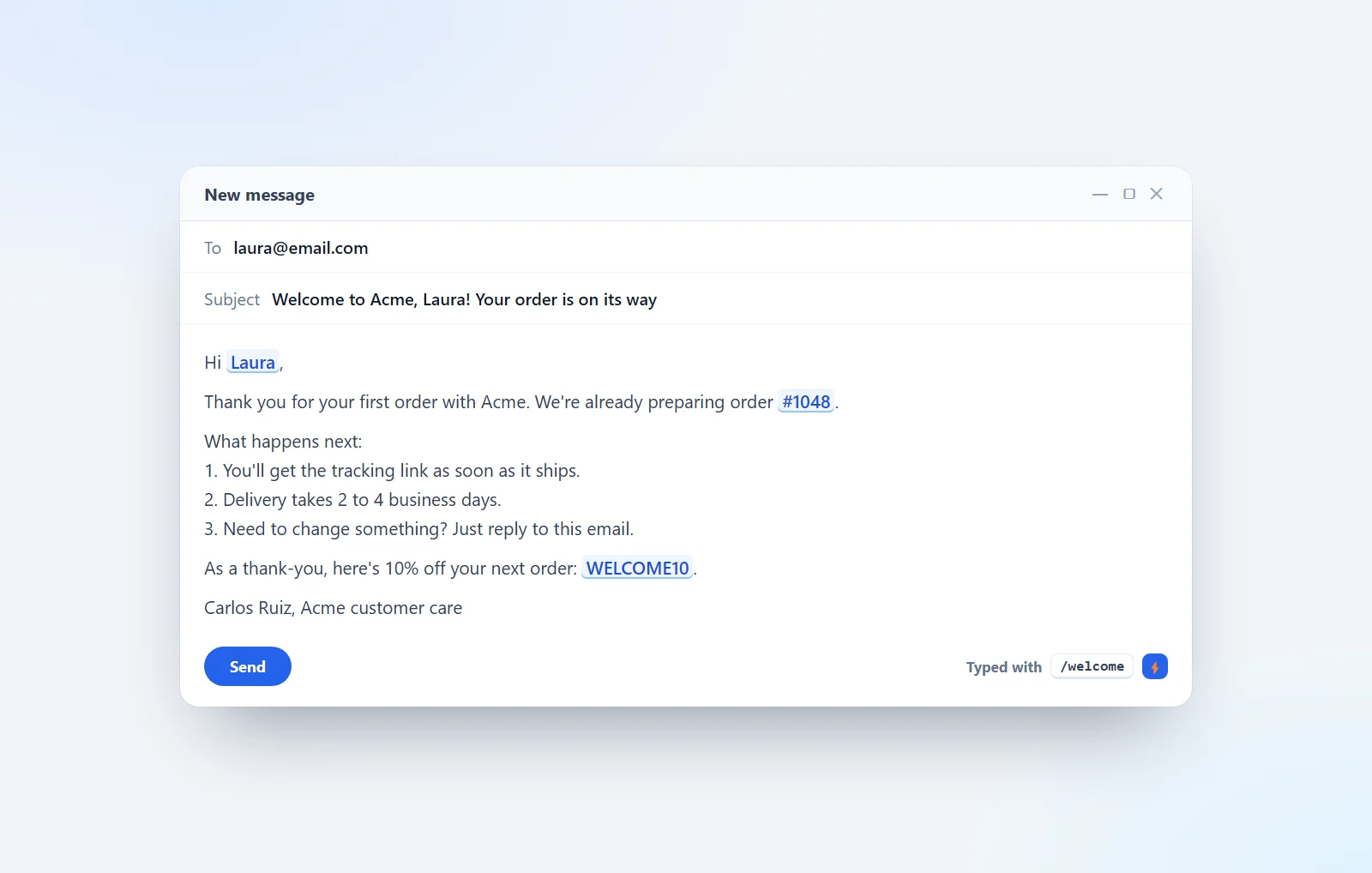
Welcome messages for new customers: 50+ notes, phrases and emails
How to welcome new customers, with 50+ examples to copy: short welcome notes for email and WhatsApp, "welcome to our services" messages, 20 welcome phrases, customer service greetings and full welcome email templates.
October 31, 2026 · 15 min read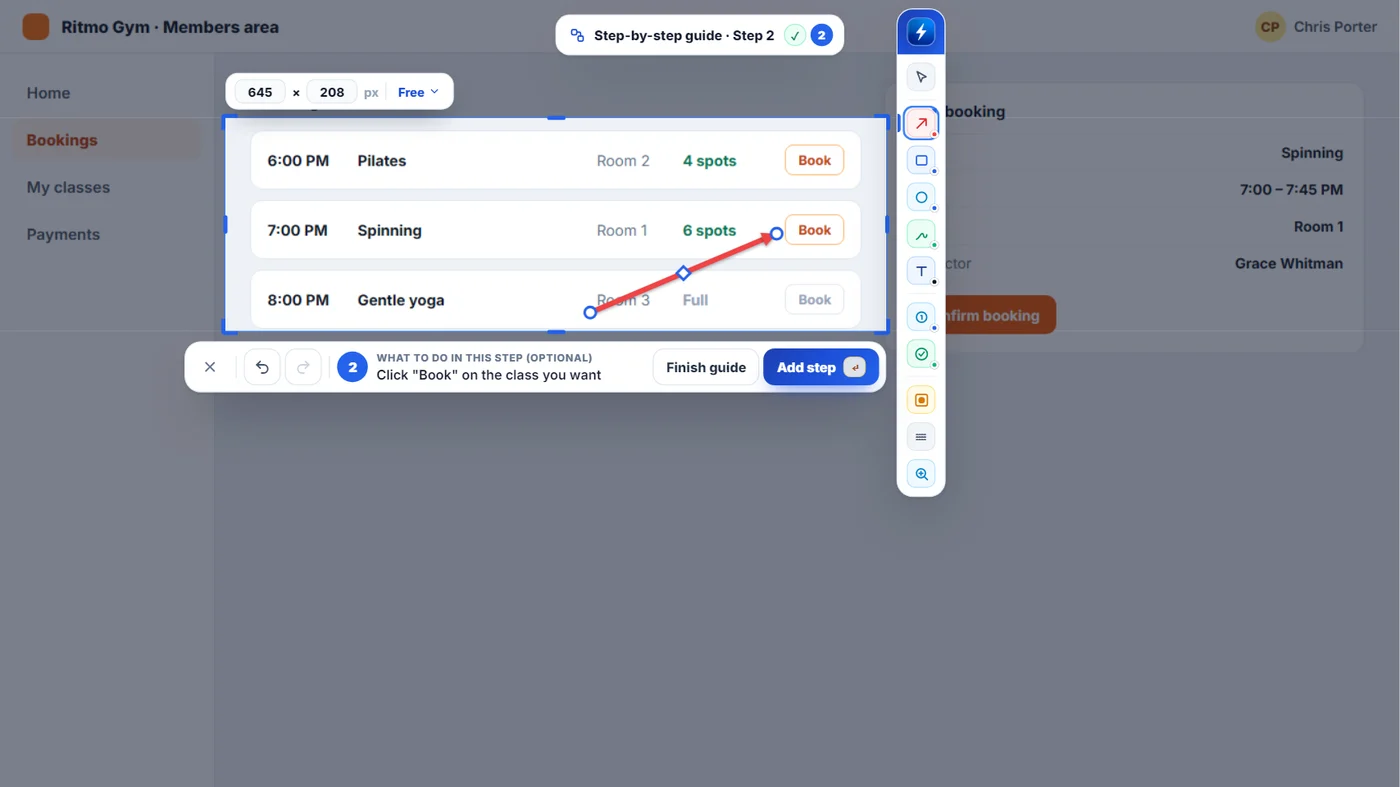
How to make a step-by-step guide with screenshots
Word, Windows Steps Recorder, Scribe, Tango, Snagit or NexoPad: how to put numbered screenshots with text together to explain a process, and which one fits you.
October 27, 2026 · 7 min read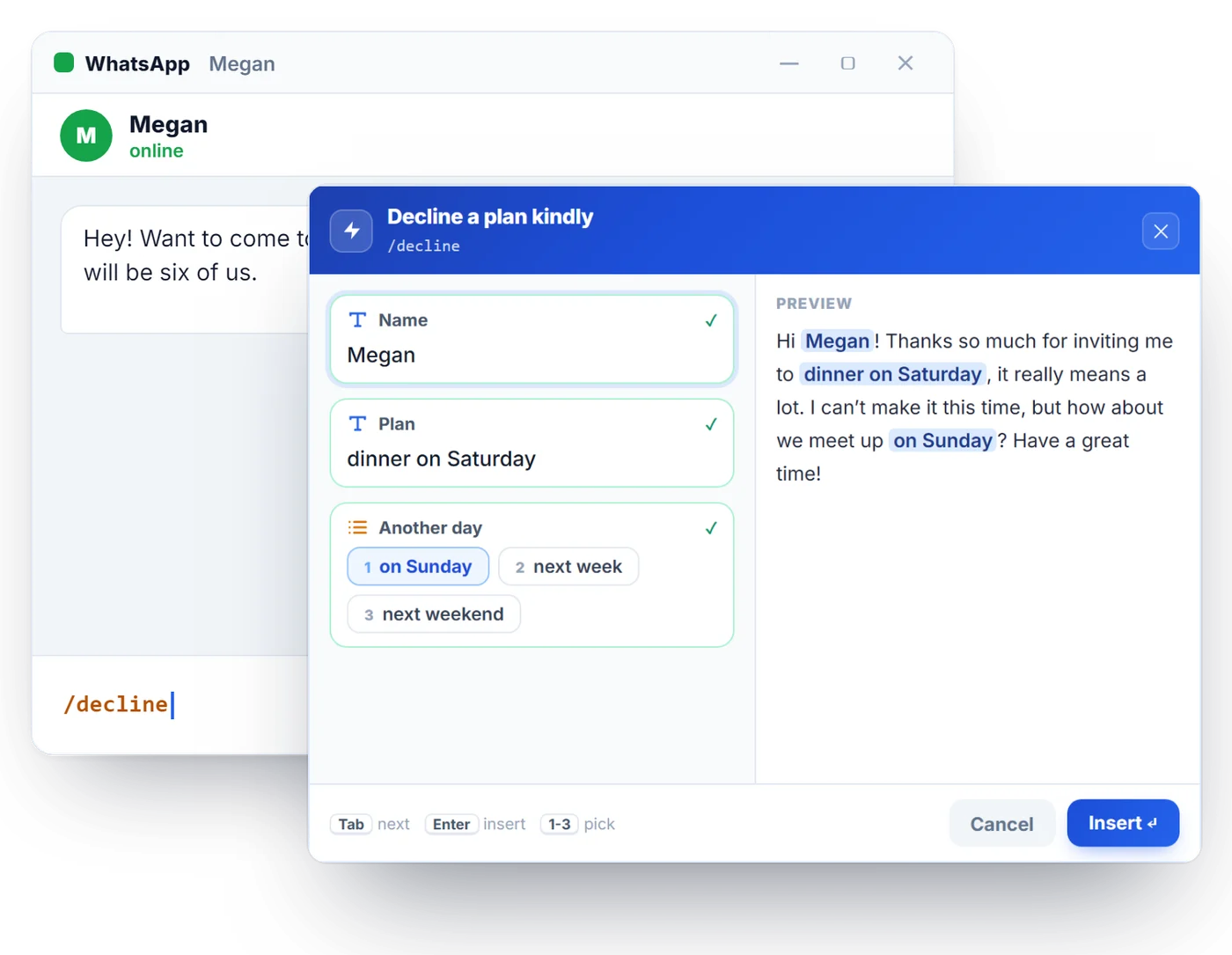
How to Politely Decline an Invitation (with Examples)
Tips to say no without hurting anyone and 15 messages to copy: dinners, weddings, work events, client proposals and how to suggest another date.
October 27, 2026 · 8 min read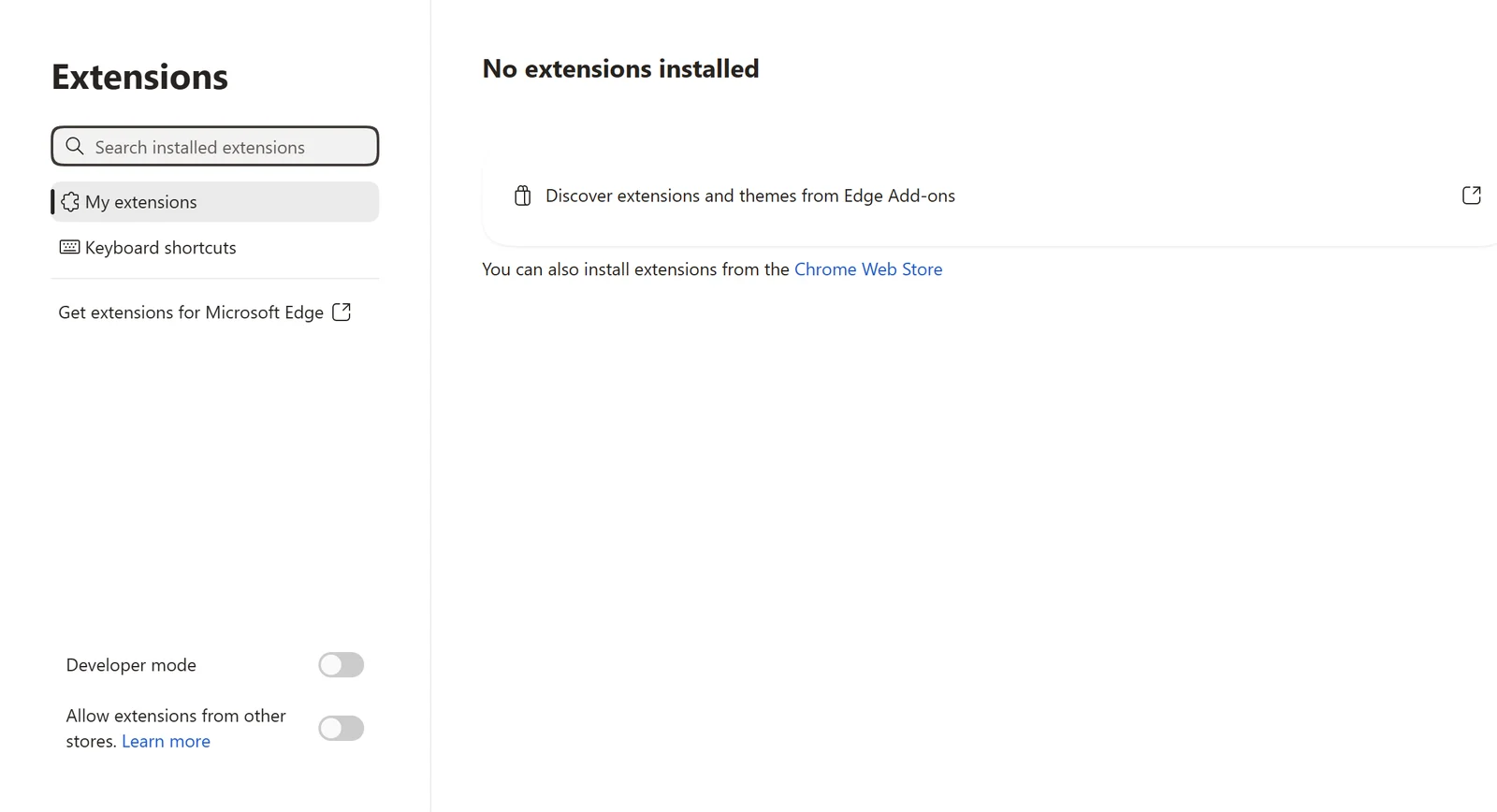
edge://extensions: How to Install and Manage Extensions in Microsoft Edge
Everything you can do from edge://extensions: install, pin, turn off and remove extensions, change their shortcuts and use Chrome Web Store extensions in Edge.
October 27, 2026 · 7 min read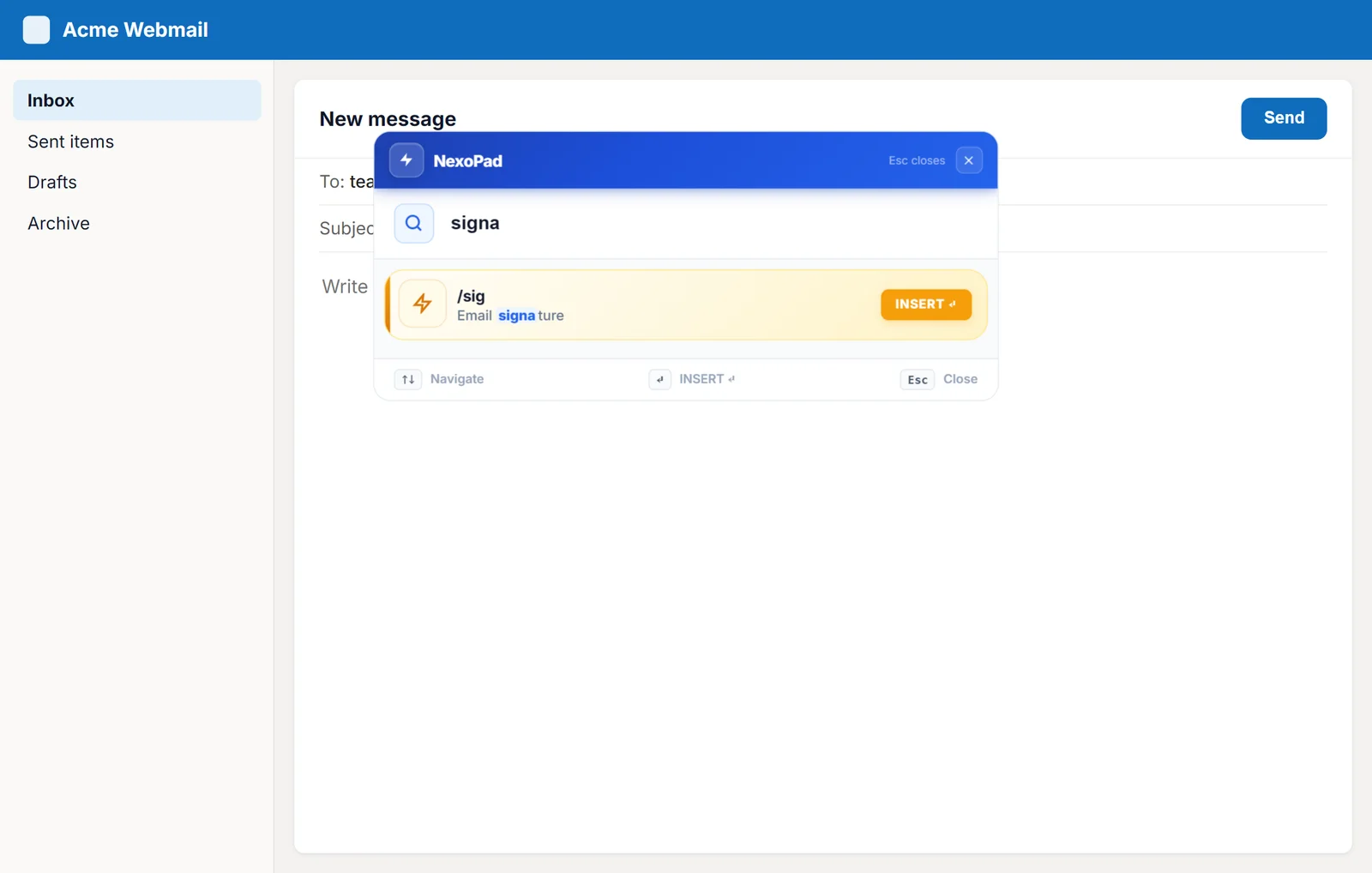
Text shortcuts in Outlook (web and desktop)
Outlook templates and text shortcuts with variables to answer emails in seconds in Outlook on the web.
October 27, 2026 · 6 min read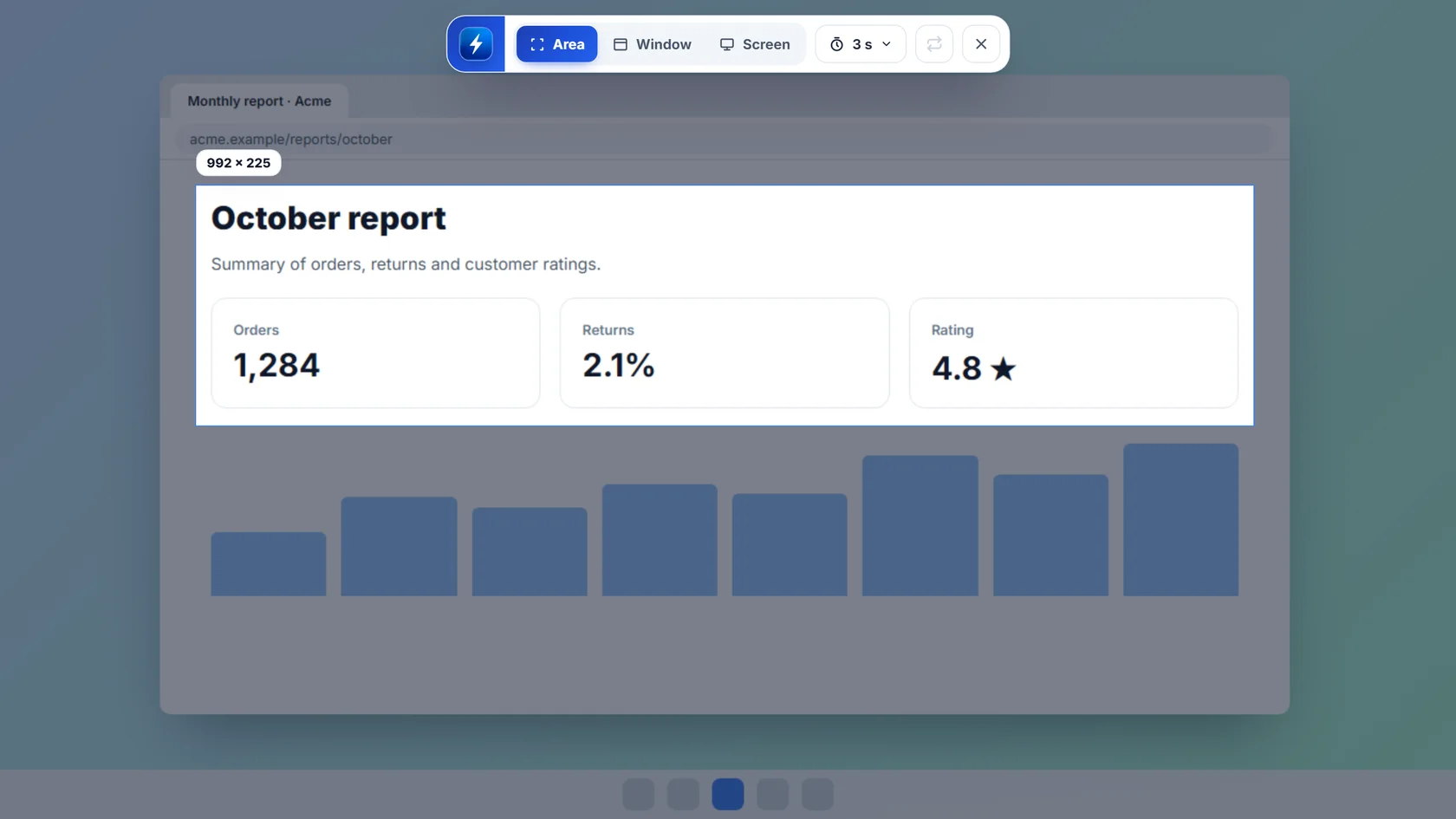
How to Screenshot on Windows and Edit Your Screenshots
PrtSc, Windows + Shift + S, a single window or the whole screen: every way to take screenshots on Windows and how to edit them before you share them.
October 25, 2026 · 7 min read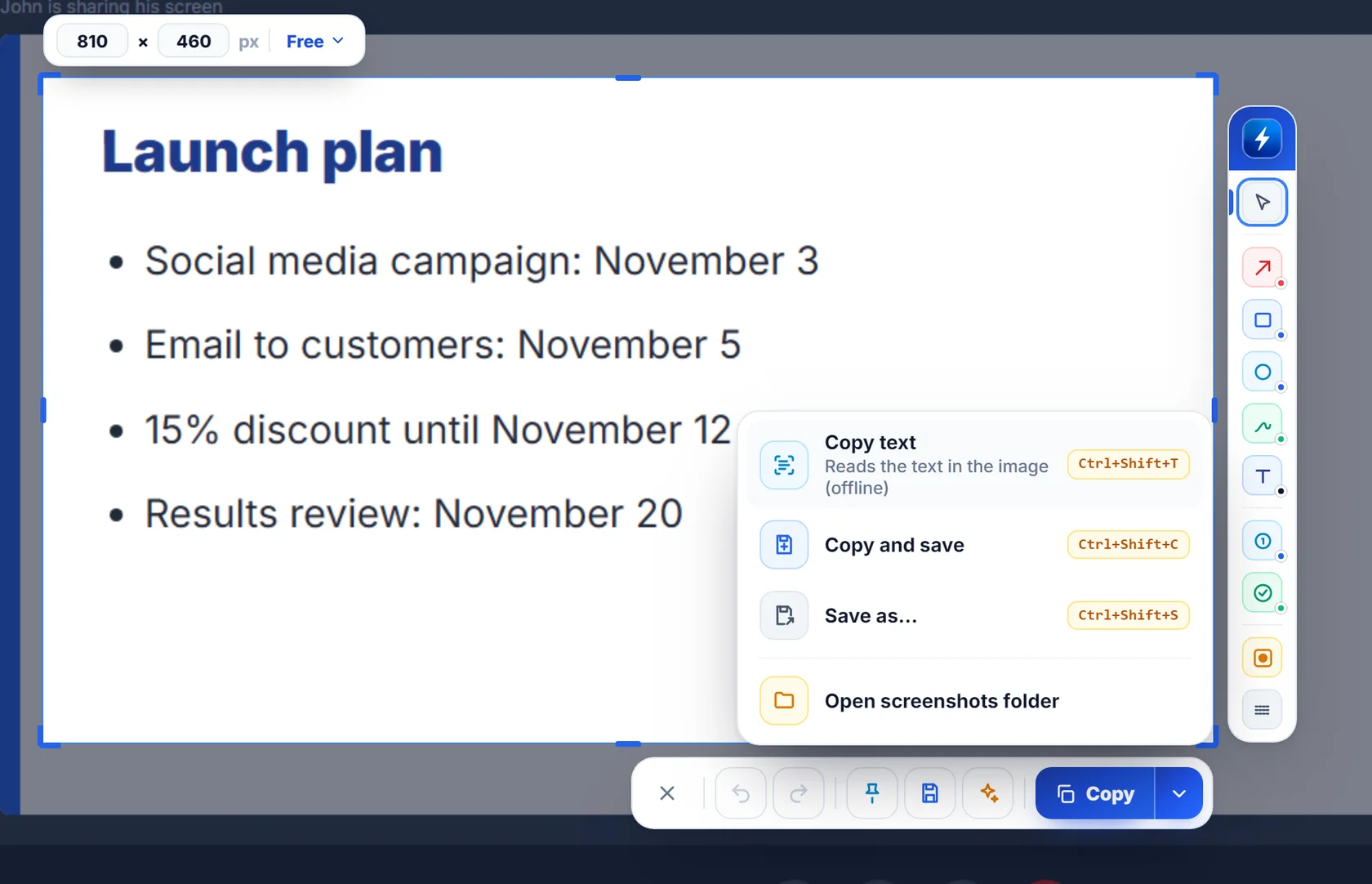
How to Copy Text from an Image on Windows
Copy the text from a screenshot, a slide or an on-screen error without retyping it: four free ways on Windows, most of them offline.
October 25, 2026 · 6 min read