NexoPad
Features

By team

Freelancers & professionalsQuotes, invoices and links in one second.Customer supportReply faster in Zendesk, Intercom or WhatsApp.SalesYour best messages and your Calendly link, with one shortcut.Recruiting & HRMessage candidates on LinkedIn in seconds.EngineeringPR templates, Docker commands and runbooks, always consistent.

By industry

Real estateHealthcareLawyersTeachersOnline storesAgenciesVirtual assistantsSee all 12 professions
TeamsShare shortcuts, notes and links with your whole teamSee the Teams plan
Pricing
DocumentationDOCSShortcuts, notes, links and AI step by step
Quick startFAQExplore the docs

Read & use

BlogGuides on shortcuts, notes and linksComparisonsNexoPad vs. other toolsTemplatesReady texts for support and sales
SupportSalesHealthHR+12
What's newThe latest additions to NexoPad
NewBlack Friday and Cyber Monday replies: 16 customer service templatesRead
Windows

NexoPad

Log in
Sign up freeFree
Add to ChromeFree
Get it on your PC

NexoPad is already in your Chrome

And in your PC programs?

Use your same shortcuts in Outlook, WhatsApp, Word and Teams with NexoPad for Windows. Free on Microsoft Store.

Download freeSee how it works

Get more from your extension

Keyboard shortcutsFind and insert your texts without the mouseVariablesThe customer's name, the date and moreNotes with remindersFormatted, with repeating remindersSmart linksTab groups and searchesImport your shortcutsFrom Text Blaze and other apps

NexoPad for Windows

Shortcuts in any programType /sig in almost any PC programScreenshotsPick the area, mark it up and copy itRecord your screenVideos with your voice, as MP4 or GIFScrolling captureLong pages and chats in one image
Saving you time?Rate us on Chrome Web Store

Get more from your extension

Keyboard shortcutsFind and insert your texts without the mouseVariablesThe customer's name, the date and moreNotes with remindersFormatted, with repeating remindersSmart linksTab groups and searchesImport your shortcutsFrom Text Blaze and other apps
Saving you time?Rate us on Chrome Web Store
Blog

Guides to write and work faster

Page 8 of 8

All 85Shortcuts & templates 55Notes 11Links & tabs 12
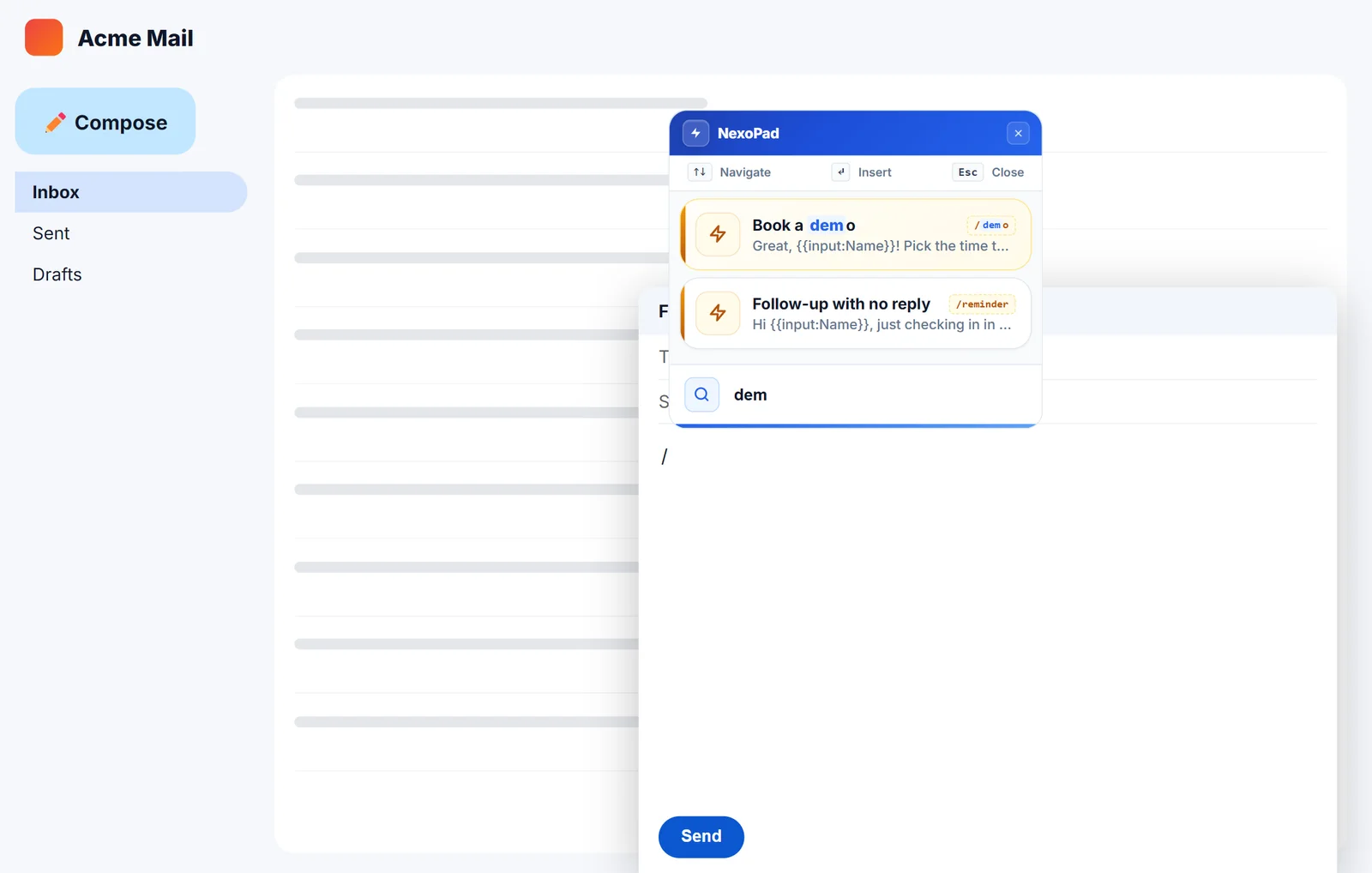
NexoPad // search in an email
Shortcuts

How to create text shortcuts in Gmail

Two ways to stop typing the same emails: Gmail templates and text shortcuts with variables. Step by step, with examples.

October 10, 2026 · 6 min read
Previous
1…5678
Next
NexoPad

Built to help you work faster: type full replies with a shortcut, keep your notes and links at hand, and see how much time you save. In your browser and, with NexoPad for Windows, in your desktop apps too.

Product

  • Browser extension
  • NexoPad for Windows
  • Pricing
  • Teams plan
  • What's new

Resources

  • Quick start
  • Guides
  • FAQ
  • Templates
  • Blog
  • Comparisons

Solutions

  • Freelancers & professionals
  • Customer support
  • Sales
  • Recruiting & HR
  • Healthcare
  • Real estate
  • See all 12 professions

Company

  • Our mission
  • Contact
  • Privacy
  • Terms

Downloads

  • Chrome
  • Microsoft Edge
  • Firefox
  • Brave
  • Opera
  • Windows

© 2026 NexoPad. All rights reserved.

Language: English
  • Español
  • English
  • Português
  • Français
  • Deutsch
Log in