Guides to write and work faster
Page 6 of 7
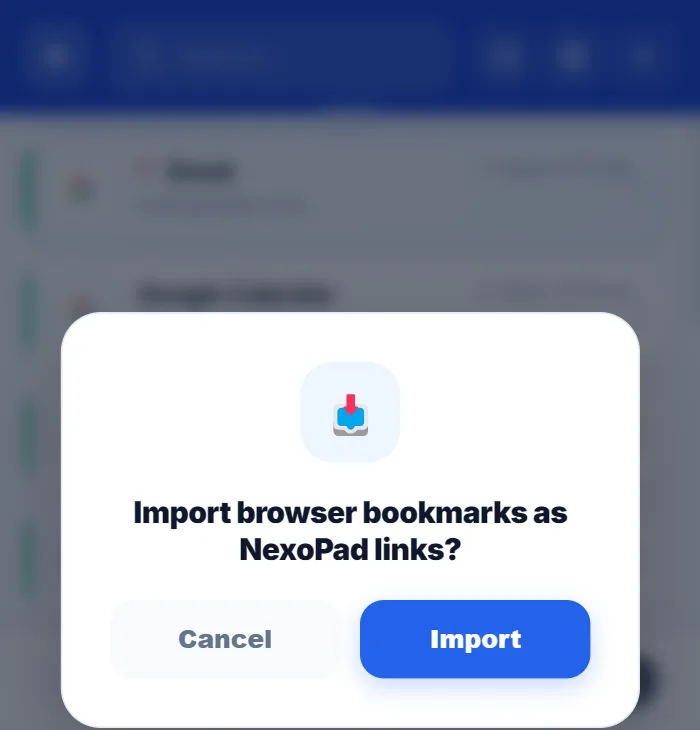
How to organize your browser bookmarks
Six steps to go from a messy pile of bookmarks to a list you can search in seconds.
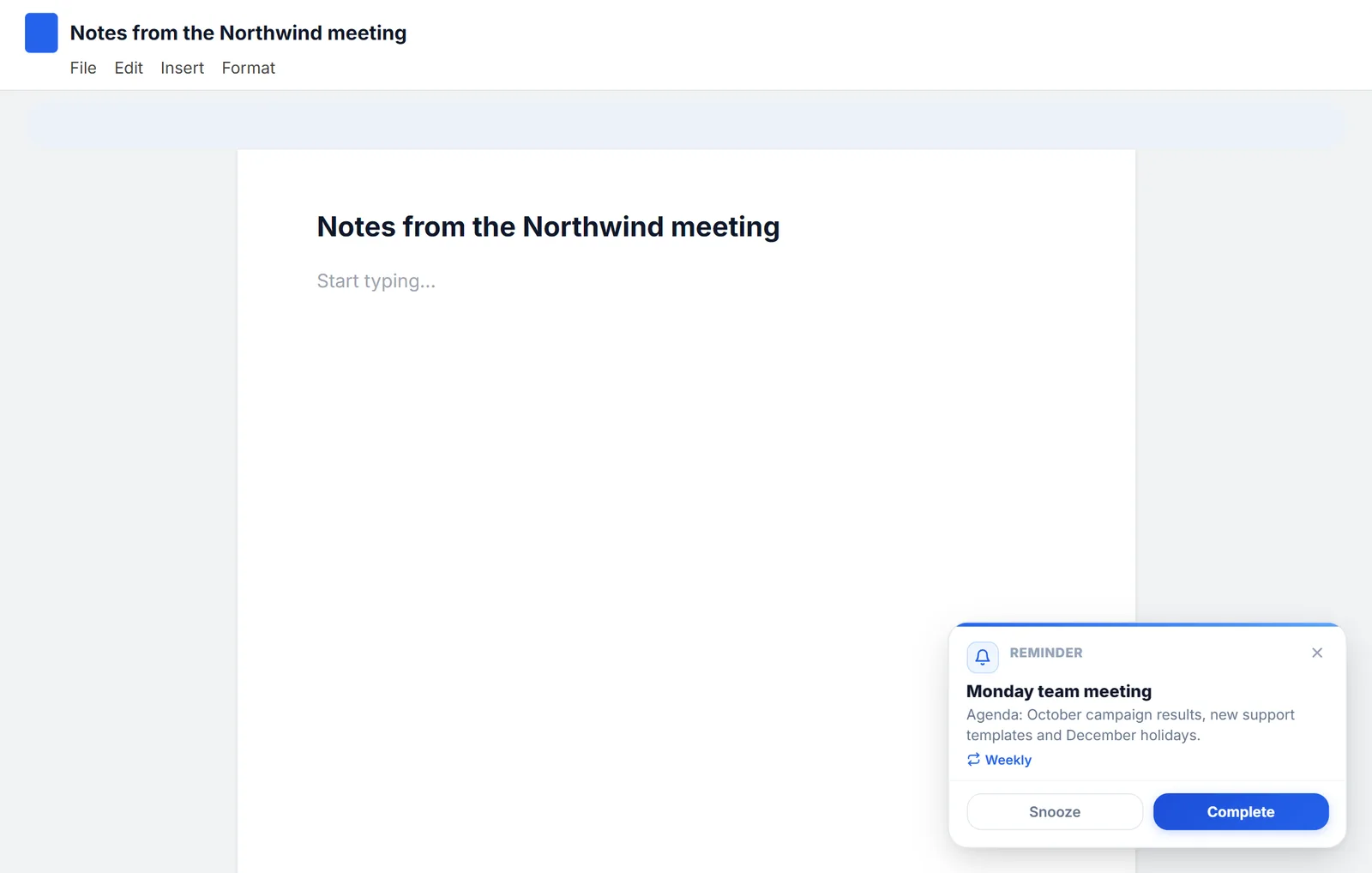
How to set reminders in Chrome
Chrome doesn't come with reminders, but you can get them with Google Tasks, Google Calendar or an extension. All three, step by step.
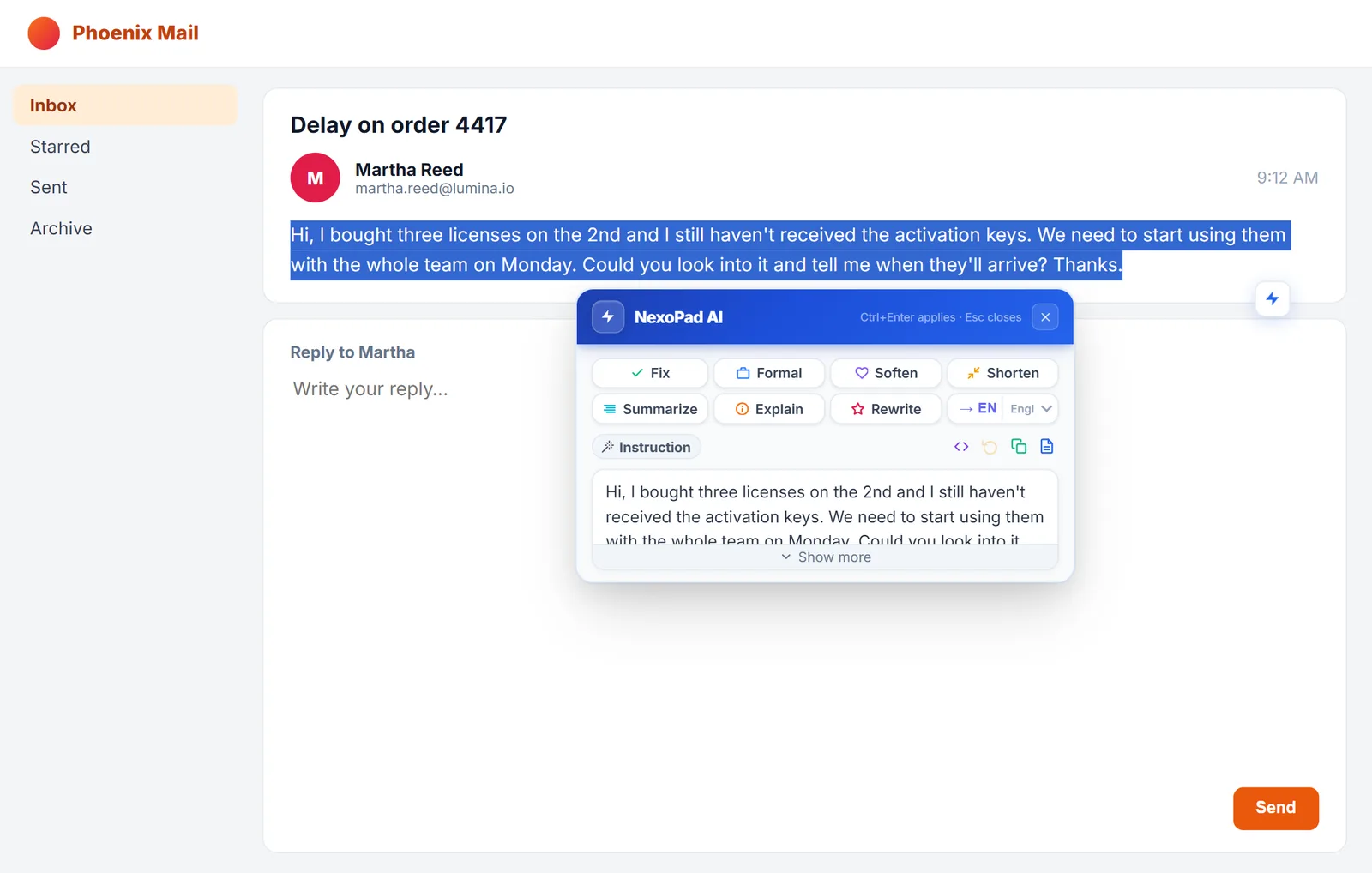
How to use AI to reply to emails faster
Three ways to use AI to reply to emails without leaving the page, with real examples and tips for reviewing what it writes.
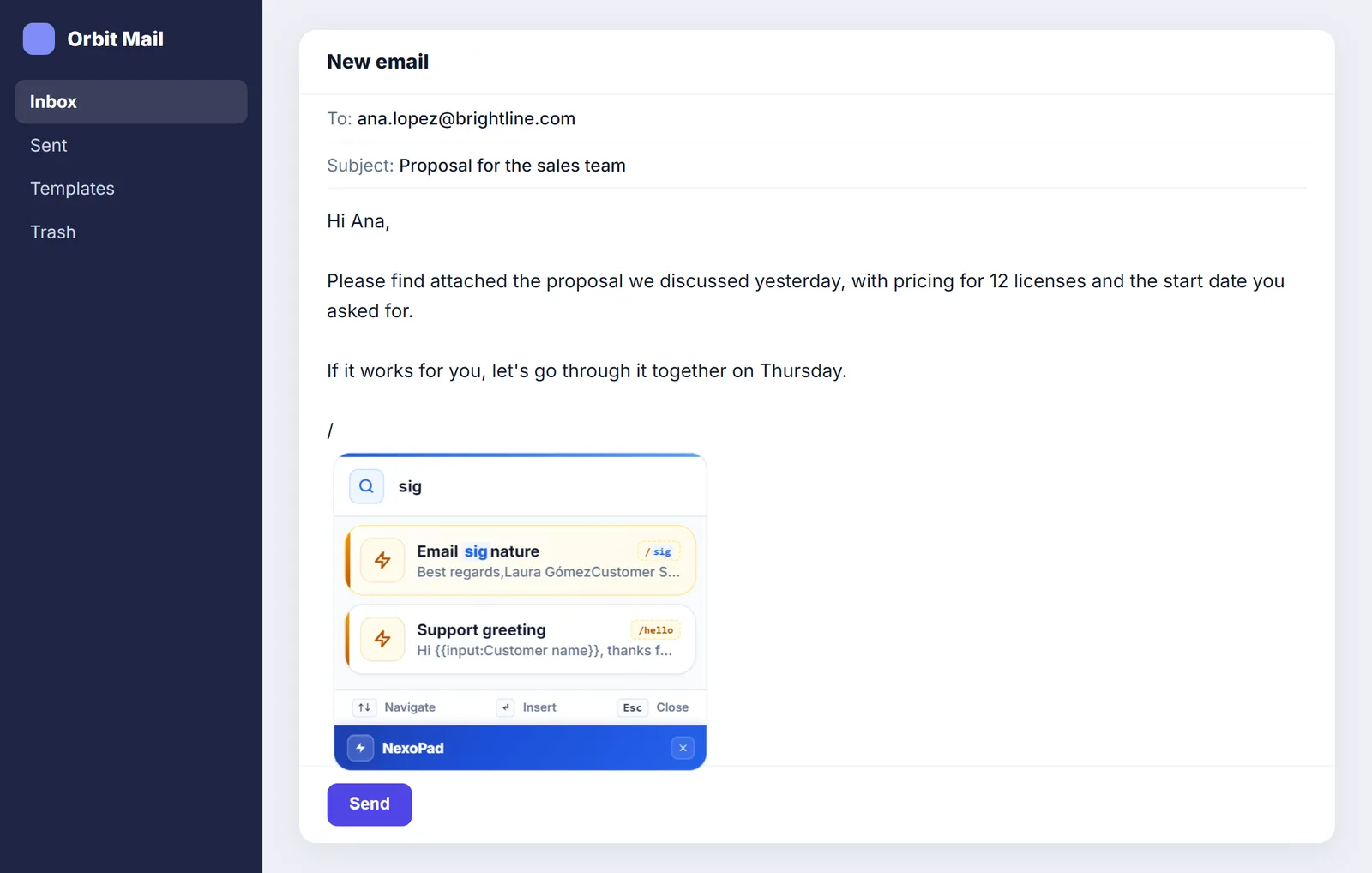
Professional email signature: examples and how to create one
What to include in your signature, 5 examples to copy, and how to use it in Gmail, Outlook and any website with a shortcut.
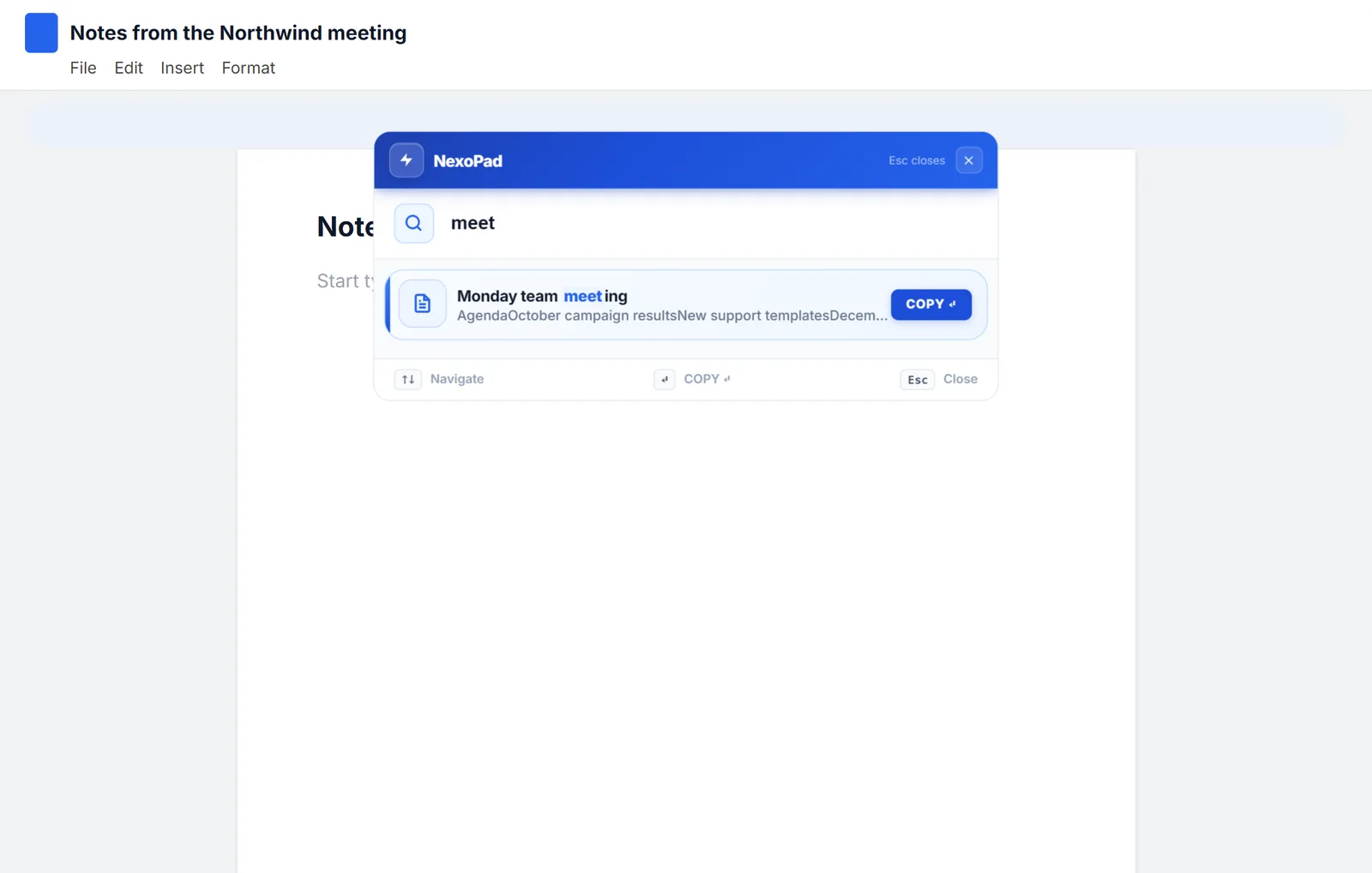
The 18 best productivity extensions for Chrome (2026)
18 Chrome extensions that genuinely save time, sorted by category: what each one does, what's free, who it's for and its limitations, with real data from the Chrome Web Store.
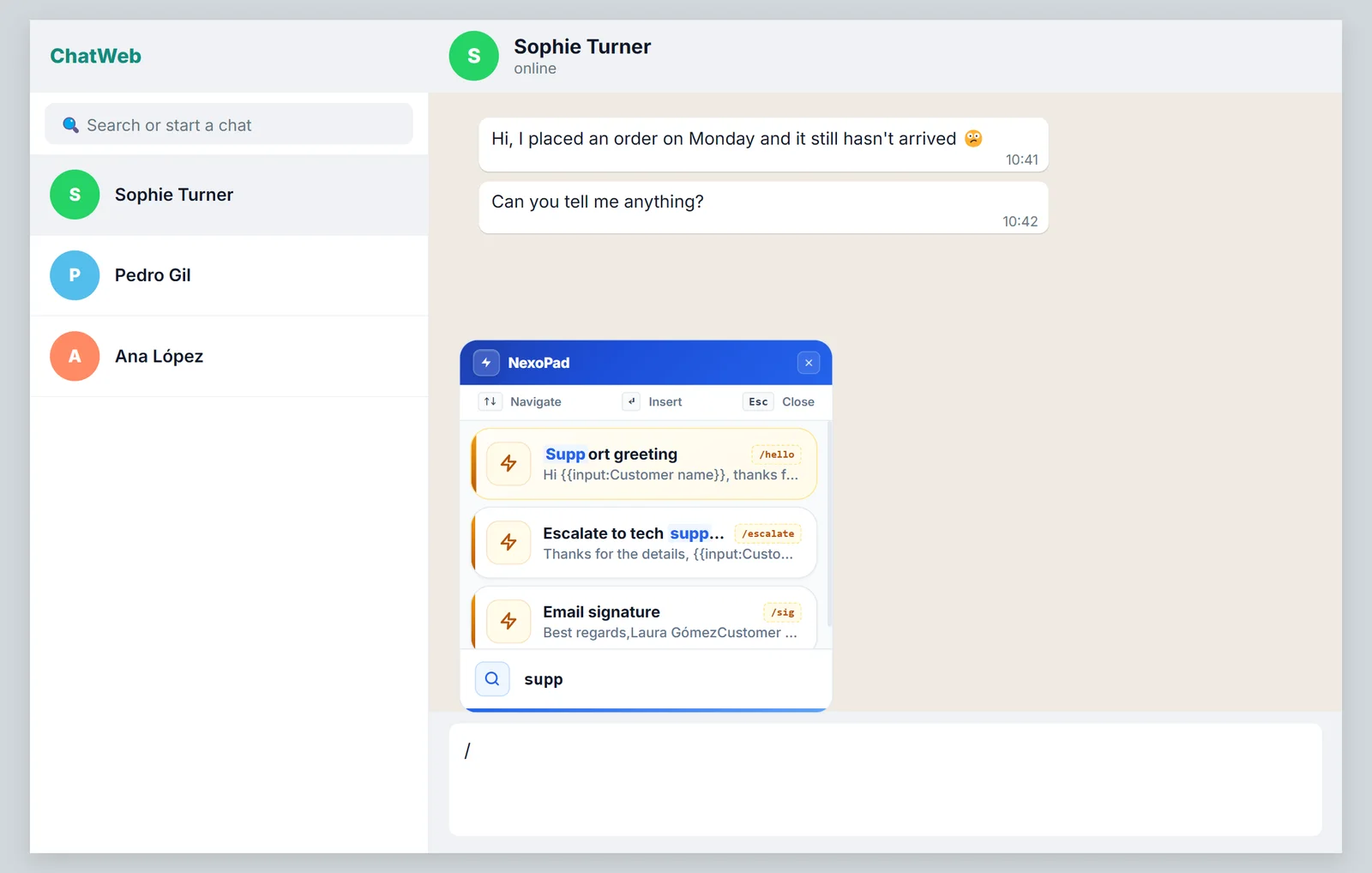
WhatsApp Web quick replies
How to reply in seconds on WhatsApp Web with text shortcuts, plus ready-made templates for customer service and sales.
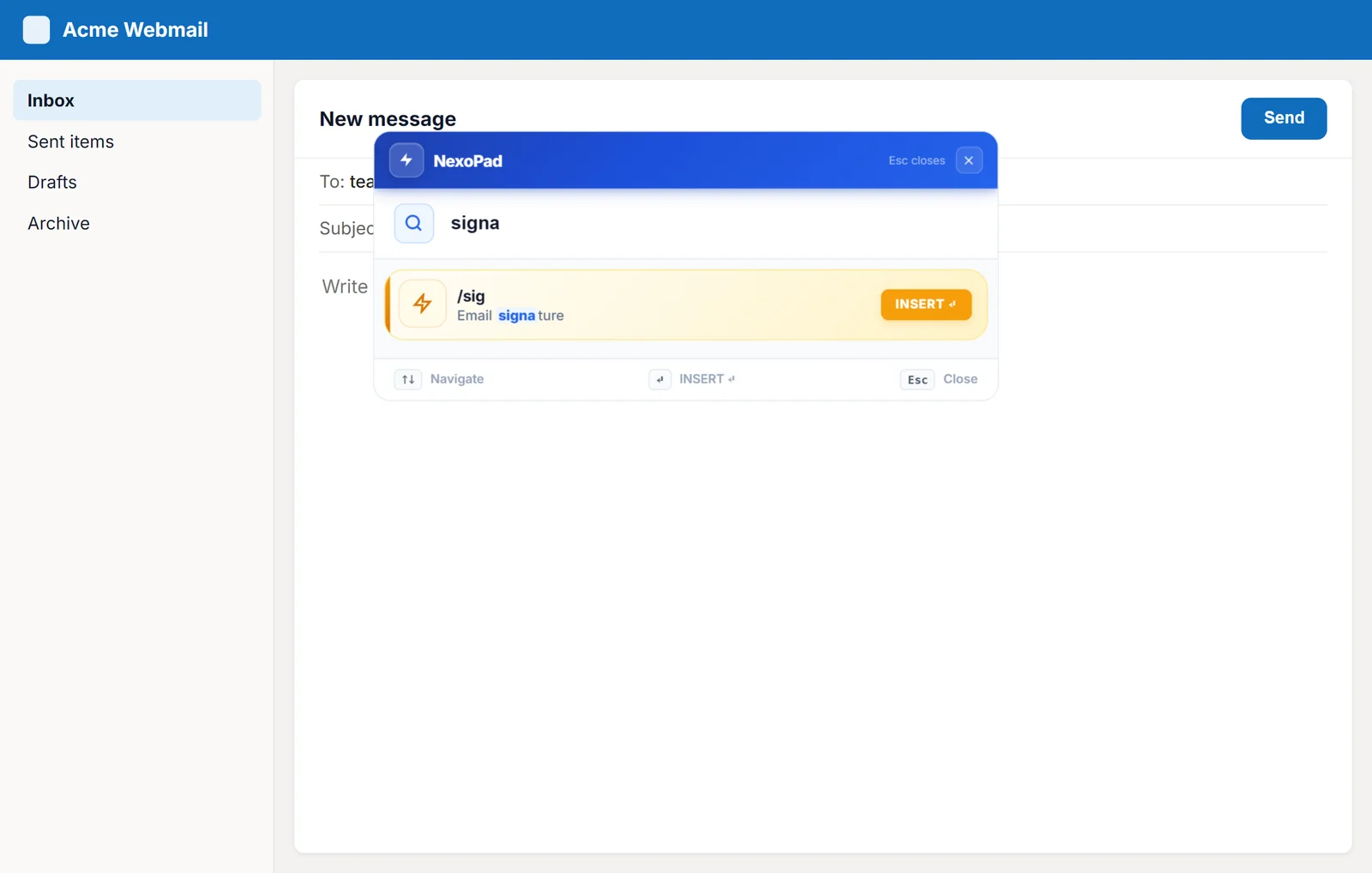
Text shortcuts in Outlook on the web
Outlook templates and text shortcuts with variables to answer emails in seconds in Outlook on the web.
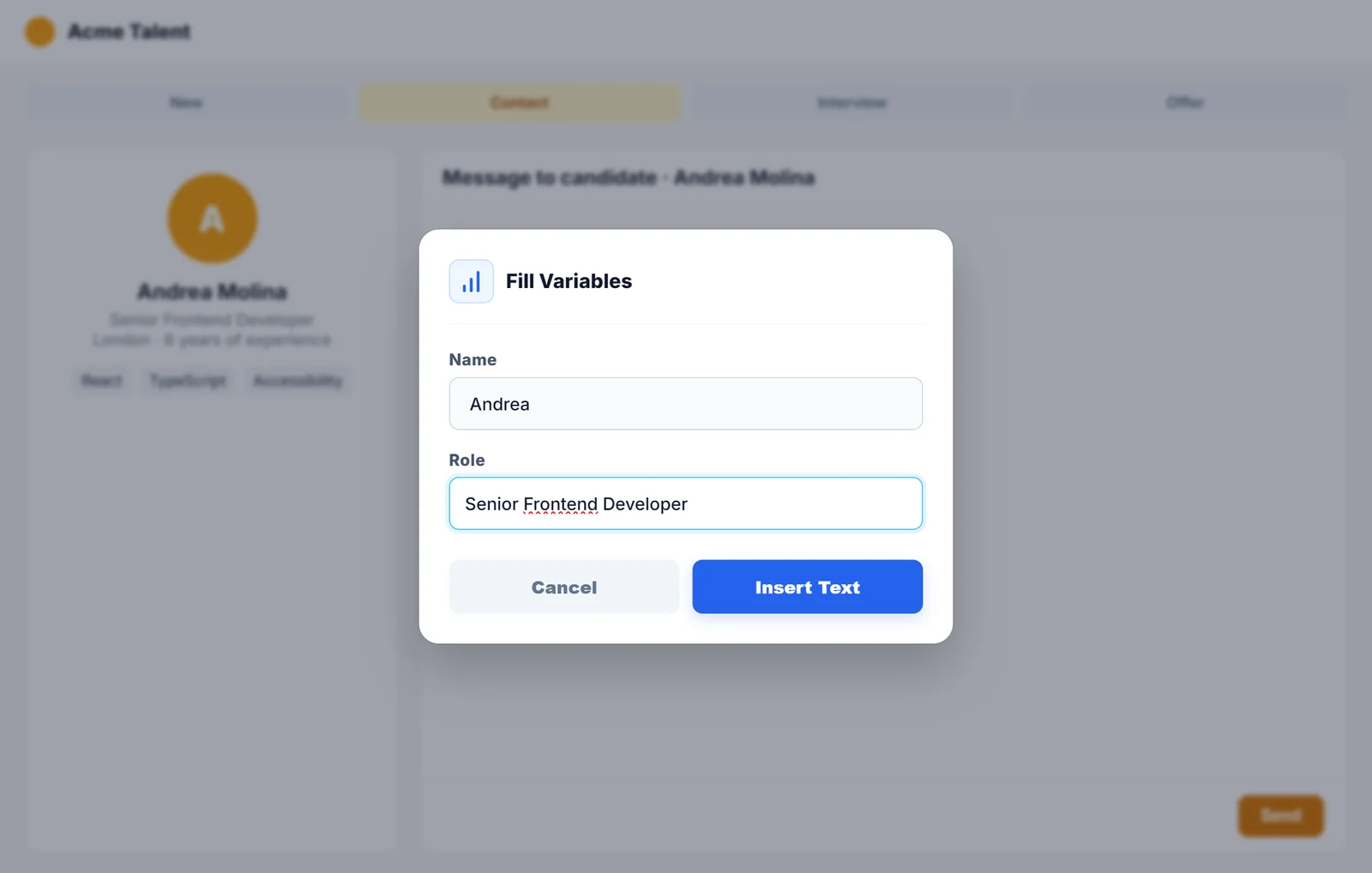
10 recruiter message templates
First outreach, interview, follow-up, rejection and offer: 10 recruiter messages ready to copy.
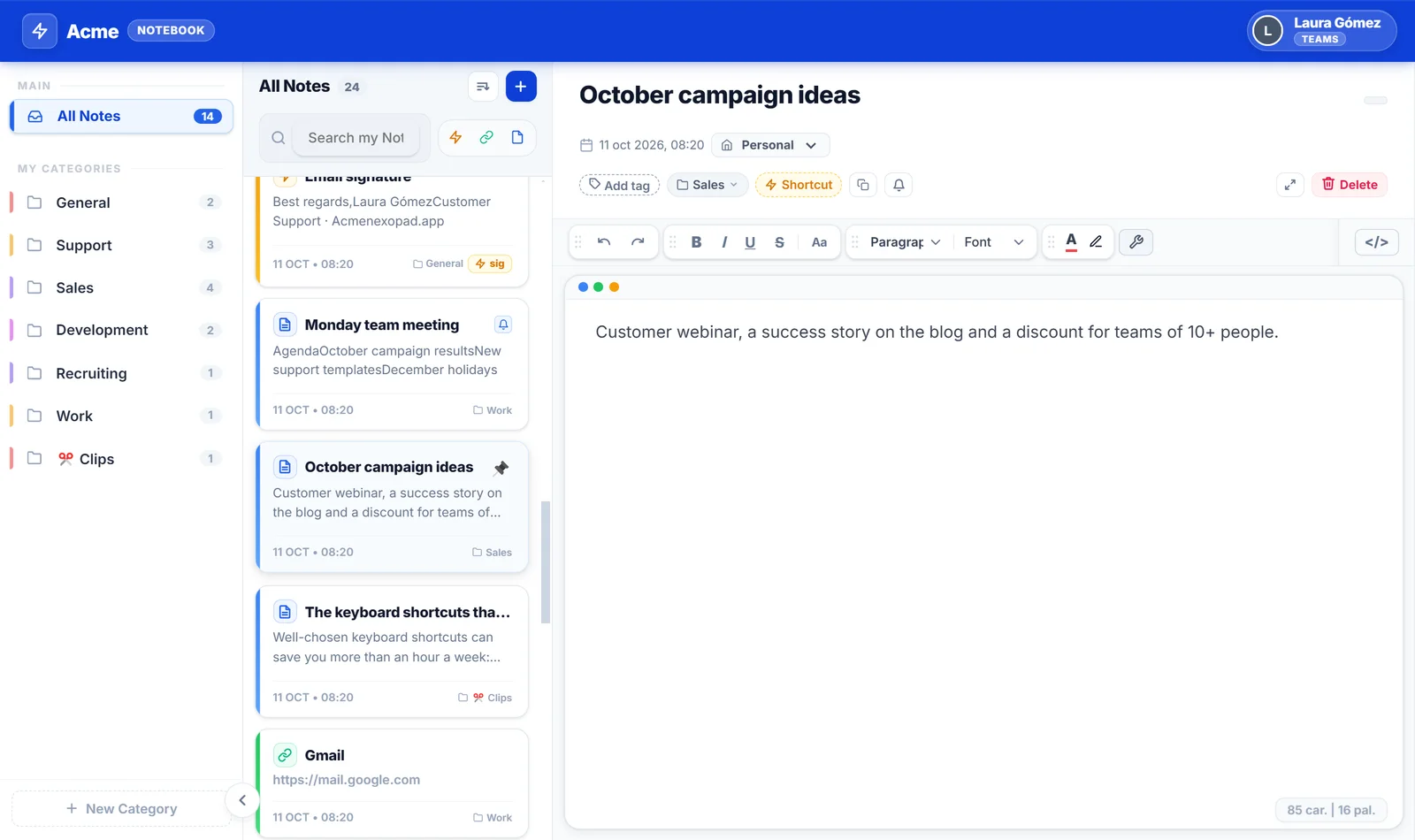
The Chrome keyboard shortcuts that save the most time
Tabs, navigation, search and windows: the most-used Chrome shortcuts on Windows and Mac, plus a few extras with NexoPad.
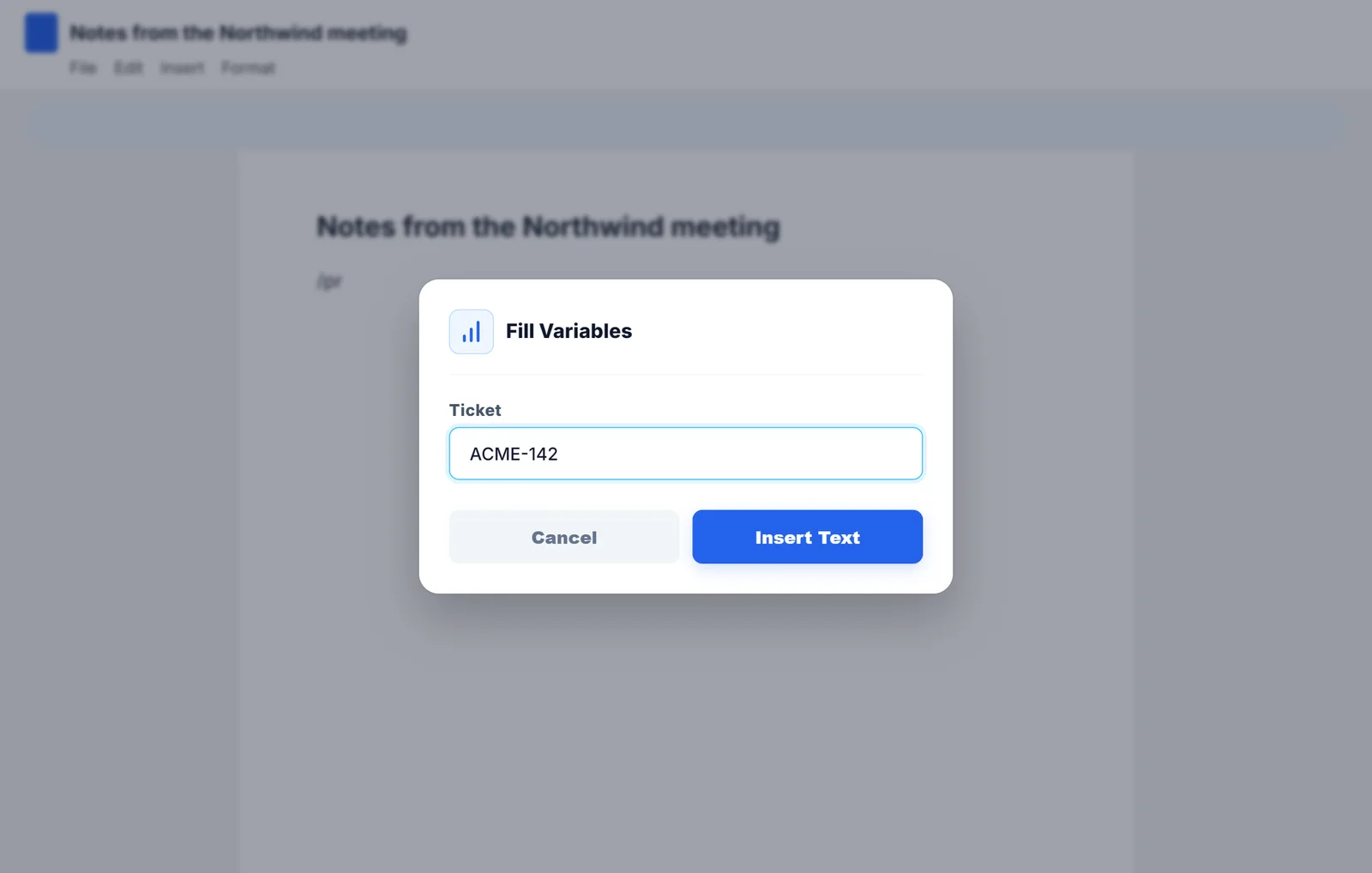
What is a text expander and how does it work?
What a text expander is, how it works under the hood, what it's useful for day to day and how to create your first shortcuts.
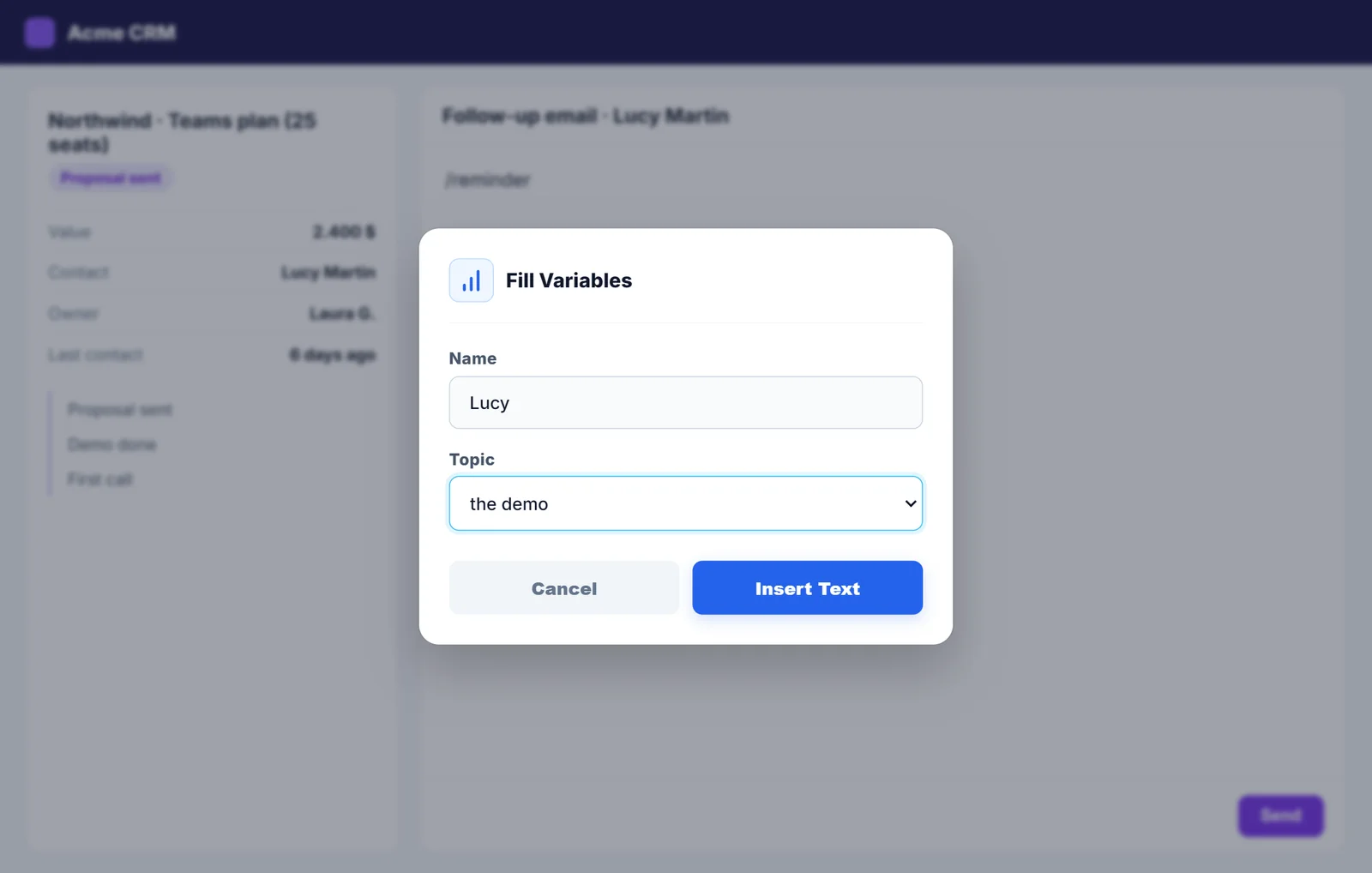
12 sales follow-up templates
Follow-ups after a demo, a proposal or silence: 12 sales emails ready to copy, with timing tips.
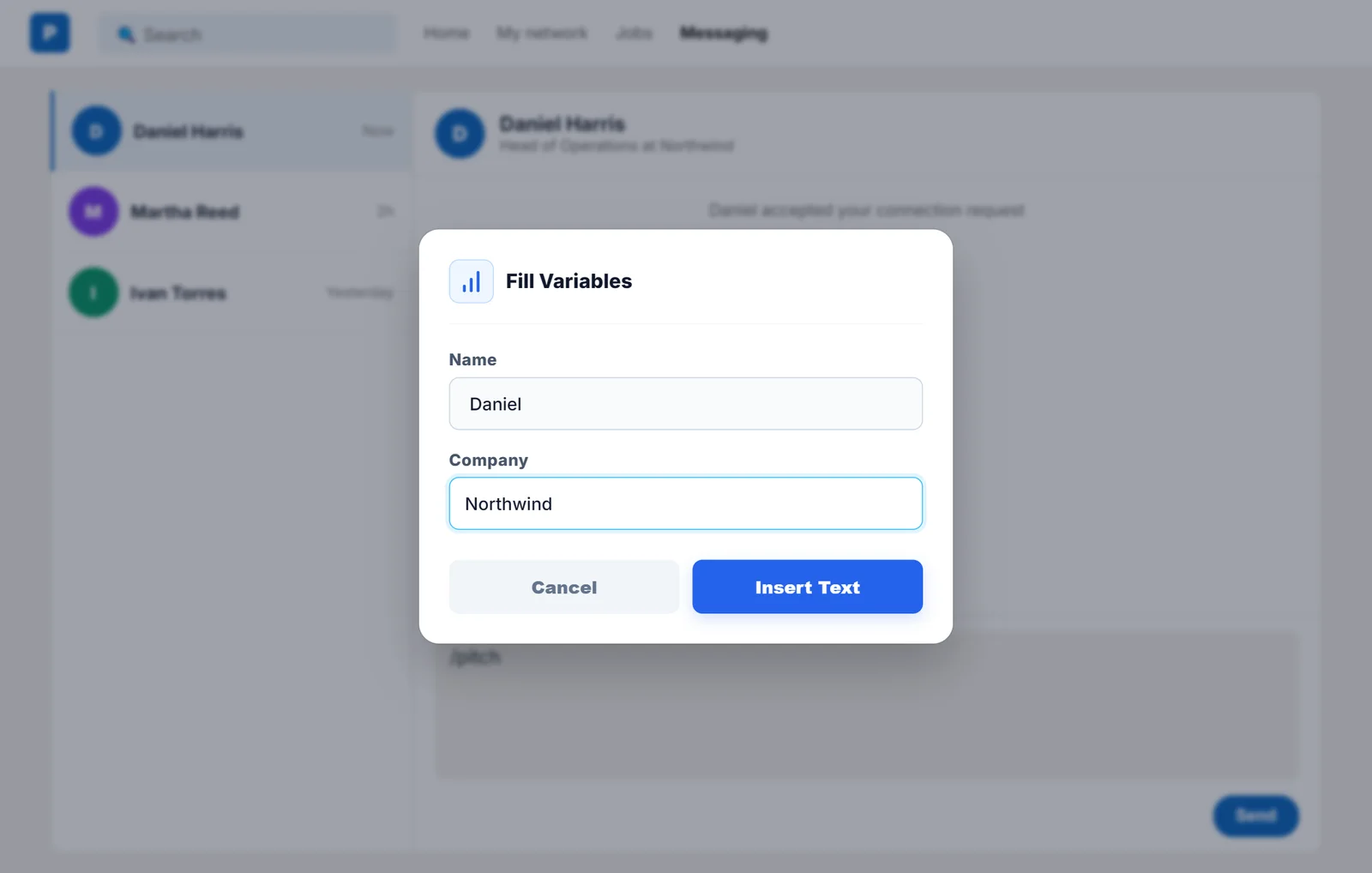
How to reply faster on LinkedIn
Templates for connection requests, first messages and follow-ups on LinkedIn, and how to insert them with a shortcut.