Guides to write and work faster
Tips, templates and shortcuts for Gmail, LinkedIn, support and everyday work in the browser.
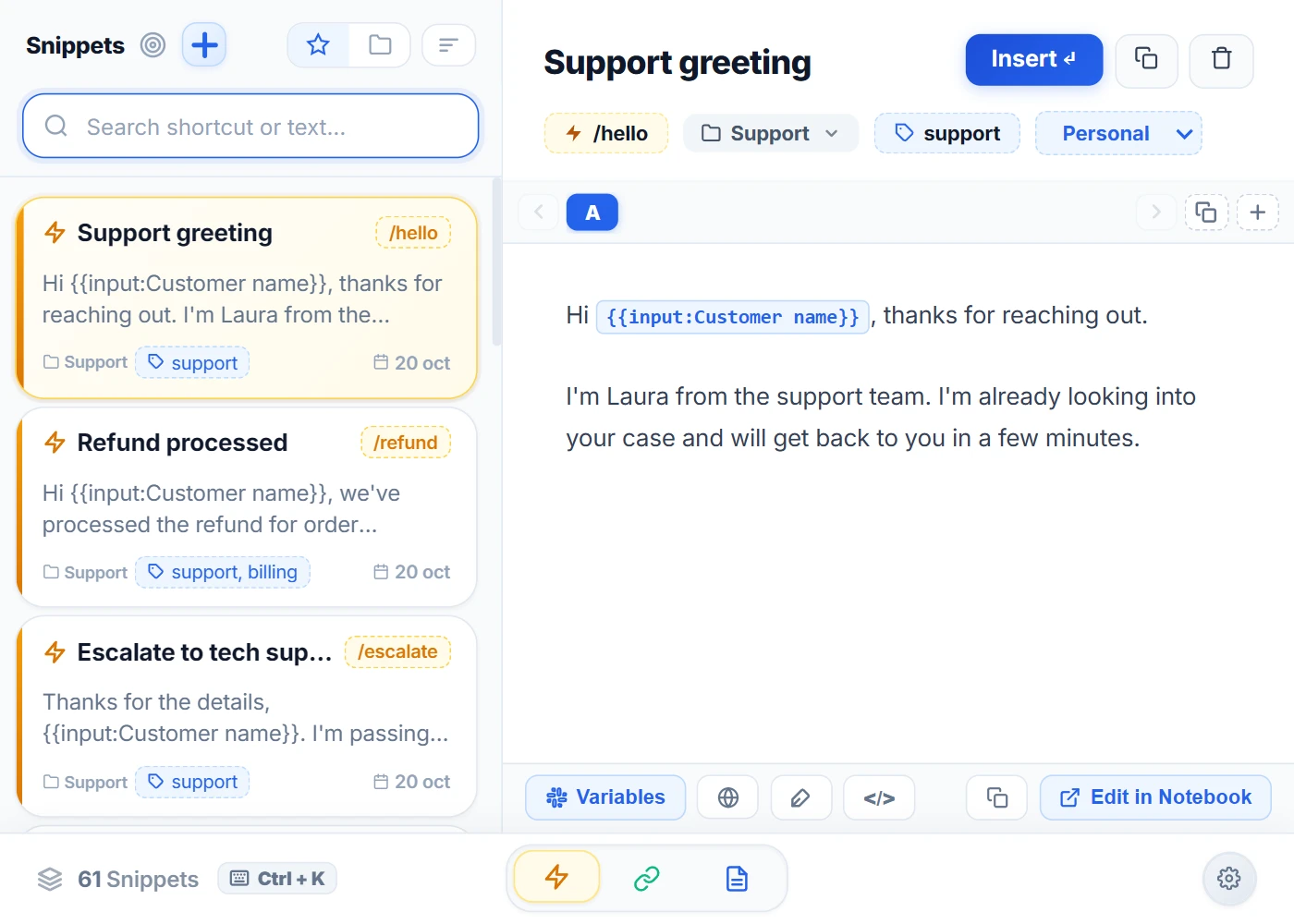
One extension instead of five: shortcuts, notes, links, tabs and AI in Chrome
Text shortcuts, notes, bookmarks, tabs and AI in a single extension: what you gain, what it doesn't cover and how to switch without deleting anything.
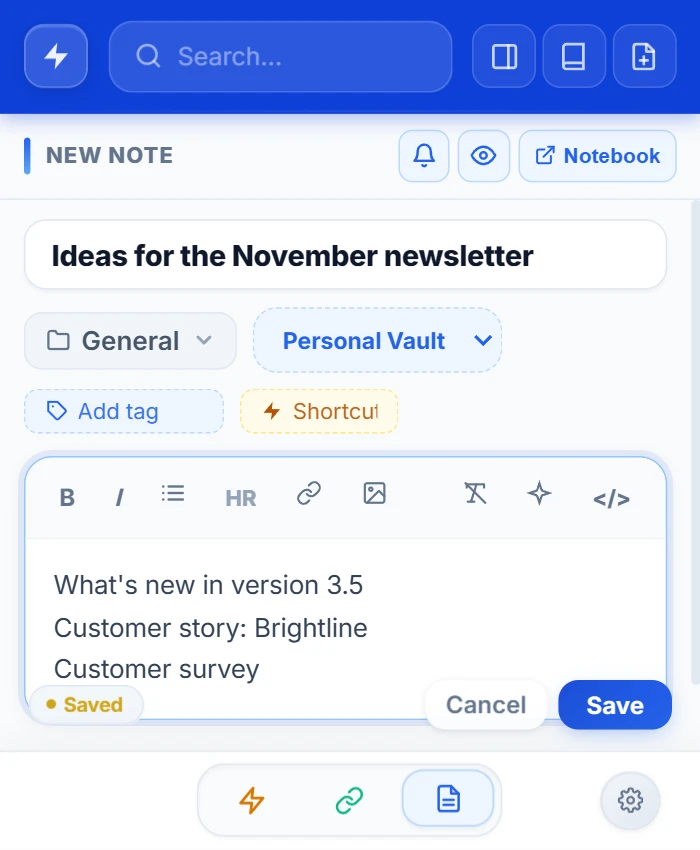
Online notepad: how to pick one that won't lose your notes
What to look for in an online notepad and your three options: no-account websites, Google Keep or a notepad inside your browser.

How to export and import bookmarks in Chrome
Get your Chrome bookmarks out in a file, move them to another computer or browser, and bring them into NexoPad in one click.
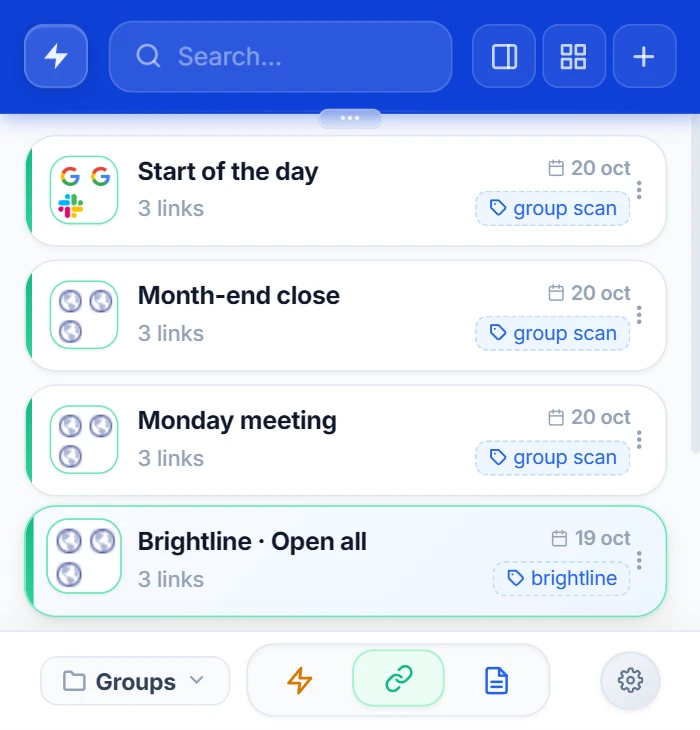
How to open the same pages every time Chrome starts
Make Chrome open your usual pages at startup, and keep each task's set of pages one click away.
How to reopen closed tabs in Chrome
You closed a tab, or the whole window, by mistake. Five ways to get it back in Chrome and one habit so it doesn't happen again.
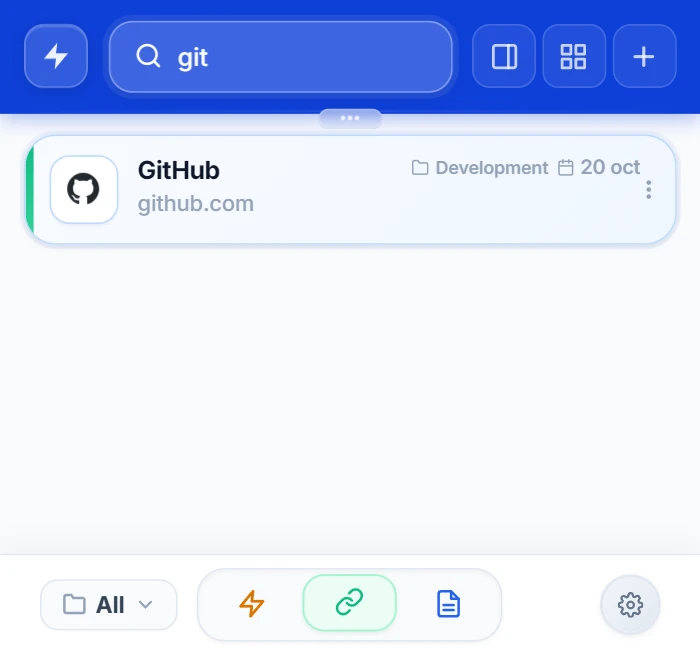
How to recover Chrome bookmarks that have disappeared
If your Chrome bookmarks have disappeared, all is not lost. What to check first, how to use Chrome's backup file and how to stop it from happening again.
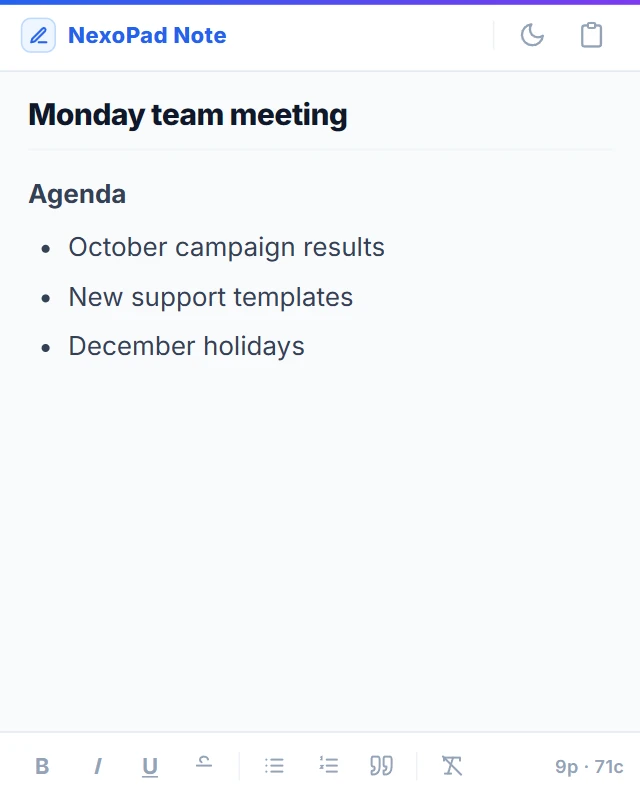
Desktop sticky notes: how to keep your notes always in view
Sticky Notes on Windows, Stickies on Mac and a browser alternative: what each one does well and where it falls short.
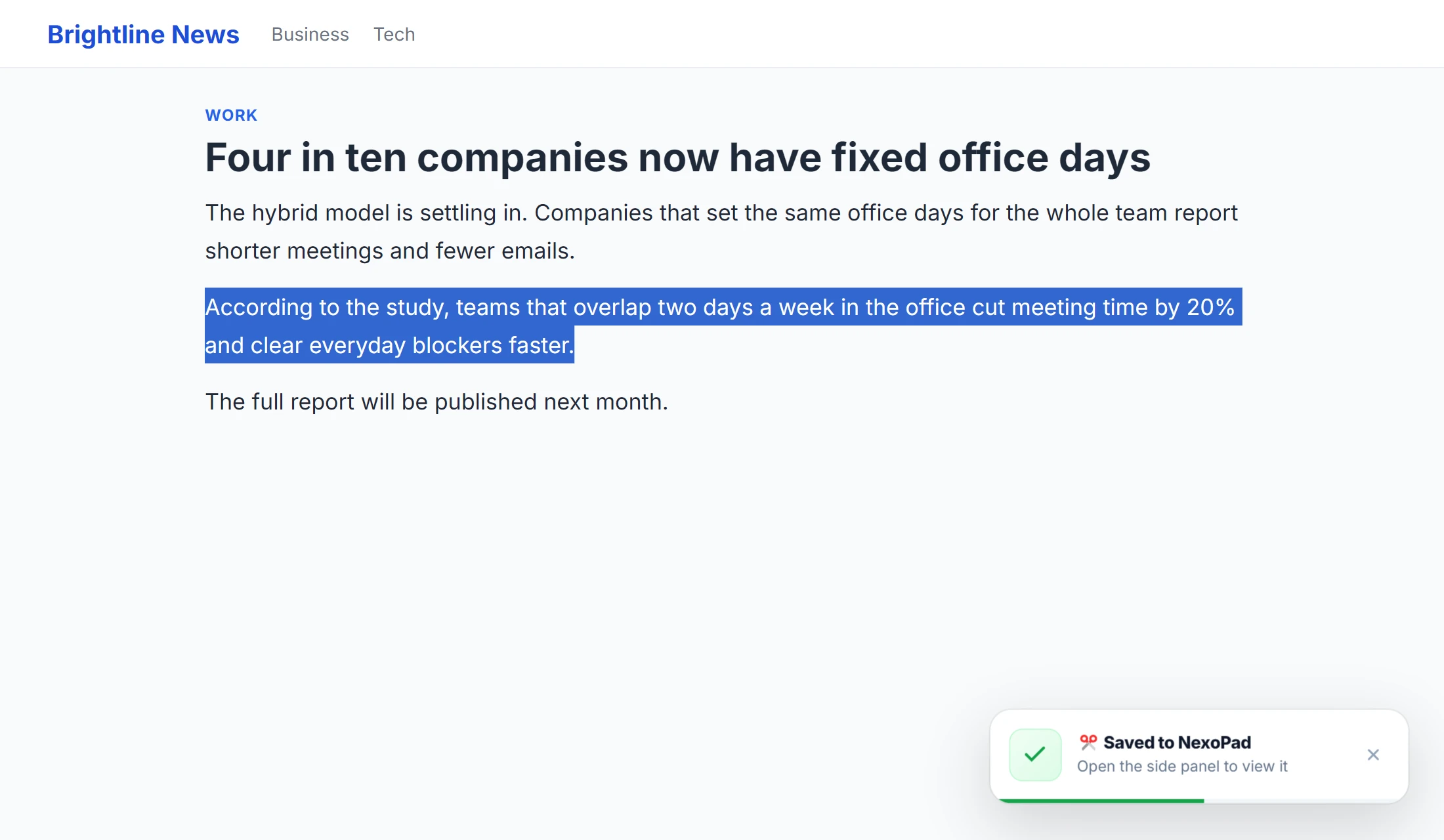
How to save a webpage in Chrome
Complete page, PDF, link or screenshot: what each Chrome option keeps, which one works offline and when to use each.
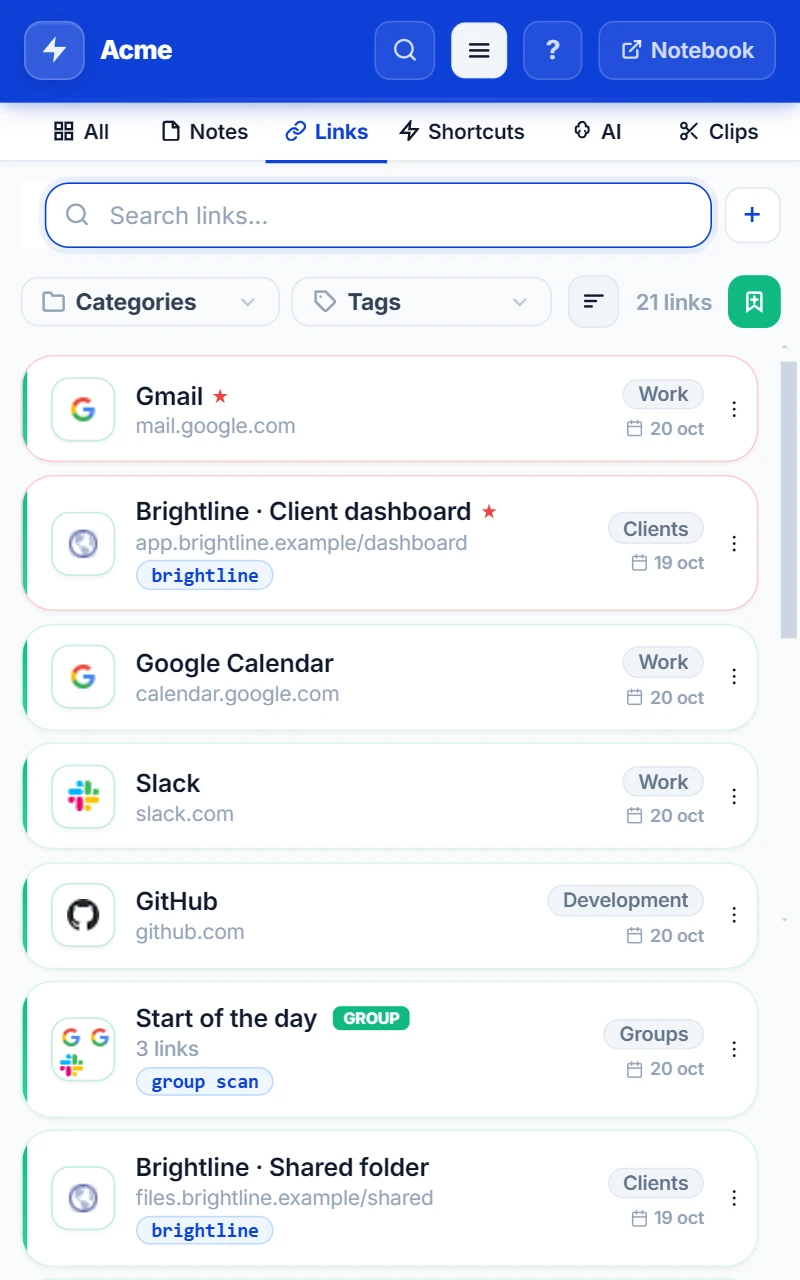
The complete guide to organizing your links in Chrome
A simple method to tidy up your bookmarks, your tabs and your team's links, with a detailed guide for each case.
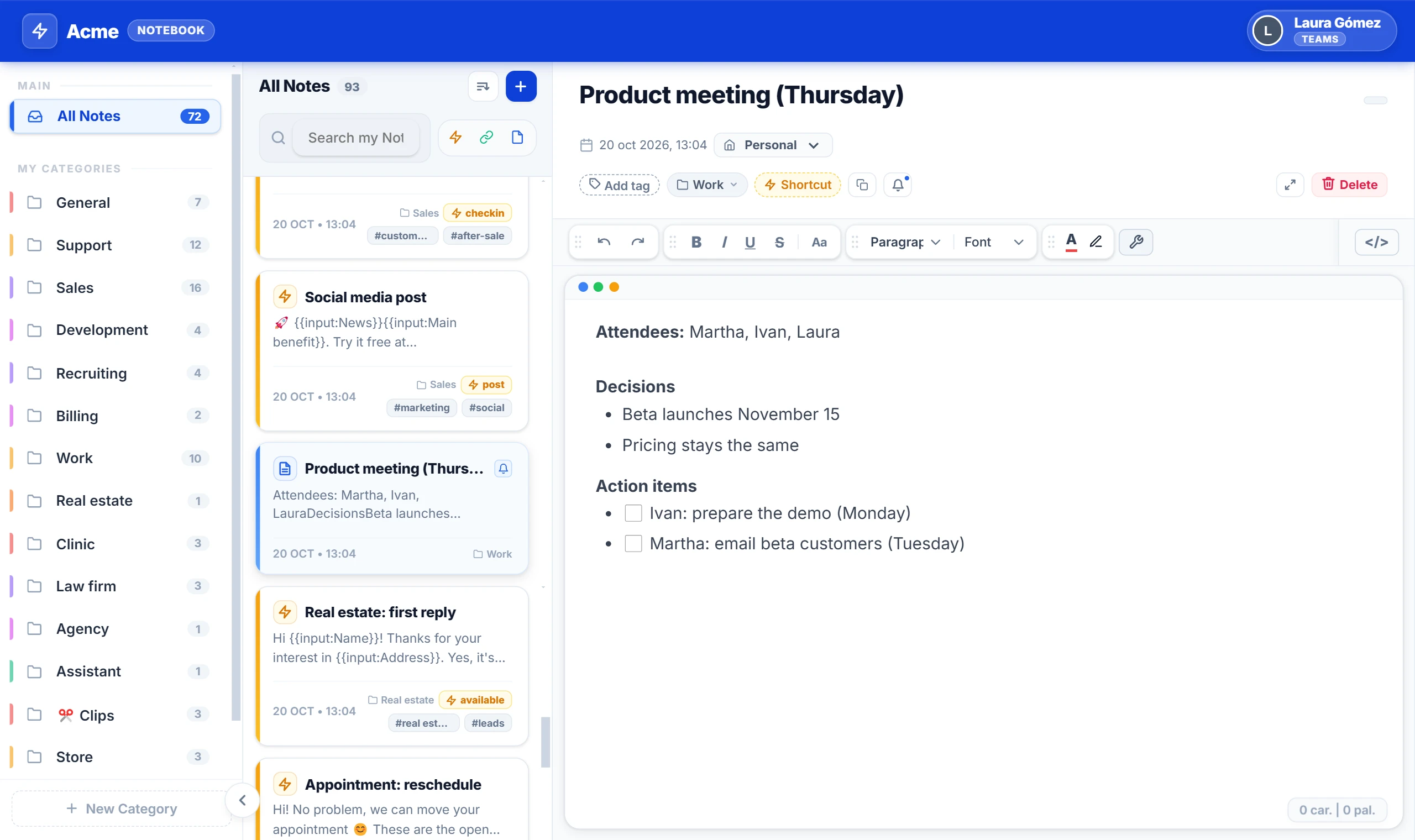
The complete guide to taking and organizing notes in your browser
Notes on paper, in chats with yourself and in five different apps. A simple method to take notes in your browser and always have them at hand.
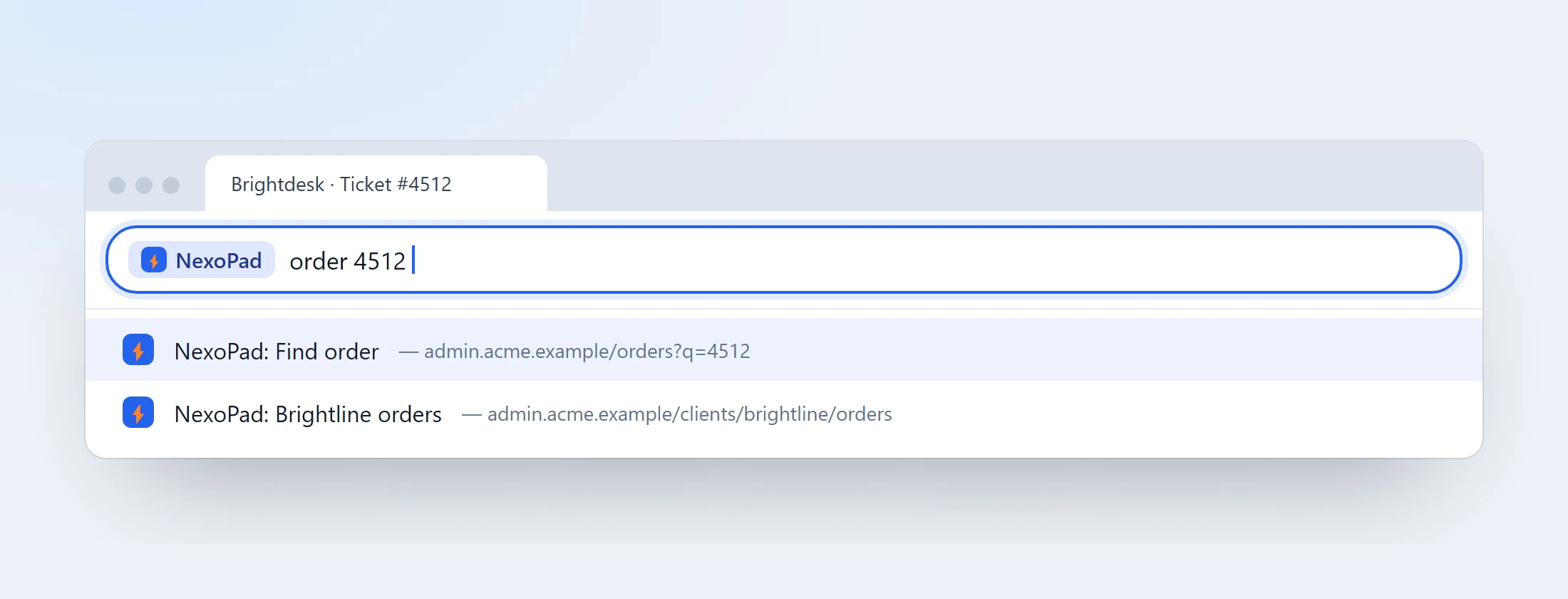
How to open your sites by typing one word in Chrome's address bar
Type one word in the address bar and open the site you need, or search right inside it. How to do it with Chrome and with NexoPad.
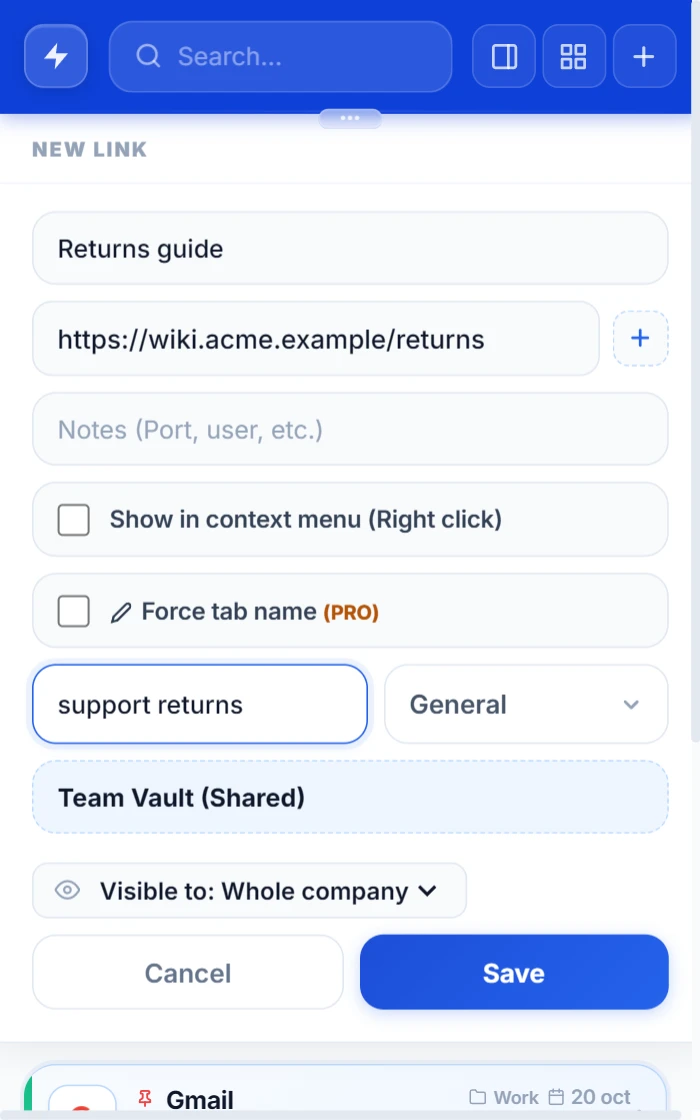
How to share links with your team (and make sure everyone uses the same ones)
Links lost in chat and outdated bookmarks. The ways to share links with your team and how to keep the same ones one click away.