Guides to write and work faster
Page 2 of 3
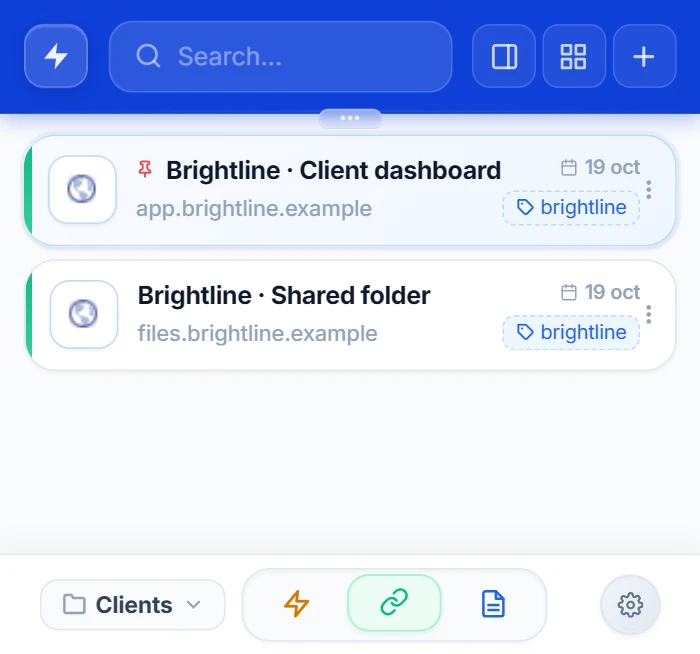
How to save links in Chrome without cluttering your bookmarks bar
Save that useful link in a second, keep your bookmarks bar clean, and find it later by typing a couple of letters.
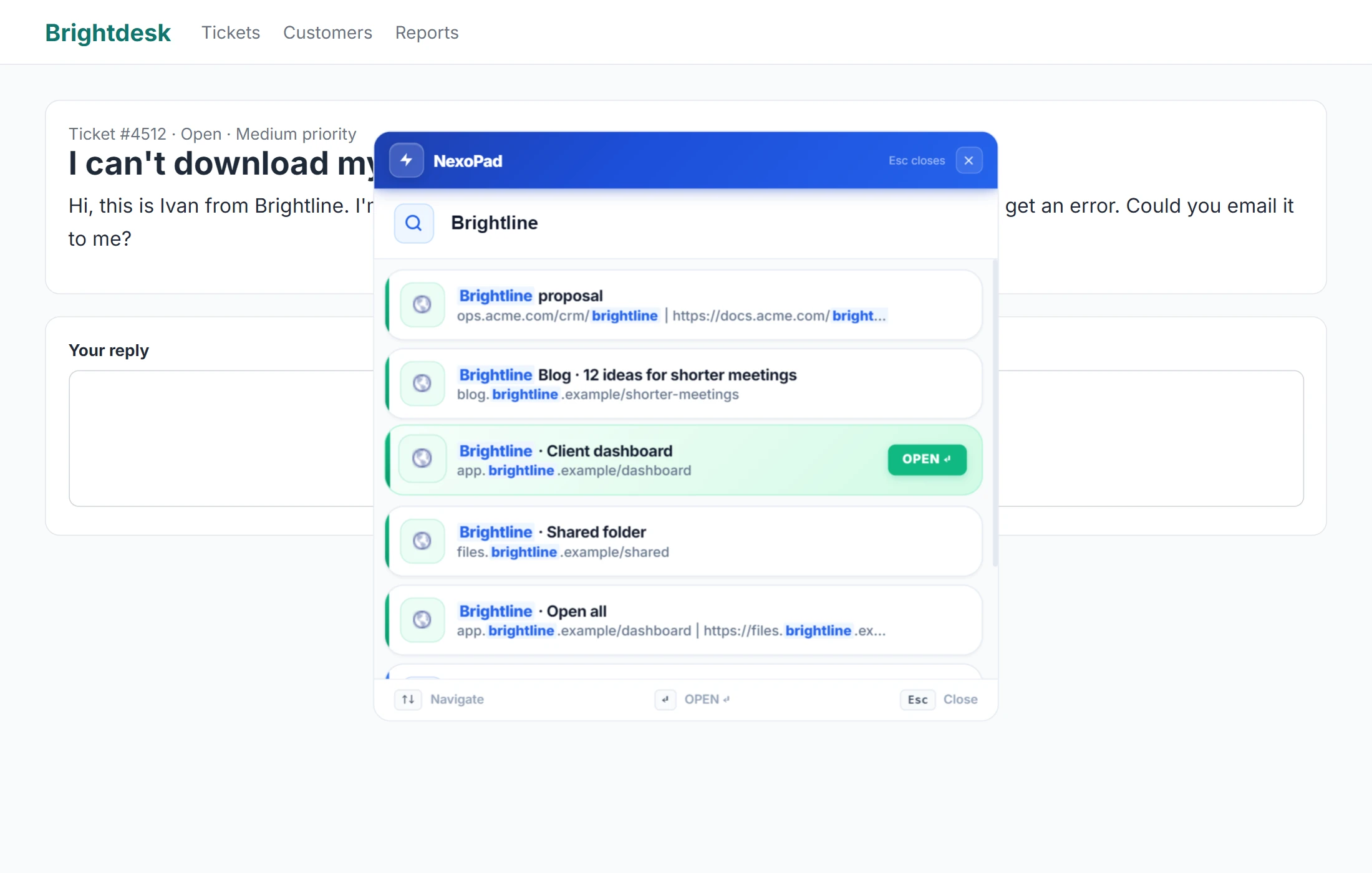
A notepad for support and sales: customer details at hand while you work
What to write down for each customer, a simple template and how to keep your notes at hand from the ticket or CRM, without switching tabs.
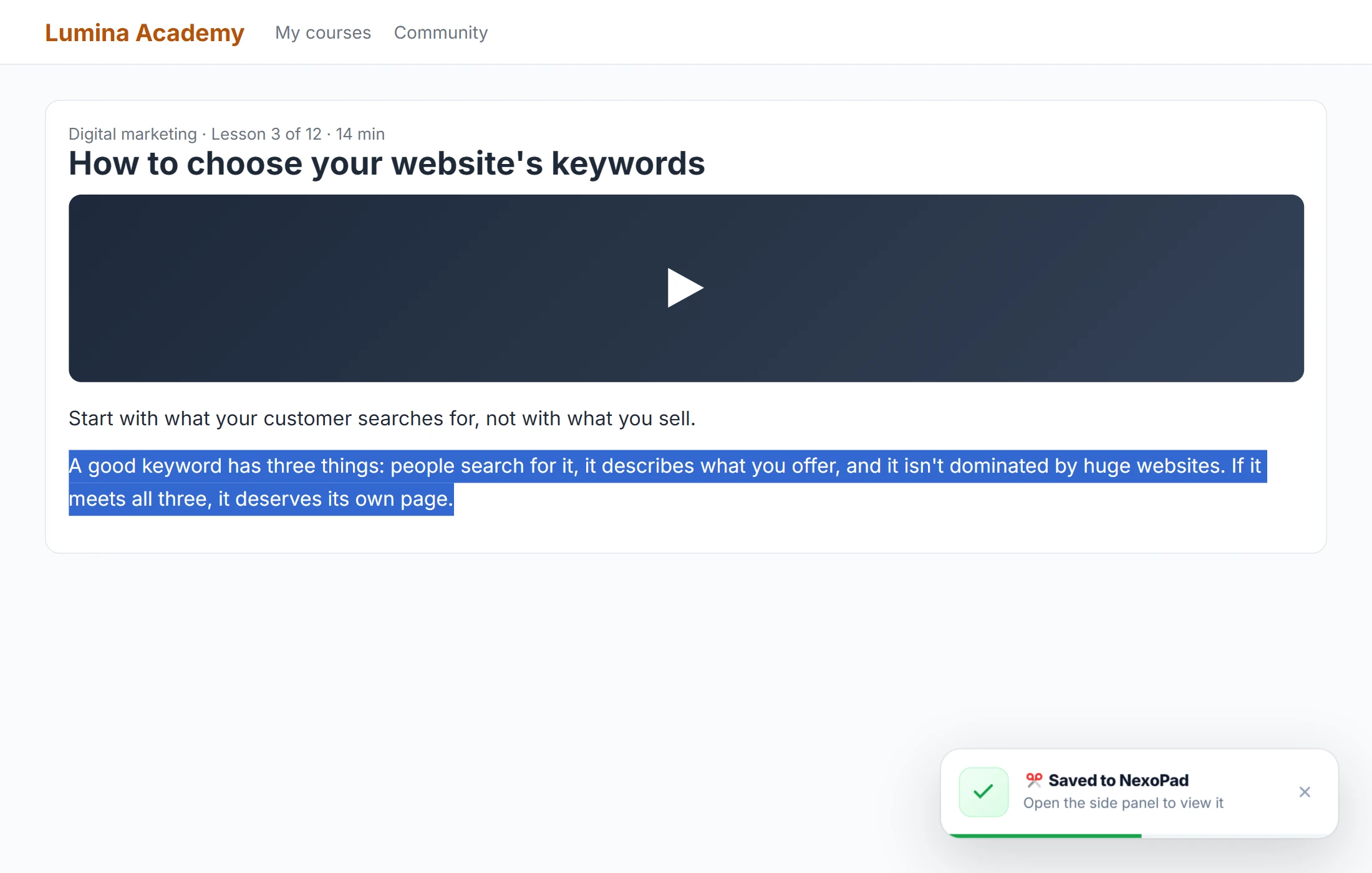
How to take notes from online classes and courses in your browser
Tips for taking good notes from videos and online courses, and how to do it without leaving the browser or losing where each idea came from.
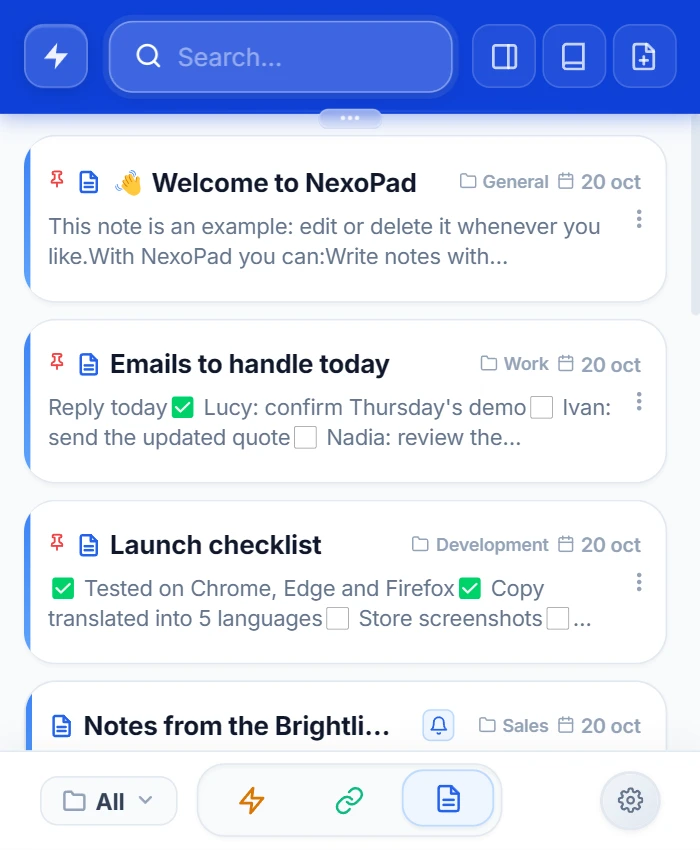
How to take quick notes in Chrome without switching tabs
Chrome has no built-in notepad. Three tricks that need no install, and how to jot something down in two seconds without leaving the page.
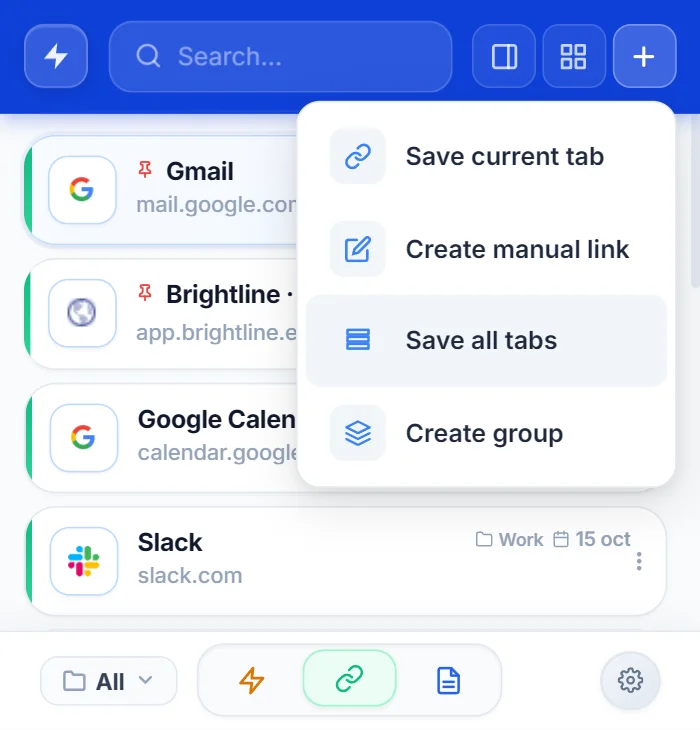
How to save all open tabs in Chrome
Five ways to save the tabs you have open in Chrome and get them back tomorrow without hunting for them one by one.
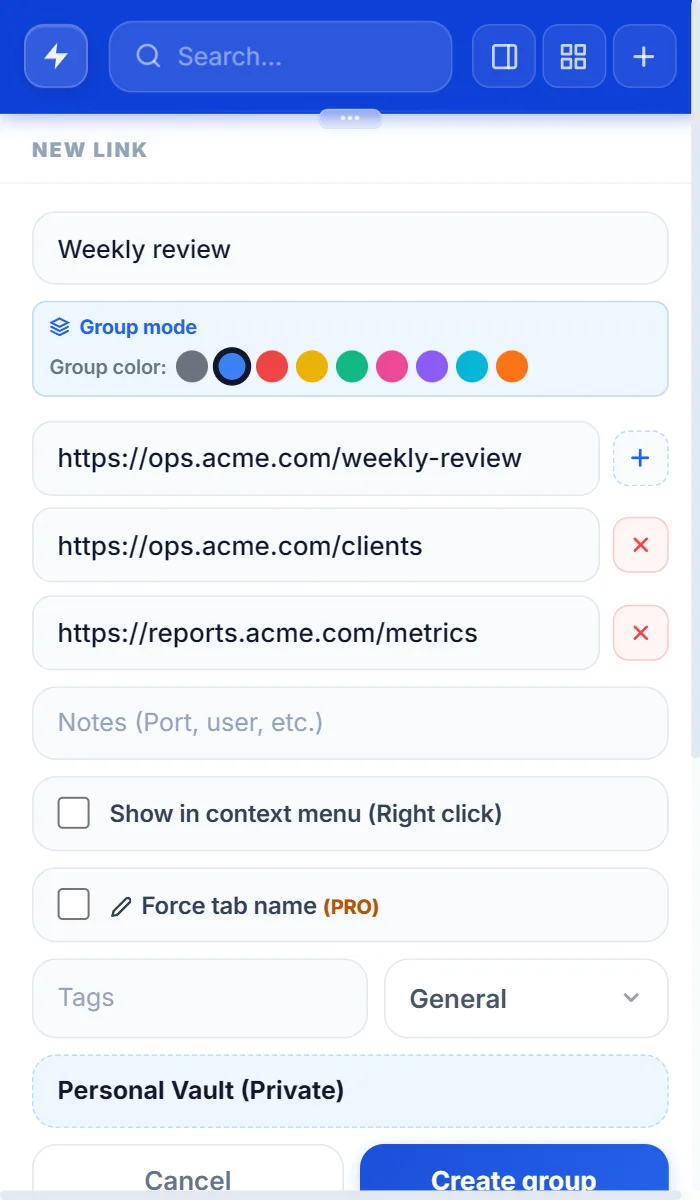
How to group tabs in Chrome
Create, name, color and save tab groups in Chrome in a few clicks, and reopen them whenever you need them.
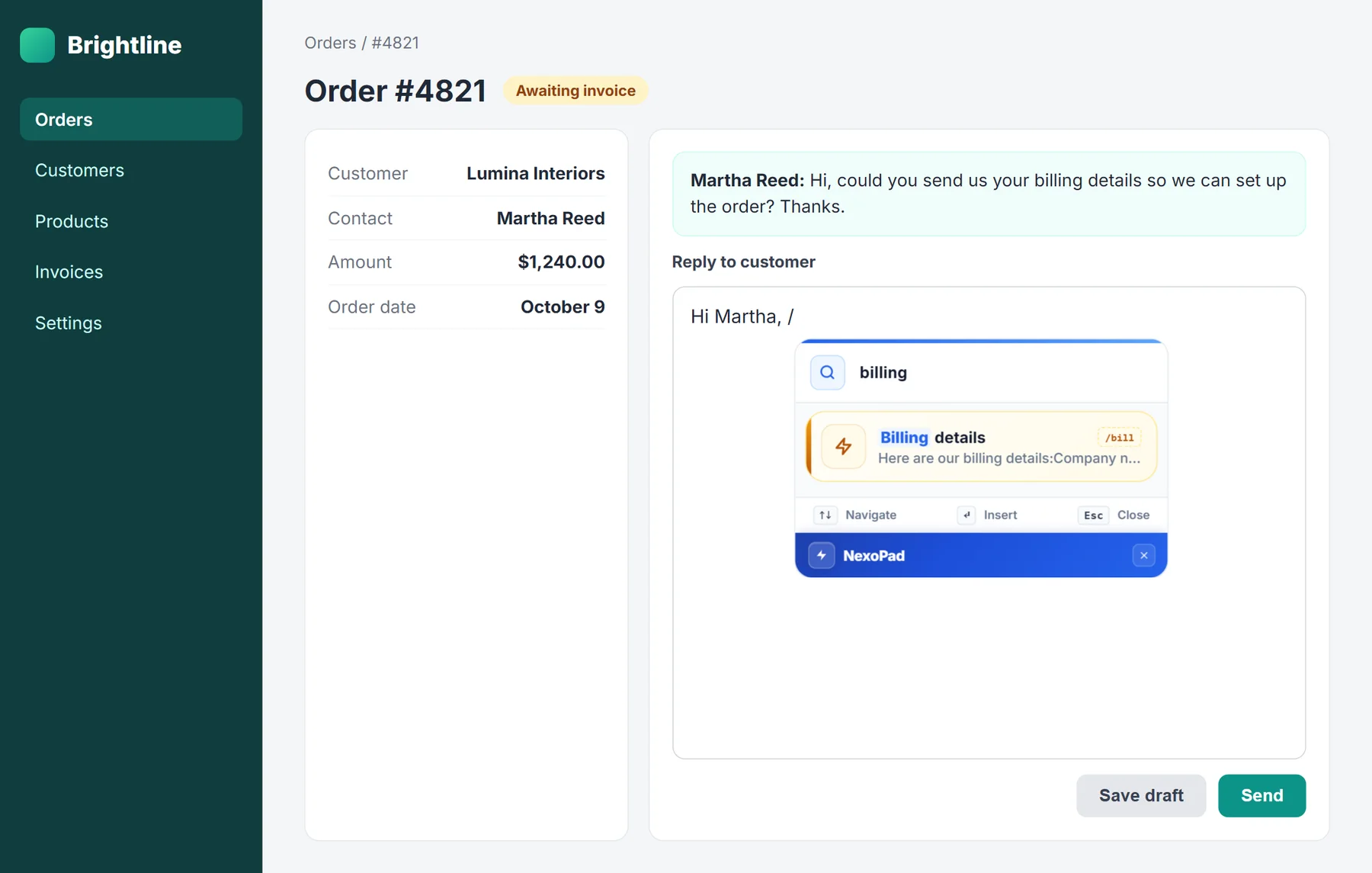
Text replacement on Mac and Windows: how to create text shortcuts
How to create text shortcuts on Mac with the built-in Text Replacements, how to fix the most common problems and what to use on Windows instead.
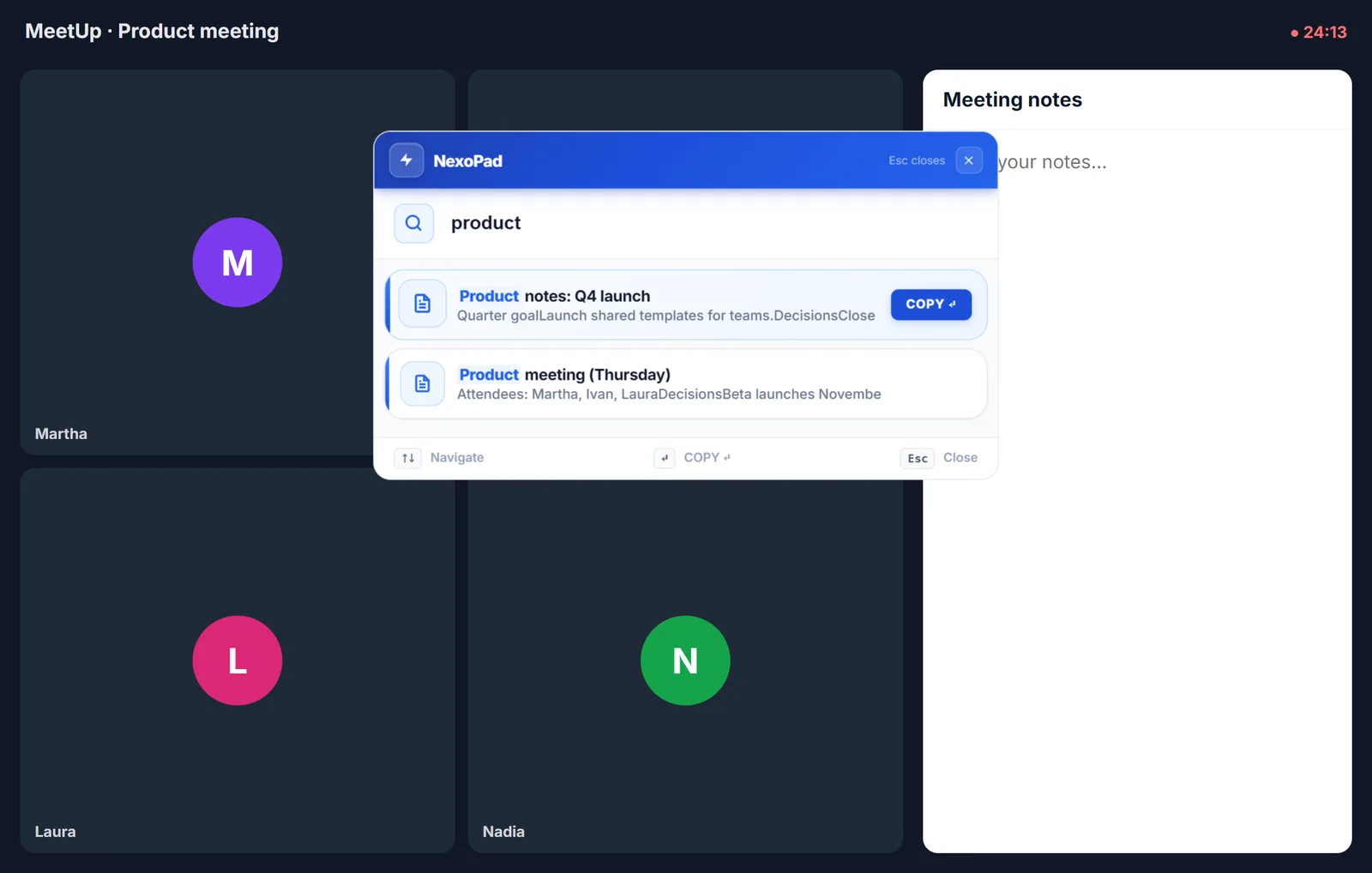
How to take meeting notes
What to write down in a meeting, a simple template with decisions and action items, and how to keep your notes at hand while you work.
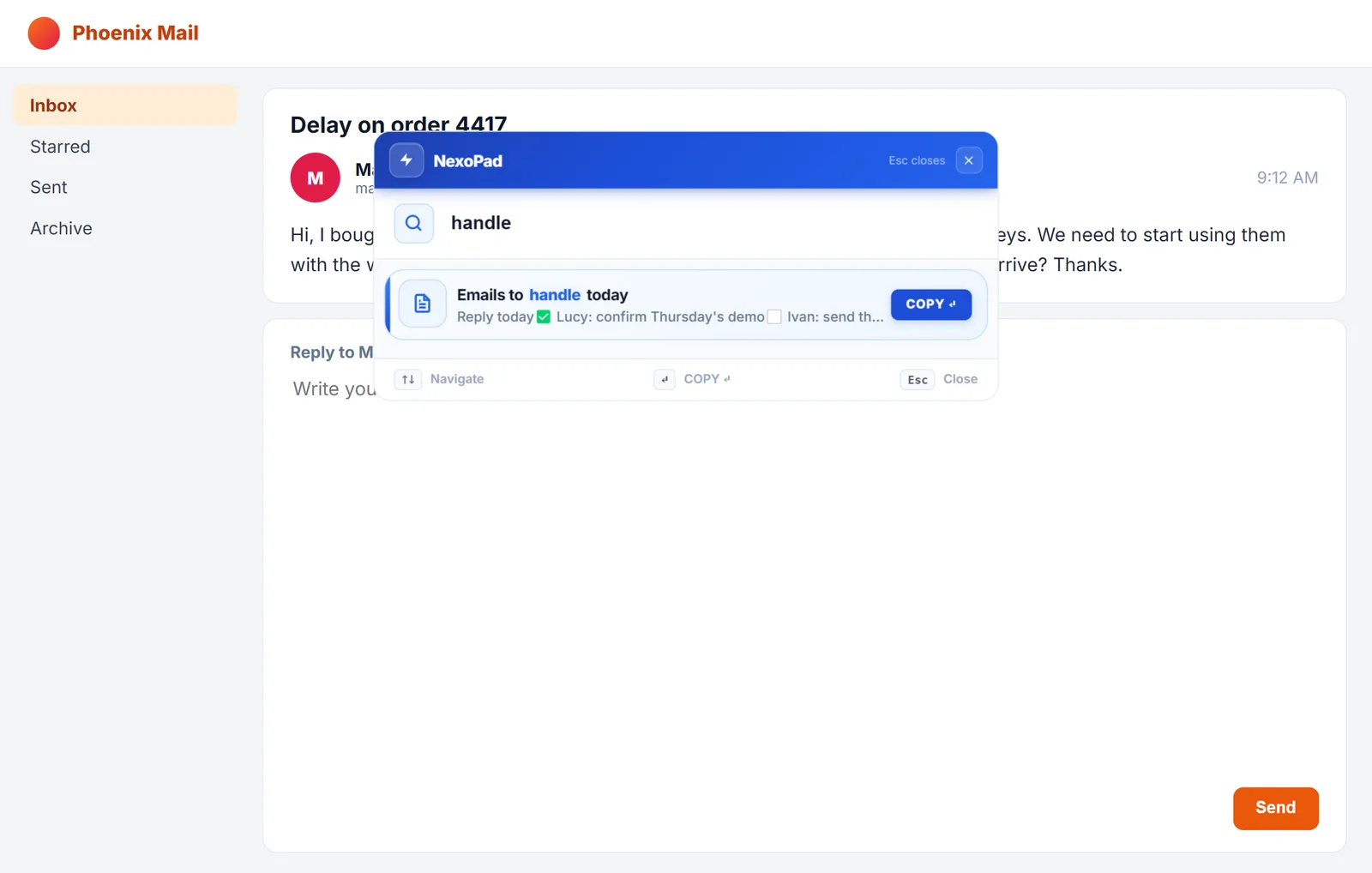
How to organize your inbox
The Inbox Zero method explained step by step, with the Gmail and Outlook tools that help you keep your inbox under control.
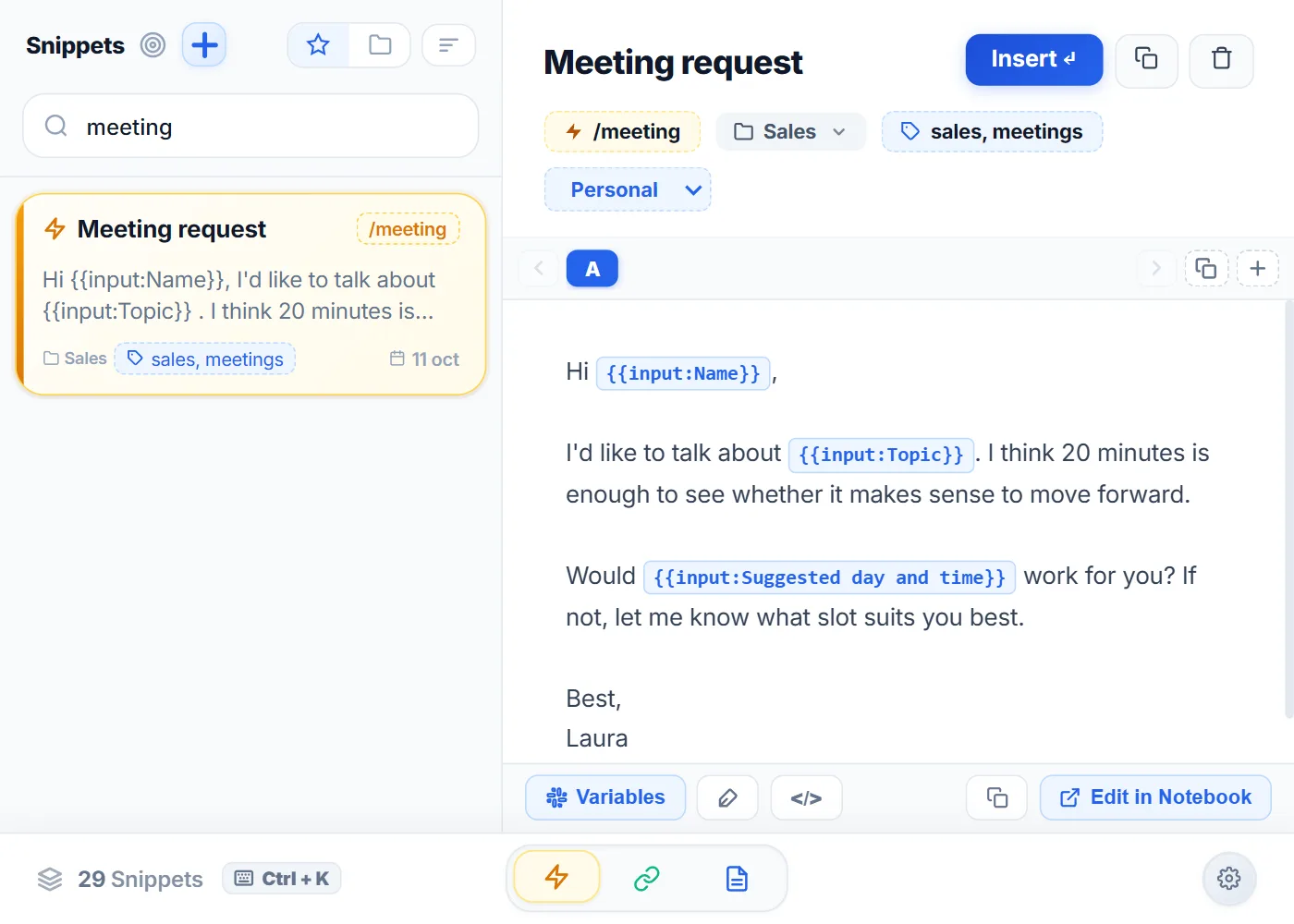
How to type faster on a computer
Eight ways to type faster on a computer, from learning to touch type to not having to type what you repeat every day.
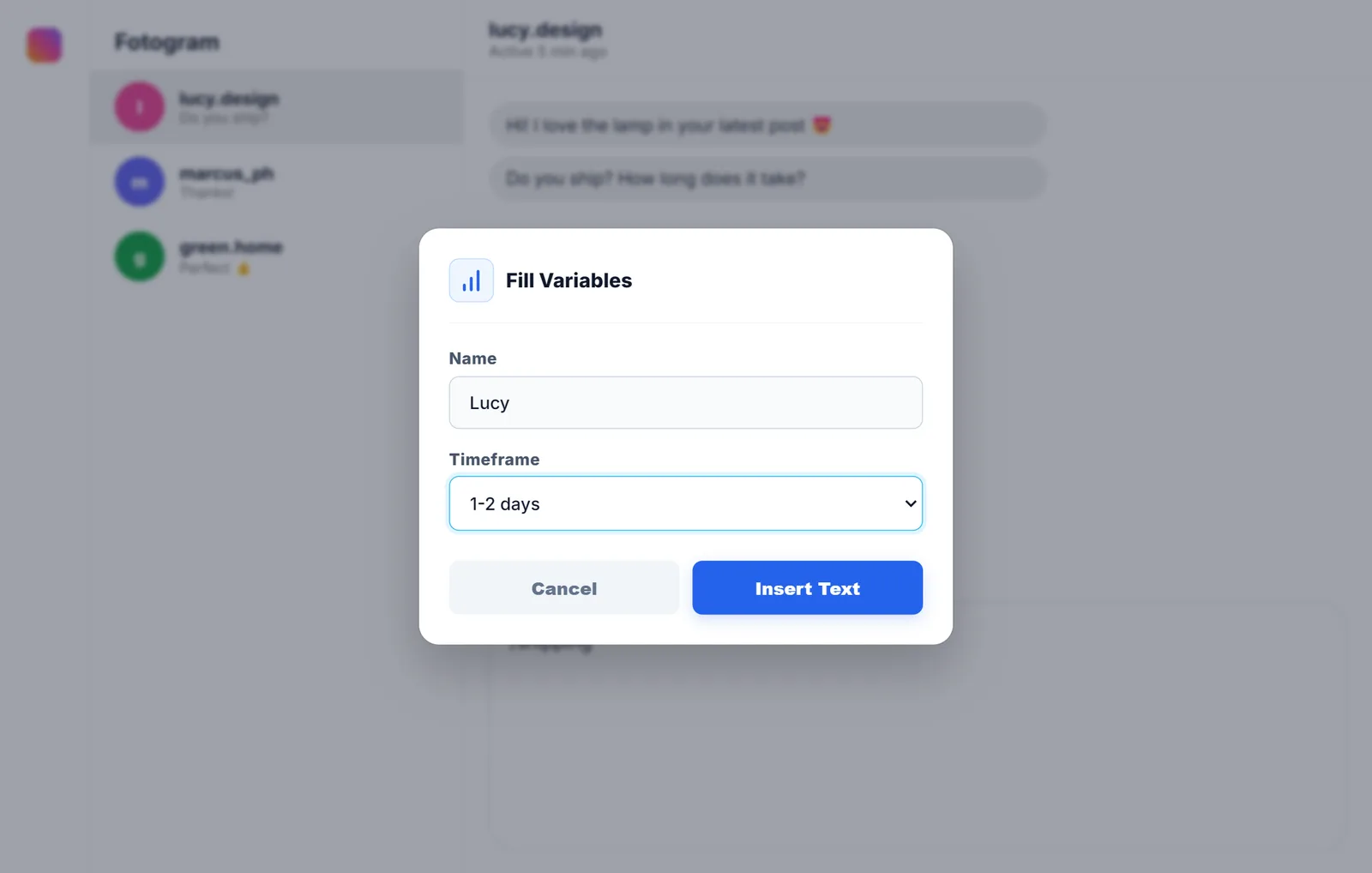
Quick replies on Instagram and Facebook
Meta's options to stop typing the same thing and how to reply with shortcuts from your computer, with example messages for shops and businesses.
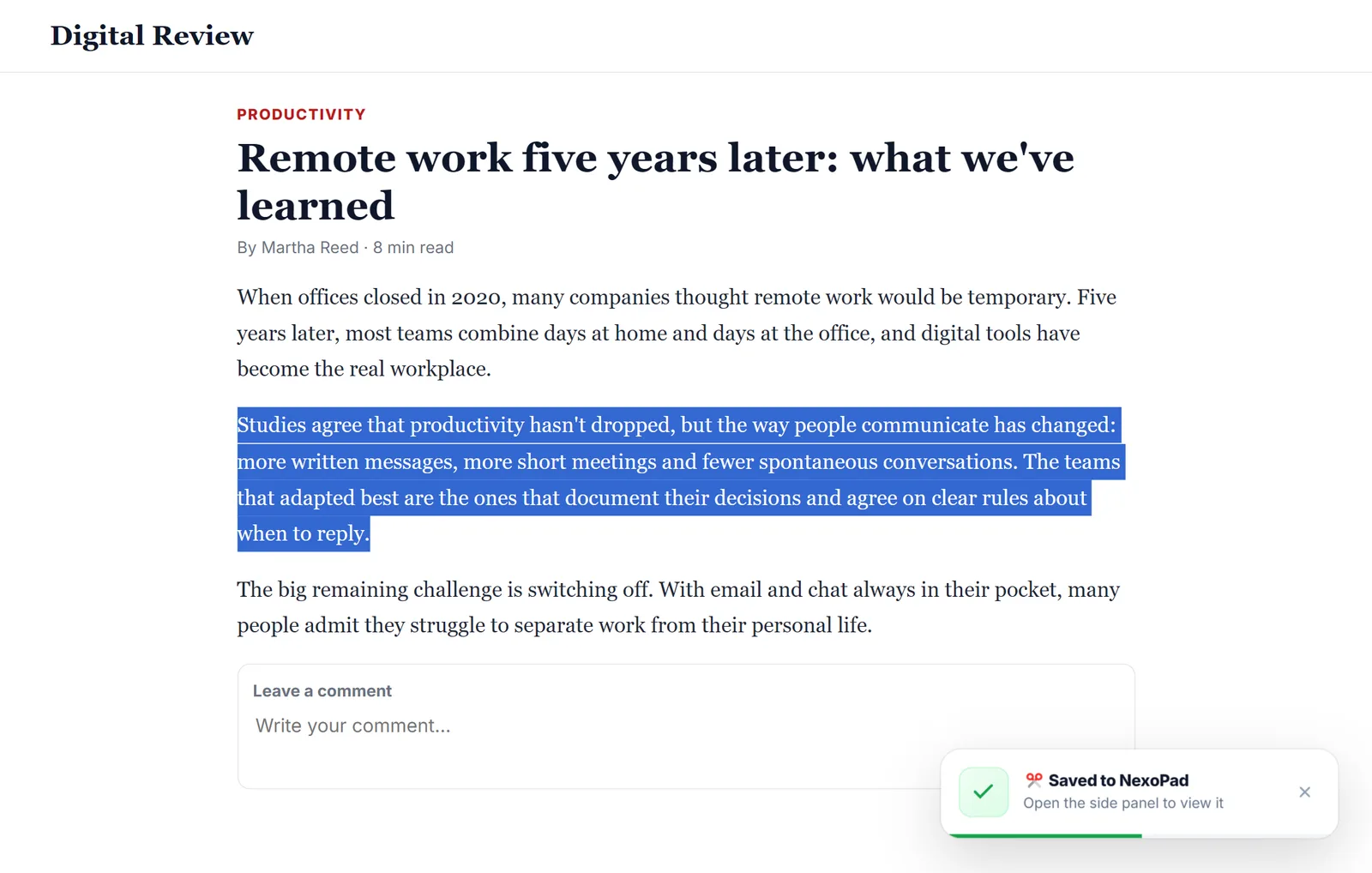
How to save text from a website
Four ways to save a snippet or a whole page in Chrome so you don't lose it, from what the browser already offers to clipping text with Alt+C.