NexoPad
Features

Documentation

DOCS

Guides, reference and tutorials

Explore the docs

Quick start

Install and create your first shortcut in minutes

FAQ

Answers to the most common questions

Blog

Guides and tips to write faster

Comparisons

NexoPad vs. other tools

Templates

Ready-made texts for support, sales and more

Solutions by department

Pros & Freelancers

Quotes, invoices, and links in 1 second.

Support & CX

Reduce FRT in Zendesk, Intercom, or WhatsApp.

Sales Teams

Inject winning pitches and Calendly links.

Talent & HR

Accelerate candidate outreach on LinkedIn.

Engineering & DevOps

Standardize PR templates, Docker commands, and runbooks.

By industry

Real estateHealthcareLawyersTeachersOnline storesAgenciesVirtual assistantsSee all professions

Your company's second brain

View team plans
Pricing

NexoPad

Sign in
Sign up freeFree
Add to Chrome
Blog

Guides to write and work faster

Page 3 of 3
All 74Productivity 30Customer support 9Sales 6Email 11Careers & HR 8AI 4Templates 6
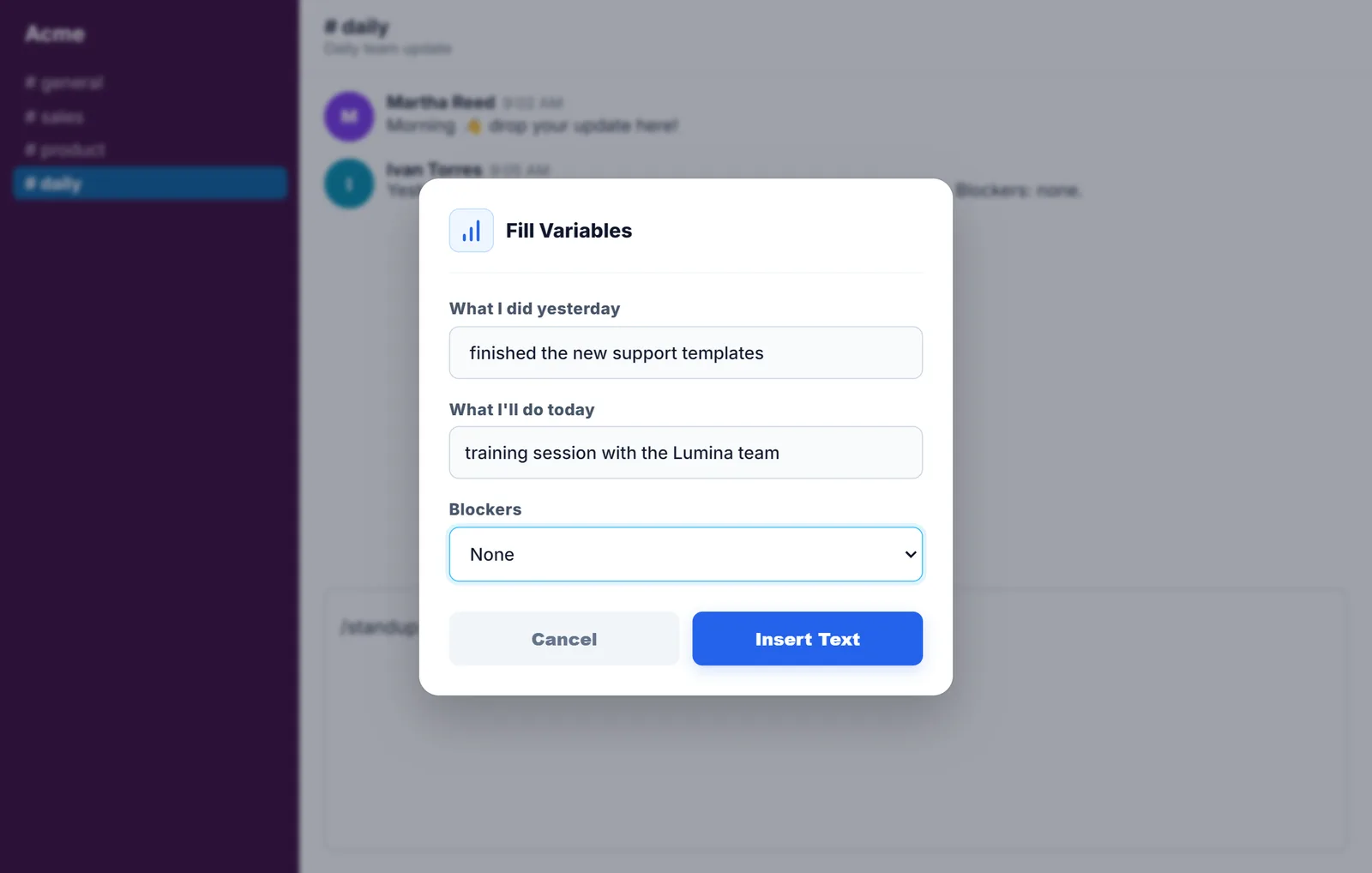
NexoPad box to fill in the daily update inside a team chat
Productivity

Quick replies in Slack and Microsoft Teams

What Slack and Teams offer to stop repeating messages and how to get shortcut replies in their browser versions.
October 11, 20266 min readRead article
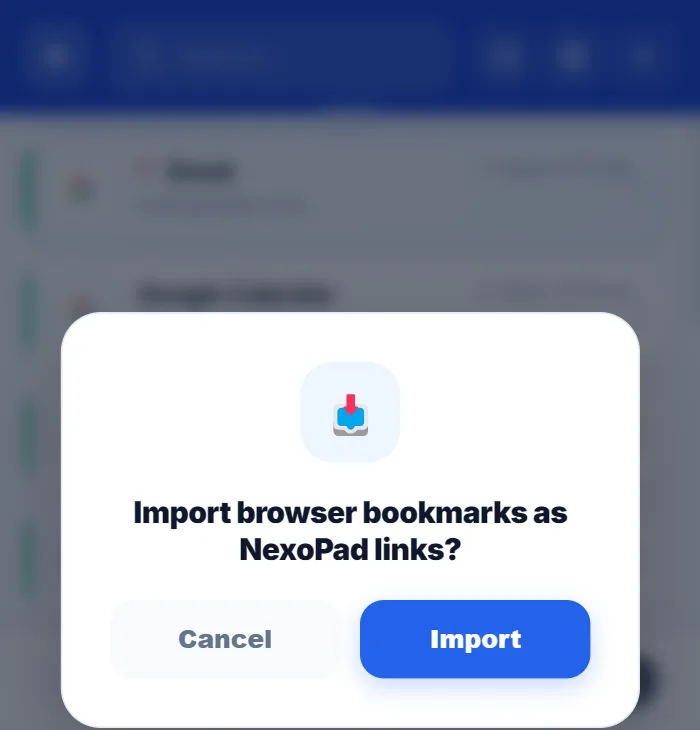
NexoPad window to import browser bookmarks
Productivity

How to organize your browser bookmarks

Six steps to go from a messy pile of bookmarks to a list you can search in seconds.
October 11, 20266 min readRead article
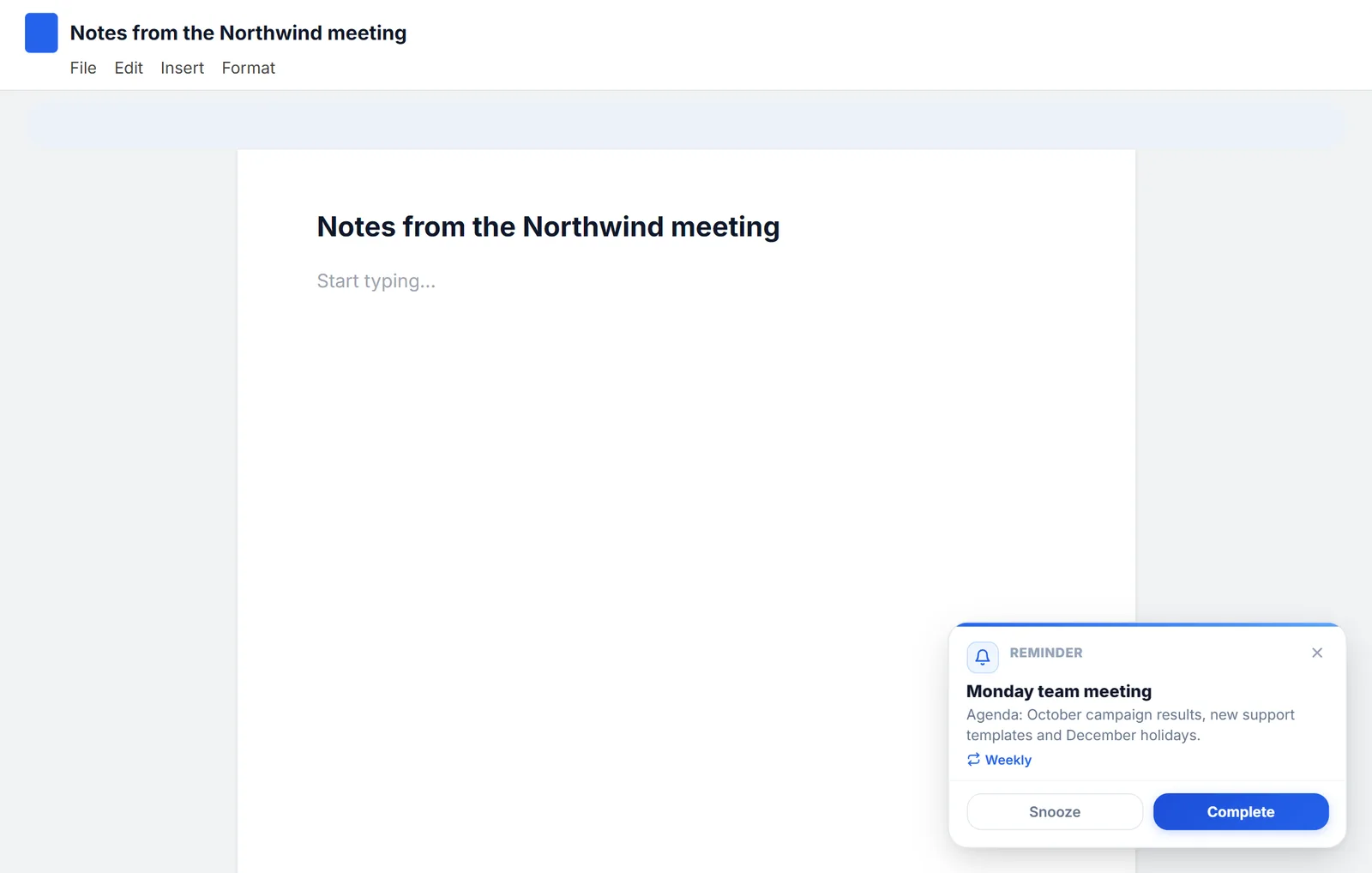
NexoPad reminder alert inside a document with Snooze and Complete buttons
Productivity

How to set reminders in Chrome

Chrome doesn't come with reminders, but you can get them with Google Tasks, Google Calendar or an extension. All three, step by step.
October 11, 20266 min readRead article
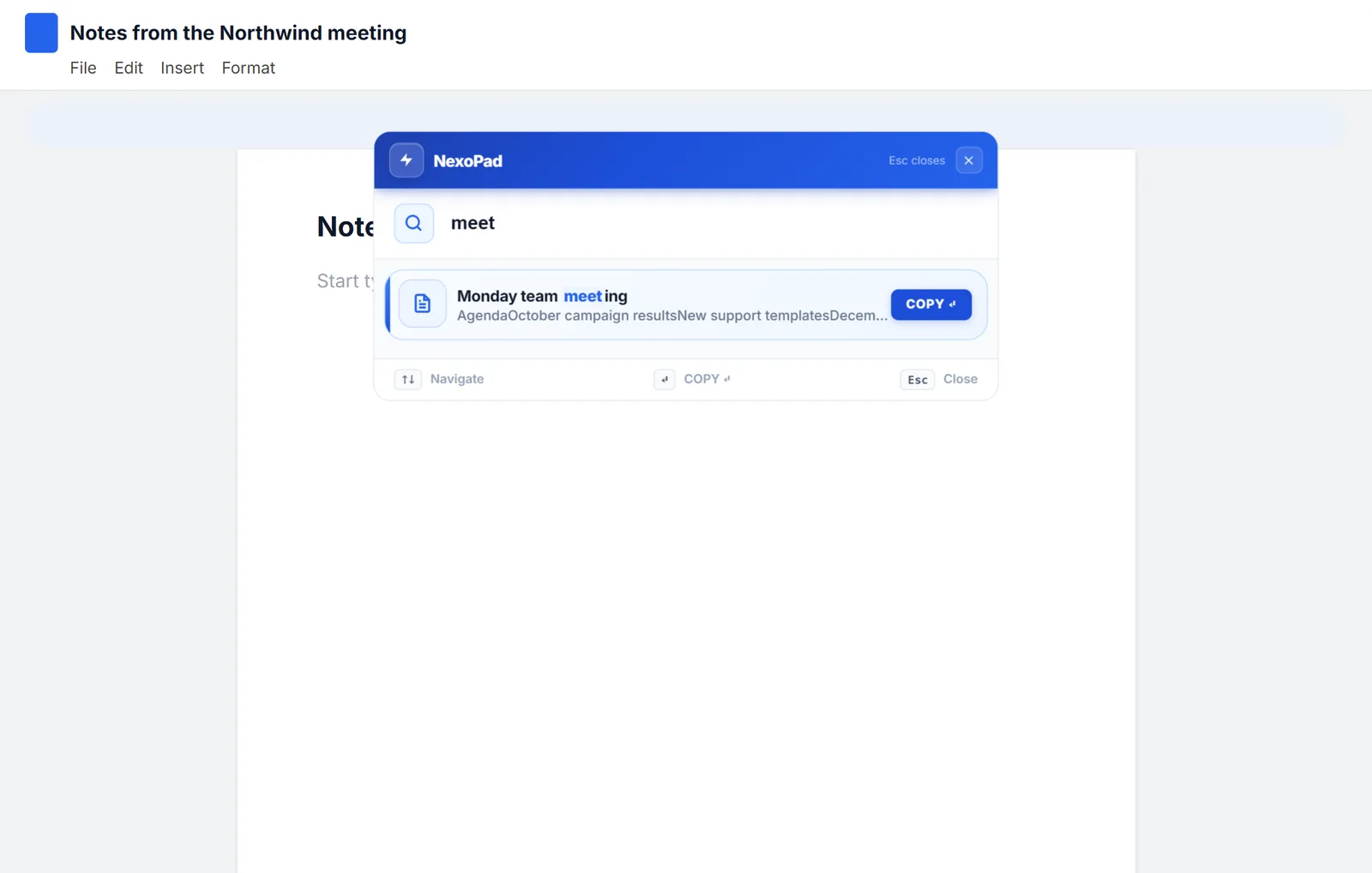
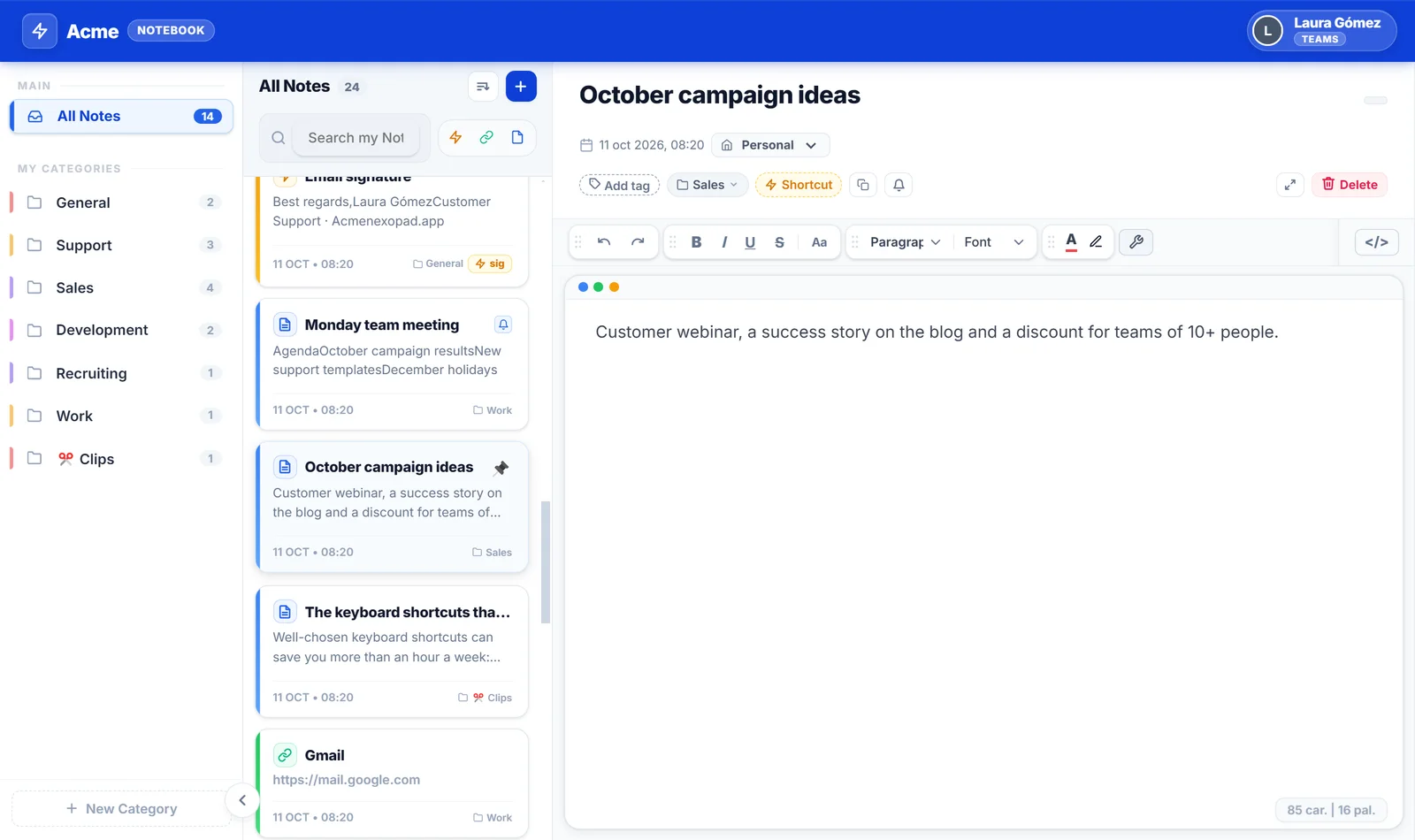
NexoPad Ctrl+K search inside a document editor
Productivity

The 18 best productivity extensions for Chrome (2026)

18 Chrome extensions that genuinely save time, sorted by category: what each one does, what's free, who it's for and its limitations, with real data from the Chrome Web Store.
October 20, 202615 min readRead article
NexoPad Notebook
Productivity

The Chrome keyboard shortcuts that save the most time

Tabs, navigation, search and windows: the most-used Chrome shortcuts on Windows and Mac, plus a few extras with NexoPad.
October 11, 20266 min readRead article
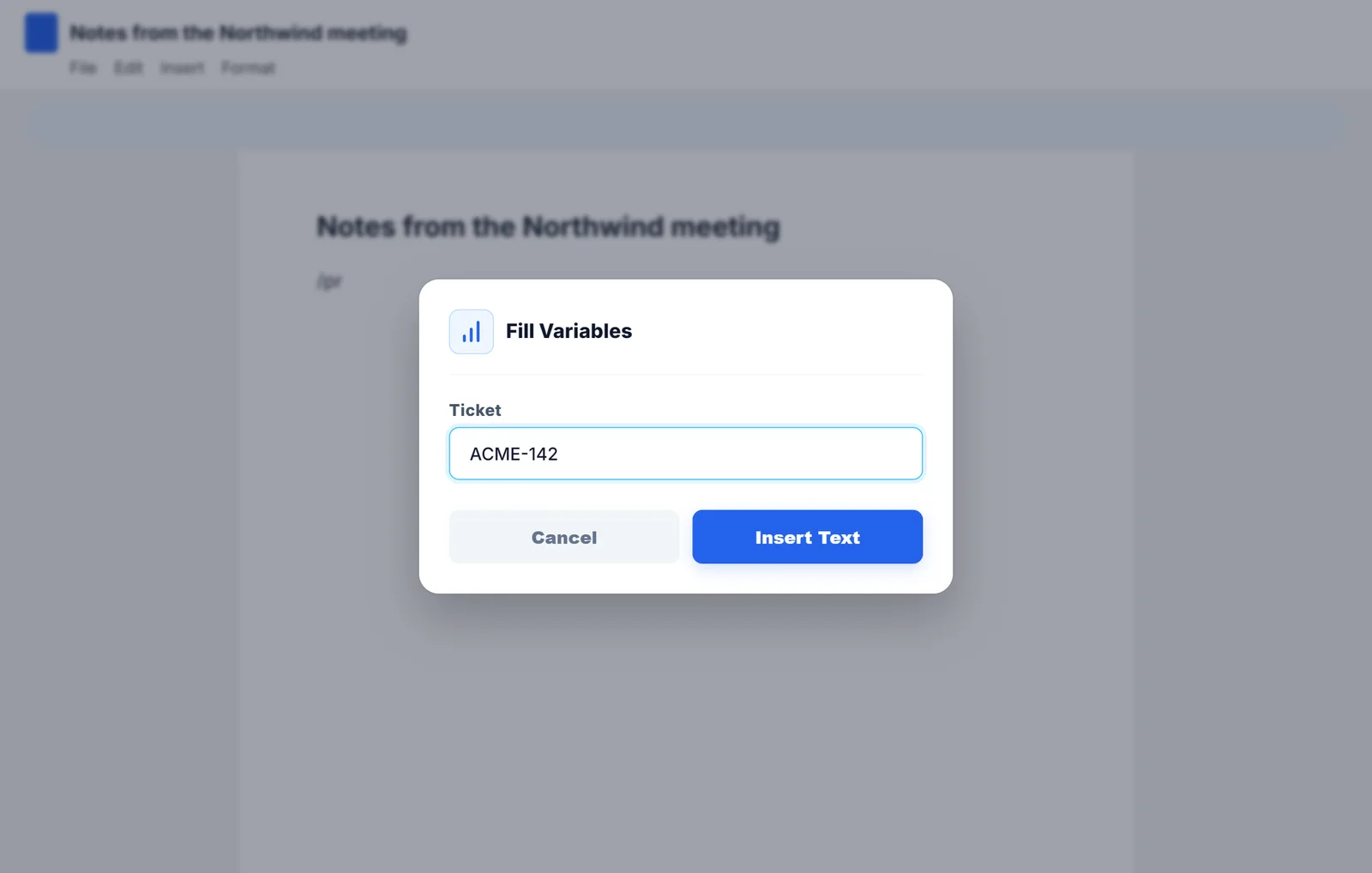
Box to fill in the ticket number
Productivity

What is a text expander and how does it work?

What a text expander is, how it works under the hood, what it's useful for day to day and how to create your first shortcuts.

October 10, 20266 min readRead article
Previous
123
Next
NexoPad

The extension that unifies your keyboard shortcuts, notes, and company links in any browser tab.

Product

  • Pricing
  • Features
  • What's New
  • Documentation
  • Blog
  • Comparisons
  • Templates

Solutions

  • Pros & Freelancers
  • Support & CX
  • Sales Teams
  • Talent & HR
  • Engineering & DevOps
  • See all professions

Company

  • Our Mission
  • Contact Sales

Extensions

  • Chrome
  • Microsoft Edge
  • Mozilla Firefox
  • Brave
  • Opera

© 2026 NexoPad. All rights reserved.

PrivacyTerms