Guides to write and work faster
Tips, templates and shortcuts for Gmail, LinkedIn, support and everyday work in the browser.
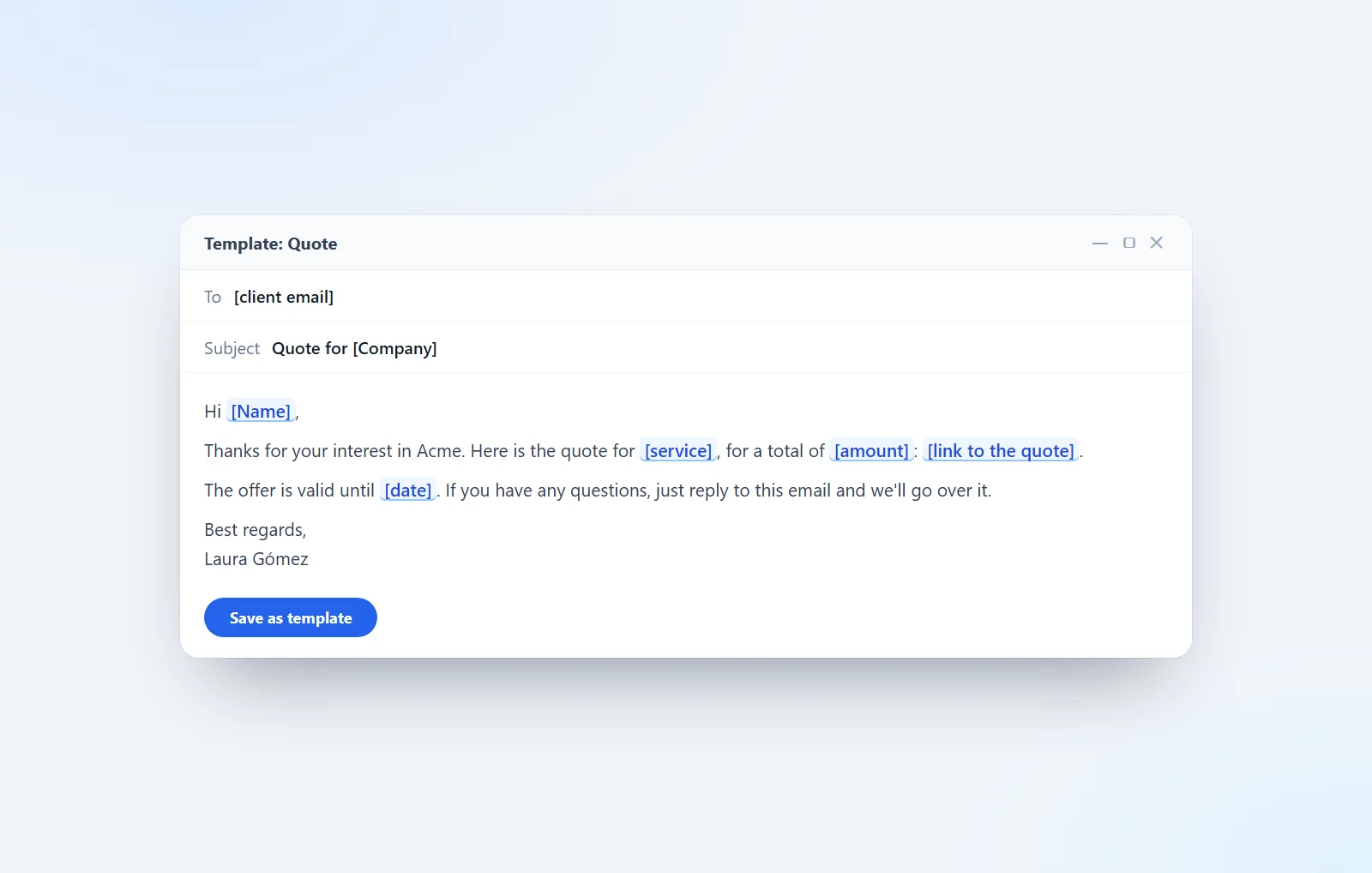
How to create templates in Gmail, step by step
How to turn on Gmail templates, save your emails, insert them, change them and delete them. Plus automatic replies and 9 examples ready to copy.
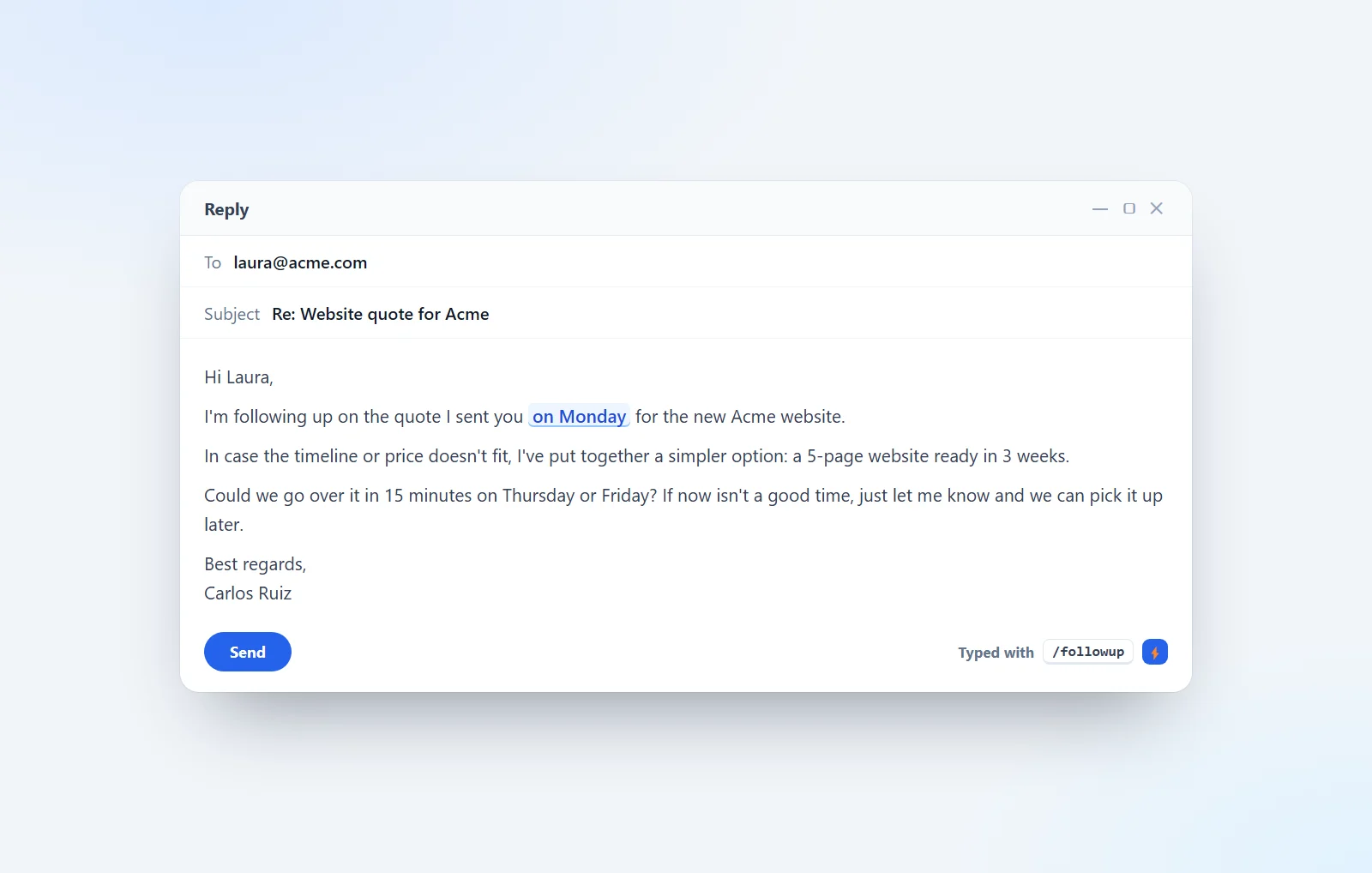
Follow-up email after no response: how to nudge without being annoying (16 examples)
When to follow up, how often and what to write: 16 follow-up emails for clients, quotes, managers, suppliers, invoices and contacts who don't reply.
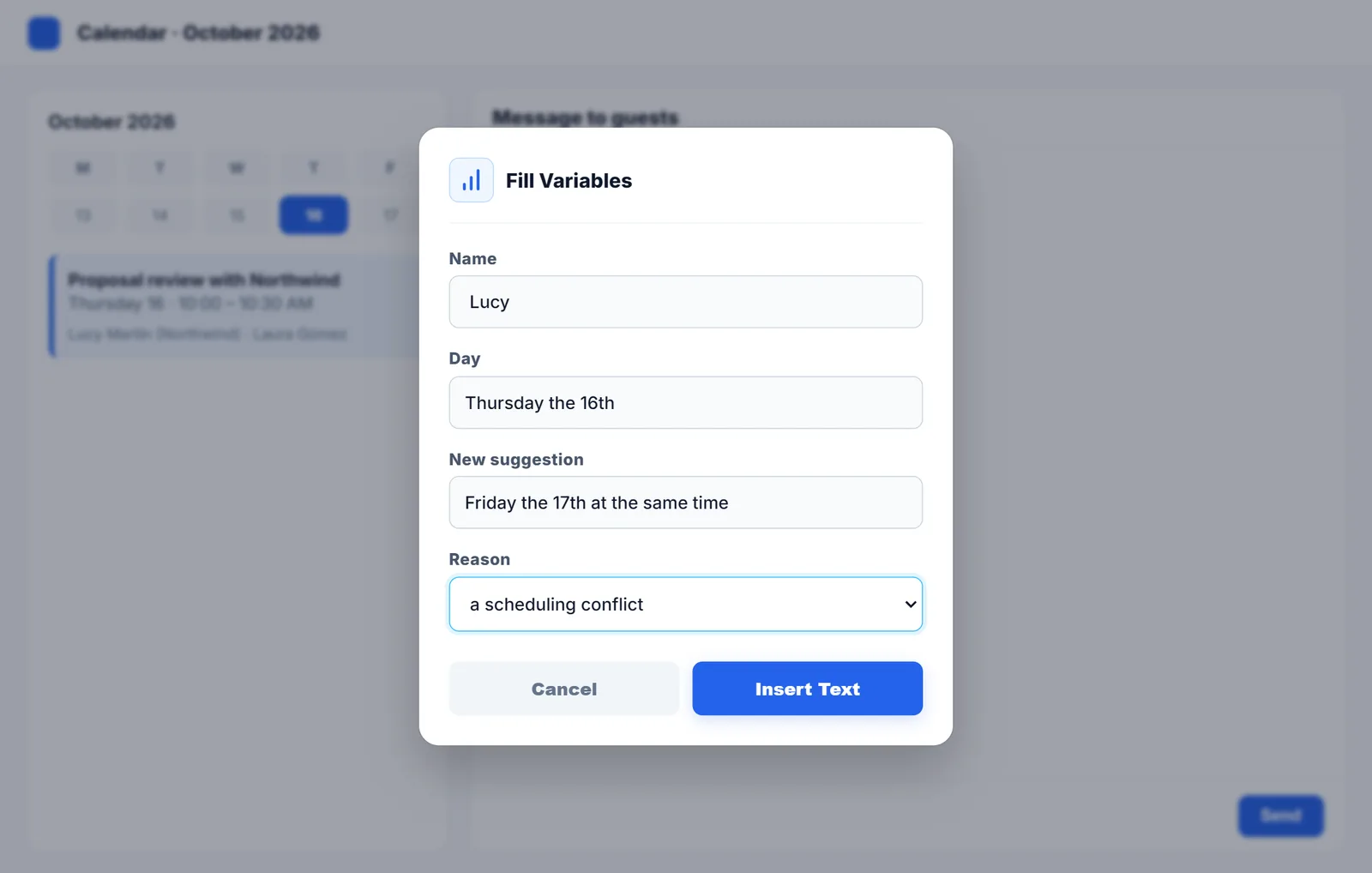
How to cancel or decline a meeting by email
Five templates to cancel, postpone or decline a meeting politely, plus tips to do it without hurting the relationship.
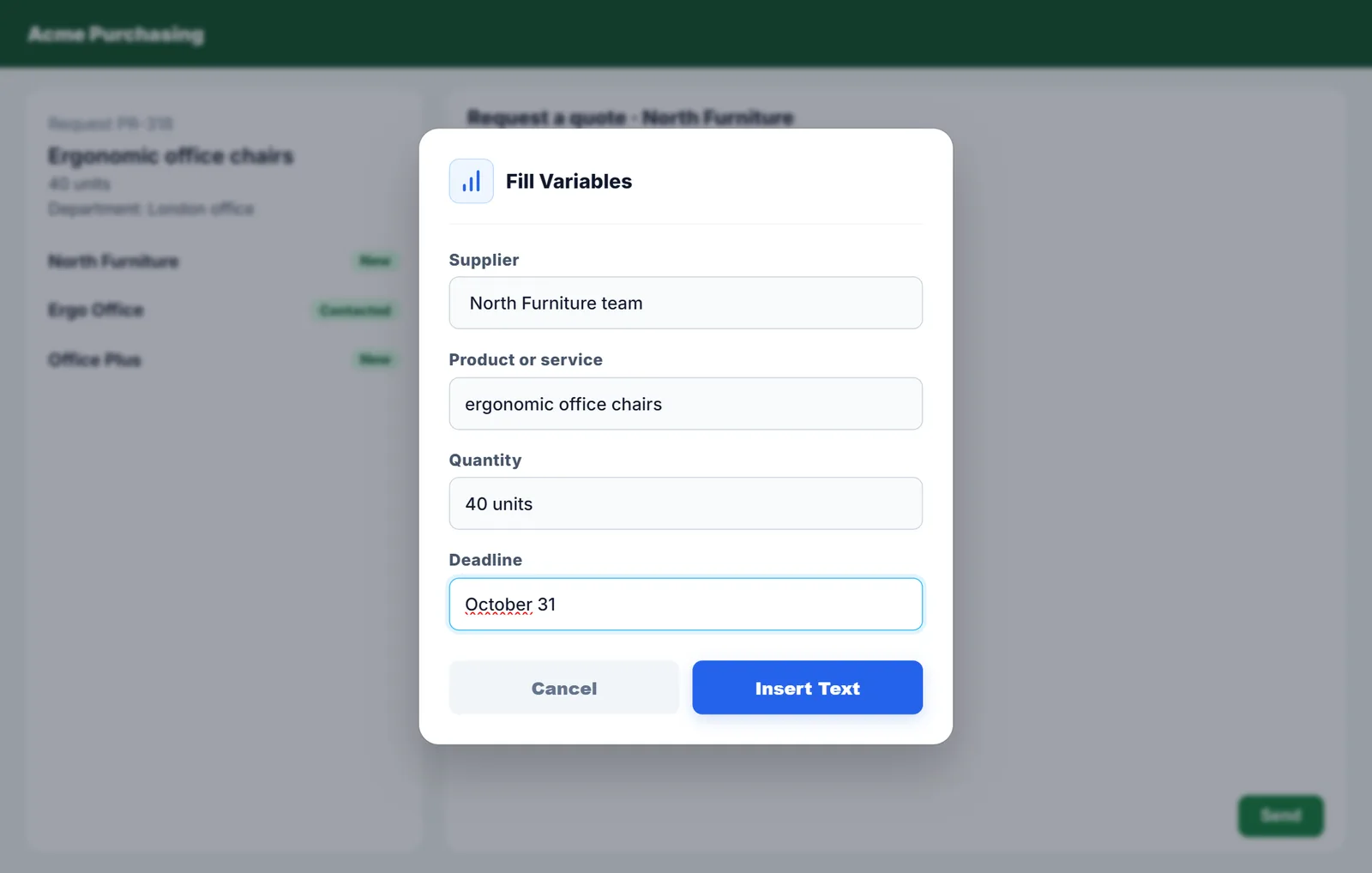
Email to request a quote from a supplier
What to include so suppliers reply quickly with comparable offers, and four templates to request a quote or information.
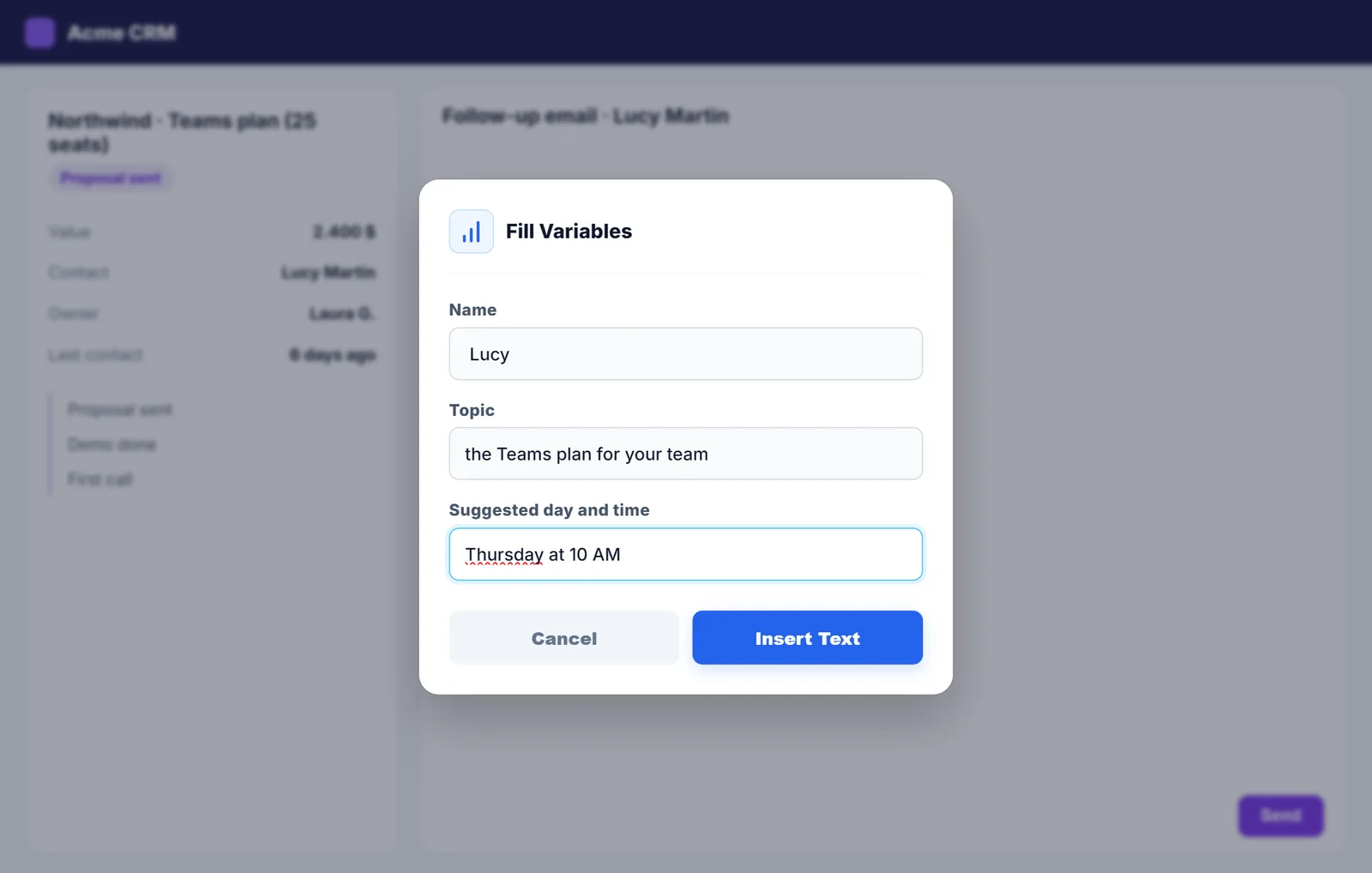
Meeting request email
How to request a meeting by email clearly and briefly, with five templates for different situations.
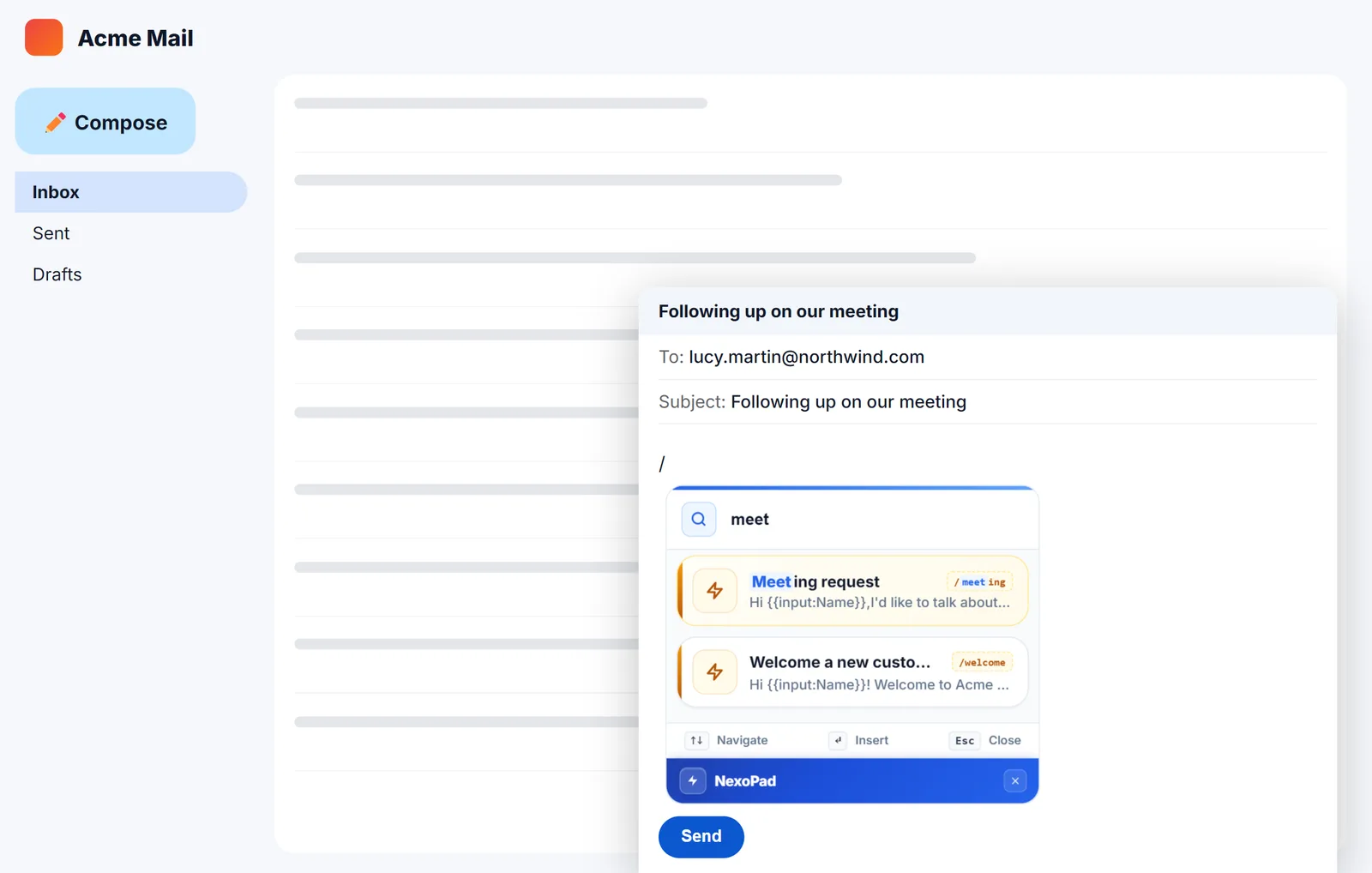
Gmail keyboard shortcuts
How to turn on Gmail keyboard shortcuts, the 13 most useful ones and how to go further with shortcuts that type full replies.
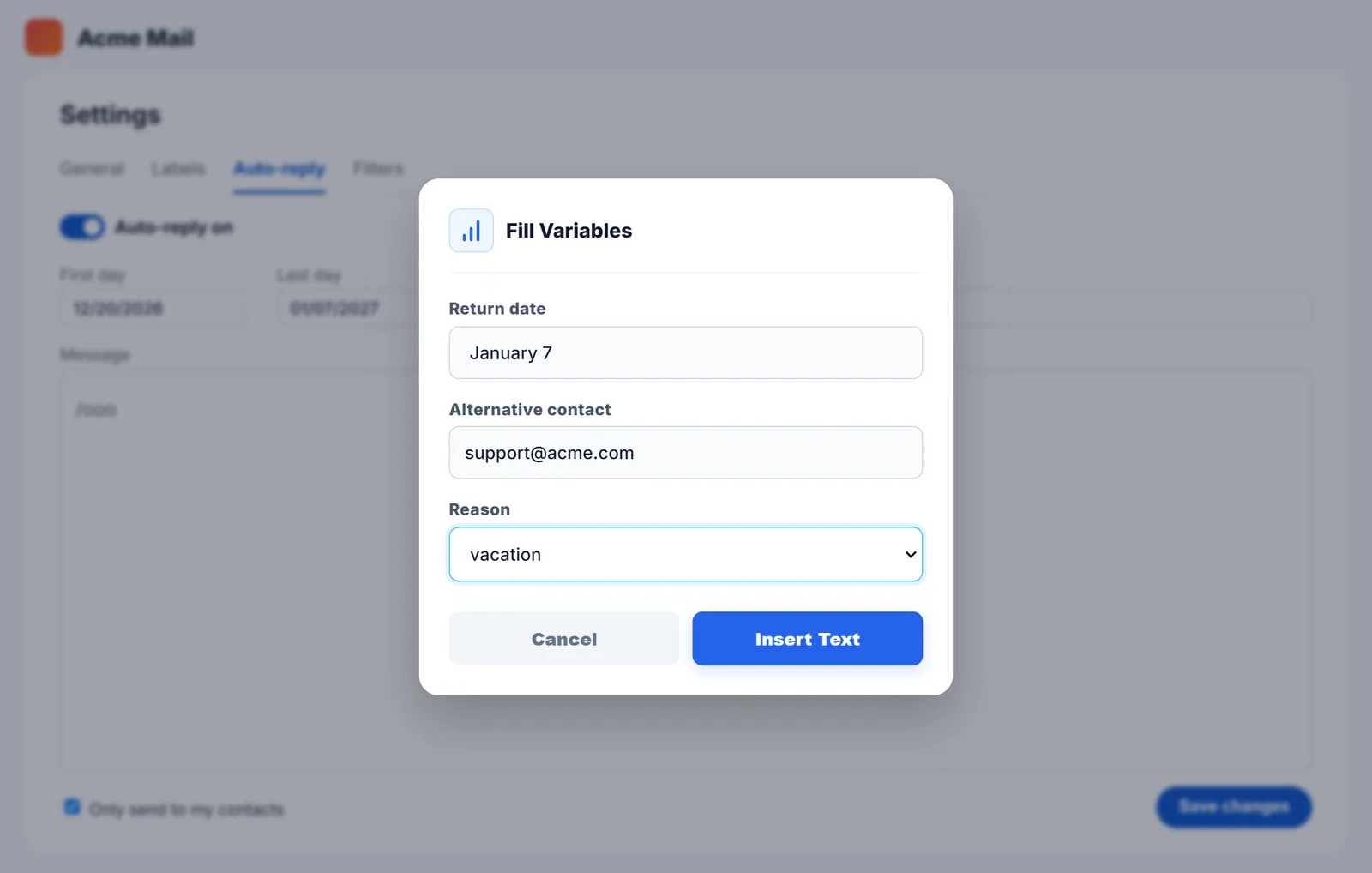
Out of office message: examples and how to set it up
Six out-of-office message examples to copy and how to turn on the auto-reply in Gmail and Outlook.
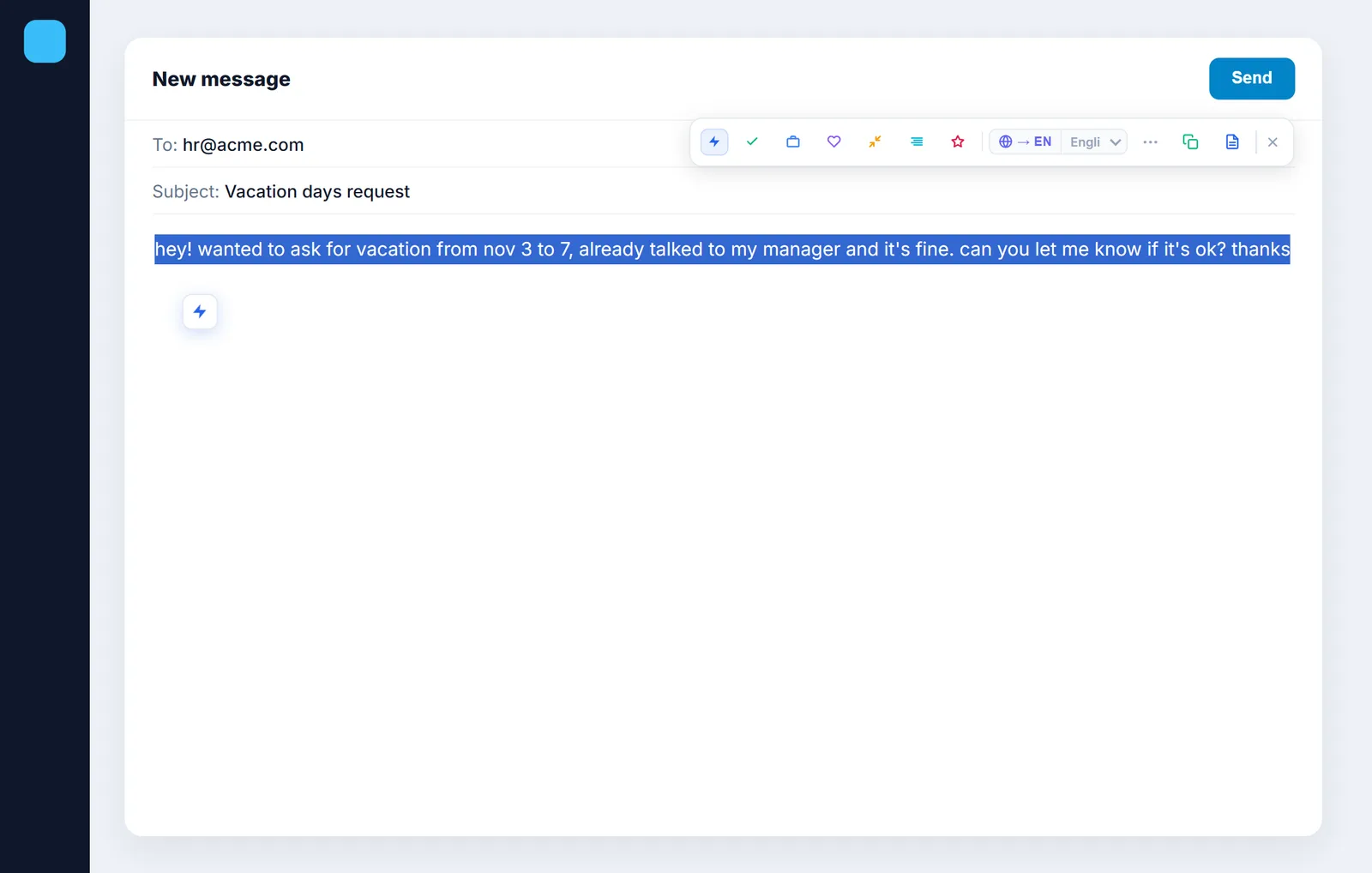
How to write a formal email
The structure of a formal email, the right greetings and closings and three complete examples to copy.
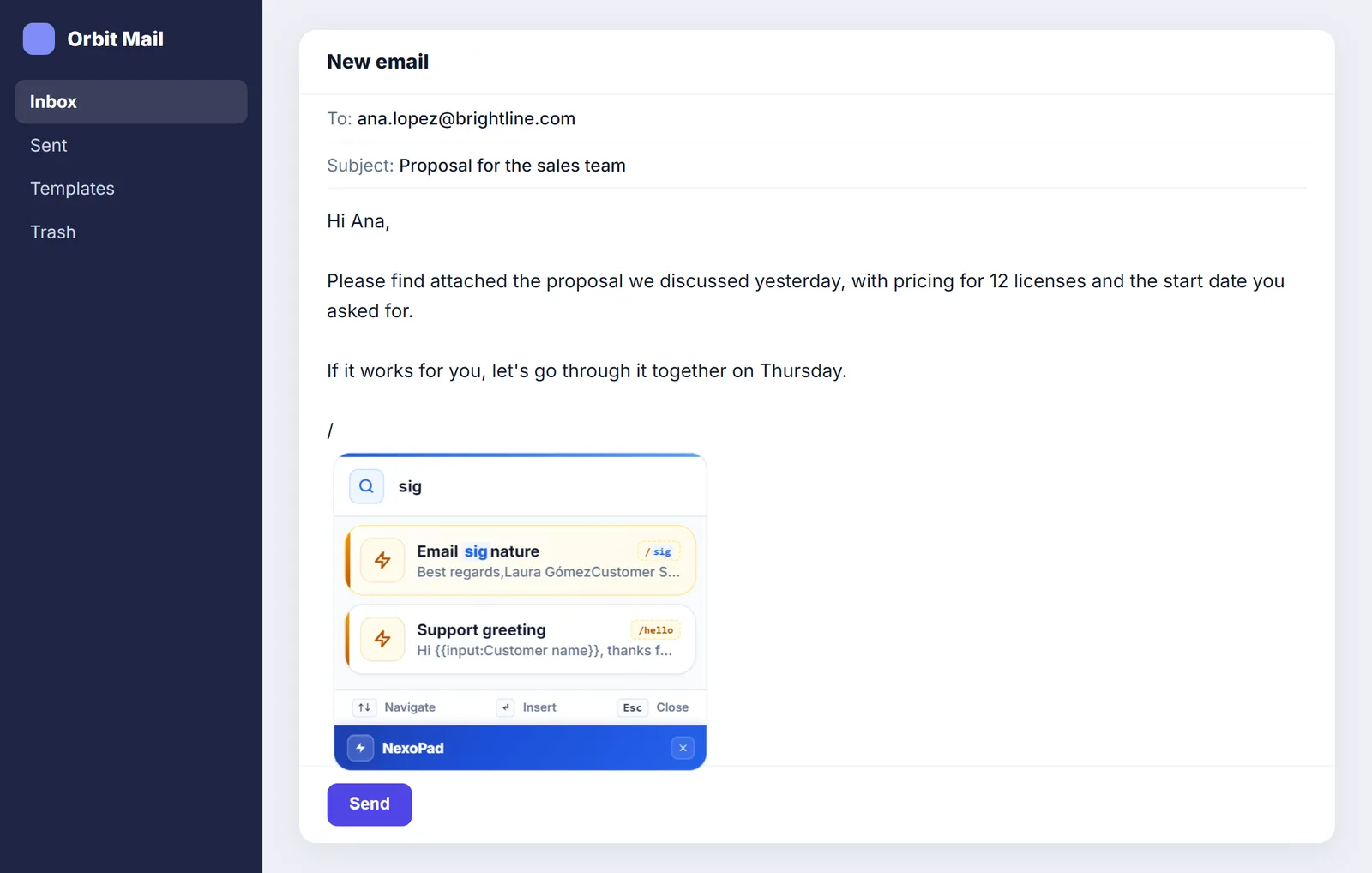
Professional email signature: examples and how to create one
What to include in your signature, 5 examples to copy, and how to use it in Gmail, Outlook and any website with a shortcut.
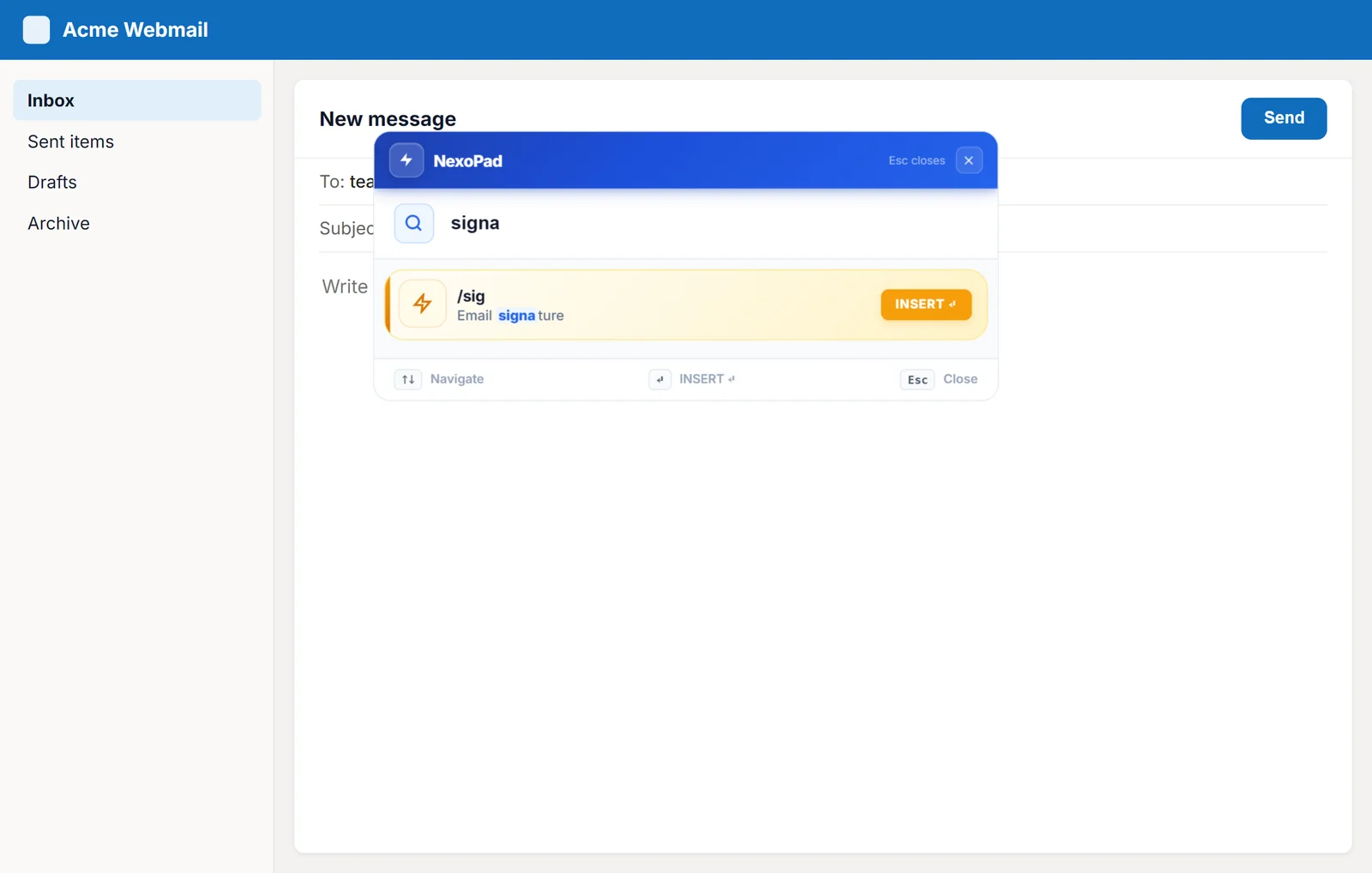
Text shortcuts in Outlook on the web
Outlook templates and text shortcuts with variables to answer emails in seconds in Outlook on the web.
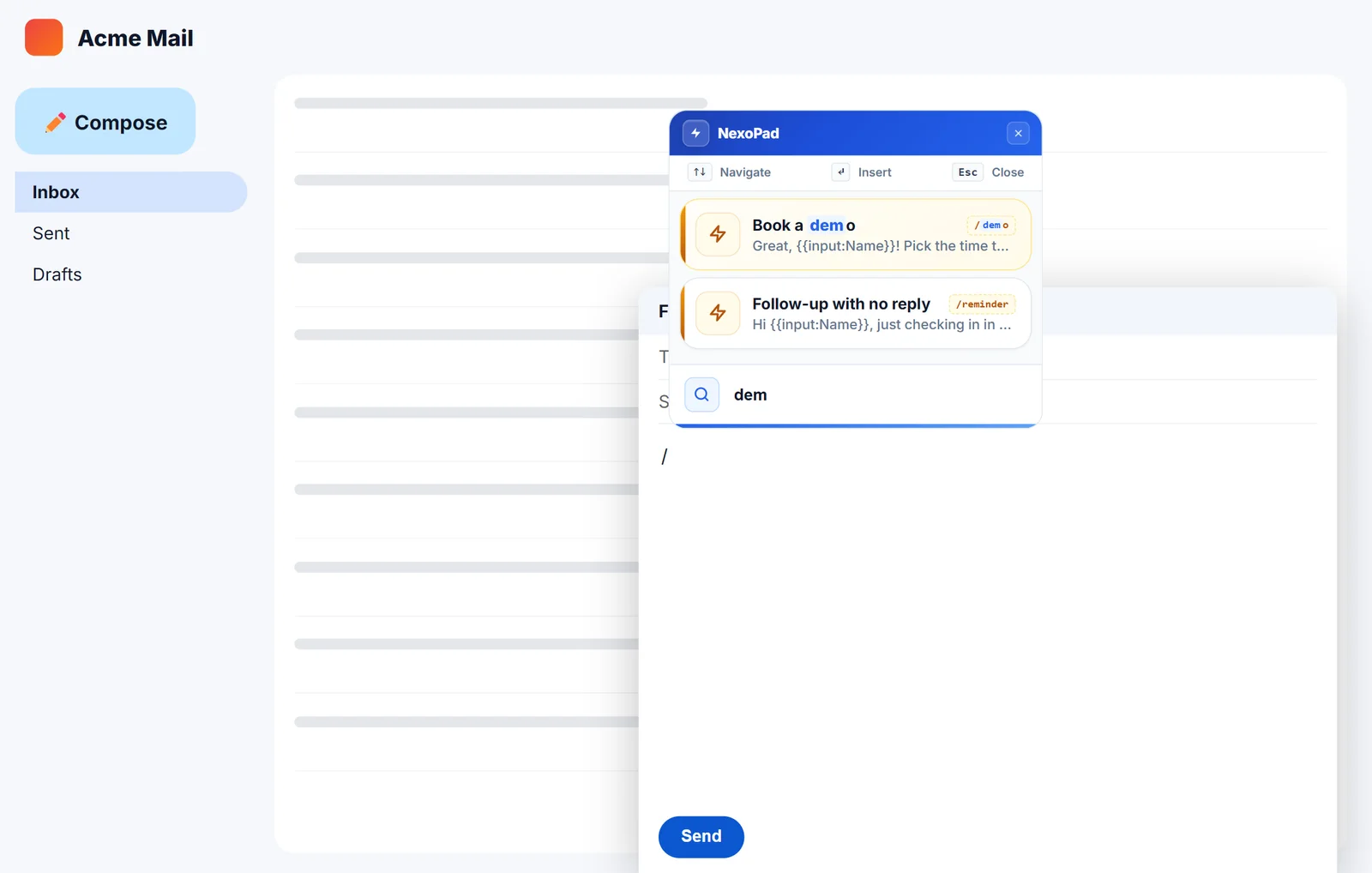
How to create text shortcuts in Gmail
Two ways to stop typing the same emails: Gmail templates and text shortcuts with variables. Step by step, with examples.