NexoPad
Features

Documentation

DOCS

Guides, reference and tutorials

Explore the docs

Quick start

Install and create your first shortcut in minutes

FAQ

Answers to the most common questions

Blog

Guides and tips to write faster

Comparisons

NexoPad vs. other tools

Templates

Ready-made texts for support, sales and more

Solutions by department

Pros & Freelancers

Quotes, invoices, and links in 1 second.

Support & CX

Reduce FRT in Zendesk, Intercom, or WhatsApp.

Sales Teams

Inject winning pitches and Calendly links.

Talent & HR

Accelerate candidate outreach on LinkedIn.

Engineering & DevOps

Standardize PR templates, Docker commands, and runbooks.

By industry

Real estateHealthcareLawyersTeachersOnline storesAgenciesVirtual assistantsSee all professions

Your company's second brain

View team plans
Pricing

NexoPad

Sign in
Sign up freeFree
Add to Chrome
Blog

Guides to write and work faster

Page 7 of 7
All 74Productivity 30Customer support 9Sales 6Email 11Careers & HR 8AI 4Templates 6
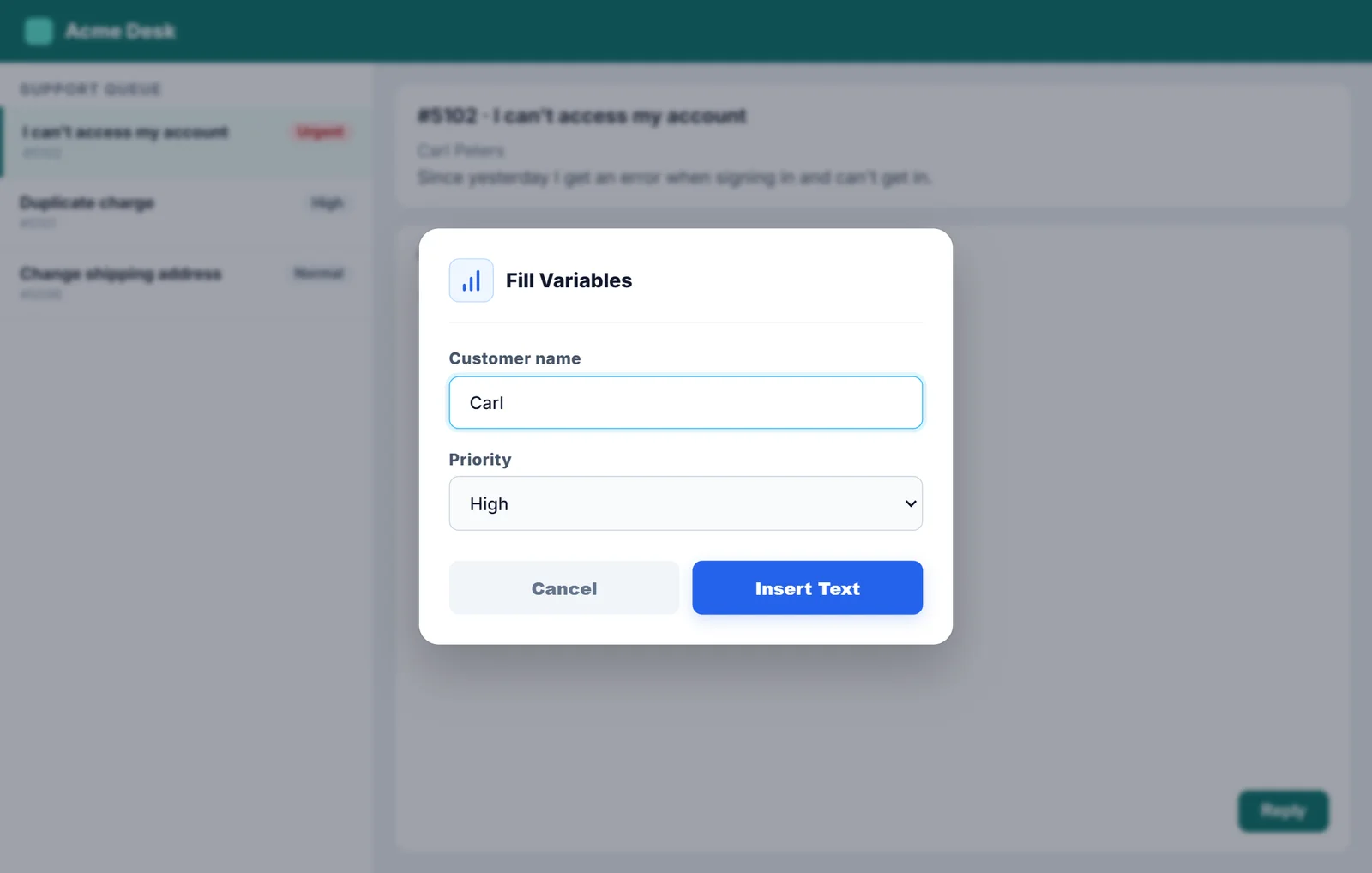
Box with customer name and priority
Customer service

20 customer service reply templates

Greetings, orders, refunds, technical issues and closings: 20 support replies ready to copy and personalize.

October 10, 20269 min readRead article
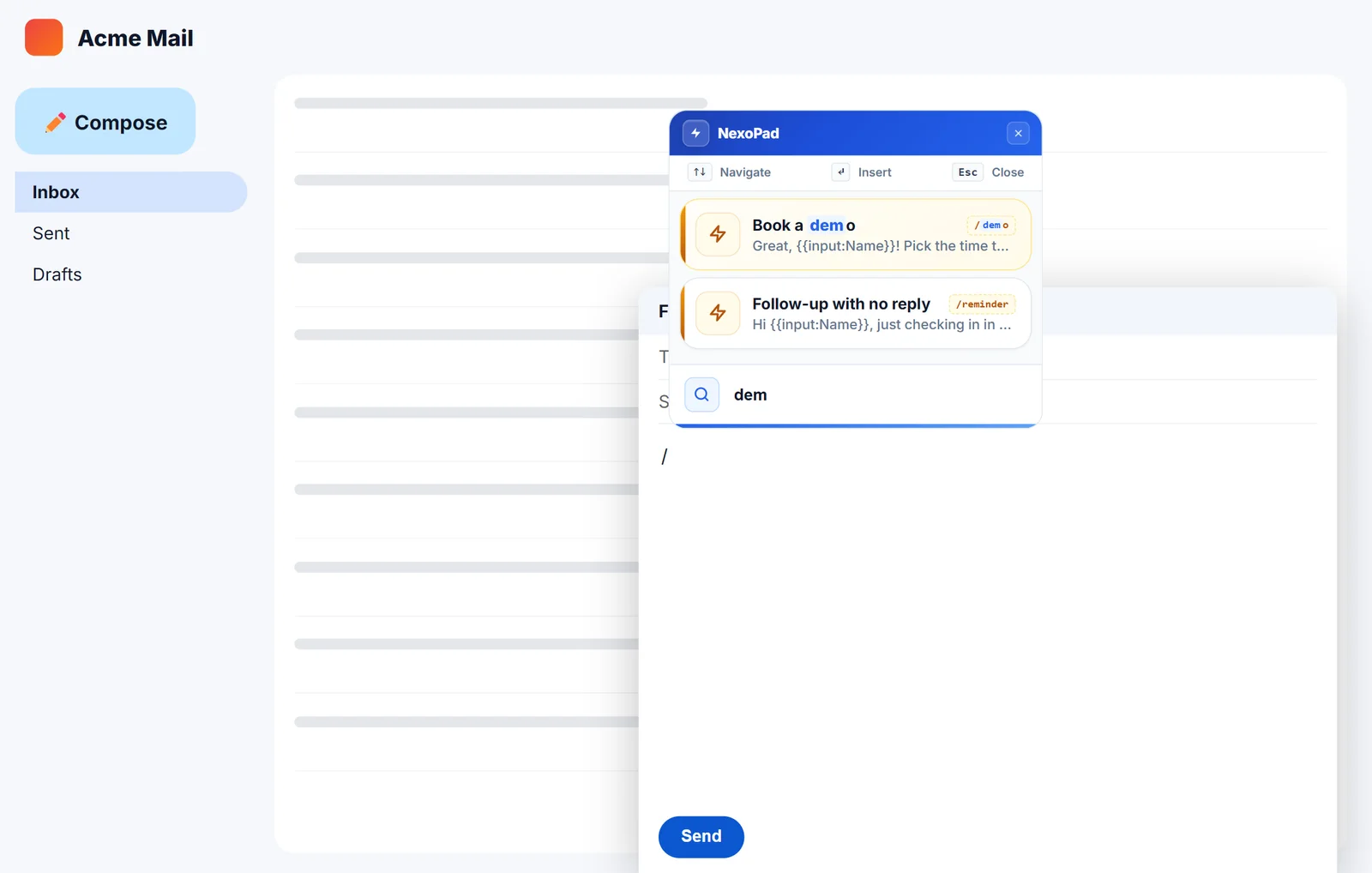
NexoPad // search in an email
Gmail

How to create text shortcuts in Gmail

Two ways to stop typing the same emails: Gmail templates and text shortcuts with variables. Step by step, with examples.

October 10, 20266 min readRead article
Previous
1234567
Next
NexoPad

The extension that unifies your keyboard shortcuts, notes, and company links in any browser tab.

Product

  • Pricing
  • Features
  • What's New
  • Documentation
  • Blog
  • Comparisons
  • Templates

Solutions

  • Pros & Freelancers
  • Support & CX
  • Sales Teams
  • Talent & HR
  • Engineering & DevOps
  • See all professions

Company

  • Our Mission
  • Contact Sales

Extensions

  • Chrome
  • Microsoft Edge
  • Mozilla Firefox
  • Brave
  • Opera

© 2026 NexoPad. All rights reserved.

PrivacyTerms