
Links & tabs
12 guides · Bookmarks, tab groups and the sites you open every day

How to export and import bookmarks in Chrome
Get your Chrome bookmarks out in a file, move them to another computer or browser, and bring them into NexoPad in one click.
October 20, 2026 · 6 min read
How to open the same pages every time Chrome starts
Make Chrome open your usual pages at startup, and keep each task's set of pages one click away.
October 20, 2026 · 6 min read
How to reopen closed tabs in Chrome
You closed a tab, or the whole window, by mistake. Five ways to get it back in Chrome and one habit so it doesn't happen again.
October 20, 2026 · 6 min read
How to recover Chrome bookmarks that have disappeared
If your Chrome bookmarks have disappeared, all is not lost. What to check first, how to use Chrome's backup file and how to stop it from happening again.
October 20, 2026 · 7 min read
How to save a webpage in Chrome
Complete page, PDF, link or screenshot: what each Chrome option keeps, which one works offline and when to use each.
October 20, 2026 · 6 min read
The complete guide to organizing your links in Chrome
A simple method to tidy up your bookmarks, your tabs and your team's links, with a detailed guide for each case.
October 20, 2026 · 8 min read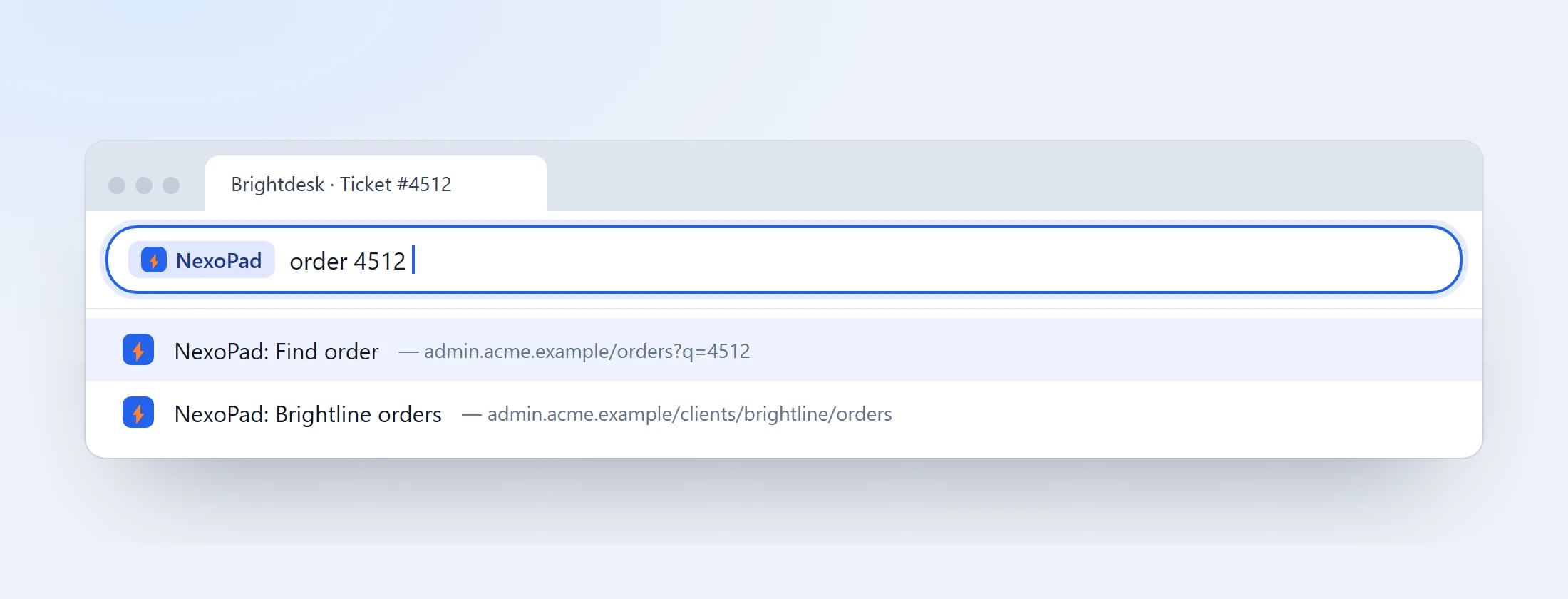
How to open your sites by typing one word in Chrome's address bar
Type one word in the address bar and open the site you need, or search right inside it. How to do it with Chrome and with NexoPad.
October 20, 2026 · 6 min read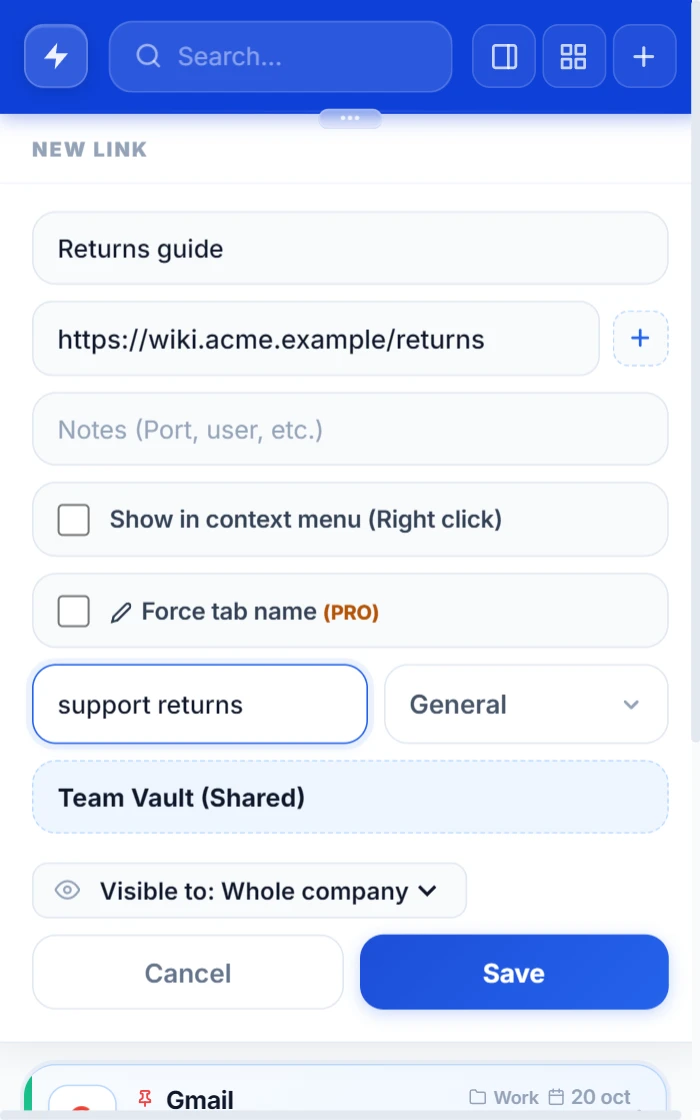
How to share links with your team (and make sure everyone uses the same ones)
Links lost in chat and outdated bookmarks. The ways to share links with your team and how to keep the same ones one click away.
October 20, 2026 · 6 min read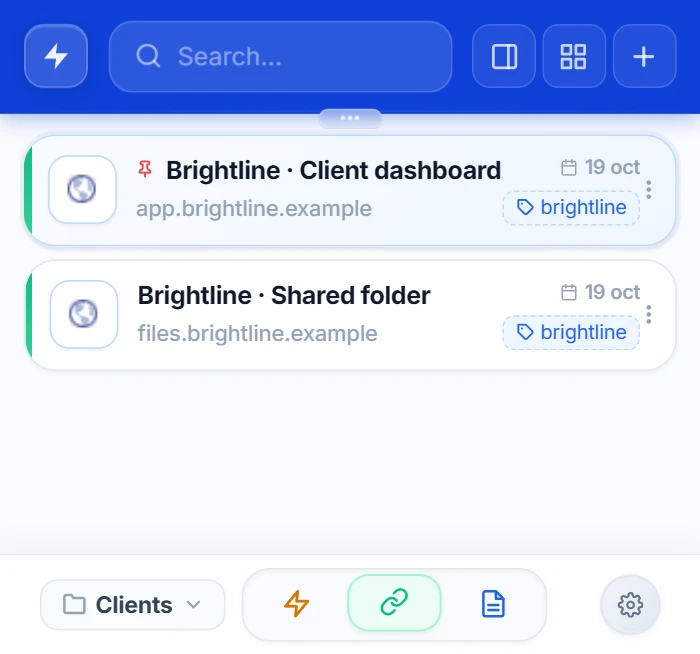
How to save links in Chrome without cluttering your bookmarks bar
Save that useful link in a second, keep your bookmarks bar clean, and find it later by typing a couple of letters.
October 20, 2026 · 6 min read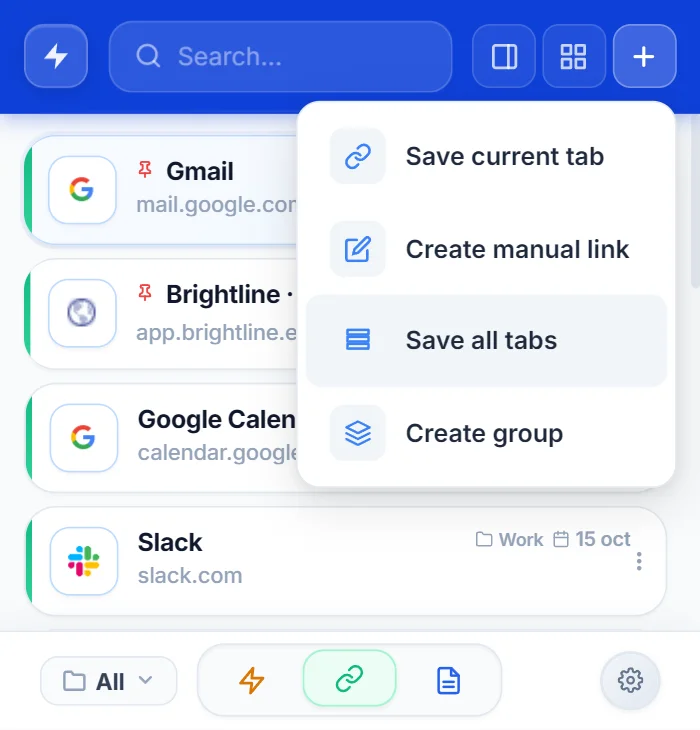
How to save all open tabs in Chrome
Five ways to save the tabs you have open in Chrome and get them back tomorrow without hunting for them one by one.
October 14, 2026 · 6 min read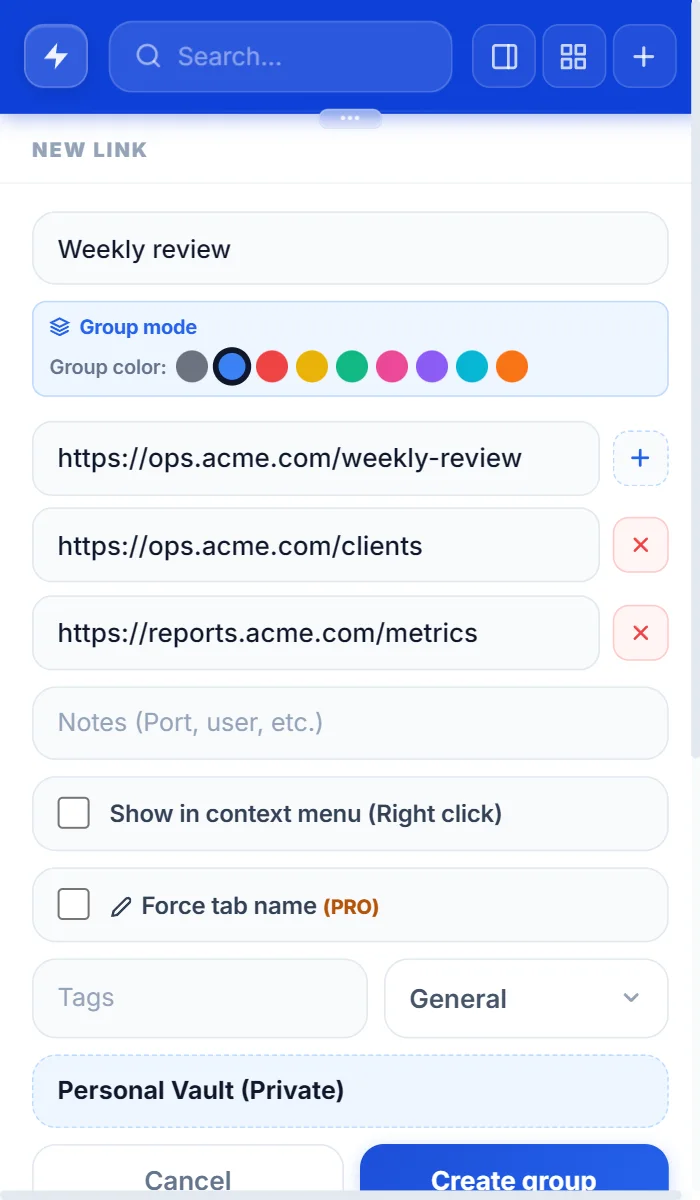
How to group tabs in Chrome
Create, name, color and save tab groups in Chrome in a few clicks, and reopen them whenever you need them.
October 14, 2026 · 6 min read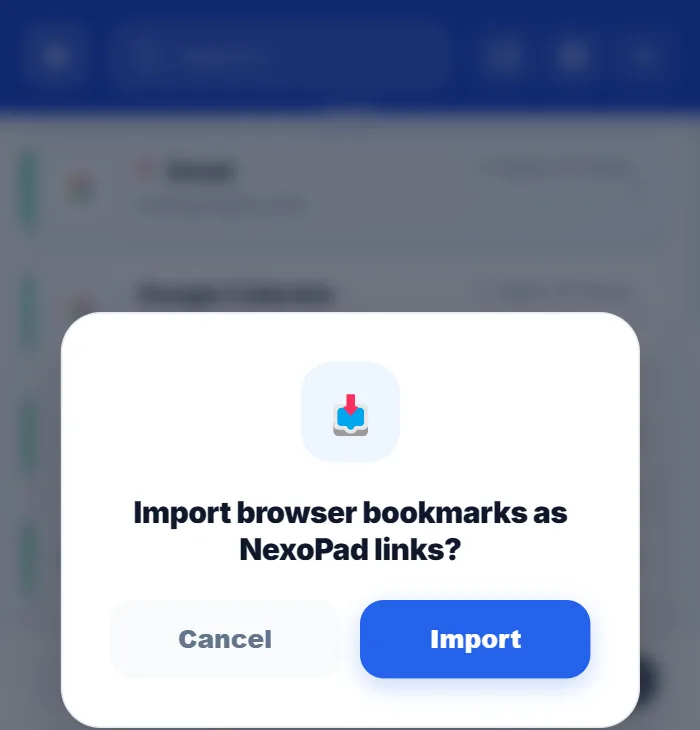
How to organize your browser bookmarks
Six steps to go from a messy pile of bookmarks to a list you can search in seconds.
October 11, 2026 · 6 min read