
Notes
11 guides · Class notes, sticky notes, clips and reminders
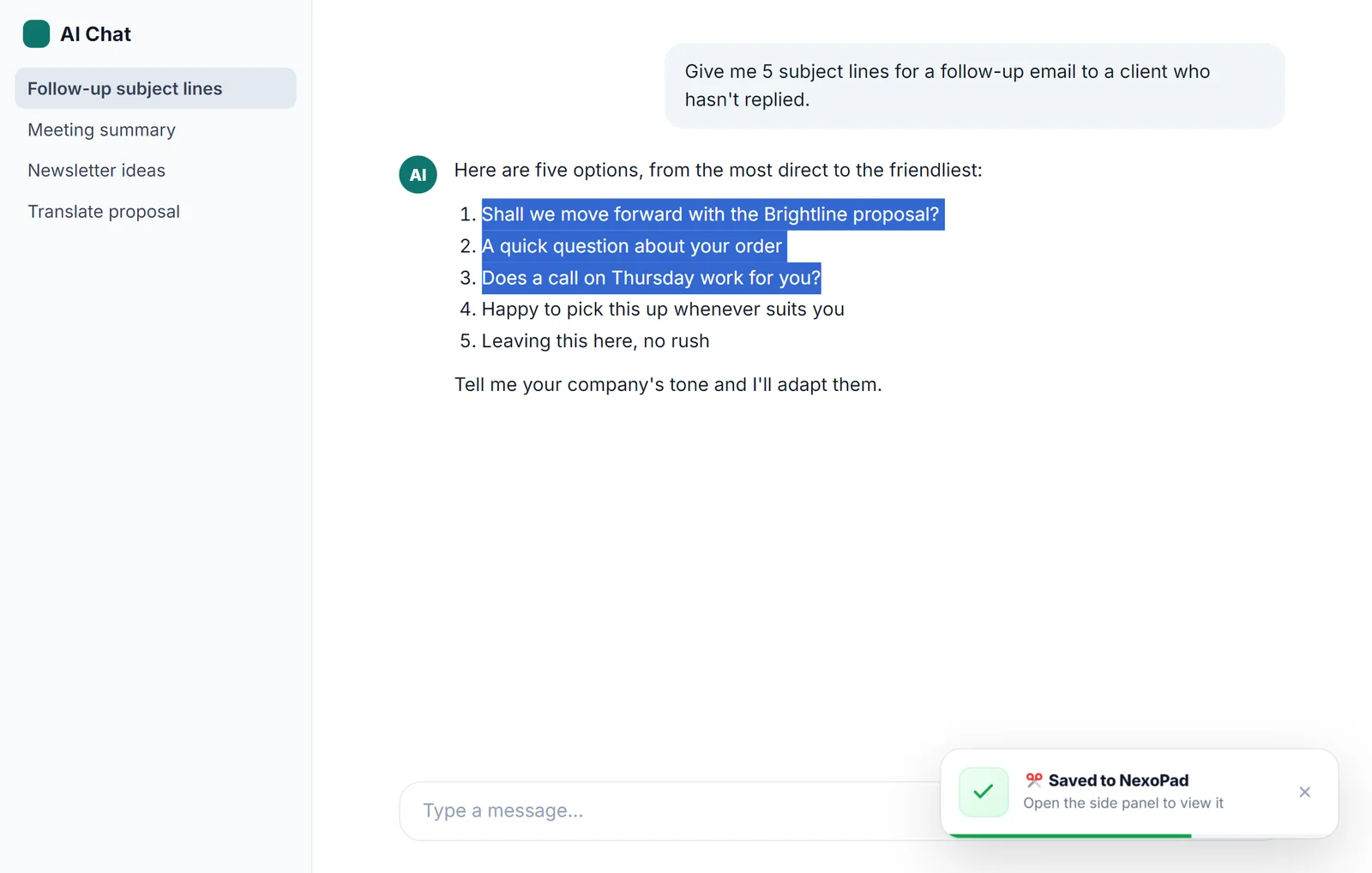
How to save ChatGPT (and other AI) answers in your notes
Sharing, exporting and archiving all save the whole chat. Here's how to save just the useful part of an answer in your notes with one shortcut.
October 22, 2026 · 7 min read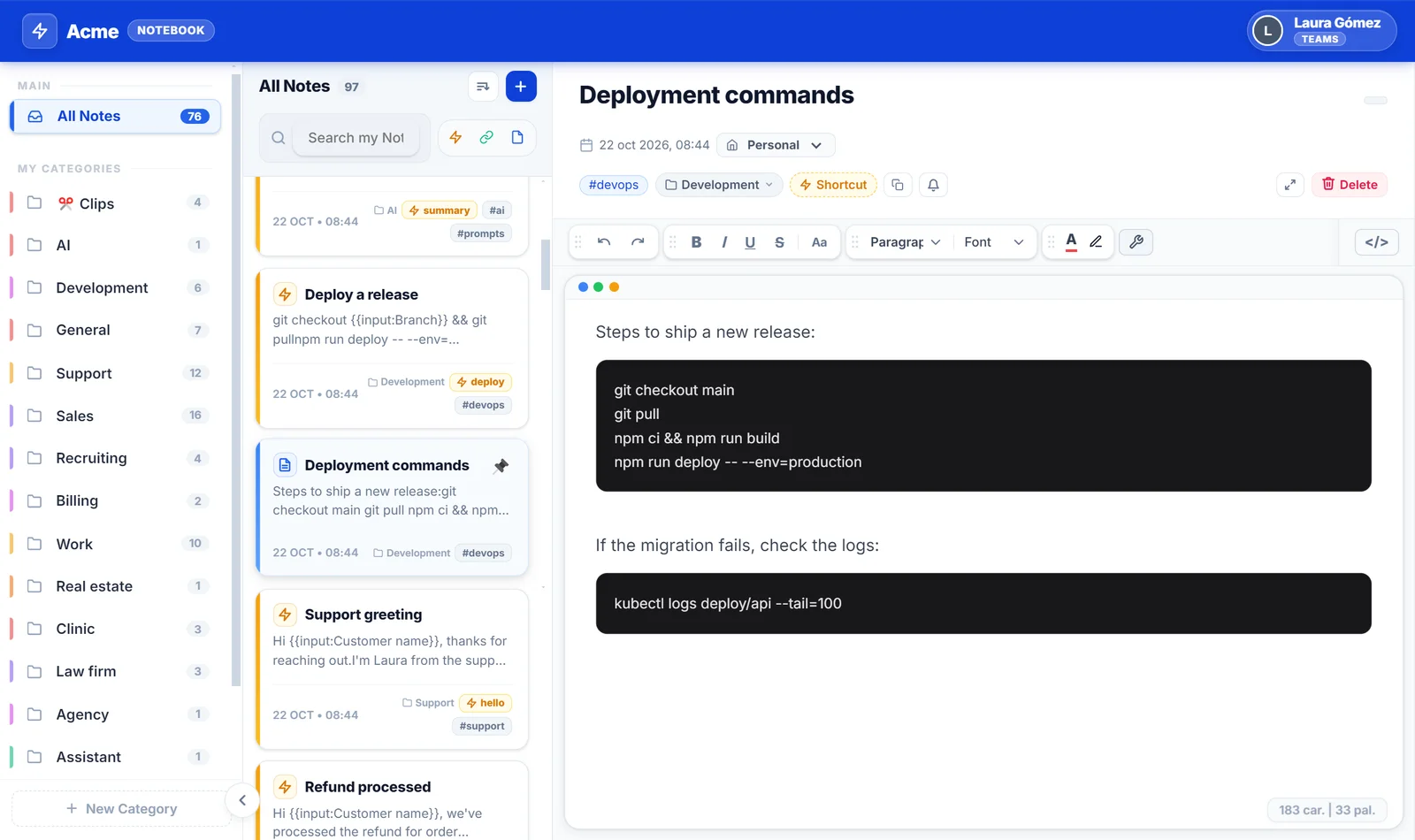
Notes for developers in the browser: commands, code and notes at hand
Commands, code snippets, ticket links and technical notes one keyboard shortcut away, without leaving GitHub, Jira or your cloud console.
October 22, 2026 · 7 min read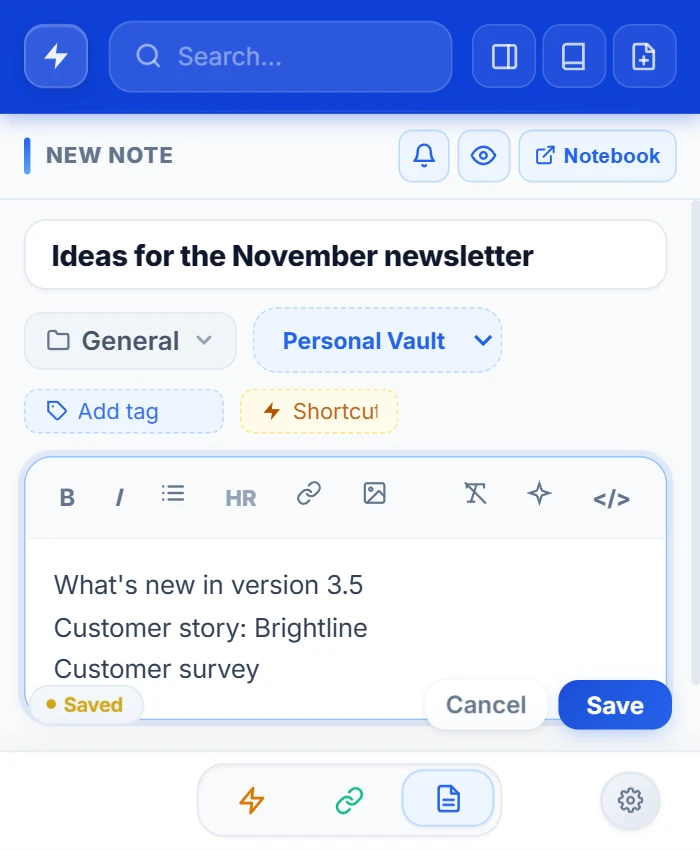
Online notepad: how to pick one that won't lose your notes
What to look for in an online notepad and your three options: no-account websites, Google Keep or a notepad inside your browser.
October 20, 2026 · 6 min read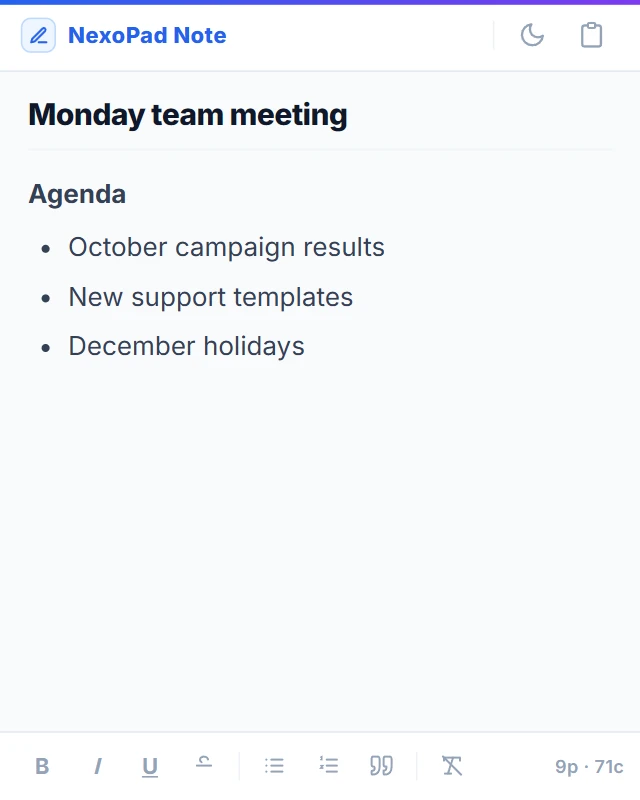
Desktop sticky notes: how to keep your notes always in view
Sticky Notes on Windows, Stickies on Mac and a browser alternative: what each one does well and where it falls short.
October 20, 2026 · 6 min read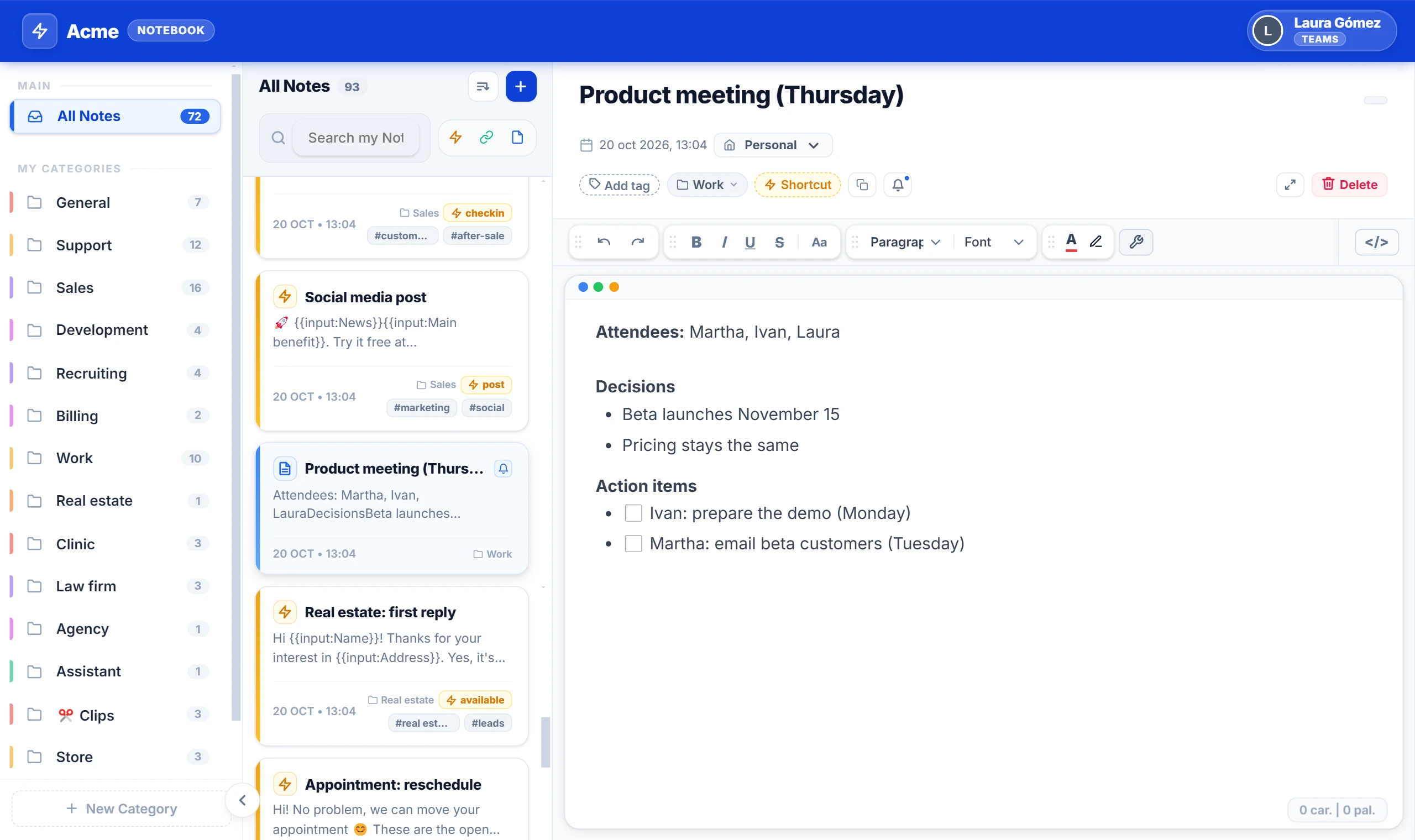
The complete guide to taking and organizing notes in your browser
Notes on paper, in chats with yourself and in five different apps. A simple method to take notes in your browser and always have them at hand.
October 20, 2026 · 8 min read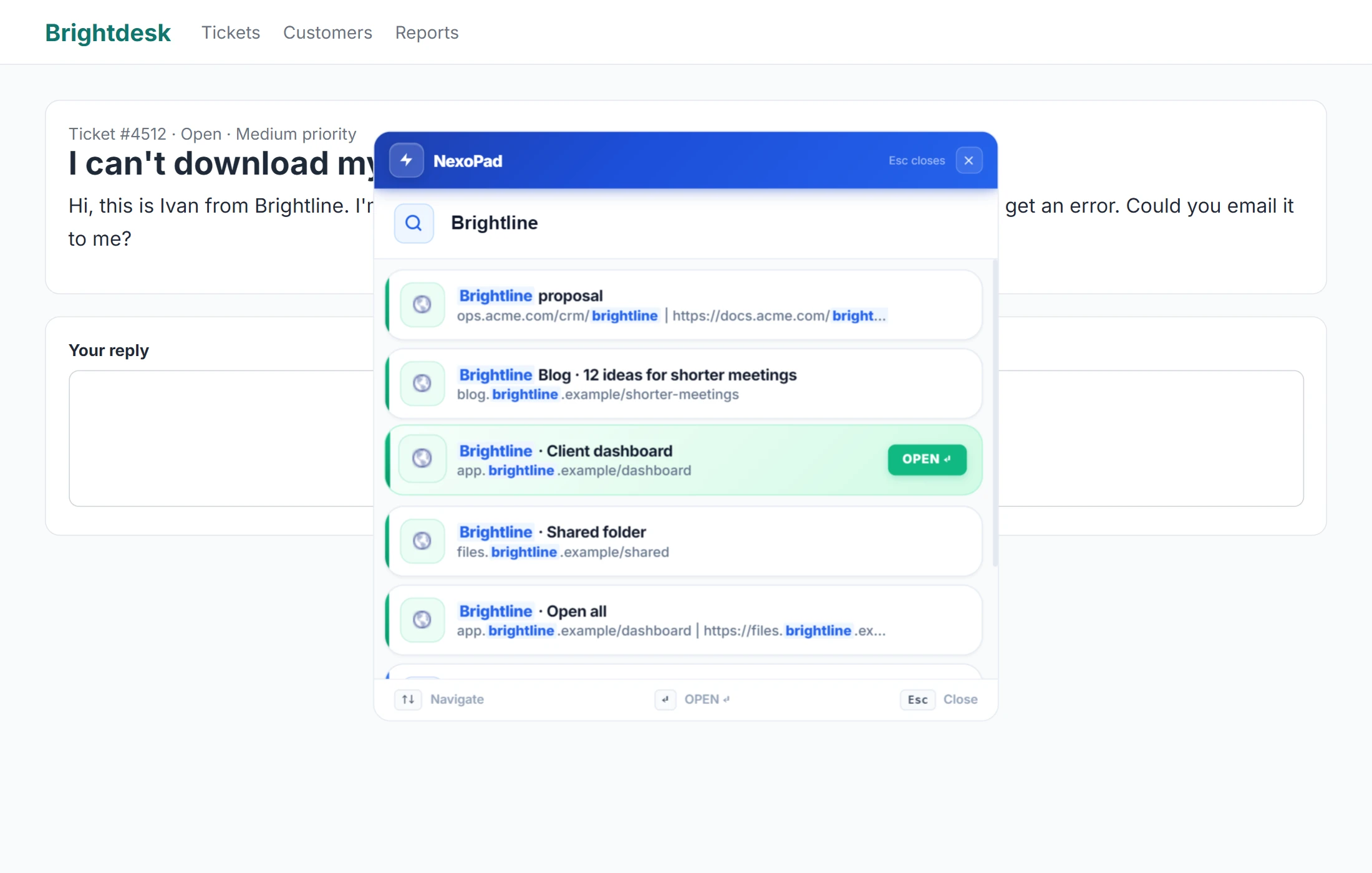
A notepad for support and sales: customer details at hand while you work
What to write down for each customer, a simple template and how to keep your notes at hand from the ticket or CRM, without switching tabs.
October 20, 2026 · 6 min read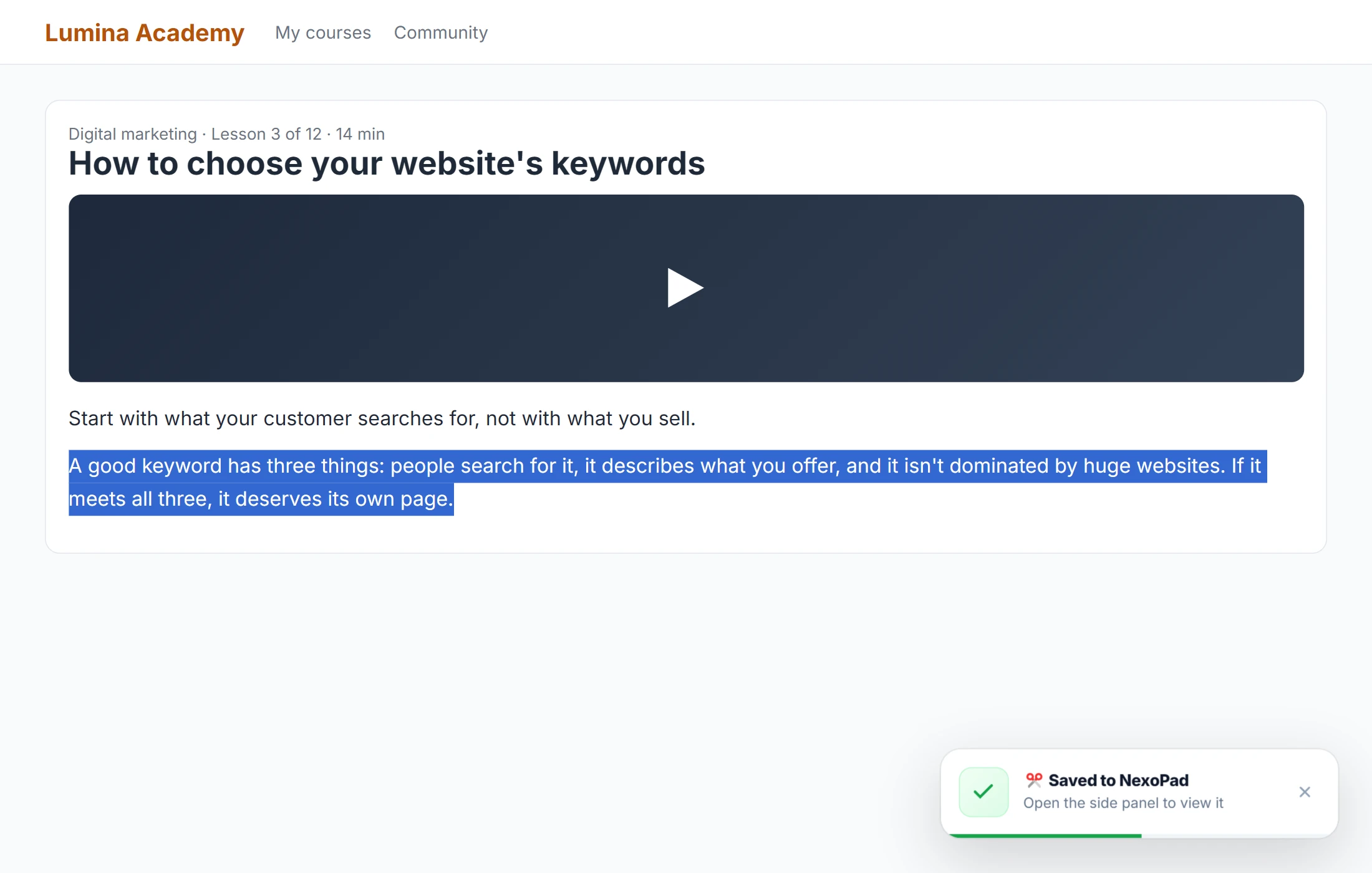
How to take notes from online classes and courses in your browser
Tips for taking good notes from videos and online courses, and how to do it without leaving the browser or losing where each idea came from.
October 20, 2026 · 6 min read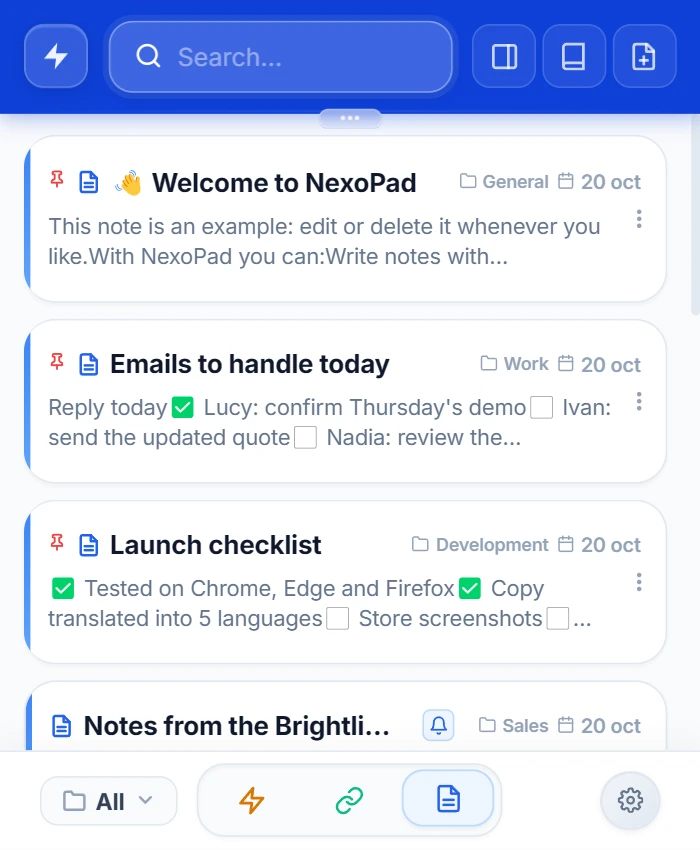
How to take quick notes in Chrome without switching tabs
Chrome has no built-in notepad. Three tricks that need no install, and how to jot something down in two seconds without leaving the page.
October 20, 2026 · 6 min read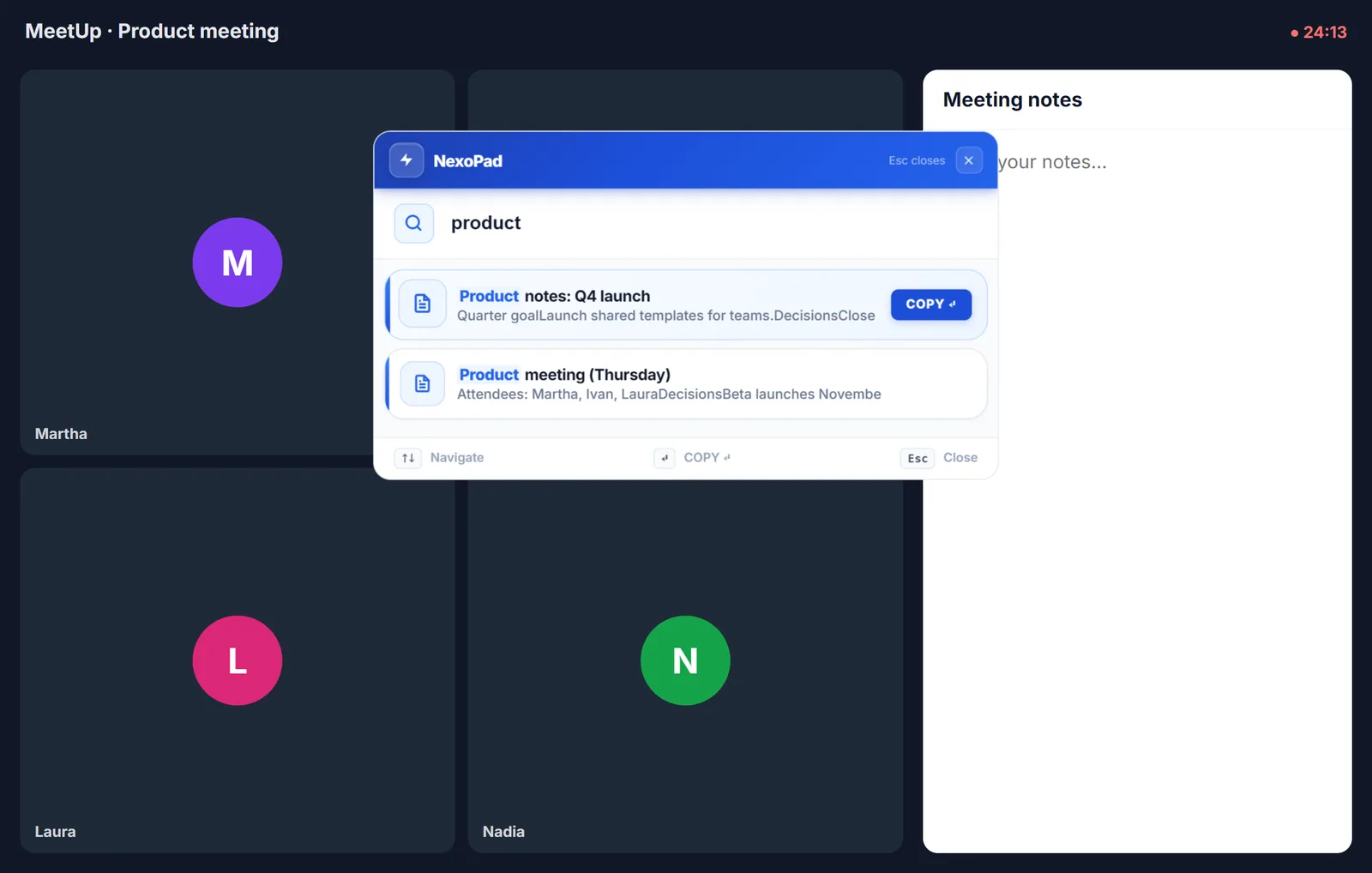
How to take meeting notes
What to write down in a meeting, a simple template with decisions and action items, and how to keep your notes at hand while you work.
October 11, 2026 · 6 min read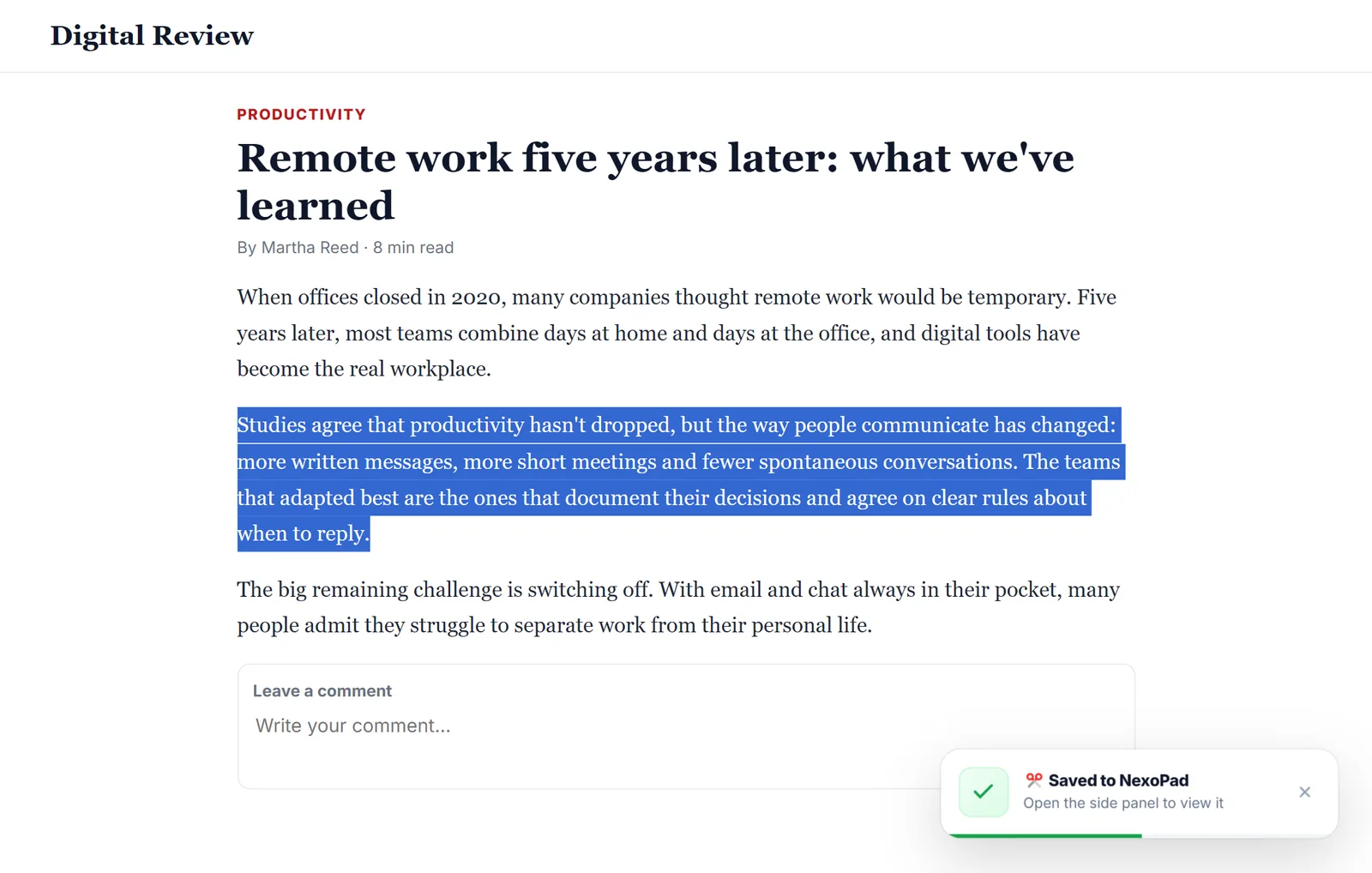
How to save text from a website
Four ways to save a snippet or a whole page in Chrome so you don't lose it, from what the browser already offers to clipping text with Alt+C.
October 11, 2026 · 5 min read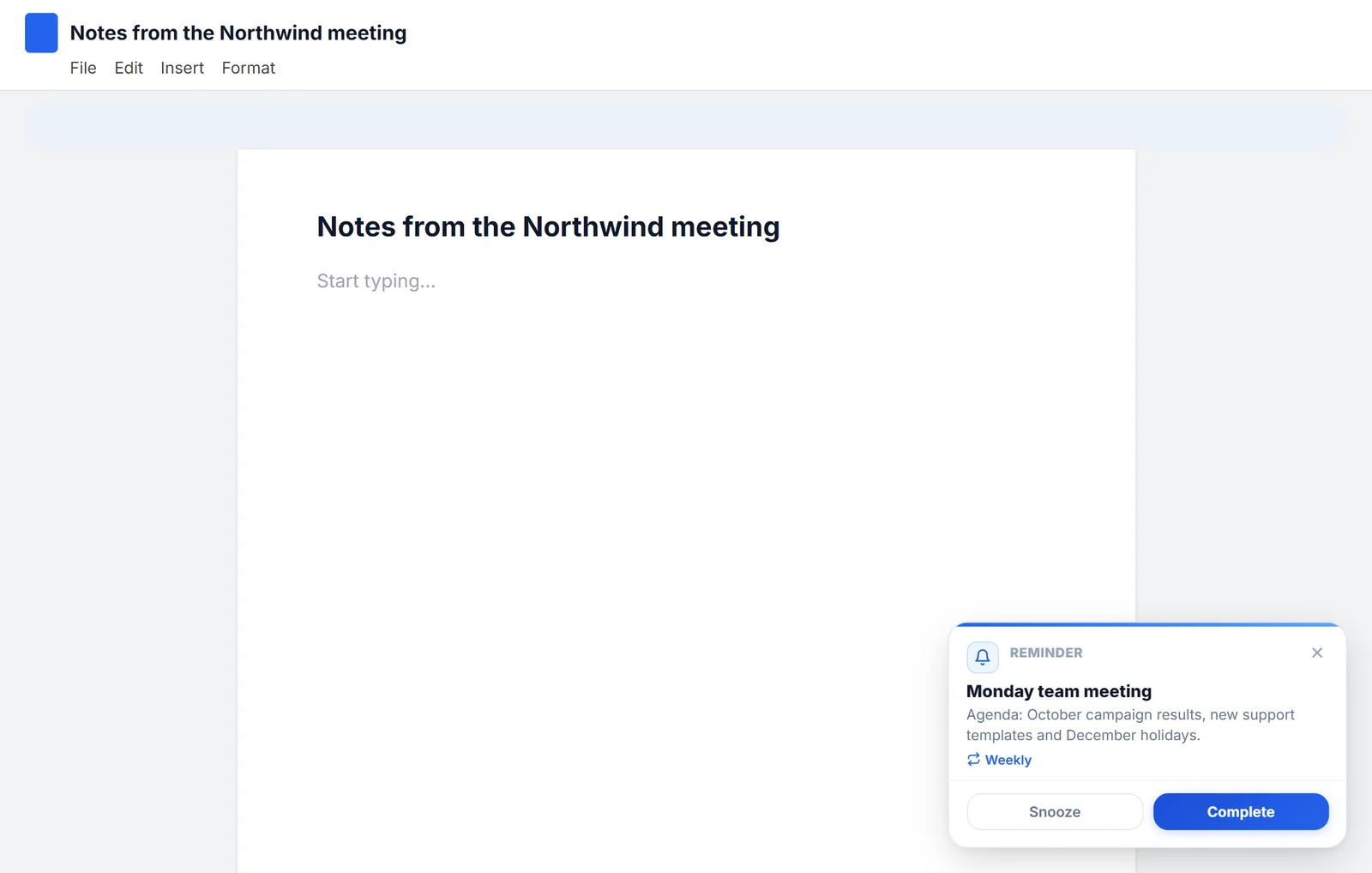
How to set reminders in Chrome (and on a Chromebook)
Chrome doesn't come with reminders, but you can get them with Google Tasks, Google Calendar or an extension. All three, step by step, plus how to do it on a Chromebook.
October 21, 2026 · 8 min read